SecureGo plus
Version: 3.5.1
69.23MB
4.1
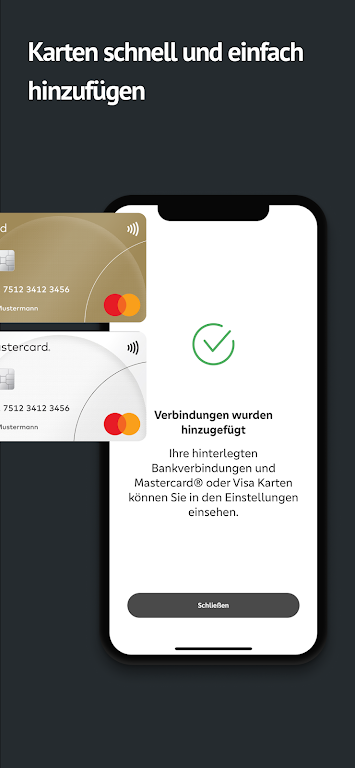
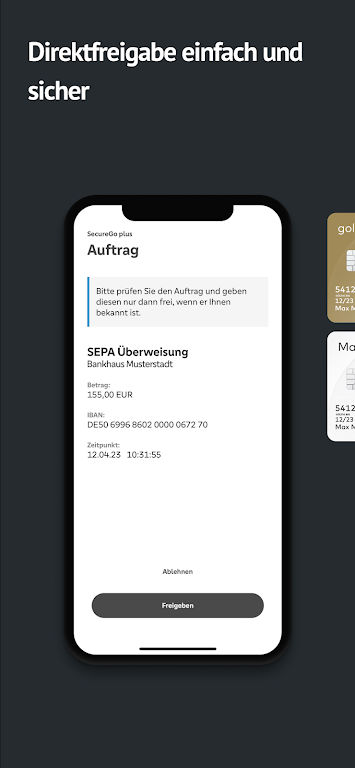
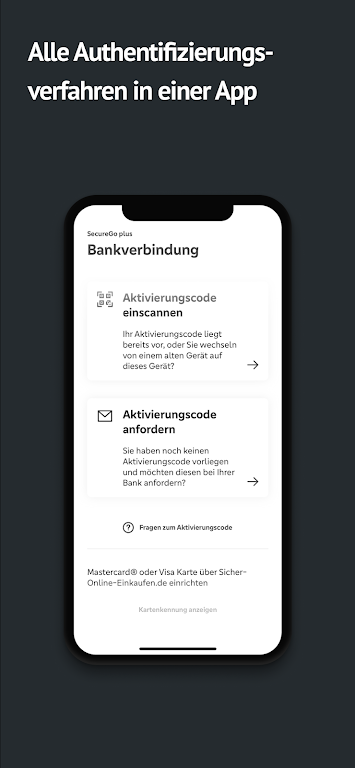
For users who need a fast, secure way to confirm bank transfers and card payments on the go, SecureGo plus offers a compact authorization tool that keeps sensitive approvals out of your inbox. The app centralizes confirmations for online banking and credit card transactions, supports biometric unlocking, and can be active on multiple devices at once. If you value a minimal, focused workflow for approving payments, SecureGo plus aims to remove friction while keeping security layers intact.
Activation: Enter the one-time activation code provided by your bank to link the app to your account.
Device setup: Register up to three devices so you can approve transactions from your phone and a tablet if needed.
Biometrics setup: Enable fingerprint or face recognition on supported devices for quicker access to approvals.
Notifications: Allow push notifications so every transaction request arrives promptly and you can act on it without opening your web browser.
Central approval hub: The app consolidates bank transfer approvals and card payment confirmations in one place, removing the need to switch between services.
Direct authorization: When a payment or transfer requires your consent, SecureGo plus delivers a clear request you can approve or decline in seconds.
Biometric convenience: Optional fingerprint or facial recognition speeds up the process while keeping authentication strong and personal.
Multi-device use: You can have SecureGo plus active on several devices at once, so approvals are possible from whichever device is at hand.
Data protection: The app follows strict security practices to protect transaction data and limit exposure of sensitive information.
On the way to work: Approve an urgent transfer while waiting at a bus stop, rather than having to log in to internet banking on a public device.
During online shopping: Confirm a card payment instantly from your phone without leaving the checkout page on your laptop.
Keep your activation code safe: Treat the code like sensitive information. If you lose it, contact your bank for a new one.
Use biometrics wisely: Enable fingerprint or face unlock for speed, but keep your device secured with a strong lock screen as a backup.
Monitor devices: Regularly review which devices are registered in SecureGo plus and remove any that you no longer use.
SecureGo plus is a practical tool if you want to shorten the approval loop for banking and card payments while maintaining strong protections for your data. Try it if you prefer single-app confirmations and biometric access; bear in mind that you need an activation code from your bank and that some options depend on your bank's integration. Give SecureGo plus a go to see whether it simplifies your everyday payment approvals.