FaceShow
Version: 2.36.10119
115.60MB
4.4
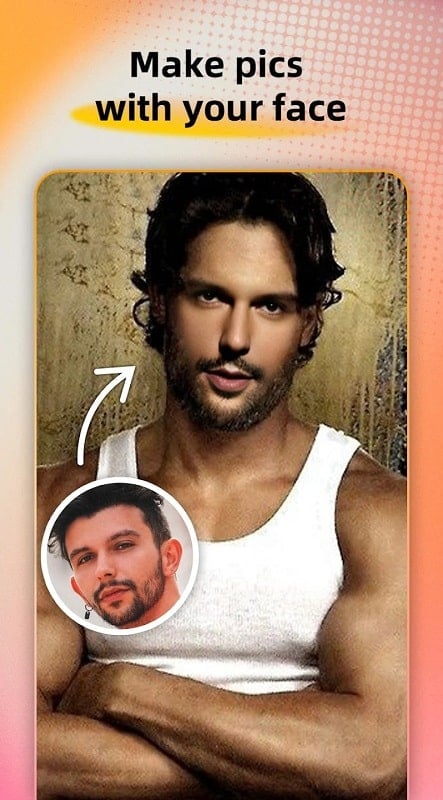
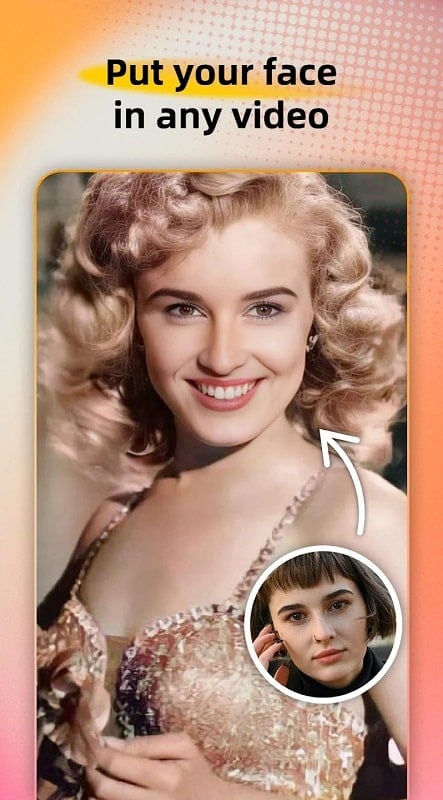
?Want a quick way to turn a selfie into a shareable laugh for friends or family?
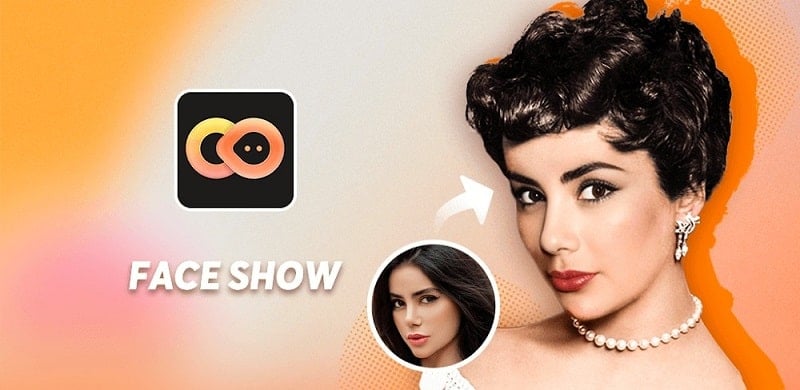
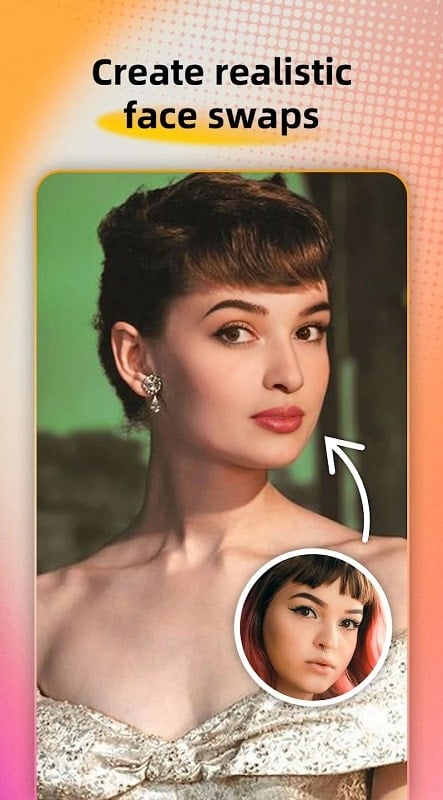
FaceShow brings easy face-swapping and playful video effects to your Android device so you can make short clips, animated photos, and quirky portraits without fuss. The app blends fast facial mapping with a library of templates and effects, letting you experiment with celebrity faces, animals, or stylized character looks. Whether you want a silly clip for a chat thread or a polished short to post on social feeds, FaceShow gives a compact toolkit for creative edits on the go.
Real-time face mapping: The app detects facial landmarks quickly, so swaps and expressions align smoothly for both photos and short videos.
Template gallery: A selection of ready-made masks and celebrity-style presets speeds up creation when you prefer one-tap results.
Animated stickers and filters: Add motion, quirky eyes, or makeup-like filters to give clips personality beyond a simple swap.
Easy sharing: Export videos and images in common formats and send them directly to social apps or save them to your device.
Face blending controls: Adjust intensity, skin tone, and edge smoothing to make swaps look more natural or deliberately comical.
Audio sync options: Match lip movement and add background music or voice tracks to create short performances.
3D-style effects: Depth and rotation options help create convincing head turns and more cinematic results.
Object and animal swaps: Beyond human faces, you can attach faces to animals or everyday objects for surreal, humorous outcomes.
Choose a source: Start by taking a selfie or selecting a clear photo or short video from your gallery that shows the face you want to use.
Select a template: Pick one of the app templates or masks; templates range from simple swaps to animated character rigs.
Tweak the look: Use sliders to change color balance, blend level, and facial feature size so the result fits your style.
Export and share: Preview the clip, render it in the desired resolution, then save or share it to messaging apps and social platforms.
Do I need an account to use FaceShow?
Basic creation tools usually work without signing up, but some templates or cloud features may request an account for access or backup.
Can I edit video swaps after exporting?
Minor fixes are best made inside FaceShow before export; once rendered you can use other editors for cropping or additional trimming.
Is FaceShow safe for sharing with friends?
Files exported by the app are standard images or video clips. Use normal discretion when sharing personal likenesses and respect privacy of others.
Compared with heavy desktop editors that require hours of setup, FaceShow makes playful face swaps fast and approachable, so casual creators and social sharers can produce entertaining clips without steep learning curves.