ProCCD
Version: 3.1.1
95.50MB
4
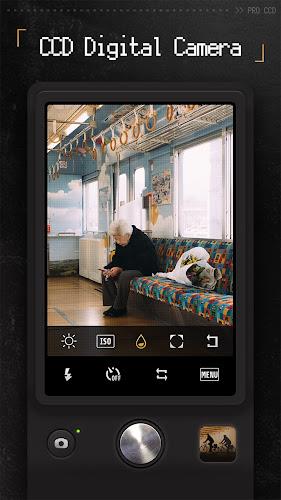
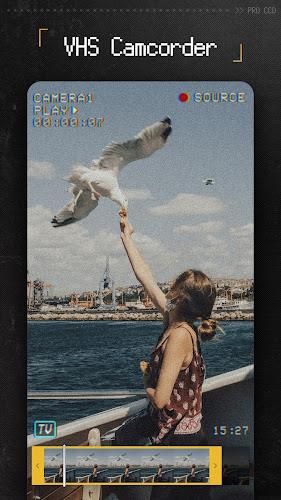
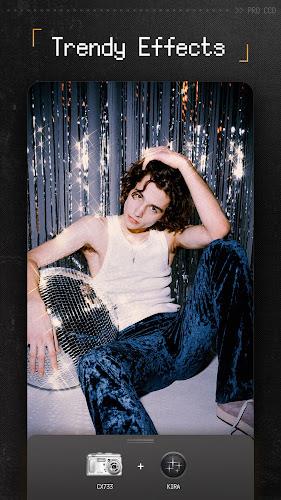
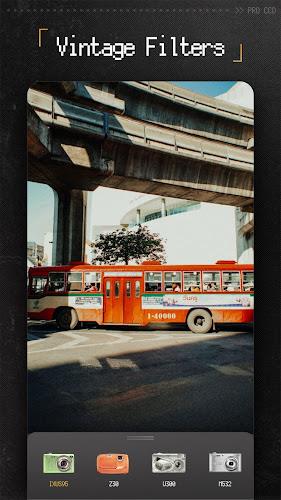
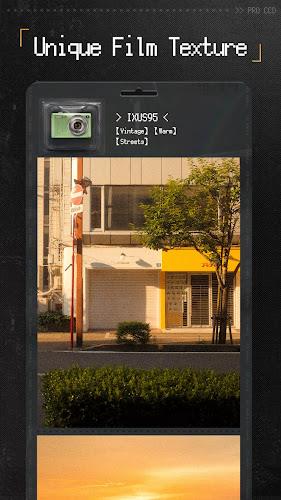
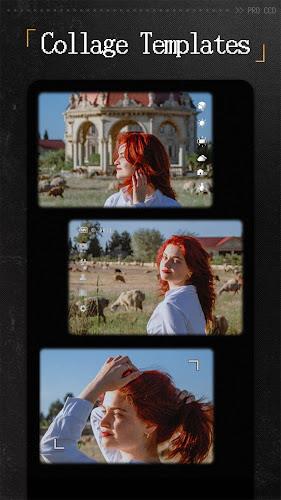
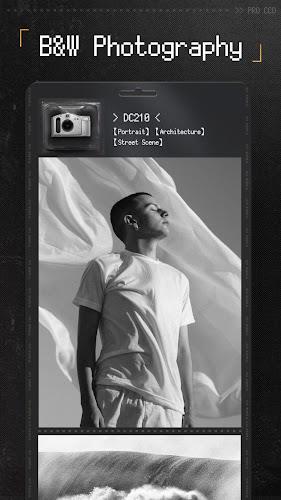
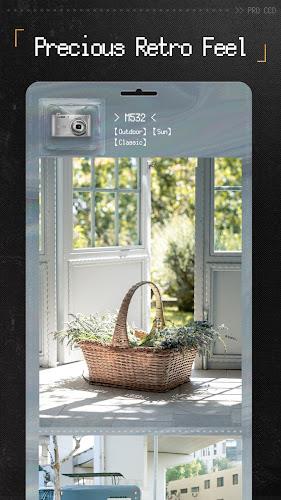
For mobile photographers who chase retro looks, ProCCD brings a pixelated, analog-style camera and editor to Android with an emphasis on faithful CCD-era aesthetics and hands-on controls. The app pairs nostalgic visual presets with modern capture and trimming tools so you can shoot video, batch-edit photos, or craft collages without juggling separate apps. Whether you want the lo-fi charm of old point-and-shoots or to add film grain and timestamps for a social post, ProCCD aims to make that workflow intuitive and flexible.
Install and permissions: After installing, grant camera and storage access so the app can save photos and record video; ProCCD requests only the essentials for shooting and exporting.
Choose a camera style: Open the viewfinder and swipe through camera presets to preview different CCD-era appearances before you shoot.
Adjust manual controls: You can tweak ISO, white balance, shutter speed and exposure compensation right in the capture screen to tailor the vintage look in real time.
Record or shoot: Tap to snap stills or hold the record button for HD video; live preview shows filters and grain so what you see is what you get.
Retro camera emulations: A collection of pixel-style camera skins reproduces the color casts and tonal quirks of early digital and disposable cameras for authentic nostalgia.
Film-like filters and grain: Apply vignette, film grain, and faded saturation to give images the feel of 35mm-era scans or old CCD sensors.
Advanced manual controls: Full control over ISO, shutter speed, exposure compensation and white balance lets you craft looks from bright, punchy shots to muted, moody frames.
Video trimming and aspect cropping: Shoot HD clips and then trim, crop, or change aspect ratio inside the app so your retro videos are ready for feeds and stories.
Frames, timestamps and templates: Add classic timestamps, adjustable dates, polaroid-like borders or collage templates to assemble themed posts or mood boards.
Live viewfinder previews: See filter effects applied in real time while composing, which is handy for street photography or when working with changing light.
ProCCD is a stylish choice if you enjoy recreating old-school digital camera textures while retaining modern capture and editing conveniences. It handles quick edits and longer creative sessions alike, from sprucing up vacation snaps after a beach day to preparing polished visuals for a blog or social feed. Give ProCCD a try to explore its camera skins, manual controls and framing tools — it’s an approachable way to add authentic retro character to your photos and videos.