
ReNew Old Photo
Version: 1.0.9
82.00MB
4
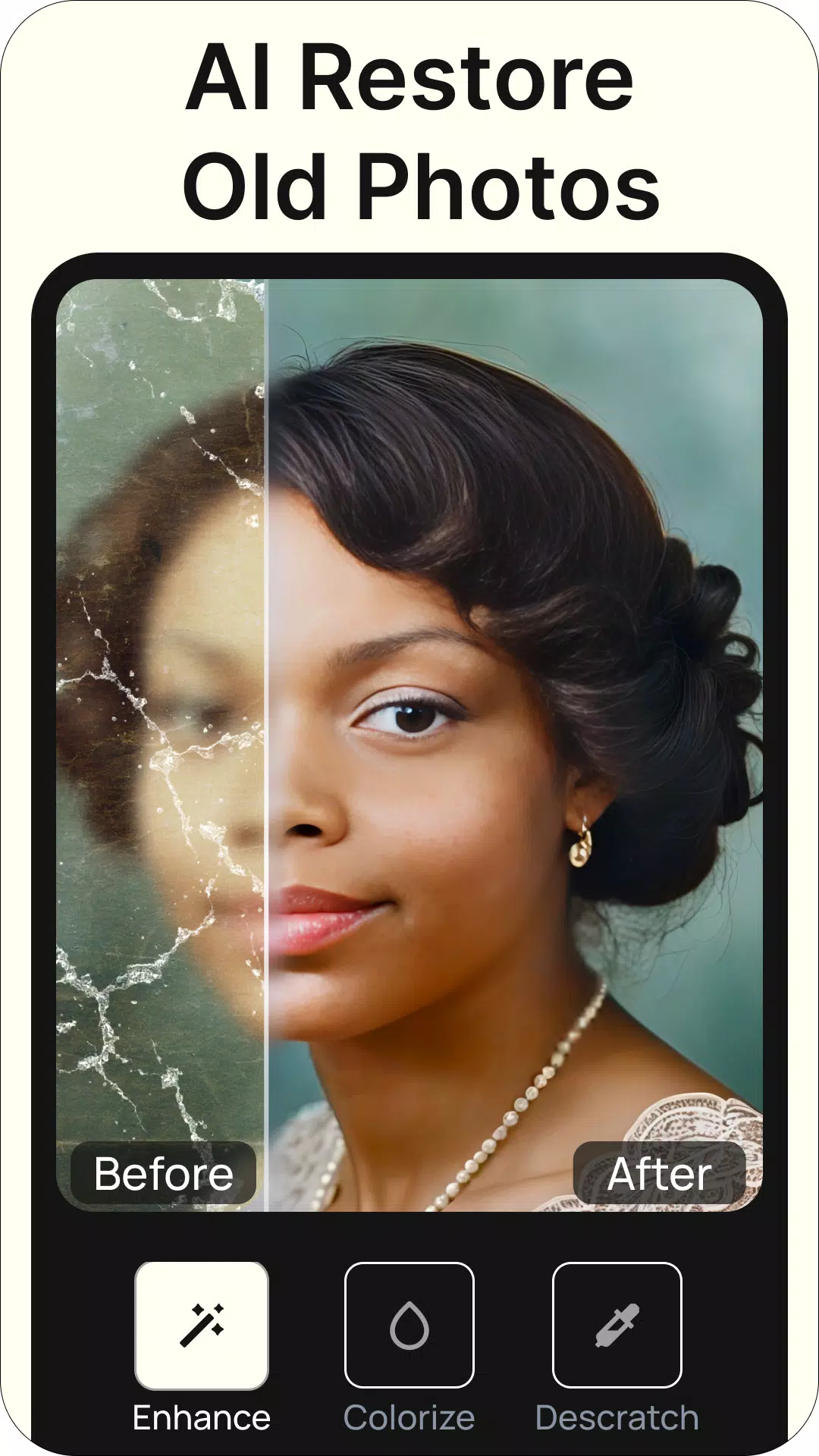
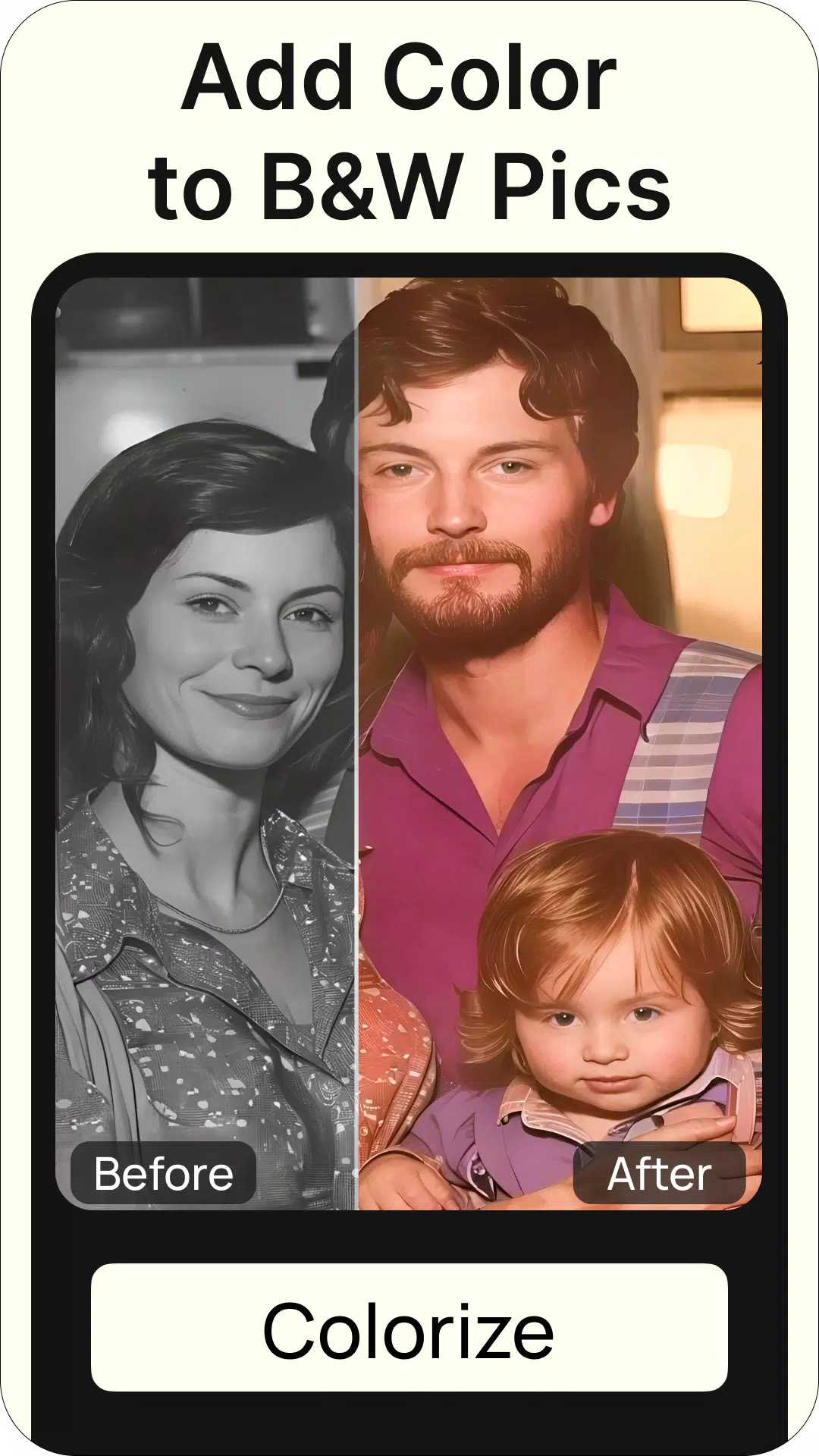
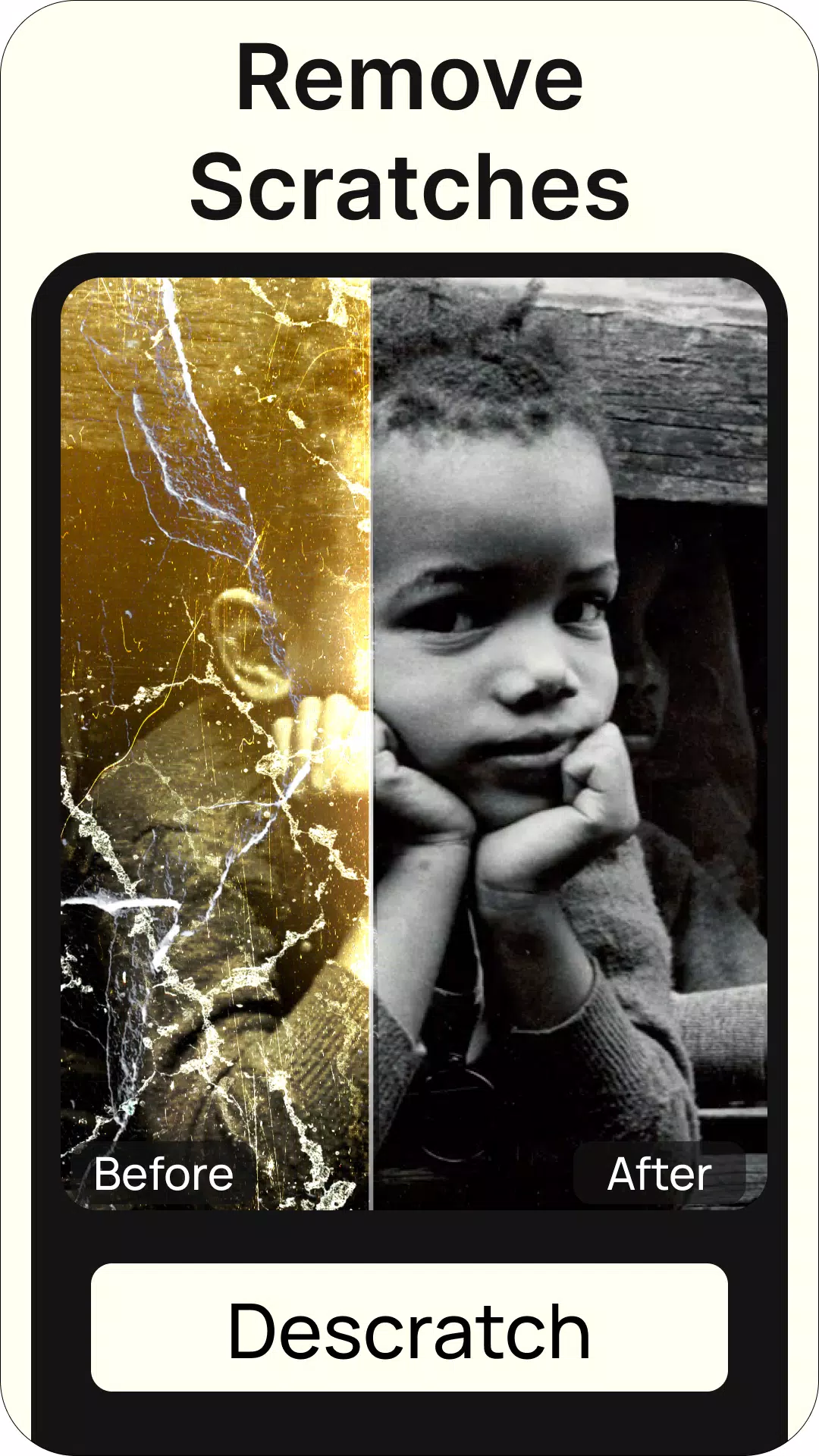
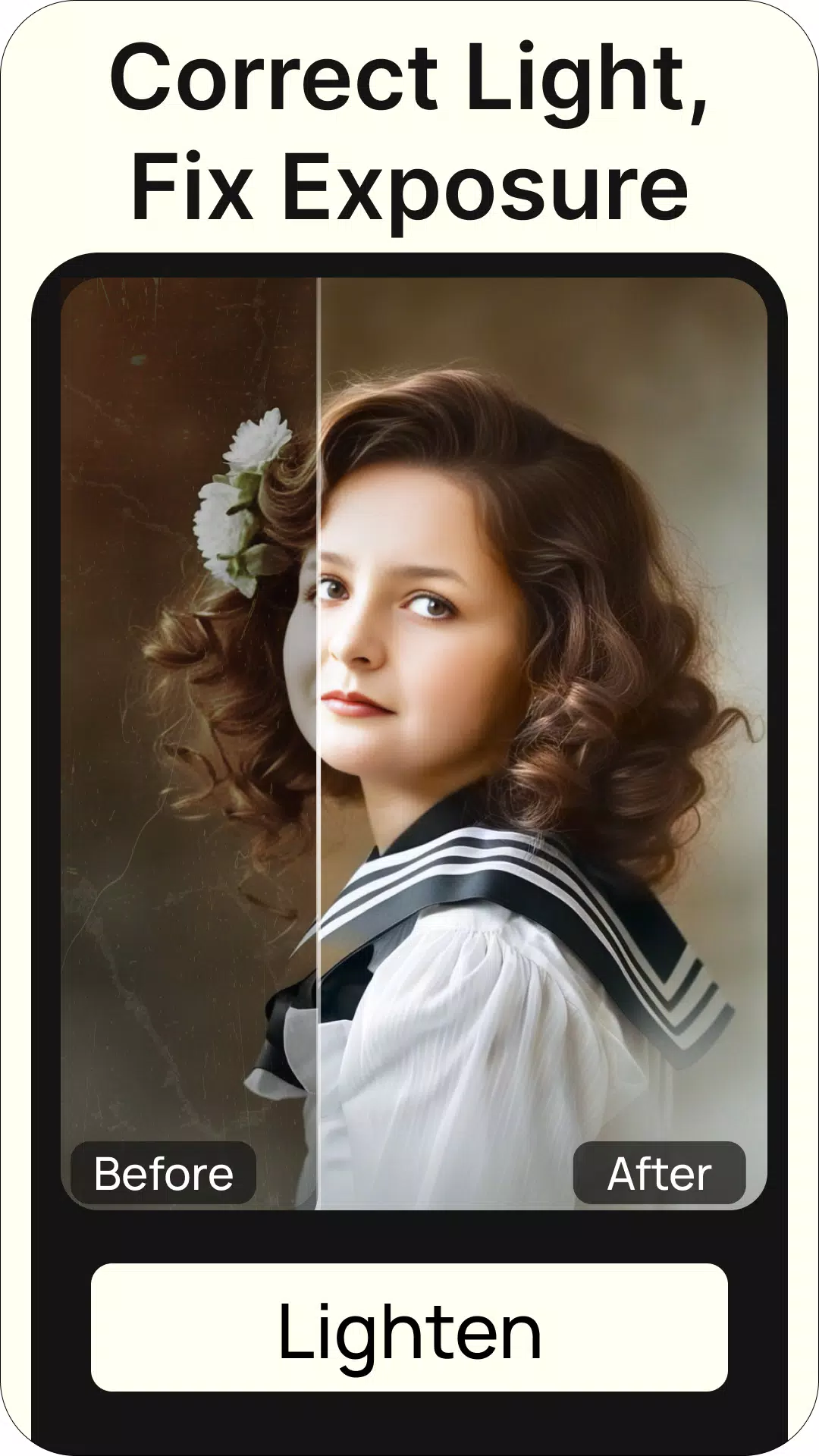

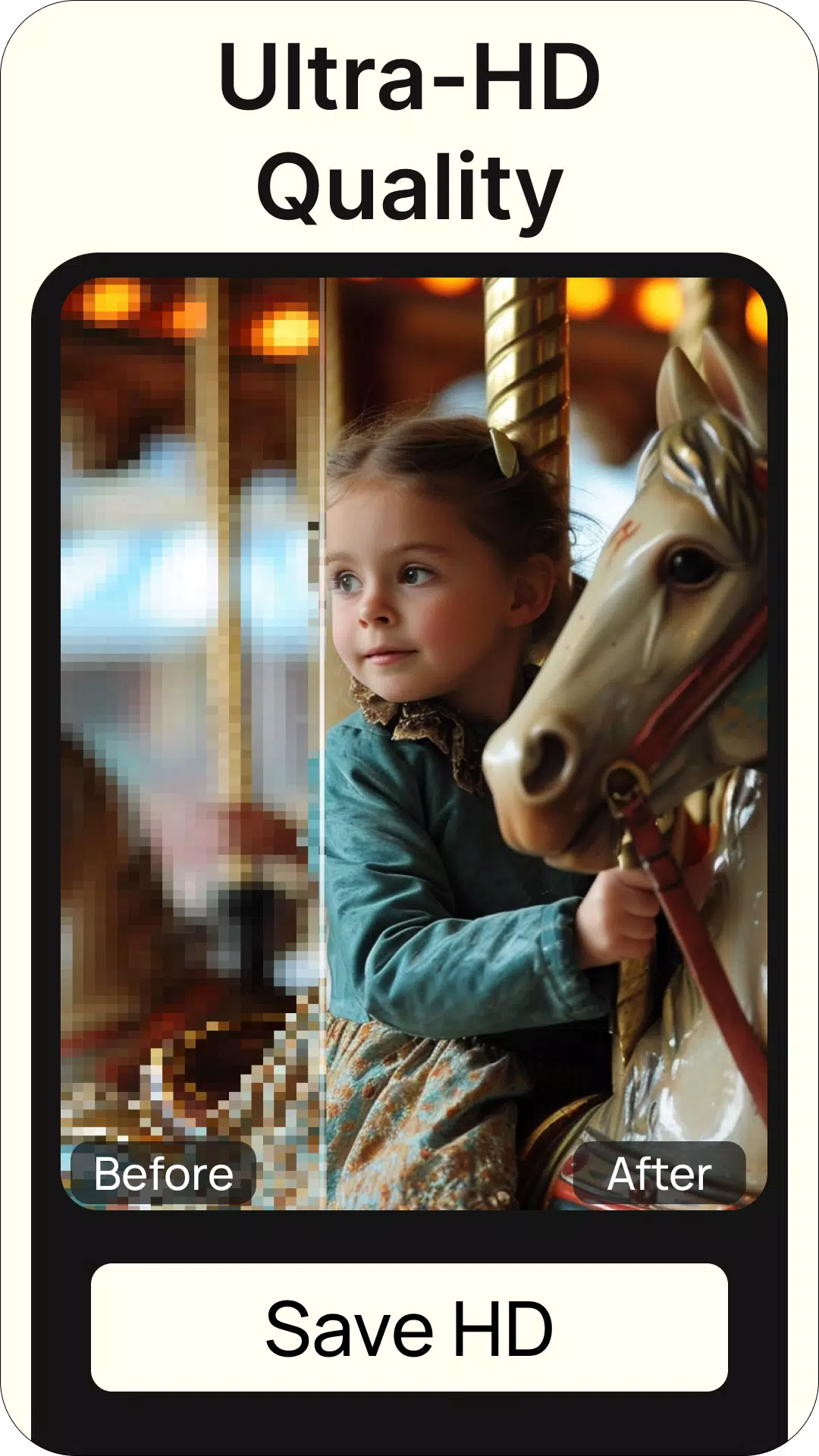
ReNew Old Photo helps you restore and colorize aged or damaged photographs using AI-driven restoration and hands-on editing tools, making it simple to recover details, remove blemishes, and revive colors. The app mixes automatic fixes with manual controls so both quick touch-ups and detailed restorations are straightforward for everyday users.
ReNew Old Photo offers an array of tools designed for practical photo rescue: an AI restoration engine that fills cracks and reconstructs faded areas, a colorization suite to add realistic hues to black-and-white images, noise reduction filters, and selective repair brushes for local corrections. Batch processing lets you apply consistent adjustments to multiple images, and export options include high-resolution PNG or JPEG output suitable for printing or archiving.
The app analyzes image artifacts, scratches, and loss of detail using on-device neural models, then proposes a reconstructed version that preserves original composition. Users can preview side-by-side before and after results, and the automatic pass is intentionally non-destructive so original pixels remain accessible. For challenging areas, the restoration layer can be refined with local tools so delicate edges and facial features maintain a natural look.
Beyond automated fixes, ReNew Old Photo includes manual controls common to photo-editing workflows: exposure, contrast, sharpness, and local cloning. The colorization tool lets you choose from suggested palettes or paint colors directly with a brush. Layer-based adjustments allow you to stack corrections without overwriting earlier edits, and an undo history makes it easy to experiment without losing progress.
The interface is organized to keep typical tasks one or two taps away. Importing photos can be done from the camera roll, cloud storage, or a built-in scanner mode that helps you crop and align physical prints. The step-by-step workflow guides you from an automatic repair pass to colorization and final export, with contextual tips that explain each tool. This structure reduces friction for newcomers while remaining efficient for experienced editors.
ReNew Old Photo is optimized for modern Android devices and scales its processing routines based on available CPU and GPU resources. On high-end phones the AI passes complete quickly and support for larger megapixel images is available; on mid-range devices the app offers a balanced mode that preserves quality while reducing processing time. Battery-aware settings and an option to run heavy tasks only on Wi-Fi help manage resources during large batch jobs.
The app stores edits locally by default and gives straightforward options to back up projects to cloud services. Export settings include multiple quality presets and file formats, along with metadata controls so you can keep or strip EXIF information. For users concerned about privacy, ReNew Old Photo provides an offline mode where all processing stays on the device.
ReNew Old Photo is ideal for hobby archivists, family historians, and anyone who wants to preserve photographic memories without learning complex desktop software. The combination of automated AI assistance and granular manual controls makes the app flexible enough for casual fixes as well as careful restorations intended for prints or digital archives.
Updates continue to add refinements to the restoration engine and extend compatibility with newer devices. Whether you need to clean up a handful of snapshots or digitize an entire album, ReNew Old Photo supplies a practical toolkit that balances speed, control, and output quality for everyday photo preservation tasks.