Background Camera ~ Very Safe
Version: 4.4.2
21.11MB
4.1
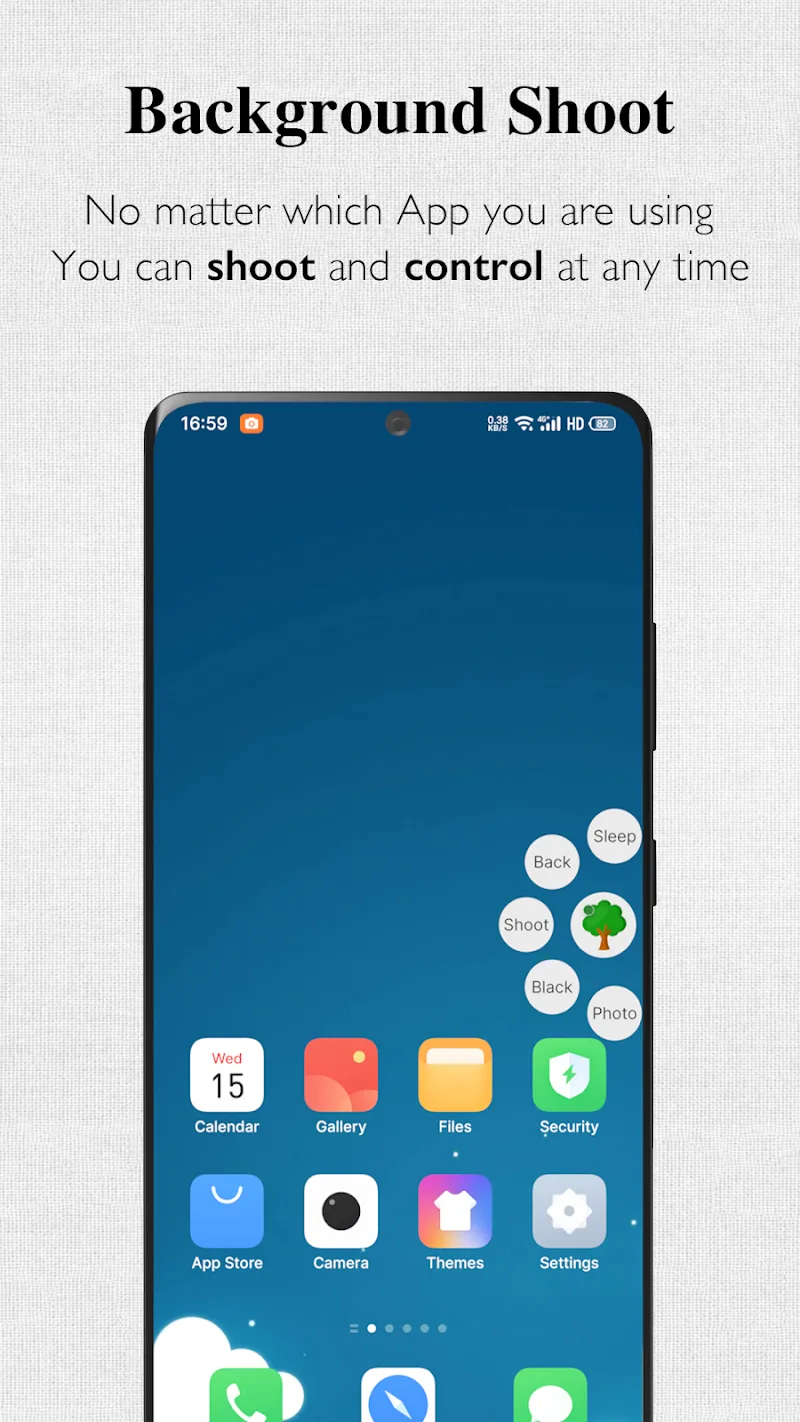
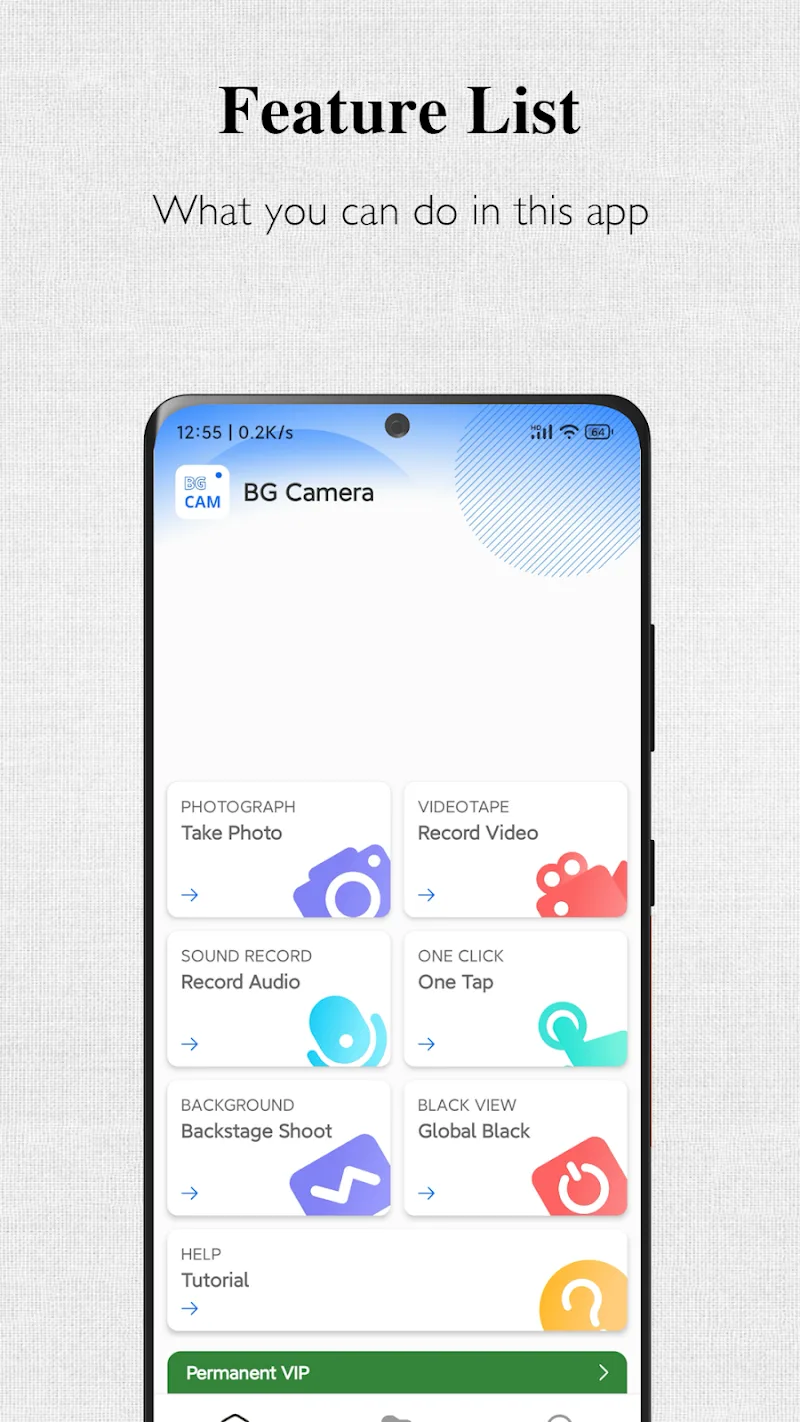
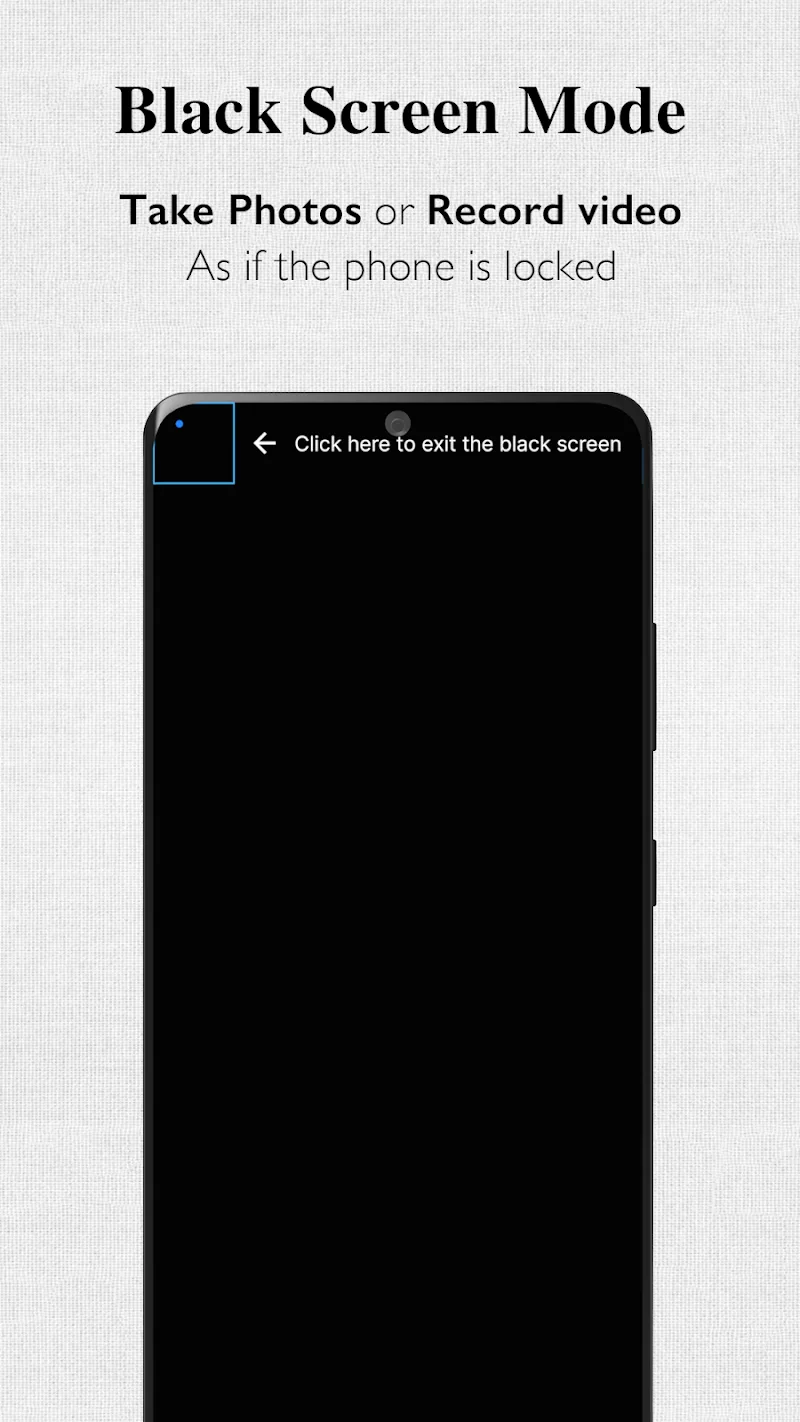
Background Camera ~ Very Safe is a discreet photography and recording tool designed to capture images and video while running in the background. It balances ease of use with privacy controls, offering quick access, configurable recording modes, and file management for everyday situations where unobtrusive capture is required.
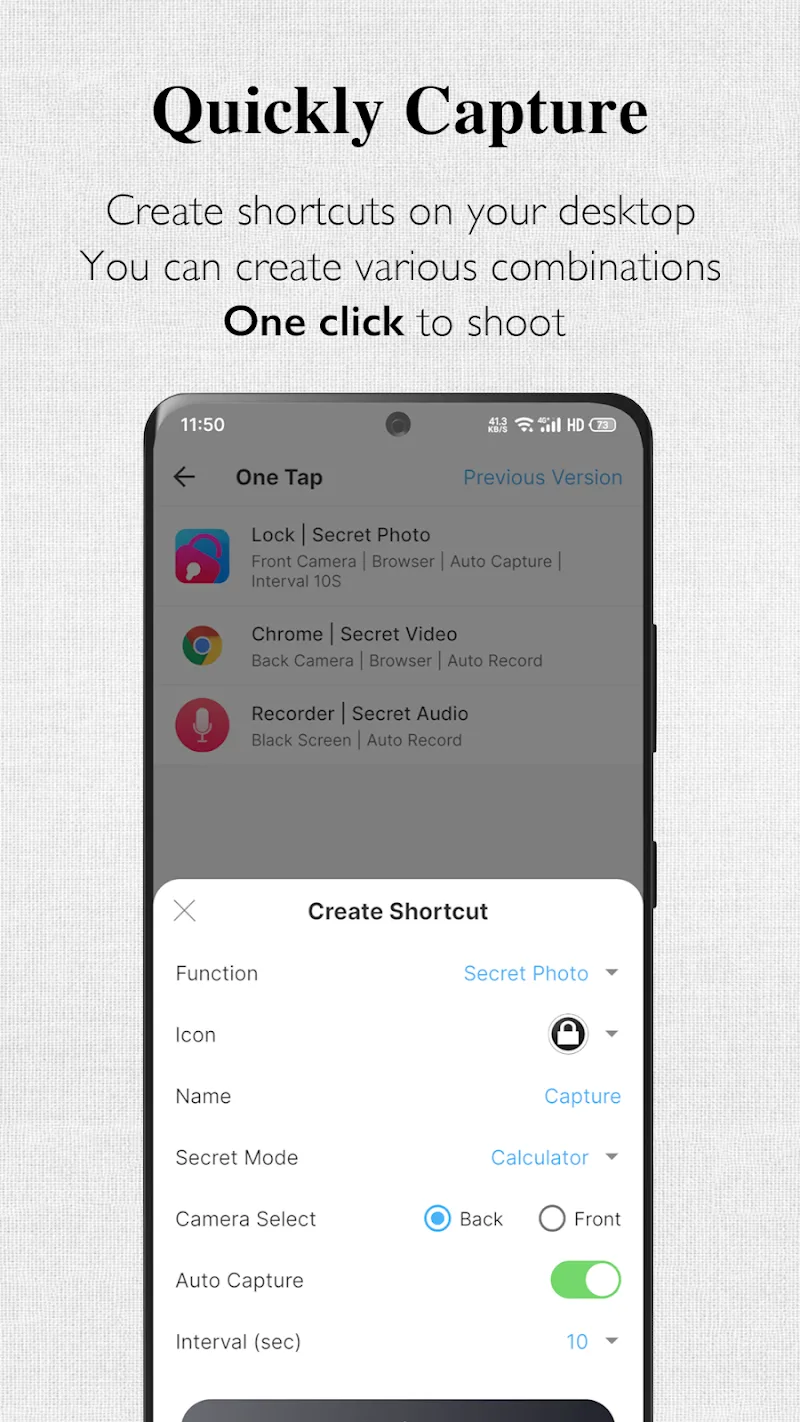
The app puts practical tools at your fingertips: background recording, silent capture, scheduled tasks, and a compact widget for one-tap operation. Background Camera ~ Very Safe supports multiple resolutions, front and rear camera switching, and optional audio capture. Built-in file organization makes it easy to browse, rename, and share media without leaving the interface.
Once permissions are granted, the workflow is simple. Activate recording from the widget, notification, or within the app; capturing continues even when other apps are active or the screen is locked. Background Camera ~ Very Safe uses efficient buffering and file writing to minimize interruptions and maintain steady performance while your device handles other tasks.
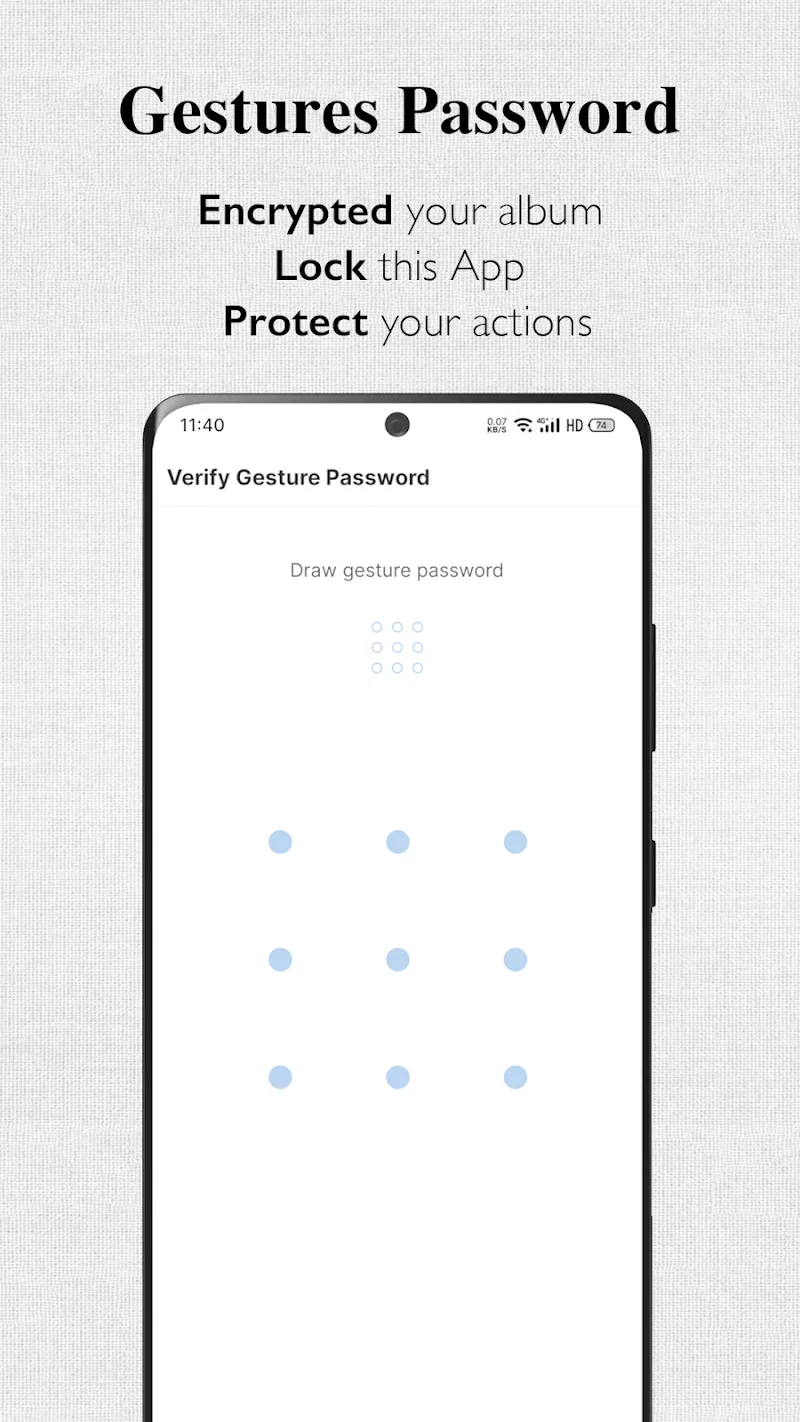
Privacy is central to the design. Users can configure a passcode or biometric lock for the app, restrict access to specific folders, and choose whether to record audio alongside video. The app avoids transmitting files to external servers by default, storing media locally unless you explicitly share or enable cloud sync.
The app offers several capture modes to match different needs. Choose between photo burst, timed snapshots, continuous video, or motion-activated recording. Exposure, focus, and white balance settings are adjustable where hardware allows. Background Camera ~ Very Safe also includes a stealth mode that minimizes visible indicators while capturing, and a power-saving profile to extend battery life during long sessions.
The interface is compact and straightforward. A minimal home screen provides access to recent captures, quick settings, and the widget configuration panel. Built-in tutorials guide first-time users through permission setup and optimal settings for common use cases. The design emphasizes single-handed operation and rapid activation without navigating deep menus.
Captured files are stored in organized folders with date and timestamp metadata. A searchable gallery lets you filter by type, size, or tag. Export options include local sharing, saving to device storage, or selective upload to cloud services. When exporting, you can strip location metadata or remove audio to protect privacy.
The app is optimized to run across a broad range of Android devices. It adapts capture settings based on hardware capability to reduce crashes and maintain frame rates. Background Camera ~ Very Safe uses conservative memory and CPU management to prevent overheating and preserve battery life during extended use.
Using hidden or background recording tools comes with responsibility. Respect privacy laws and consent requirements in your jurisdiction. Background Camera ~ Very Safe includes reminders and settings to help users comply with common legal expectations and to avoid improper or unlawful recording.
Set permissions for camera, microphone, and storage at installation, then personalize capture modes and privacy settings. Add the widget to your home screen for instant access, and try a short test recording to confirm audio and video behavior. With a few adjustments, Background Camera ~ Very Safe becomes a reliable utility for discreet, everyday capture needs.