
Vanilla - Icon Pack
Version: 3.2
23.56MB
4.2
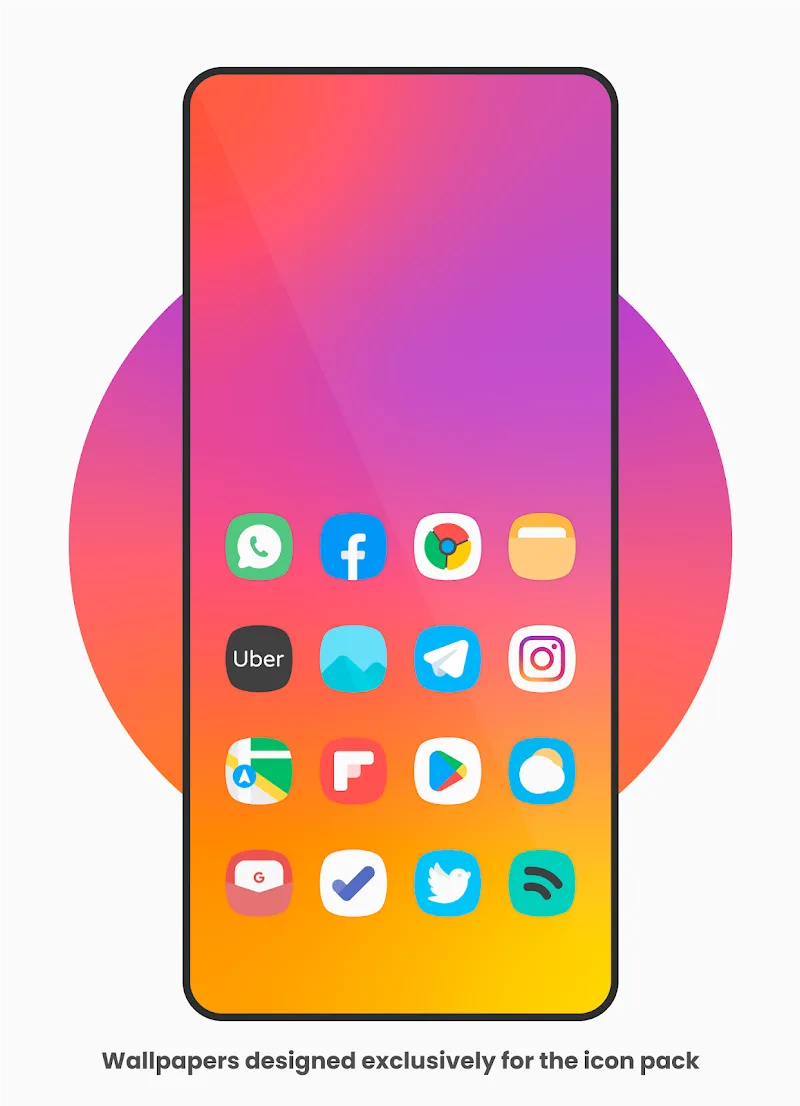
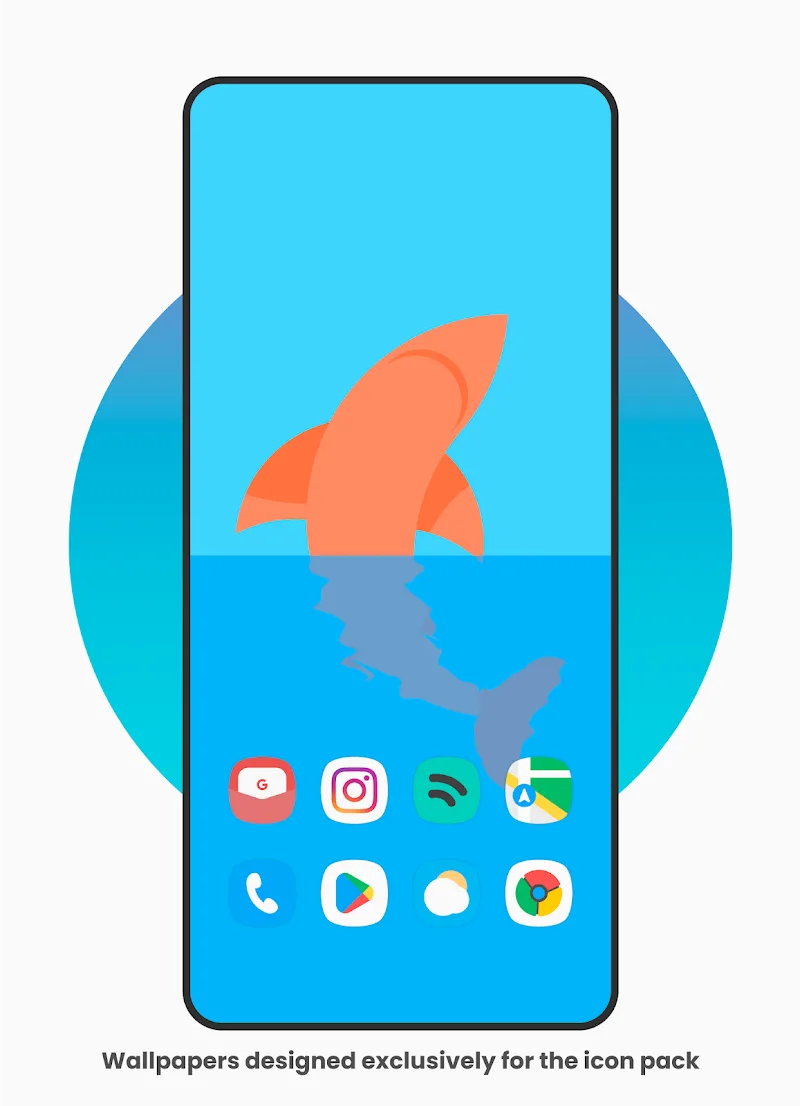
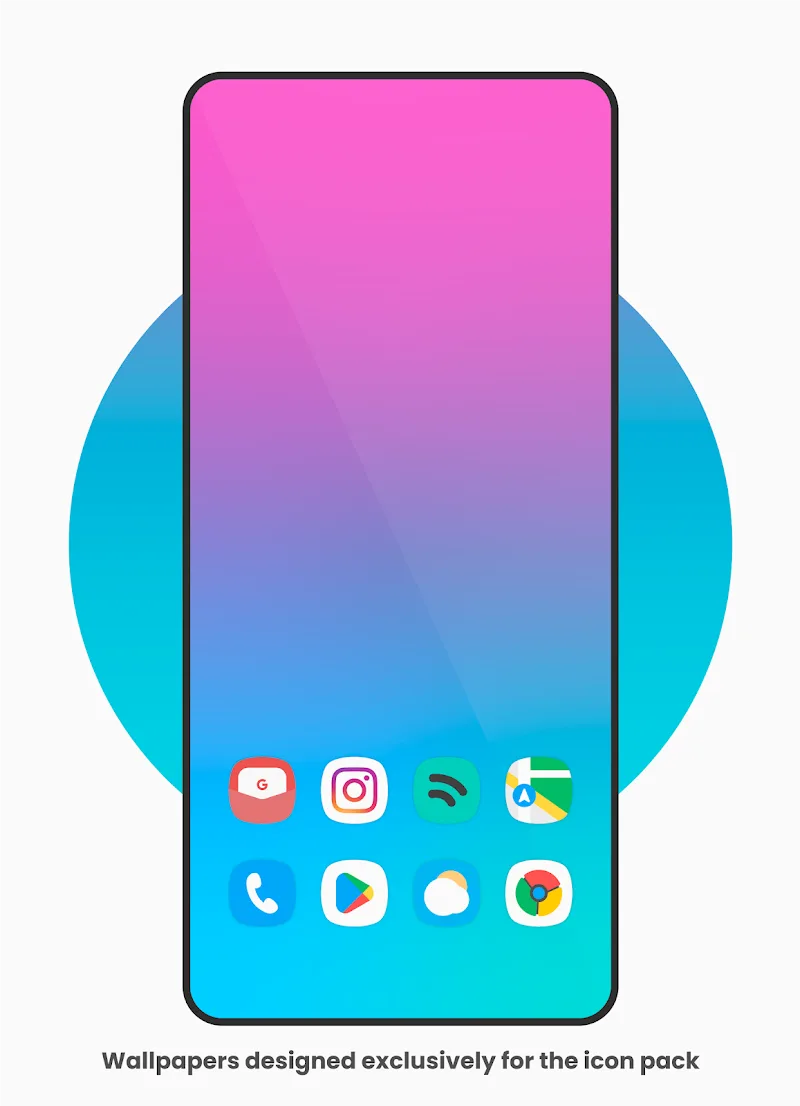
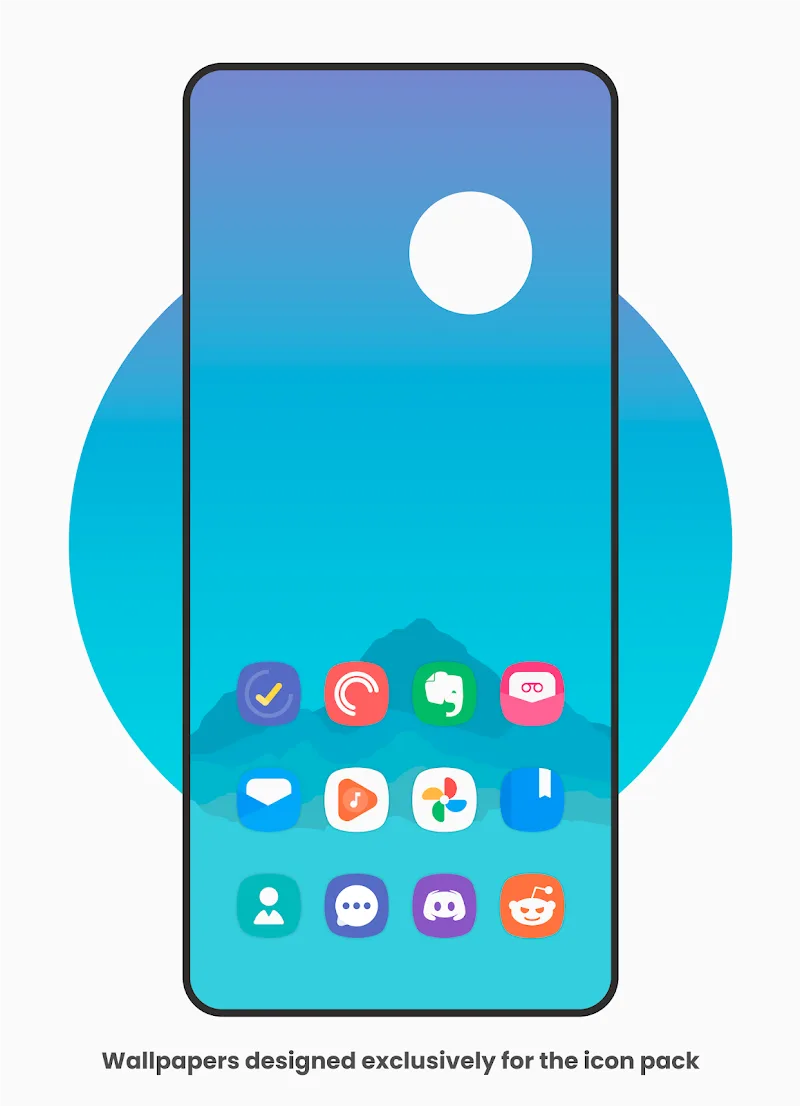
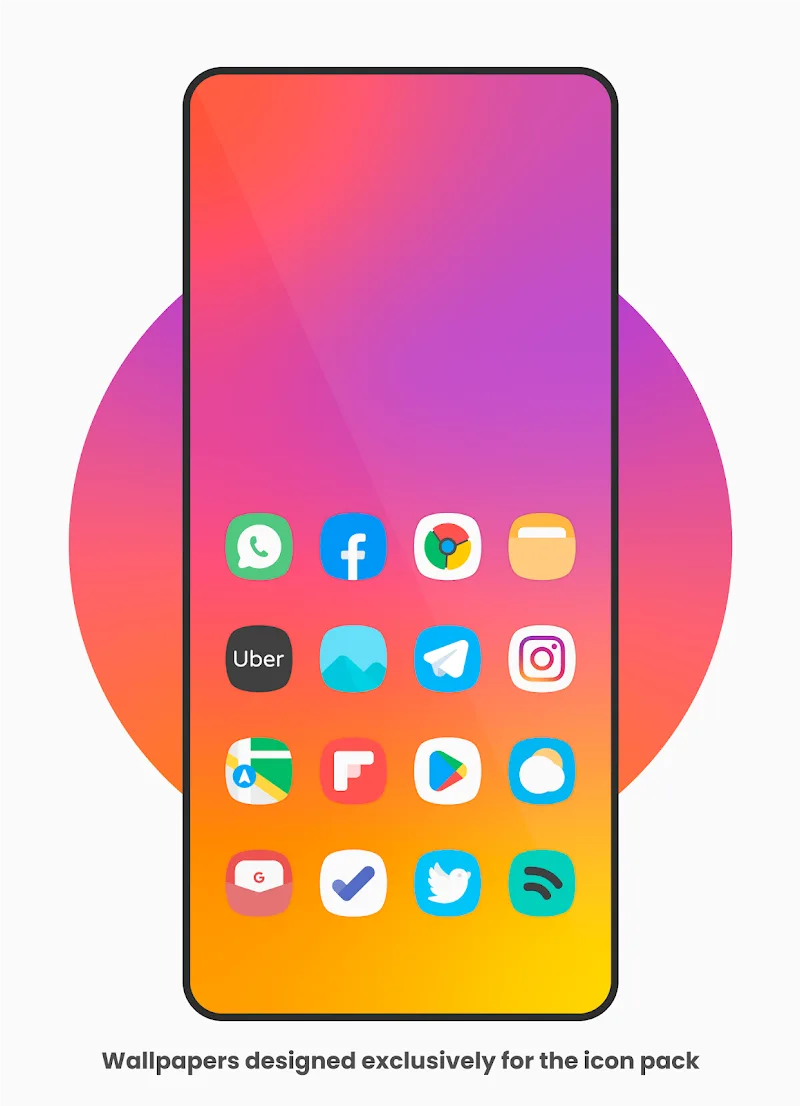
Vanilla - Icon Pack offers a clean, minimal set of icons designed to give Android devices a fresh, cohesive look. With carefully crafted glyphs, subtle color accents and consistent shapes, Vanilla - Icon Pack simplifies your home screens while maintaining clarity and visual harmony across apps.
At its core, Vanilla - Icon Pack focuses on simplicity and readability. The collection features hundreds of icons that follow a uniform grid and rounded corner aesthetic, making it easy to create a tidy and modern interface. Each icon keeps app recognition fast while reducing visual clutter.
Vanilla - Icon Pack integrates with most popular launchers, letting users swap icon sets in a few taps. The app provides straightforward actions: browse icons, apply to the launcher, and request icons that are not yet included. The wallpaper options are curated to complement the icon palette, so users can achieve a unified design without juggling separate resources.
Before applying icons, check that your launcher supports custom icon packs — common choices like Nova, Lawnchair, and Action Launcher are supported. Installation typically follows a brief flow: open Vanilla - Icon Pack, choose the desired theme, and select your launcher from the list. If an icon does not change immediately, manually apply it through the launcher’s icon settings or use the app’s fallback apply method.
The visual approach in Vanilla - Icon Pack emphasizes negative space, muted tones, and subtle shadows. Icons avoid heavy skeuomorphism or bright overload, instead opting for a neutral palette that suits both dark and light wallpapers. This restraint ensures apps remain visually distinct without overwhelming the overall home screen composition.
Lightweight by design, Vanilla - Icon Pack is optimized to have a small disk footprint and minimal background activity. Icon packs run primarily as a resource set rather than a live service, so they rarely affect battery life. Updates are incremental and compressed, helping keep storage use reasonable while still delivering new icons and bug fixes.
Vanilla - Icon Pack aims to be accessible: icons are distinguishable at a glance, and the contrast choices support readability across different screen sizes. The app interface itself is straightforward, designed so users can preview icons and wallpapers before applying them. Support documentation and direct request features shorten the feedback loop between users and maintainers.
This icon pack is well suited for users seeking a calm, modern desktop aesthetic without heavy personalization conflicts. If you prefer clean lines, steady typography, and a cohesive color approach on Android, Vanilla - Icon Pack can help unify your device’s visual language quickly and with little setup required.
Expect regular icon sets and occasional seasonal themes to keep the collection current. The development cadence typically addresses new app icons, launcher compatibility, and small refinements to keep the experience polished. With a balance of simplicity and thoughtful design, Vanilla - Icon Pack remains a reliable option for users wanting a minimalist Android appearance.