PingTools Pro
Version: 5.0.493 Pro
5.86MB
4.1
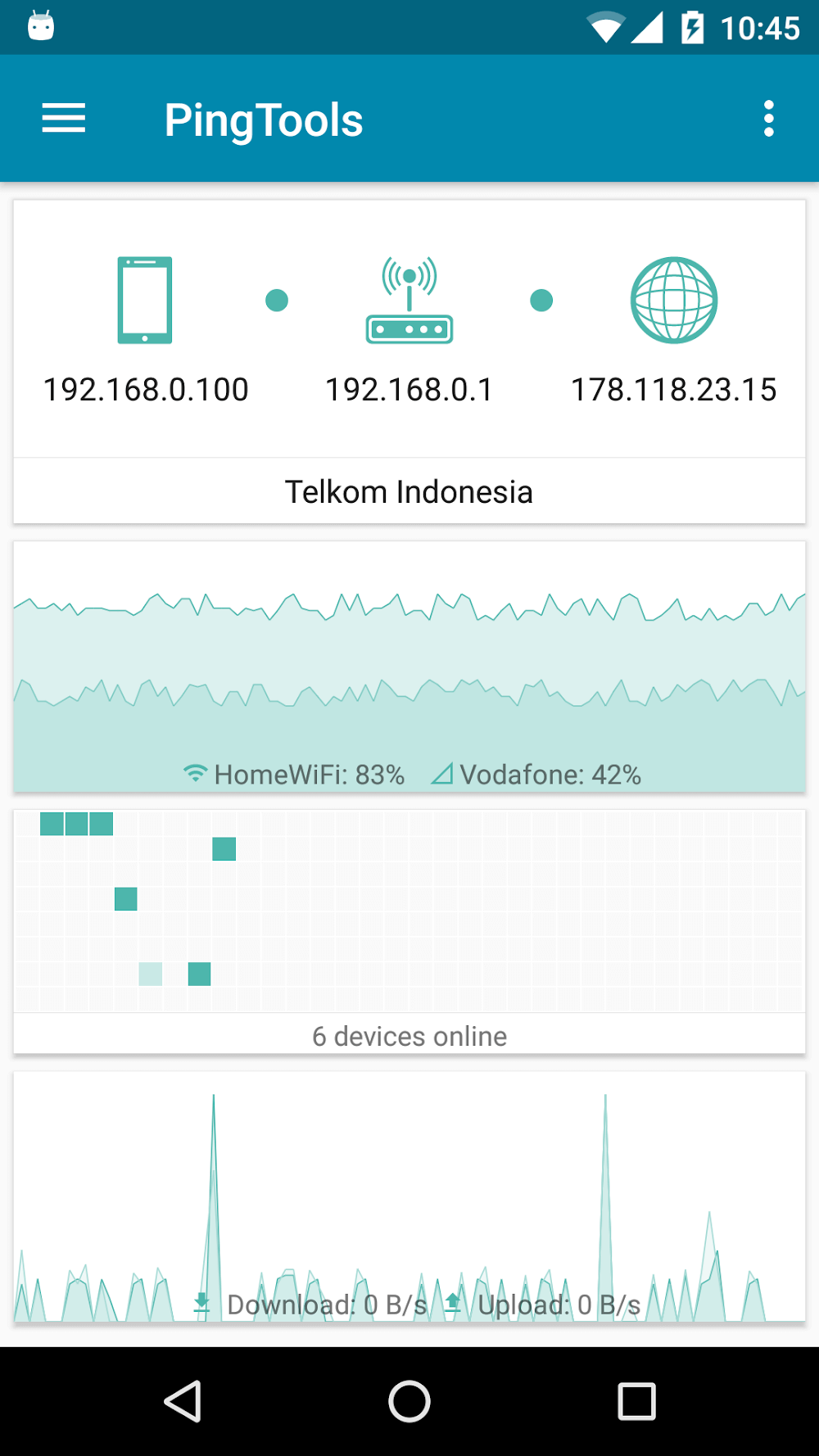
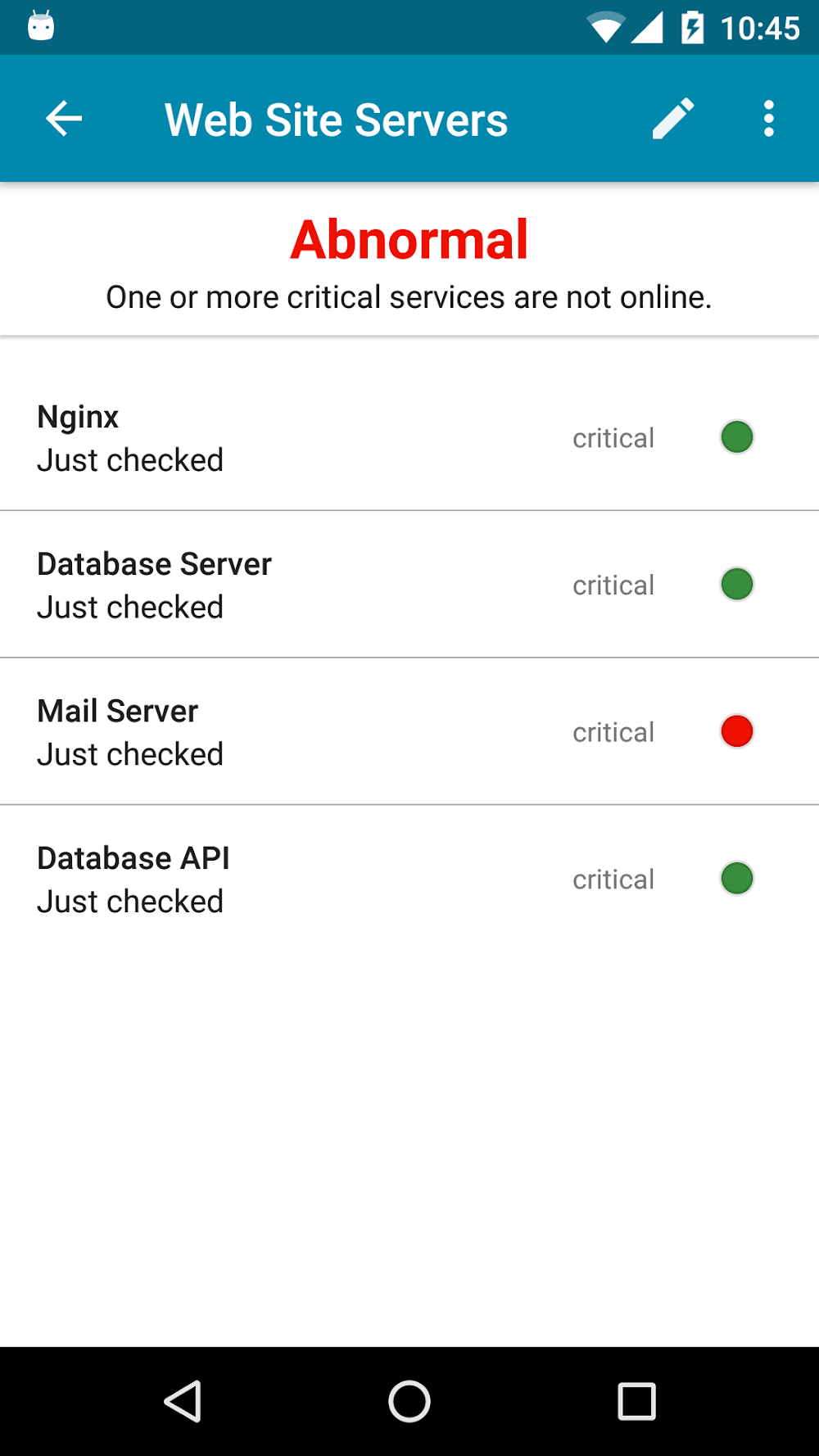
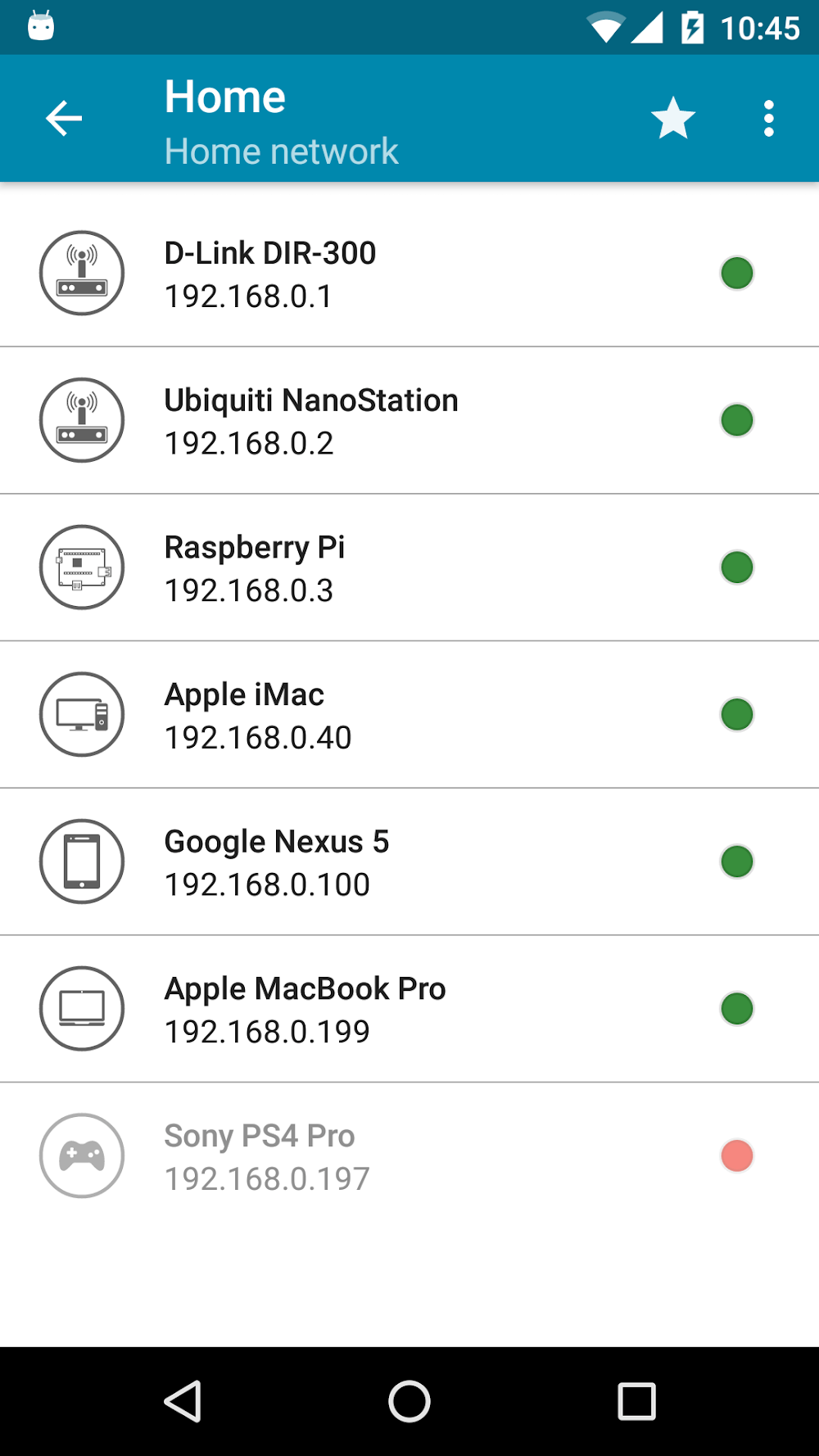
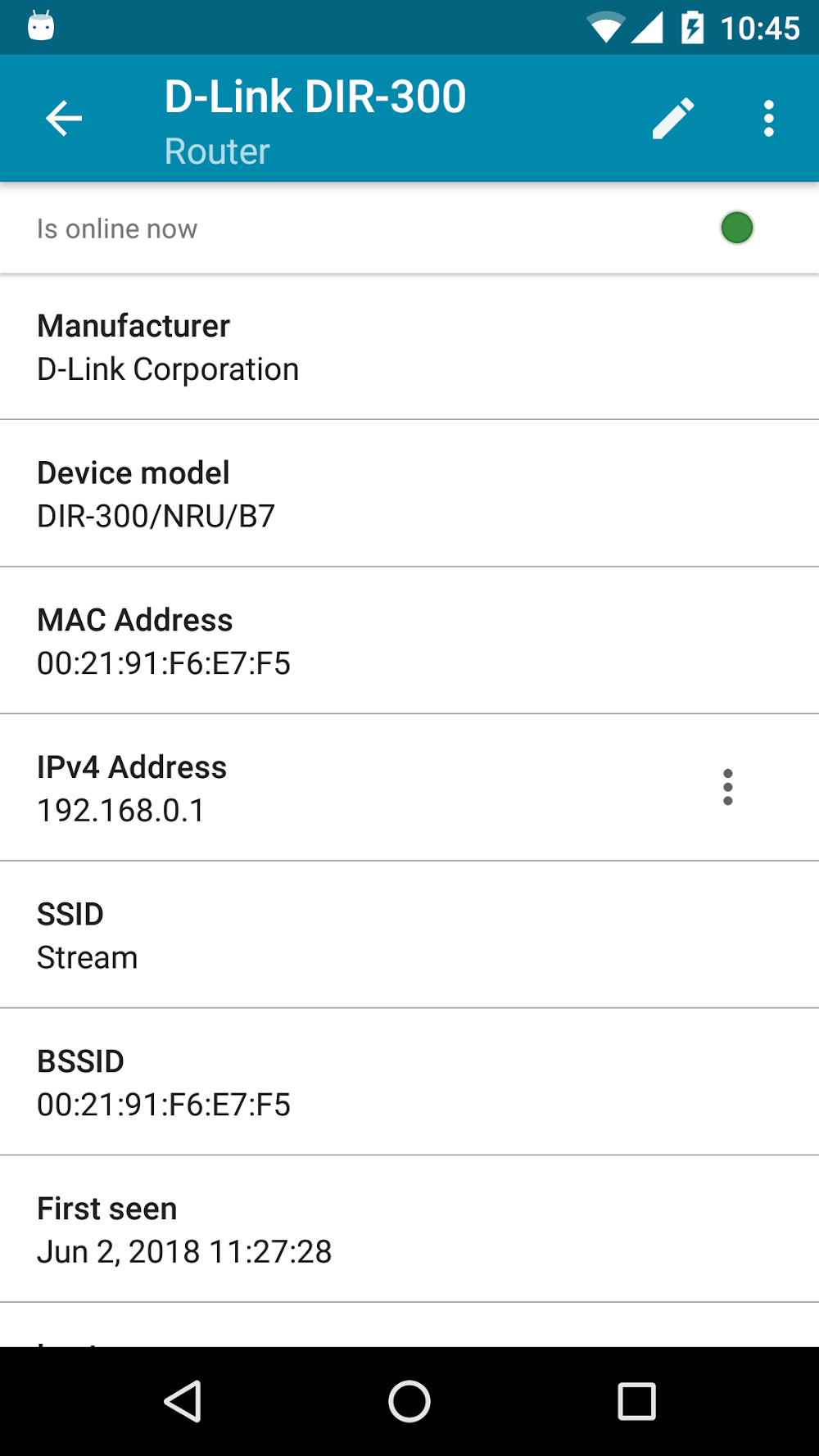
PingTools Pro is a compact networking toolkit for Android that brings ping, traceroute, port scanning and DNS utilities together in a single, practical interface; PingTools Pro is designed for network administrators, field engineers and curious power users who need reliable diagnostics on the go. The app opens quickly and presents tools with clear inputs and results so you can run a quick latency check, map a route between hosts, or inspect services on a target without hunting through menus. Results include timestamps, response statistics and simple visual cues so the output is easy to read at a glance.
The app is organized into focused modules rather than a single monolithic screen: ping and traceroute show connectivity and path behavior with per-hop latency details, the port scanner reports open ports and common services, and DNS and WHOIS lookups provide name resolution and ownership information. A network discovery module scans the local subnet and lists active devices with their IP and MAC addresses. Each module is designed to be useful for both quick spot checks and longer troubleshooting sessions when a laptop is unavailable.
Controls are straightforward: enter a host or IP, choose or adjust a few parameters and tap run. For most checks there is a single input field and an obvious run button so repeated tests are fast. Advanced controls are available when needed: packet size, timeouts and probe intervals can be tuned for more accurate measurements, and port scans accept custom port ranges and scanning modes. The workflow supports chaining tools — run a ping, follow it with a traceroute and then scan discovered hosts — without switching apps, making fault isolation more efficient in the field.
Users progress naturally from beginner checks to advanced probing. Start with a basic ping to establish baseline latency, then add traceroute to see hop-by-hop behavior and use DNS/WHOIS to investigate domain-level issues. The interface is written with readability and accessibility in mind: clear labels, legible text sizes and color contrasts aid comprehension, and the presentation of results includes concise explanations so less-experienced users can interpret findings without needing a reference manual. Frequent actions are designed to be discoverable so your diagnostic skill set grows with use.
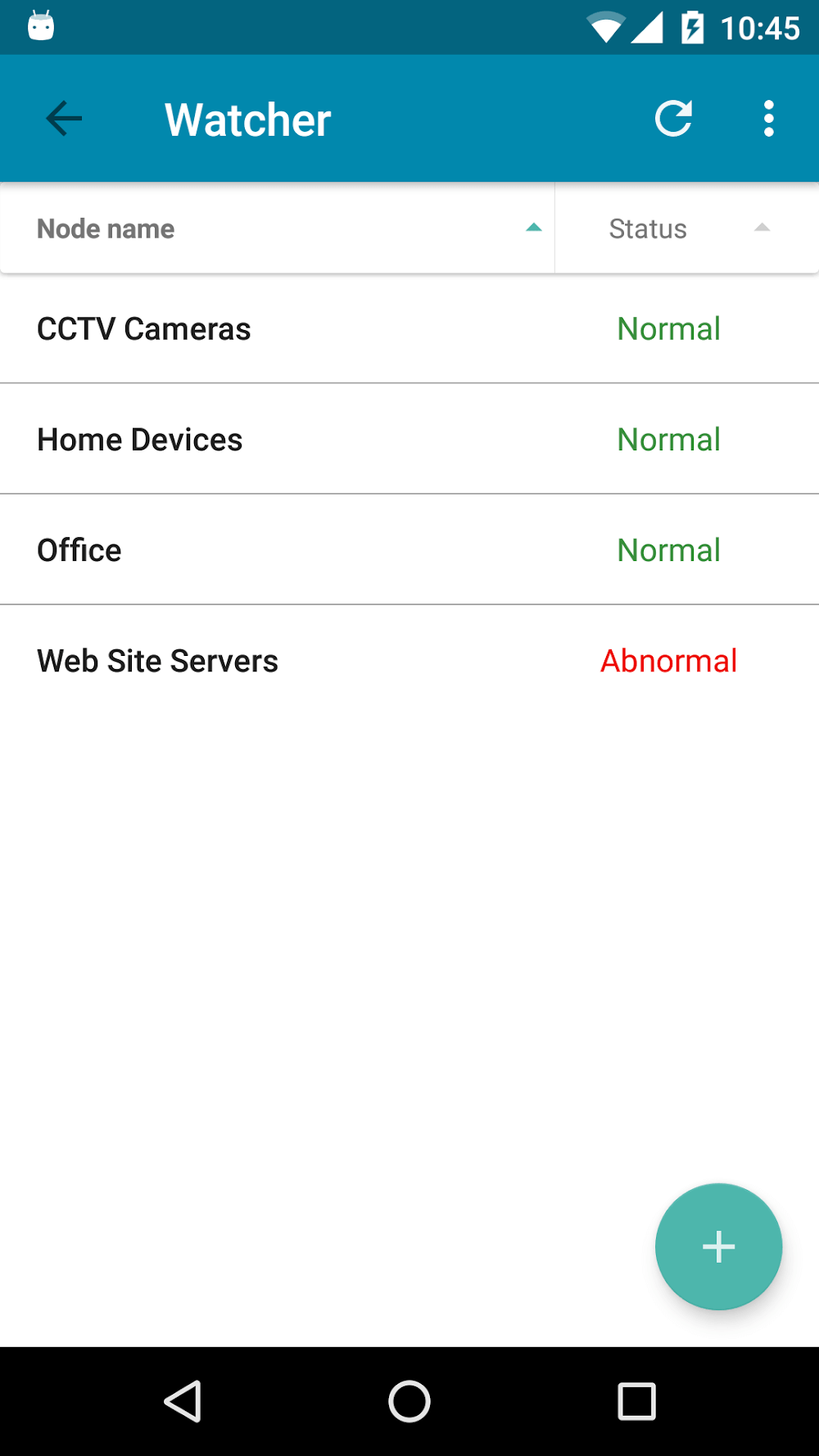
Beyond interactive checks, PingTools Pro offers options to customize how tests run. Configure timeouts and intervals for probes, choose scanning ranges, and enable scheduled tests for ongoing monitoring. Background monitoring can track intermittent problems and issue notifications when a host becomes unreachable or latency exceeds a threshold you define. Scheduled runs and notification thresholds help turn one-off measurements into a continuous record that highlights trends and recurring problems.
The app favors a clean, utilitarian visual style that prioritizes data clarity over gimmicks: dashboards show chronological logs, simple charts for response variation, and color-coded status markers for quick interpretation. Export options let you save or share logs and reports so you can hand off findings to teammates or attach them to support tickets. Replay value comes from the ability to rerun tests, schedule repeating checks and compare historical results to identify regressions or seasonal patterns in network behavior.
Network operations run asynchronously to keep the UI responsive and scans are intentionally lightweight to minimize battery impact. Large or time-consuming scans can be paused or cancelled to avoid prolonged resource use. The app supports both IPv4 and IPv6 where the device and network allow, and it is built to operate across a broad range of Android versions and hardware profiles while handling permission prompts responsibly.
PingTools Pro respects platform permissions and requests only network-related access required for diagnostics. Because network scanning can reveal sensitive information, the app includes contextual guidance and permission prompts so users understand the implications of their actions. Scans performed on networks you do not own should be authorized by the network owner to avoid violating acceptable use policies and local regulations.
While many checks require connectivity to a target or the Internet, the app still provides value offline: you can open and review previously exported reports without a connection, and local network discovery will operate when your device is connected to a LAN even if external Internet access is limited. Typical use cases include troubleshooting intermittent WAN issues, verifying server reachability before a deployment, inventorying devices on a home or office subnet, and teaching students how traceroute and DNS behave on real networks.
PingTools Pro is suited to IT technicians, field engineers and power users who need quick access to diagnostic tools on mobile devices, as well as hobbyists and students learning networking fundamentals. The balance between simple, discoverable controls and detailed configuration options makes the app equally useful for immediate checks and methodical troubleshooting, and continued use builds a useful history of network behavior that improves future diagnostics.