AR Measure Tape: SmartRuler
Version: 1.2.22
52.15MB
4.3
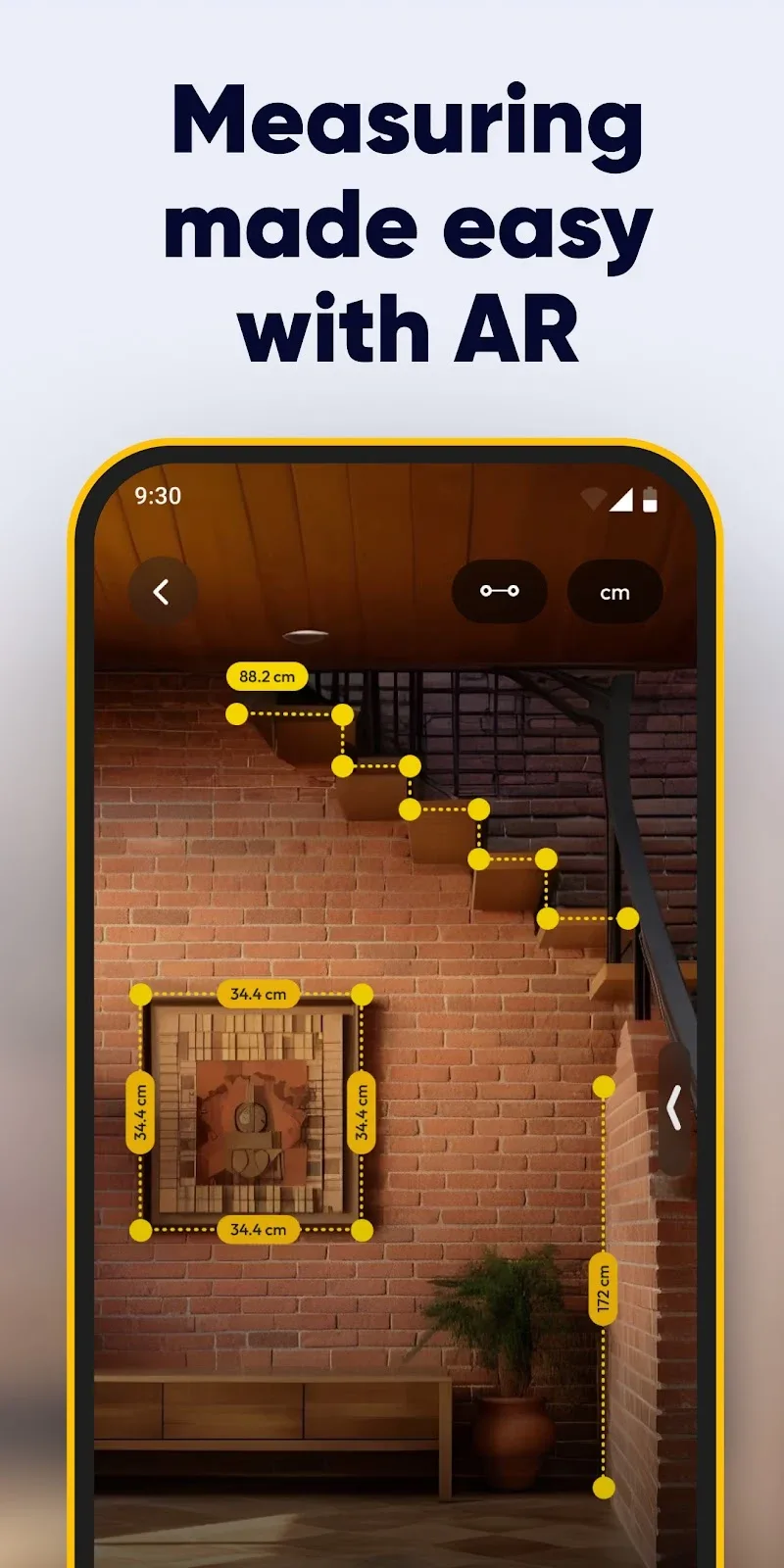
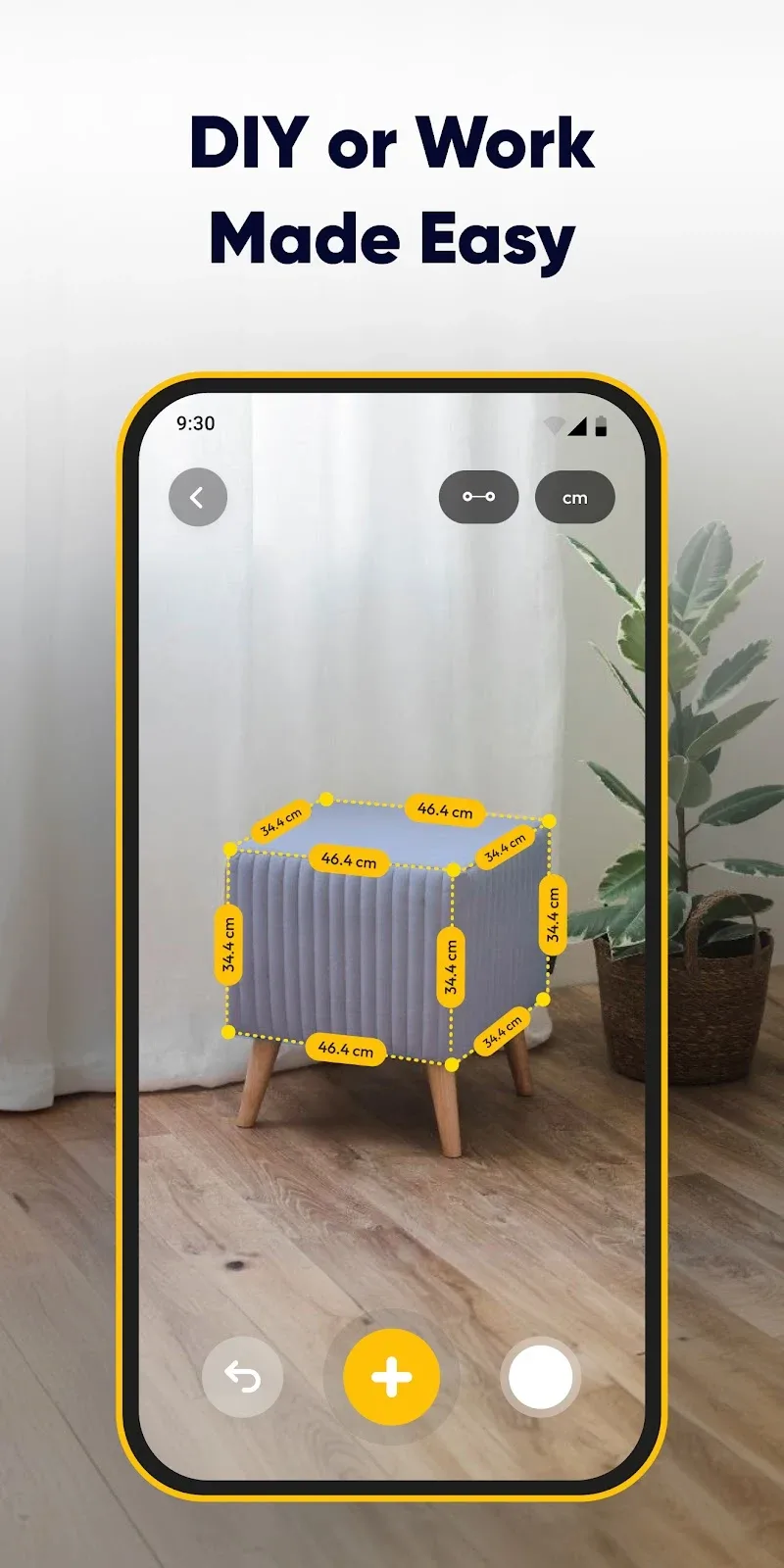
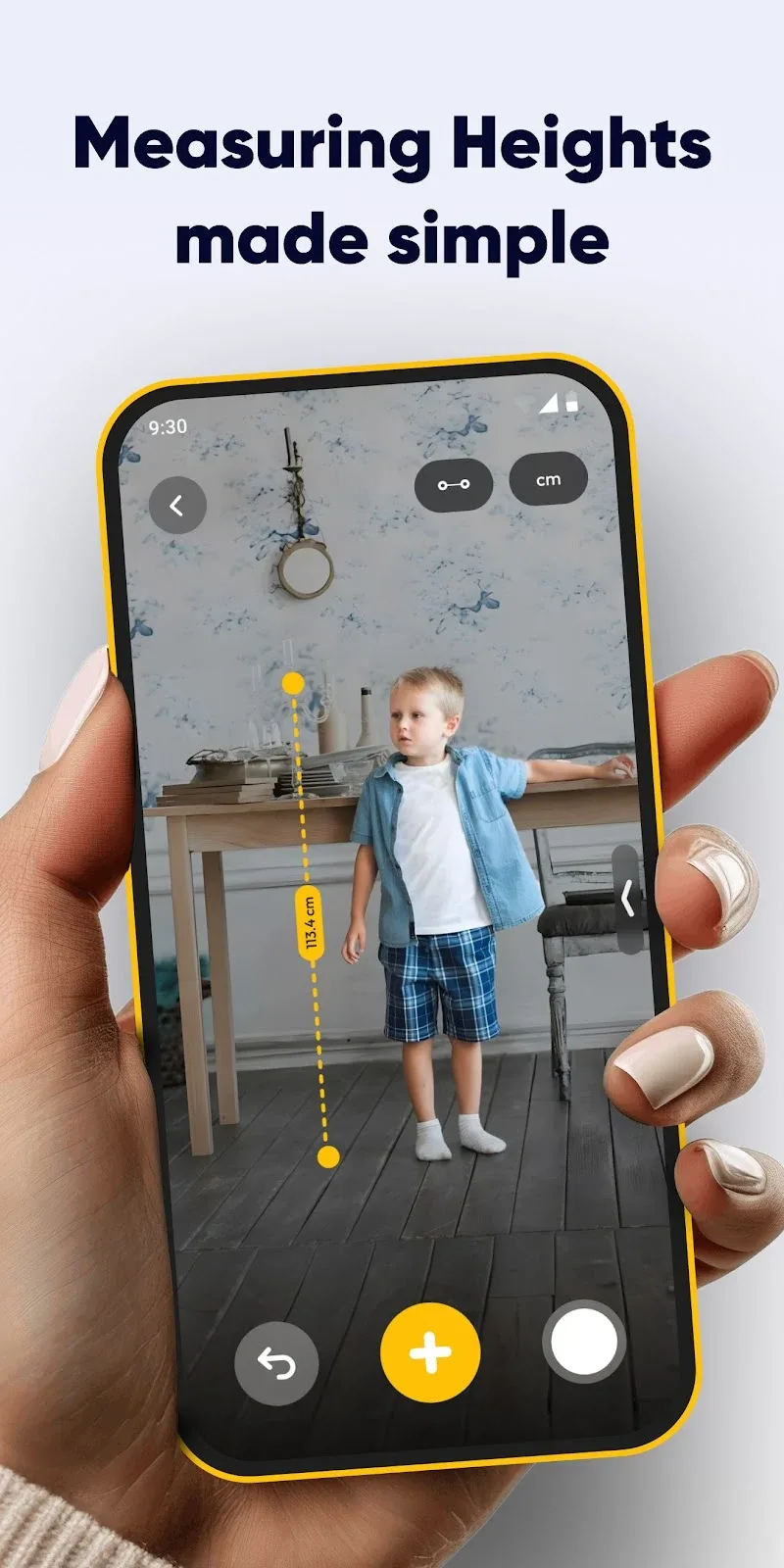
AR Measure Tape: SmartRuler is a compact augmented reality measuring tool that turns your Android camera into a precise tape measure and ruler. It quickly measures distances, calculates area and height, and saves results for reference, making on-the-go measurements fast and accessible for home, work, and design tasks.
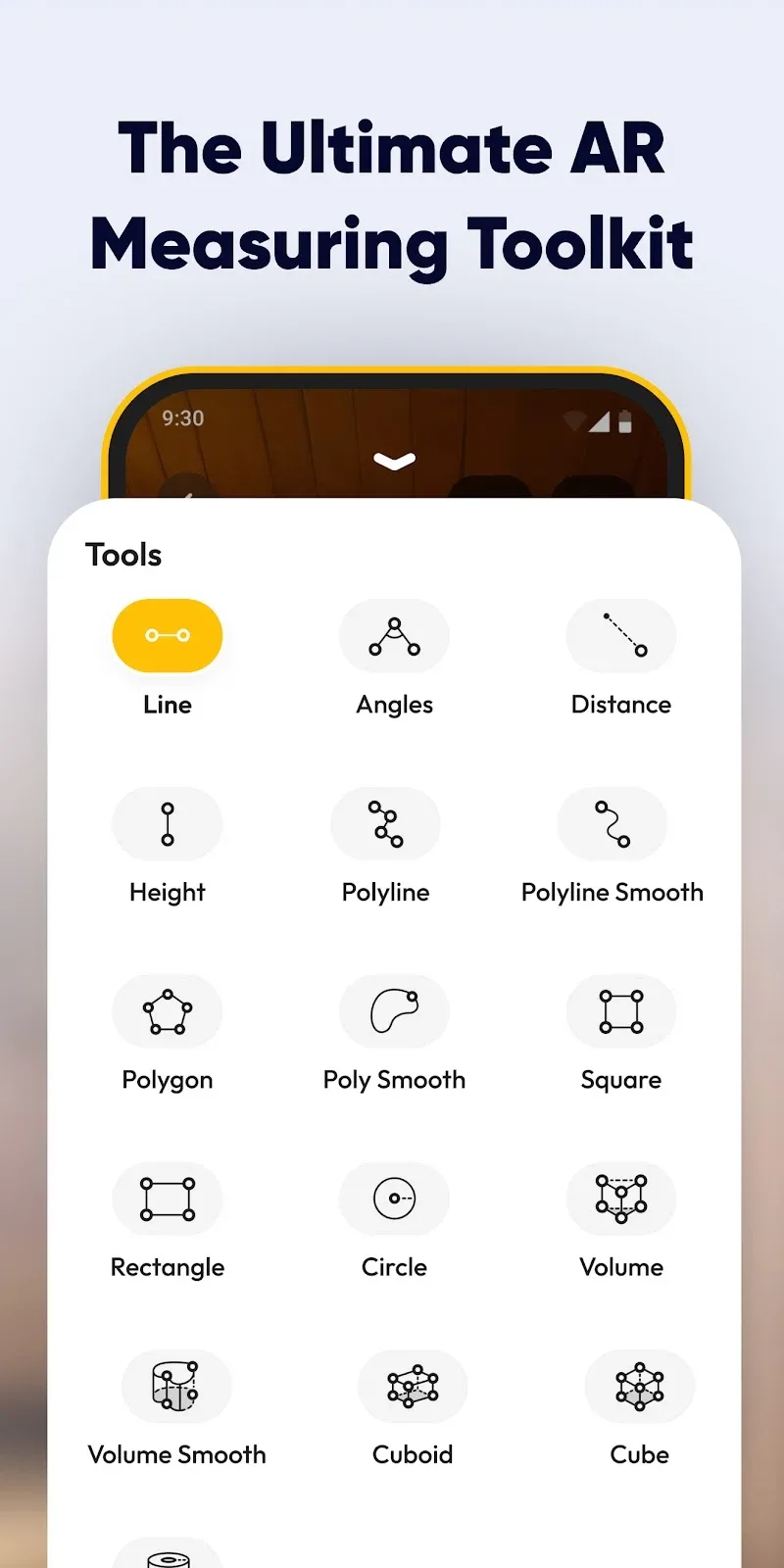
The app combines simple controls with advanced AR tracking to deliver reliable measurements without needing extra hardware. AR Measure Tape: SmartRuler includes metric and imperial units, snapshot and save options, and auto-calibration tools. It supports point-to-point distance, multi-point area capture, and a height measurement mode that estimates object height from a base point.
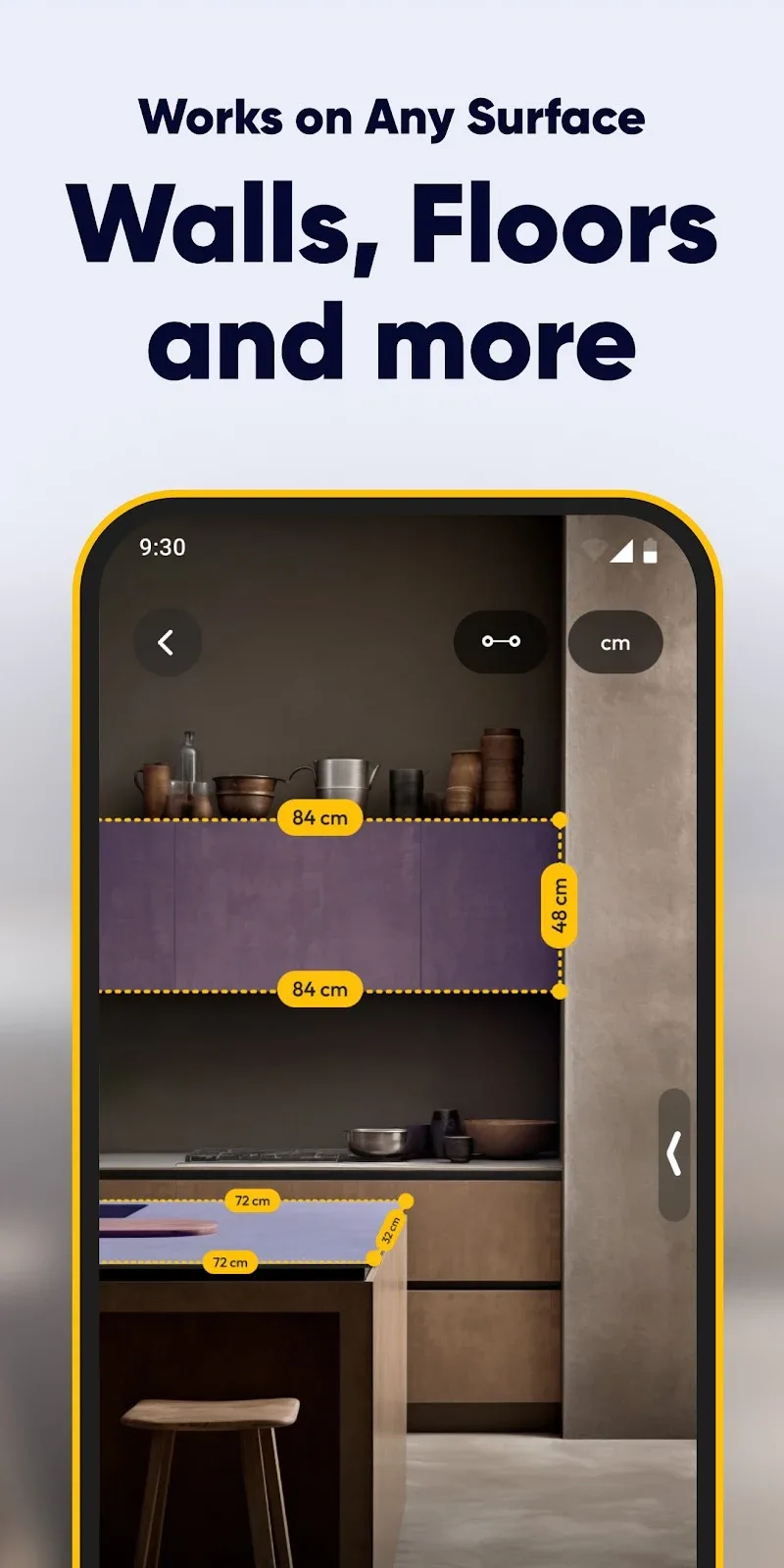
AR Measure Tape: SmartRuler uses your device camera and motion sensors to map the immediate environment. Visual markers are placed on the live view to define start and end points; the app calculates distance by analyzing device position and camera perspective. For area or perimeter tasks, users add sequential points along edges and get instant numeric feedback plus an overlay that visualizes the measurement.
The interface is designed for quick tasks: a large shutter-style button captures points, a unit toggle switches between centimeters and inches, and an action bar stores recent measurements. A persistent guide helps align points, while zoom and focus controls improve placement in cluttered scenes. Snapshots can be annotated with notes or tags for later reference.
Accuracy depends on camera quality, lighting, and how steadily the device is held. For best results, ensure good lighting and keep the camera lens steady while placing points. Use nearby flat surfaces to help the AR algorithm lock onto reference geometry. For very long distances or critical builds, cross-check with a physical tape or laser measure.
Customize displayed units, adjust smoothing for point placement, and enable high-contrast overlays for visibility outdoors. The app can export measurements as images or CSV-style text for use in spreadsheets or project files. A built-in history log stores time-stamped captures so you can revisit previous projects without re-measuring.
AR Measure Tape: SmartRuler is optimized for modern Android devices with ARCore support, but it also runs on a wide range of mid-tier phones with basic AR capabilities. Performance will be smoother on devices with updated GPUs and recent OS versions. The app minimizes battery draw by pausing background tracking when the camera view is inactive.
The app requests camera access to perform measurements and may ask for storage permission to save snapshots. No unnecessary personal data is collected for core functionality. Users can review and clear saved measurements from the settings panel at any time.
Download and open AR Measure Tape: SmartRuler, grant camera permission, and follow the initial on-screen guide to calibrate the AR view. Begin by placing two points to measure a simple distance, then experiment with area and height modes. Saved snapshots and the history viewer make it easy to organize measurements for any project.