
Volume Limiter 2
Version: 2.5
1.52MB
4.3
Volume Limiter 2 is a focused Android utility that helps you control maximum sound levels across your device, protecting hearing and preventing sudden loud audio. It provides per-app limits, scheduled profiles, and easy toggles to keep volume within safe or comfortable thresholds without complex setup.
At its core, Volume Limiter 2 prevents audio from exceeding a user-defined ceiling. The app intercepts volume changes and enforces limits for media, calls, notifications, and Bluetooth outputs. Designed for parents, commuters, and anyone sensitive to loud sounds, it reduces unexpected spikes while preserving normal audio behavior below the cap.
Volume Limiter 2 integrates with Android audio streams and listens for volume changes from hardware buttons or system UI. When a change would raise the output beyond your limit, the app caps the value and, if configured, shows a subtle notification to explain why the volume didn’t increase. No root is required; the app uses standard Android permissions and accessibility hooks when necessary.
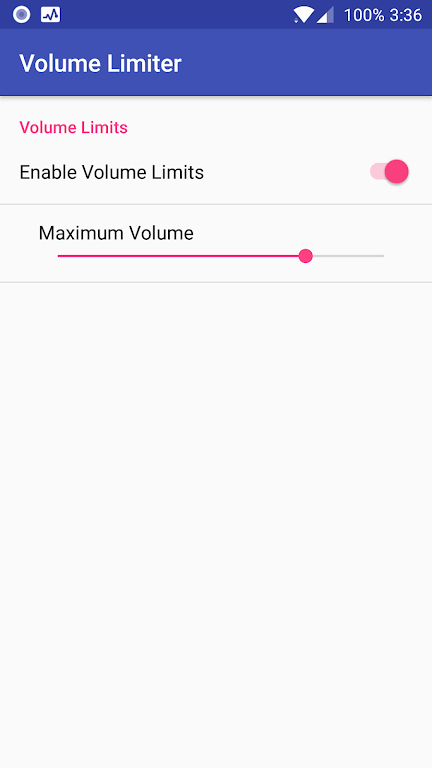
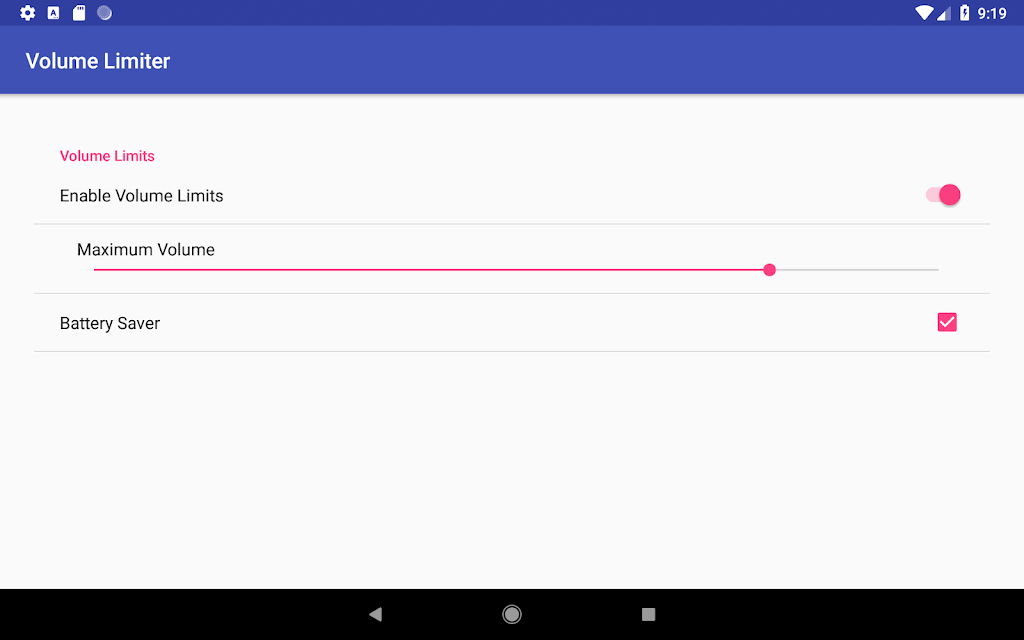
Setting a limit is straightforward: pick the audio stream, drag the slider to a safe level, and save. You can establish separate limits for media, ringtone, notifications, and alarm sounds. The app stores presets so you can switch between modes — for example: Daytime, Night, and Travel.
The interface is clean and pragmatic. Sliders are large and responsive, and the profile editor shows schedules on a simple timeline. The app runs efficiently in the background and has a small memory footprint. Battery impact is minimal since it only monitors volume events rather than constantly sampling audio.
When a volume change is blocked, Volume Limiter 2 can display a brief toast or persistent notification. This feedback helps users understand why their button press had no effect. There is also an optional log to review when limits were enforced, useful for troubleshooting and verifying parental settings.
Customization is a strong point. Create multiple profiles with distinct limits, icons, and schedules. Profiles can be switched manually, triggered by time, or tied to events such as connecting to a specific Bluetooth device. This makes it easy to have one configuration for headphones and another when using the car stereo.
Volume Limiter 2 is useful in many scenarios: parents can limit kids’ headphone volume; commuters avoid loud ads on streaming services; workplaces maintain quiet zones; and sound-sensitive users prevent sudden spikes from notifications or videos. Integrating the app into your daily routine is as simple as assigning a nighttime profile or placing a widget on your home screen for one-tap control.
Most modern Android devices are supported without special permissions. If some apps bypass the limiter, toggling the accessibility permission usually resolves the issue. The developer provides clear guidance in-app for common quirks tied to specific Android builds or custom manufacturer skins.
Volume Limiter 2 strikes a balance between simplicity and control. It offers just enough configuration for power users while keeping basics accessible for anyone who wants consistent hearing protection. The combination of per-app rules, schedules, and quick access widgets makes it an effective daily tool for managing sound on Android devices.
Install the app, grant the minimal permissions requested, set a sensible default limit, and optionally configure a nighttime profile. Test the behavior with a media player and a Bluetooth headset to confirm outputs respect your chosen ceiling. Once set up, the app runs quietly in the background and prevents loud surprises without disrupting normal listening habits.