Flux for KWGT
Version: 1.1.1
36.35MB
4.2
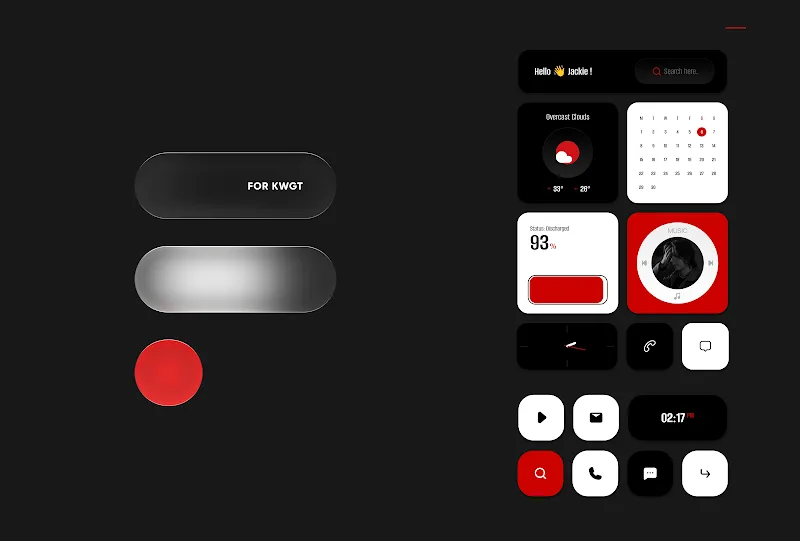
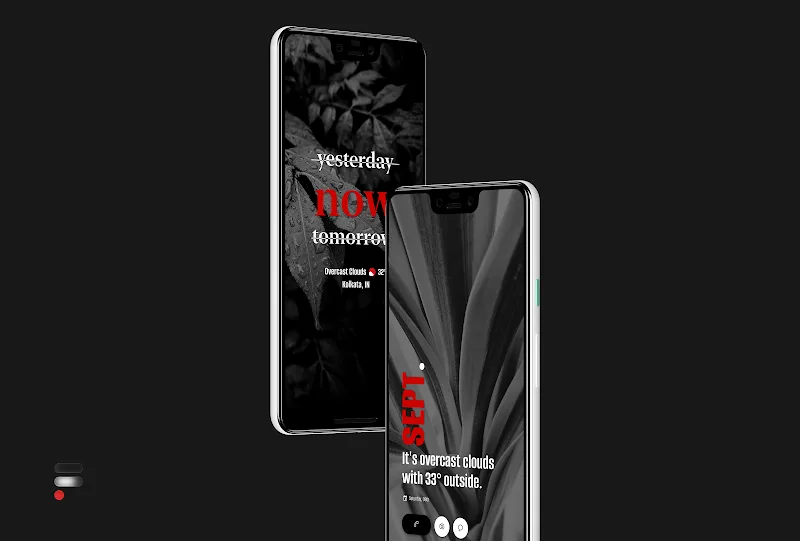
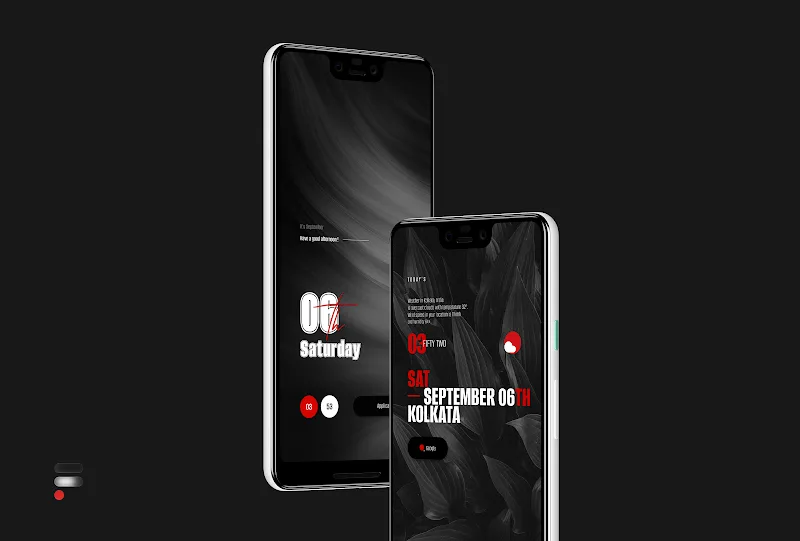
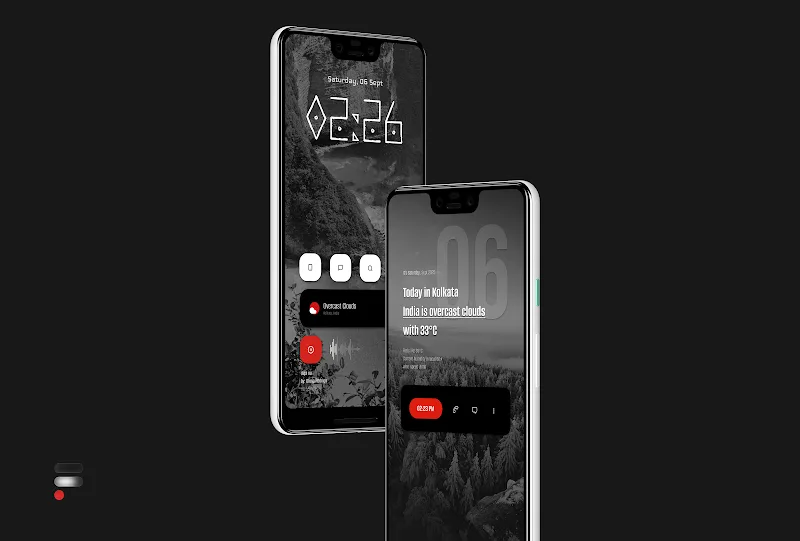
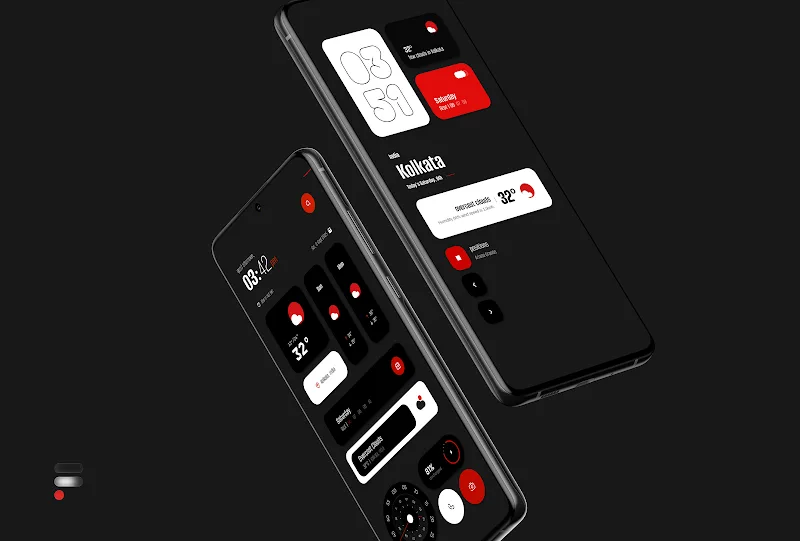
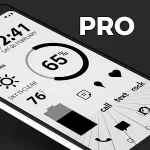
Minimal homescreen kits that feel tidy and intentional are everywhere, and Flux for KWGT lands squarely in that category by offering a focused set of widgets and wallpapers to refresh your Android layout. This pack gives you a cohesive black, white and red aesthetic, with a large initial selection of widget templates and matching monochrome backgrounds so you can craft a refined look quickly. Flux for KWGT is aimed at users who want clean visuals and easy customization rather than flashy animations.
Curated widget set: A broad collection of ready-made widgets covers clocks, weather, music controls and info panels so you can pick designs that match a minimal theme.
Monochrome wallpapers: Several single-tone backgrounds are included to pair with the widgets and keep the overall look consistent and distraction-free.
Global customization: Tweak colors, type sizes and spacing from central settings so many widgets update together instead of editing each one individually.
Practical sizing and scaling: Templates are built for typical grid sizes and you can adjust scale inside KWGT if a widget doesn't fit your launcher layout.
Regular updates: The pack receives periodic additions and refinements, keeping the collection fresh without requiring a complete overhaul of your setup.
Clock and date modules: Slim digital and analog-style clock widgets that pair with small date strips, useful for unobtrusive timekeeping.
Weather and forecast panels: Simple temperature and condition readouts with compact icons so environmental info is visible at a glance.
Media and player controls: Minimal play/pause and track info widgets that fit into a clean home row beside app shortcuts.
Info tiles: At-a-glance blocks for battery, steps or calendar events that can be arranged to build a dashboard feel.
Install requirements: Flux widgets require the KWGT app and the KWGT PRO key to import and edit the templates, and a custom launcher such as Nova improves placement control.
Placement advice: Start by adding a blank KWGT widget at the desired grid size, then load a Flux template so you can confirm proportions before final placement.
Scaling fix: If a widget appears too large or small, open the KWGT editor and use the global scale slider rather than resizing repeatedly on the home screen.
Use-case examples: Create a distraction-minimizing setup for focused work sessions with a single clock and essential info tiles, or assemble a neat layout for a presentation or interview where the phone looks professional and uncluttered.
Do I need to buy anything to use the widgets?
Yes. The widgets import through KWGT and require the KWGT PRO key to edit and use fully; the Flux pack itself supplies the templates.
Will these widgets work with my launcher?
Most custom launchers that support KWGT will work fine. If you use a launcher with limited widget resizing, consider switching to one that exposes full grid control.
Can I change colors and fonts?
Yes. The pack exposes global settings and individual elements can be edited inside the KWGT editor so you can alter colors and typographic choices.
Where do I get help if something isn’t right?
If a template has issues after import, contact the creator by email at [email protected] or via the social handle listed with the pack for troubleshooting steps.
If you prefer a minimalist, monochrome look with a handful of polished widgets ready to drop into your home screen, Flux for KWGT is an efficient starting point that balances form and function. It’s especially useful for anyone who likes to fine-tune a cohesive visual theme, although you will need KWGT PRO to unlock full editing and import options. Give Flux for KWGT a try if you want a sharp, professional homescreen without rebuilding everything from scratch.