Rainsee Browser
Version: 7.1.0.5
115.79MB
4.2
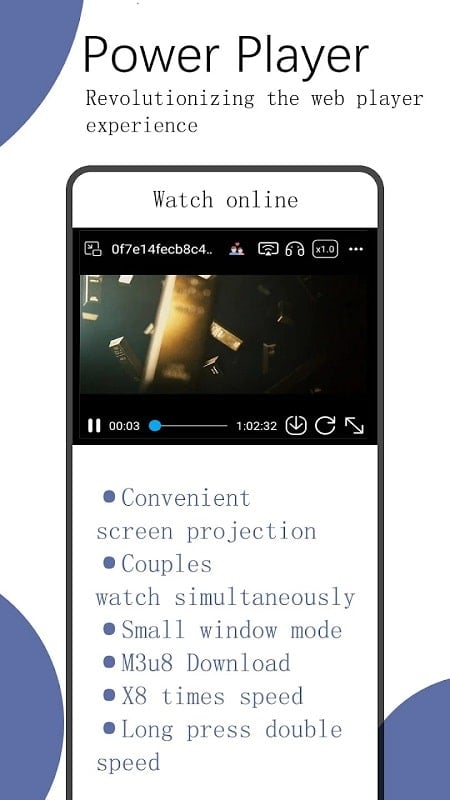
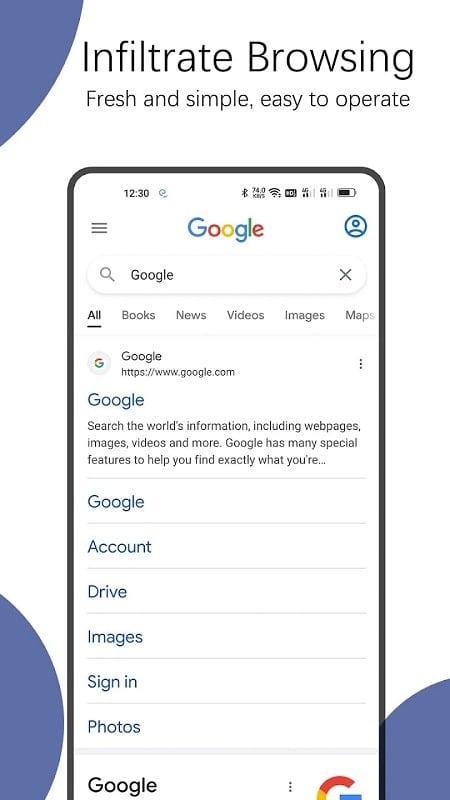
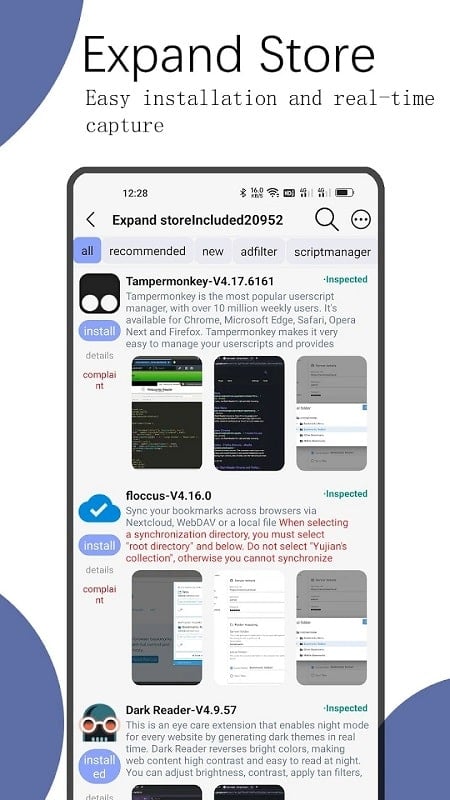
Rainsee Browser is a lightweight Android web browser built for speed, privacy, and efficient multitasking. It combines a minimalist interface with useful tools—ad blocking, tab grouping, and customizable gestures—to streamline daily browsing. Ideal for users who want fast load times and simple controls without unnecessary complexity.
This browser focuses on delivering a smooth browsing experience while keeping battery and data consumption low. Tabs open quickly, pages render cleanly, and essential tools are one tap away. The app is suitable for casual surfers, mobile workers who need reliable performance, and anyone who prefers a clutter-free browsing layout.
The design emphasizes clarity: a configurable toolbar, an easy-to-reach address bar, and a compact settings menu. Animations are subtle, conserving processing power on older devices. Memory management keeps background tabs from consuming excessive RAM, and battery optimizations extend browsing time between charges.
Rainsee Browser includes features that make routine tasks faster. The built-in download manager organizes files and pauses or resumes transfers. A quick-search bar supports multiple engines and lets you switch providers without leaving the current page. Bookmark folders are easy to create and sync locally for simple organization.
Privacy is treated as a core principle. The browser offers a private browsing mode that clears local history and cookies at session end. Cookie controls and per-site permission settings help you decide what data each site may access. HTTPS enforcement and safe browsing warnings reduce the risk of visiting malicious sites.
The app provides several ways to personalize the experience. You can change the default search engine, rearrange toolbar icons, and select a dark theme for low-light use. Advanced users will appreciate granular control over blocking rules and the ability to whitelist trusted sites to prevent interference with essential web functions.
Setup is straightforward. After installing, the browser walks you through importing bookmarks, selecting a search engine, and enabling any privacy protections you prefer. Profile settings let you adjust text size, enable data saver features, and configure gesture shortcuts to match your workflow.
Because it balances simplicity with useful tools, Rainsee Browser is a good fit for people who want an efficient, private, and adaptable mobile browser. Its combination of speed, practical features, and straightforward controls helps users accomplish everyday web tasks without friction.
Before heavy use, review the privacy settings and customize the toolbar to surface the functions you use most. Keep the app up to date for security fixes and performance improvements. With a few small adjustments, the browser can become a dependable daily utility on any Android device.