
Text Repeater
Version: 3.8.5
11.73MB
4.2
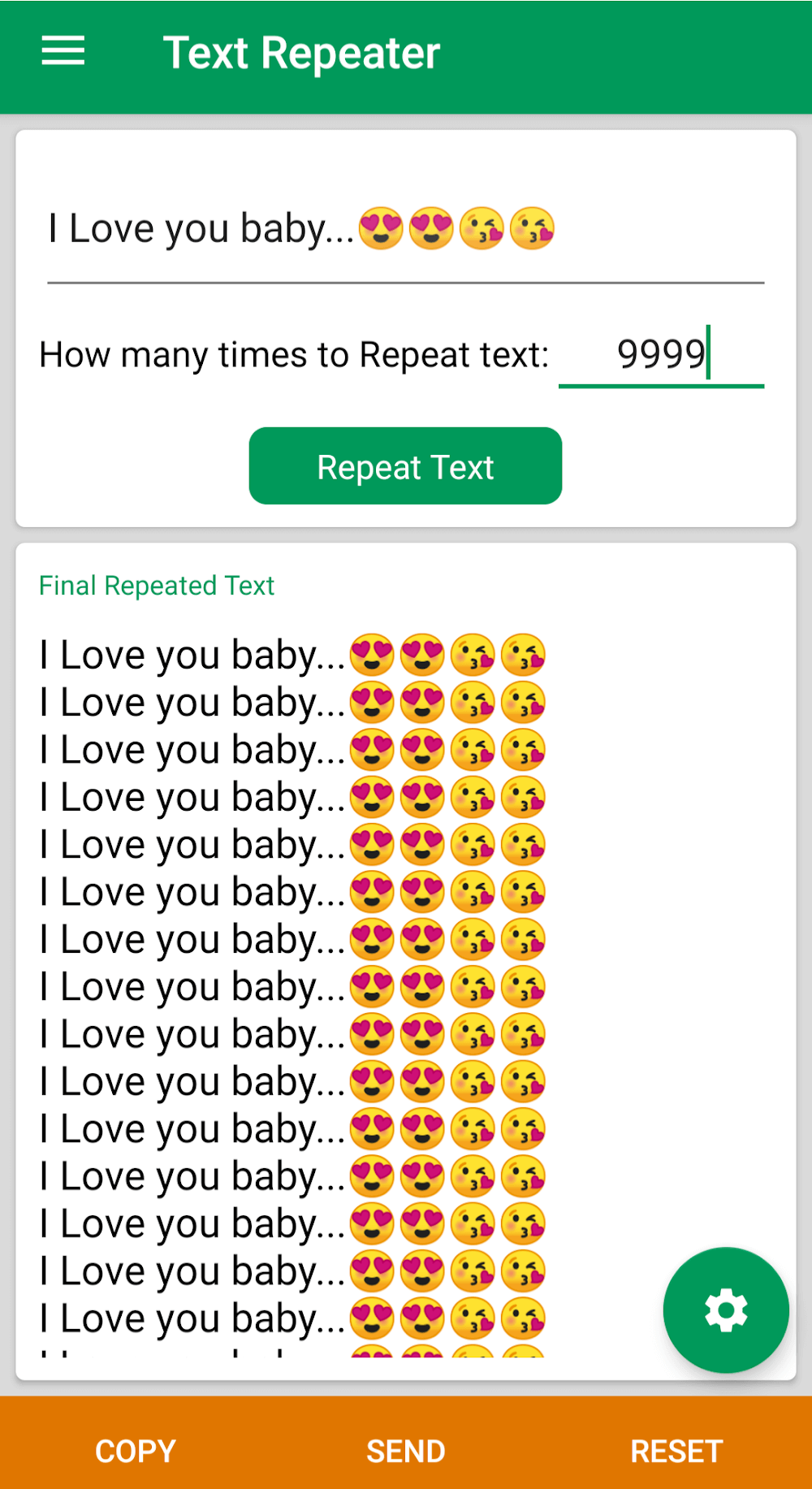
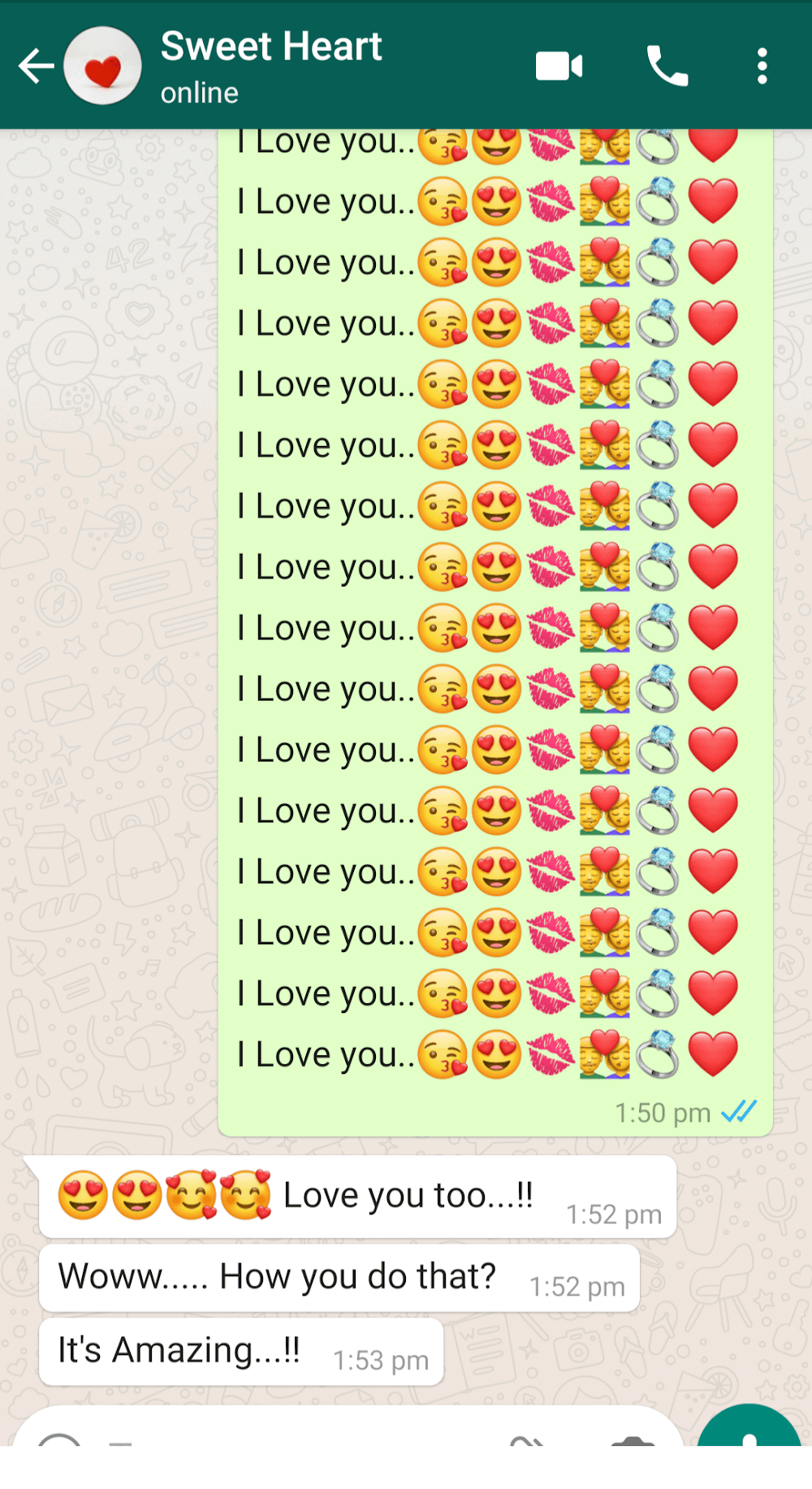
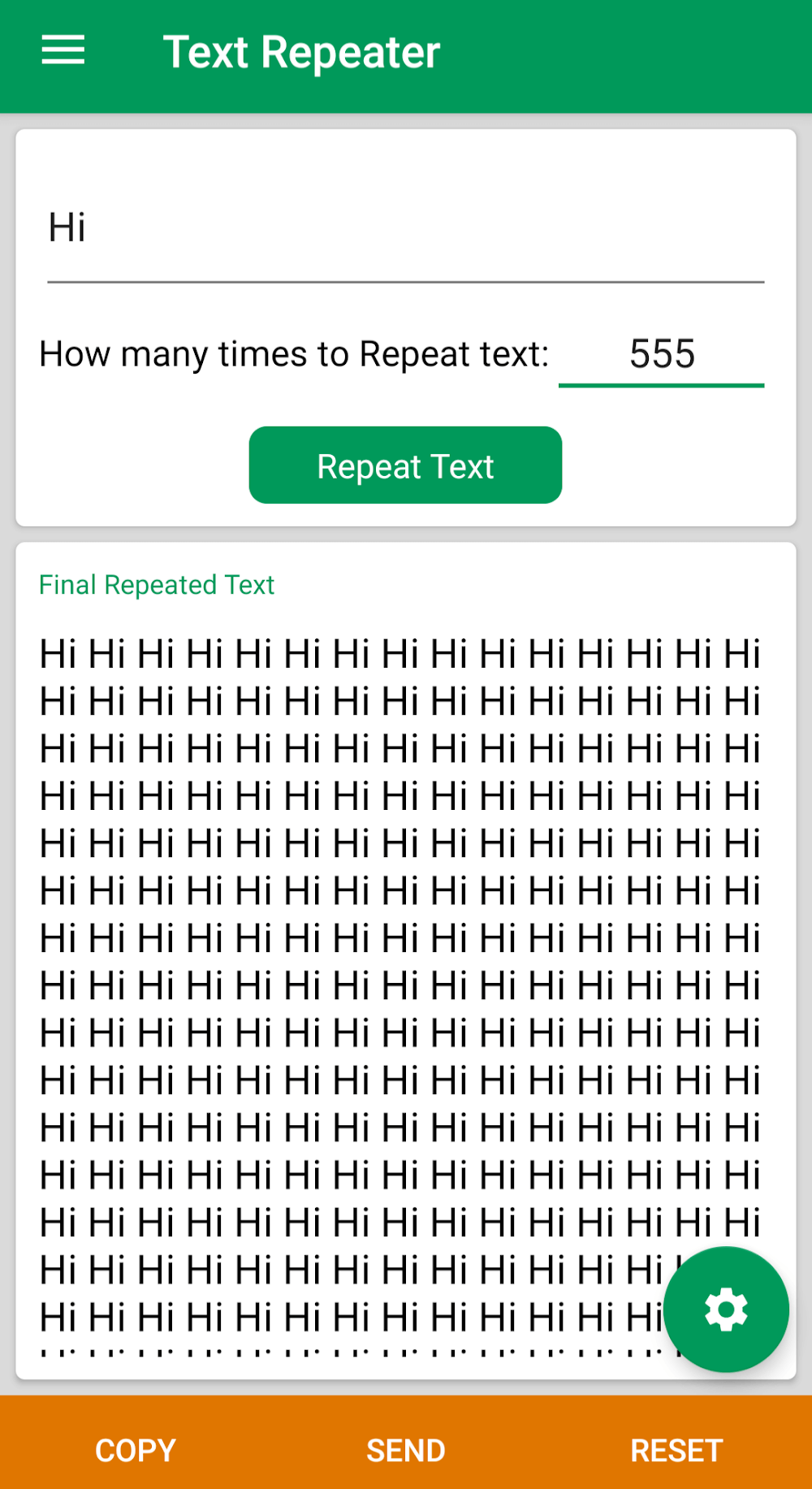
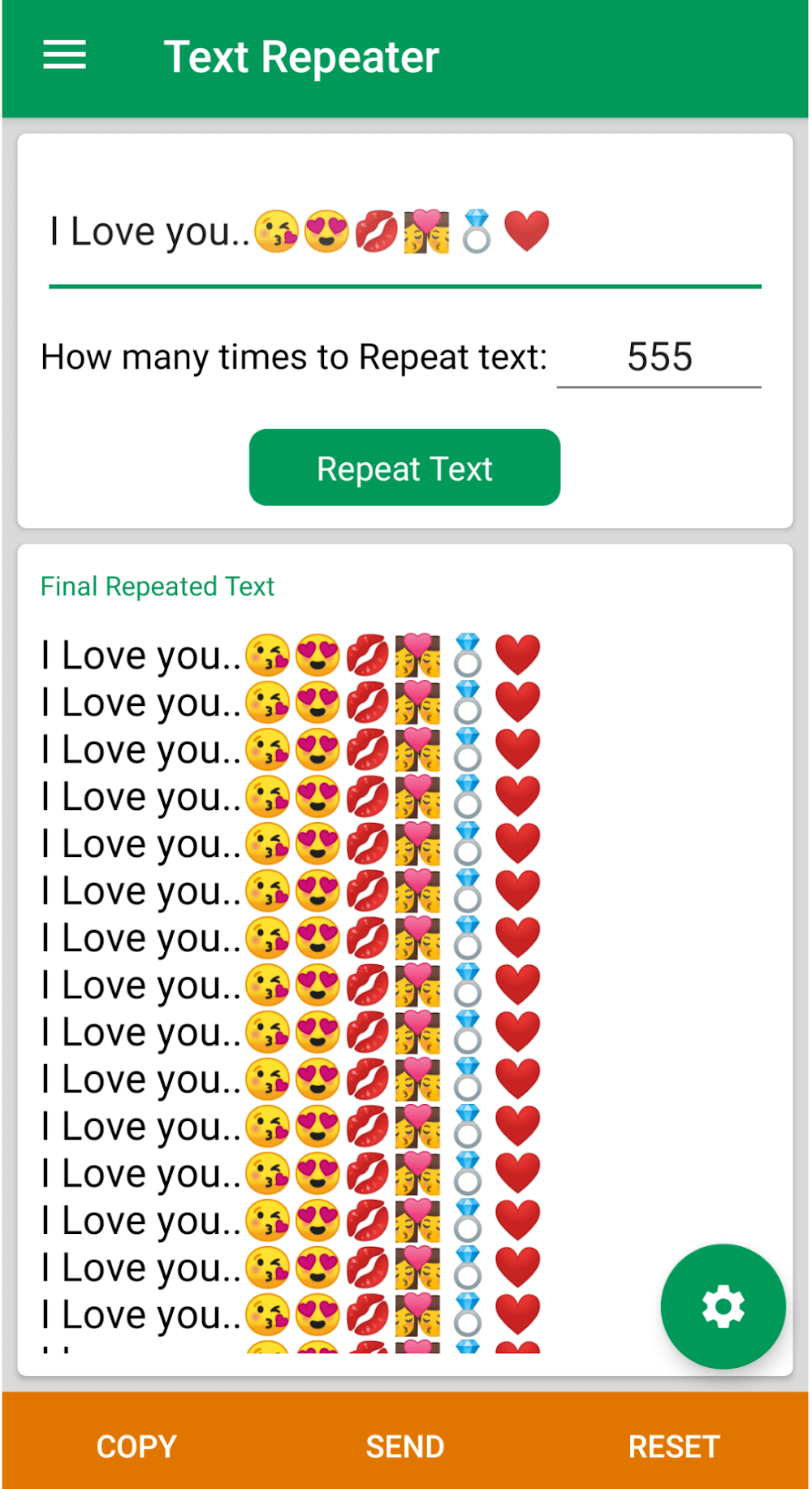
Utility tools for messaging get a neat, lightweight addition with Text Repeater. This compact Android utility helps you prepare a block of text and re-send it multiple times with minimal effort. Whether you're populating test chats, sharing repeated reminders, or prepping formatted blocks for copying, Text Repeater simplifies repetitive typing. The app pairs a clean interface with controls for count, spacing, and basic formatting so you can customize how a message is repeated before sending it to any conversation or external app.
One-tap repetition: Set a message and trigger the repeat action with a single button press to avoid retyping the same content over and over.
Custom repeat counts: Choose how many times a line or block is duplicated, from a handful of repeats to long runs for testing or demonstration.
Formatting and emojis: Insert emoji and simple formatting characters to make repeated messages more expressive and easier to read.
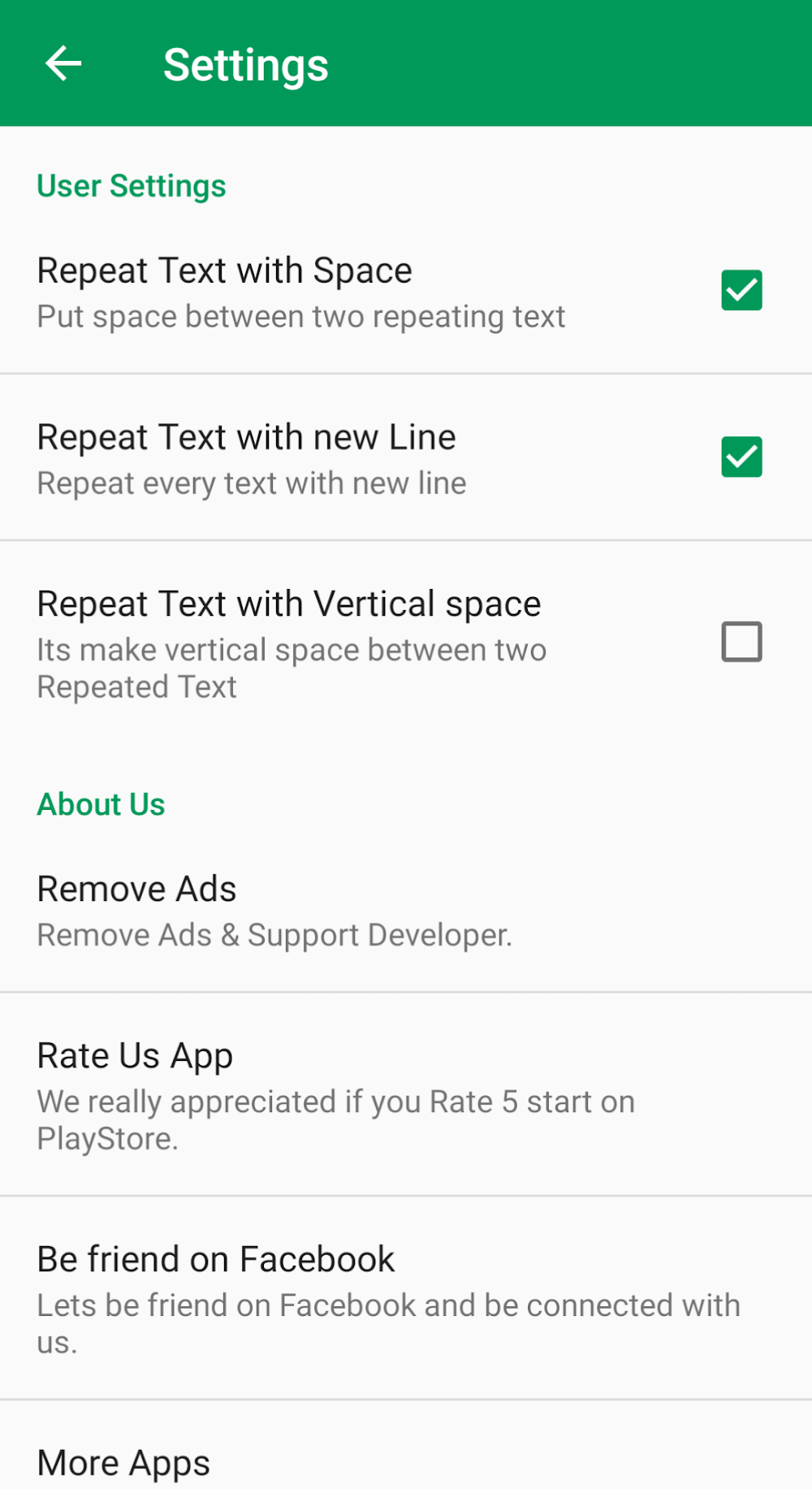
Line breaks and spacing: Add blank lines or extra spaces automatically so repeated text maintains the structure you need when pasted into other apps.
Plain text repeater: A straightforward mode that duplicates exactly what you type, ideal for simple notes and reminders.
Formatted block repeater: Preserve paragraphs, line breaks, and spacing to repeat longer messages or templates without losing layout.
Clipboard-mode repeater: Use Text Repeater as a clipboard enhancer to prepare repeated content and paste it into chats, emails, or forms.
Use templates for frequent messages: Save common phrases such as meeting reminders or status updates so you can call them up and repeat them quickly.
Test with low counts first: When trying a new template, run a small repetition number to confirm formatting before sending a larger batch.
Combine with clipboard managers: Pair Text Repeater with a clipboard tool to cycle through several repeated blocks without retyping each one.
Keep privacy in mind: Avoid using repeated messages for spam; instead focus on legitimate uses like data entry or reminders.
Use for productivity testing: Developers and QA testers can use Text Repeater to simulate repeated input in chat flows or forms when verifying behavior under repeat submissions.
Can I send repeated messages directly from the app to messaging apps?
Yes. Text Repeater prepares the text and lets you copy it or open the target app to paste and send; behavior depends on the permissions and the messaging app in use.
Is there a limit to how many times a message can be repeated?
The app allows configurable repetition limits; practical limits are based on device memory and the destination app, so very large runs may be constrained by the receiving app.
Can I include emojis and line breaks in repeats?
Absolutely. Text Repeater supports emojis and preserves line breaks and added spaces so repeated blocks keep their intended appearance.
Text Repeater is a straightforward utility that removes tedious retyping from routine messaging tasks. It blends simple controls with enough customization for formatting, spacing, and count selection, making repetitive workflows faster. If you regularly copy templates, test chat flows, or need a quick way to reproduce structured text, Text Repeater is a practical choice for Android users seeking convenience and functionality.