
e-Connect
Version: 2.21.3
164.49MB
4.2
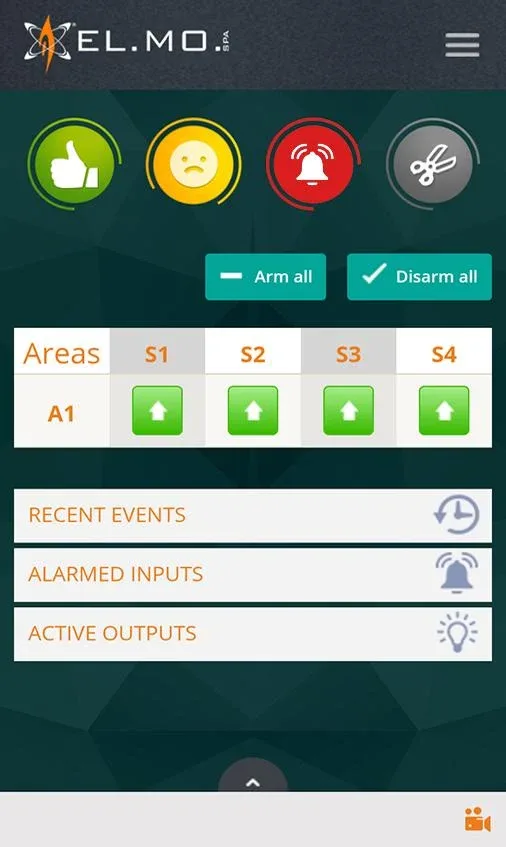
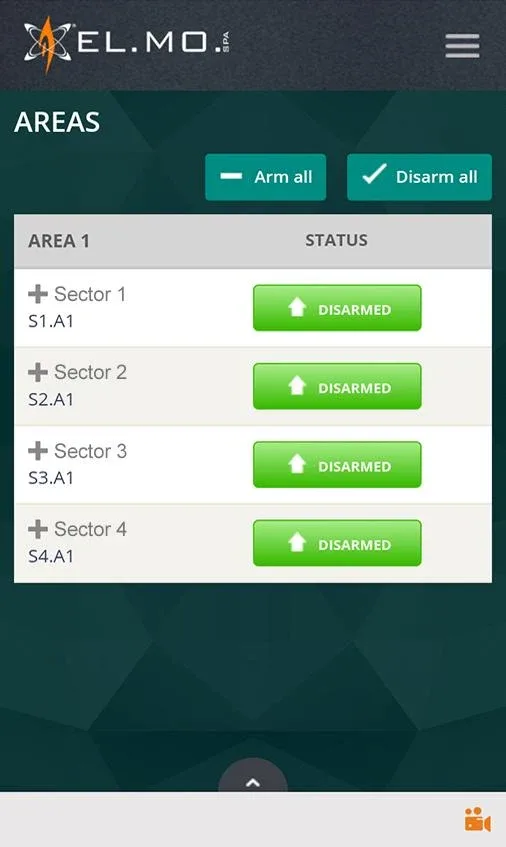
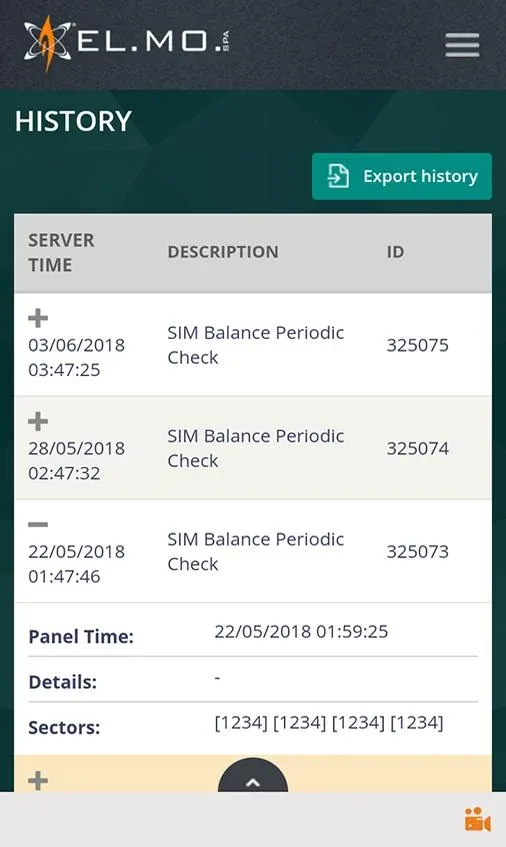
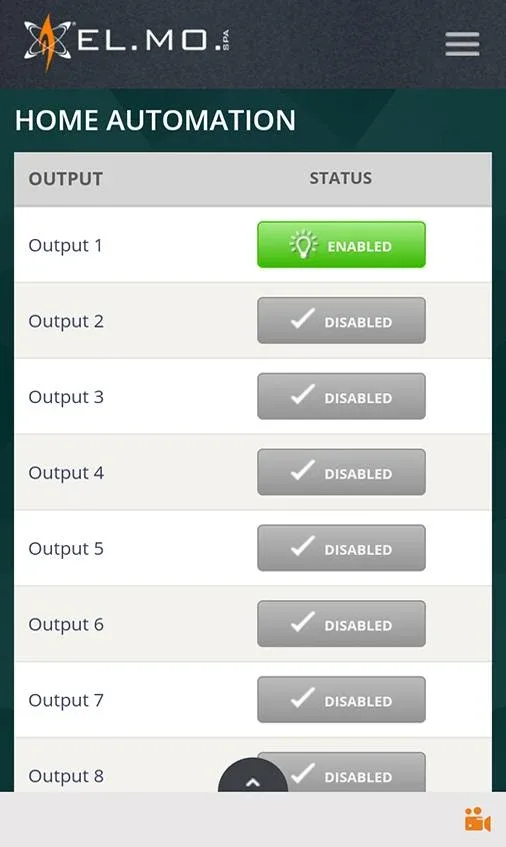
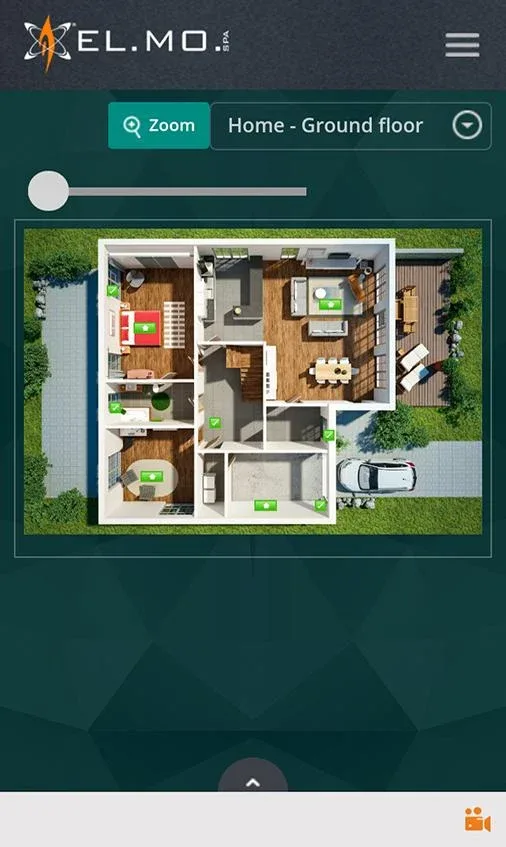
e-Connect is a lightweight communication and productivity app that brings secure messaging, video conferencing, and file sharing into a single Android interface. Designed for teams and individuals, e-Connect streamlines remote collaboration with an intuitive layout, reliable performance, and privacy-focused tools for everyday workflows.
e-Connect combines the essential tools modern users need into a compact package. The app provides instant messaging with threaded conversations, high-quality voice and video calls, and a fast file transfer system that supports documents, images, and compressed archives. Group channels, presence indicators, and read receipts help keep everyone aligned without unnecessary clutter.
The interface prioritizes clarity: a left navigation pane groups recent chats, teams, and pinned items, while the main view adapts depending on the task. Composing messages, scheduling a meeting, or sharing a file all happen within a few taps. Templates and quick-actions reduce repetitive steps, and dark mode preserves battery life on OLED devices while improving readability in low-light environments.
Security is central to e-Connect’s design. Messages are encrypted in transit, and optional end-to-end encryption protects sensitive conversations. Account access can be secured with two-factor authentication, and device-level permissions are transparent so users can review what the app accesses. Administrators have role-based controls for larger teams, making it easy to set data retention and compliance policies.
Built to perform on a wide range of Android devices, e-Connect balances speed with low resource use. Background synchronization is optimized to minimize battery drain, and adaptive bitrate technology keeps video and audio stable on fluctuating networks. Local caching and retry logic ensure that messages and files are not lost during temporary connectivity issues.
To fit into existing workflows, e-Connect supports integrations with cloud storage services, calendar apps, and popular productivity platforms. Developers can extend functionality using a RESTful API and webhook hooks for automation. Shared links preview content inline, and third-party authentication providers make onboarding faster for organizations.
Teams can personalize e-Connect to match their processes: custom channel names, announcement pins, and role-based access help shape communication flow. Admin consoles provide usage analytics, audit logs, and user provisioning tools. For branding, organizations may apply custom color schemes and logos to create a consistent experience across devices.
New users will find setup straightforward. Install the app from your Android device, create an account or sign in via single sign-on, and allow necessary permissions for microphone and camera if you plan to call. Create a profile, join or create a team, and begin inviting colleagues via link or email. Initial setup takes only a few minutes, after which the app is ready for messaging and meetings.
e-Connect supports a broad range of Android versions, with regular updates that deliver security patches and feature enhancements. Automatic updates can be enabled to ensure you benefit from the latest improvements without manual intervention. Performance tuning and bug fixes are rolled out frequently to maintain a smooth user experience across devices.
For professionals and casual users alike, e-Connect offers a balanced combination of communication tools and productivity features. Its focus on security, efficient workflows, and lightweight performance make it a practical choice for teams seeking a single app to handle messaging, meetings, and file collaboration.