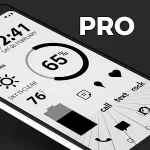
Oxigen Dark 3D - Icon Pack
Version: 3.7
41.20MB
4.2
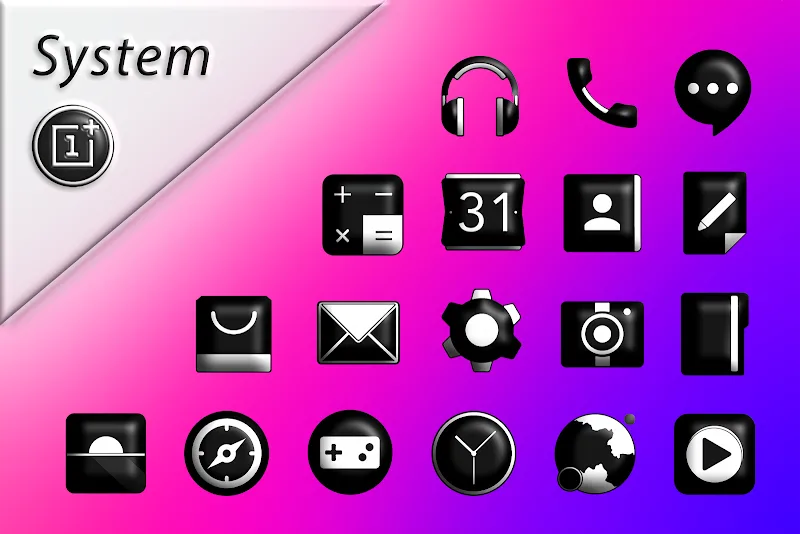
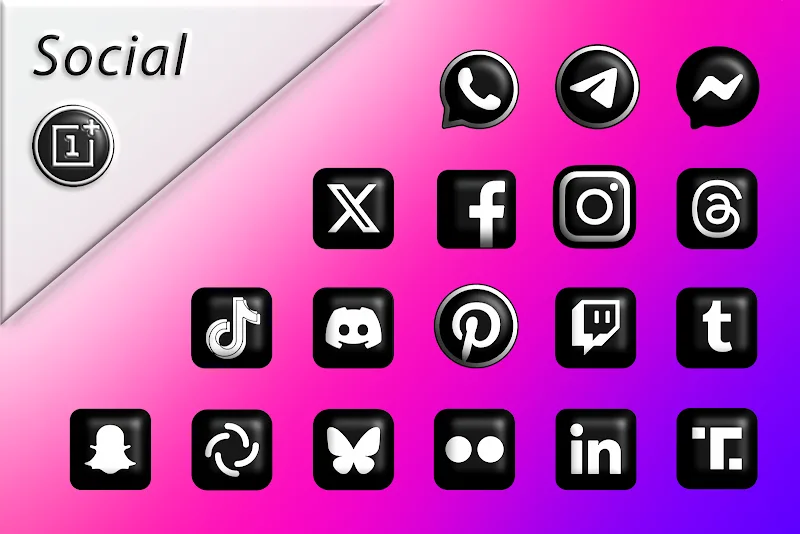
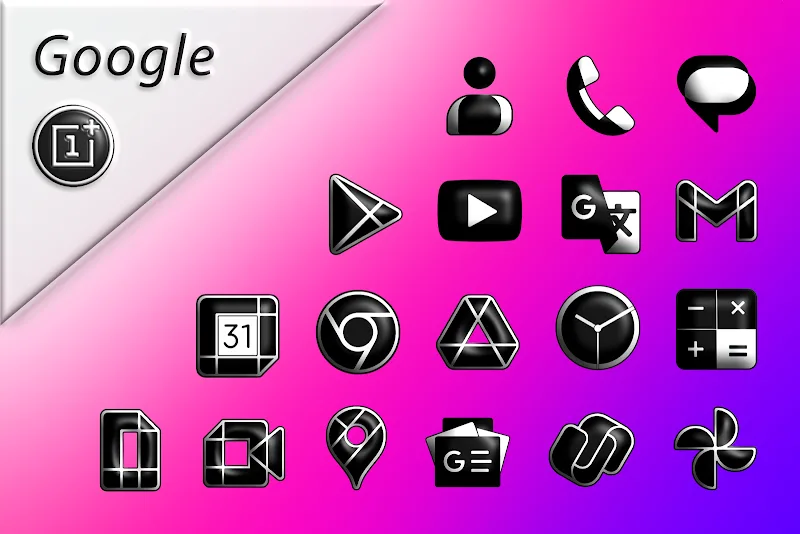
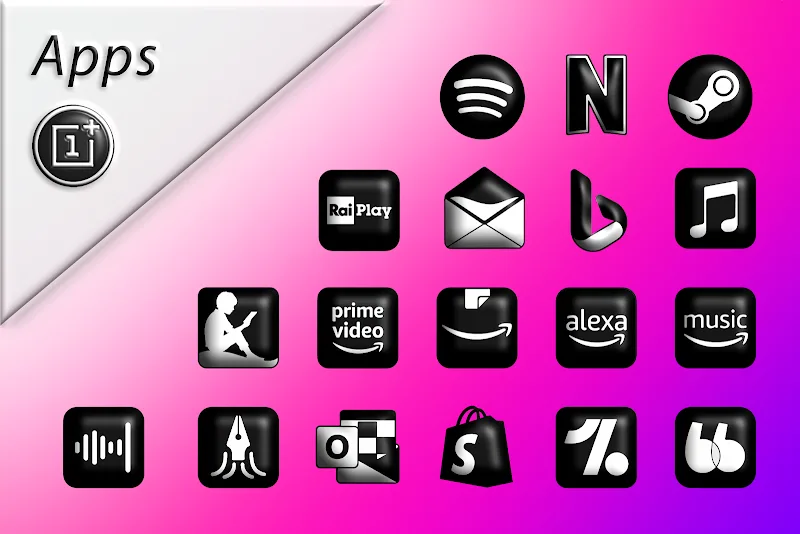
Oxigen Dark 3D - Icon Pack transforms your Android home screen with deep, vibrant icons and realistic 3D shading. This icon pack brings a unified dark aesthetic, high-resolution artwork, and adaptive shapes to modern launchers, offering a quick way to refresh your device while keeping a polished, consistent look across apps.
The Oxigen Dark 3D - Icon Pack is designed for users who want a sleek, cohesive theme without the fuss. It supplies thousands of icons, multiple wallpaper options tailored to the dark palette, and a system of icon masking that minimizes visual gaps for unsupported apps. Expect crisp edges, subtle depth effects, and a uniform color language that works well with both AMOLED and LCD displays.
Customization is where Oxigen Dark 3D - Icon Pack shines. The pack provides multiple icon styles and size adjustments through compatible launchers, allowing you to tune spacing and scaling for different grid layouts. The dark-first color strategy reduces screen glare and enhances contrast on app labels, while optional accent tones let you introduce a hint of color without disrupting the overall theme.
Most major third-party launchers support this icon pack, including popular choices such as Nova, Lawnchair, and Action Launcher. Once applied, the pack replaces default icons and applies masking to unidentified icons. Some launchers offer per-app icon selection, which is helpful if you want to mix styles or highlight specific apps. The app is primarily a resource pack, so it relies on launcher integration to alter your home screen.
Performance impact is minimal because the pack uses optimized image formats and bundles only necessary assets. There’s no background service constantly running, which keeps memory and battery usage low. The interface within the package is straightforward: preview icons, browse categories, and jump to launcher apply options. Wallpapers are previewed against sample grids so you can see how icons will appear in context.
To get started, install the pack, then open it and choose your launcher under the apply menu. If your launcher isn’t listed, apply icons manually through the launcher’s theme settings or use the icon picker to assign individual icons. Backup your current layout before mass-applying to avoid having to reconfigure widgets or custom gestures.
Users often choose Oxigen Dark 3D - Icon Pack for its consistent aesthetic and ease of integration. It suits those who prefer minimal distraction with a premium feel and helps streamlines a device’s visual identity. Regular updates that add icons and tweak designs keep the collection current with app changes.
If you’re aiming for a darker, modern interface that still feels lively, this icon pack provides a straightforward route to professional-looking home screens without heavy customization work.