Flixy - Icon Pack
Version: 5.7
119.26MB
4.5
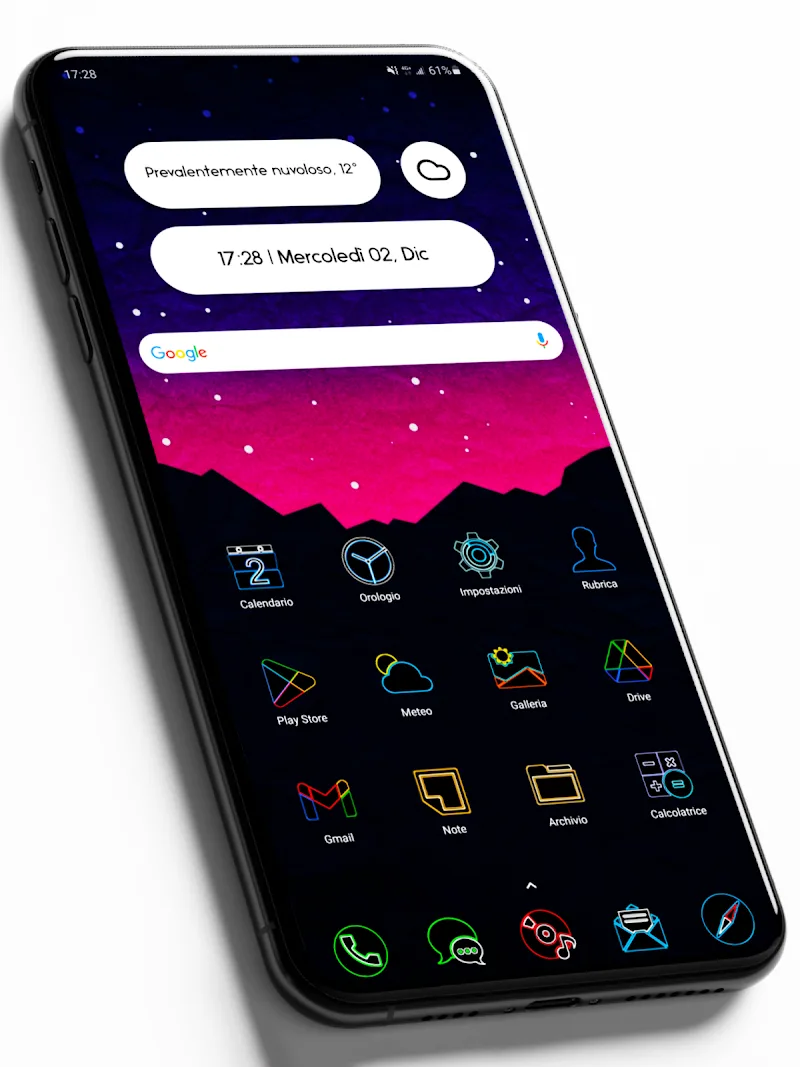
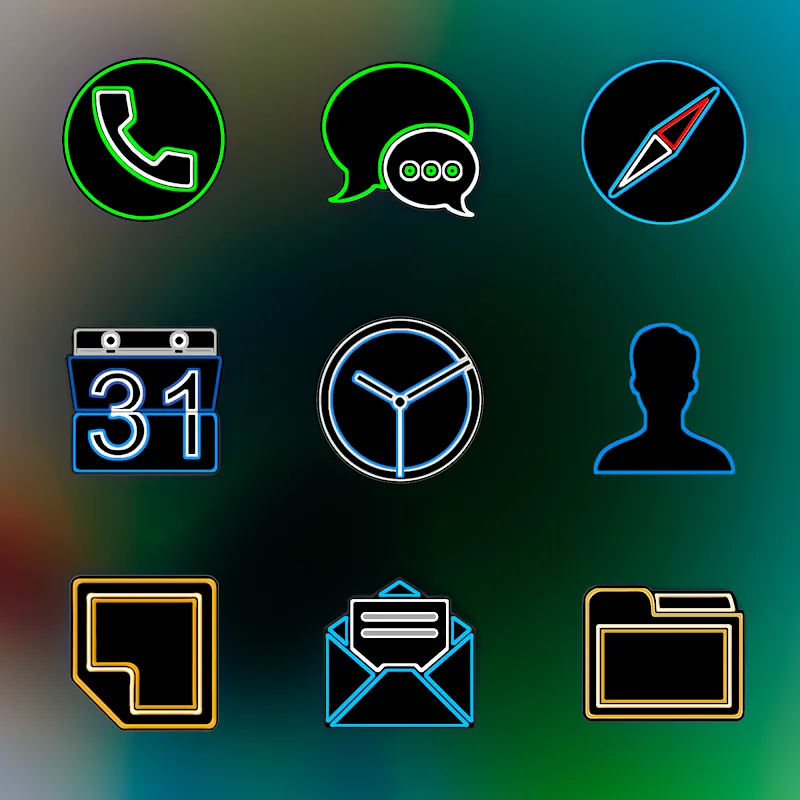
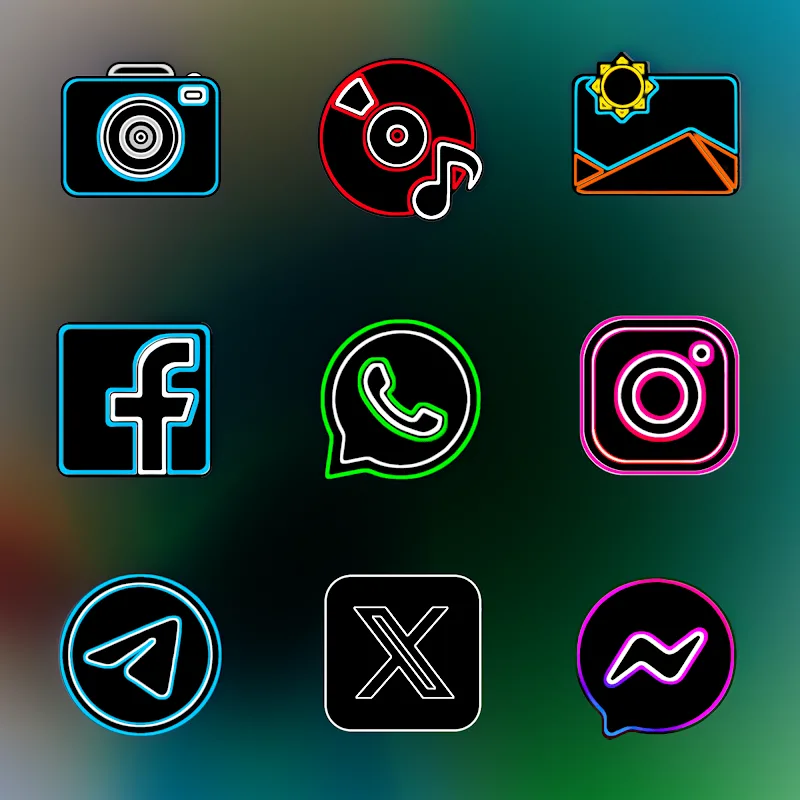
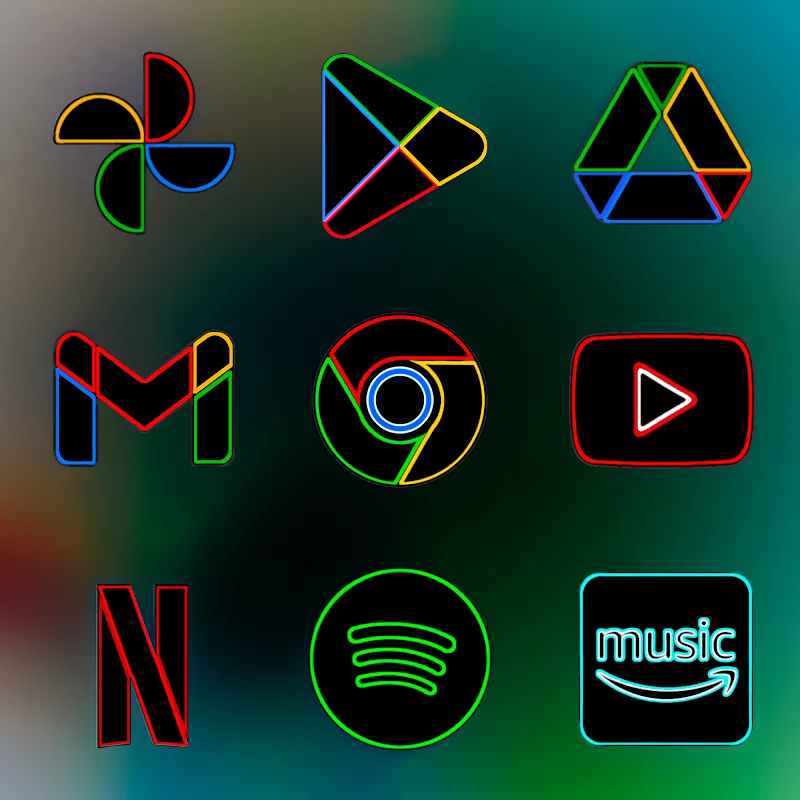
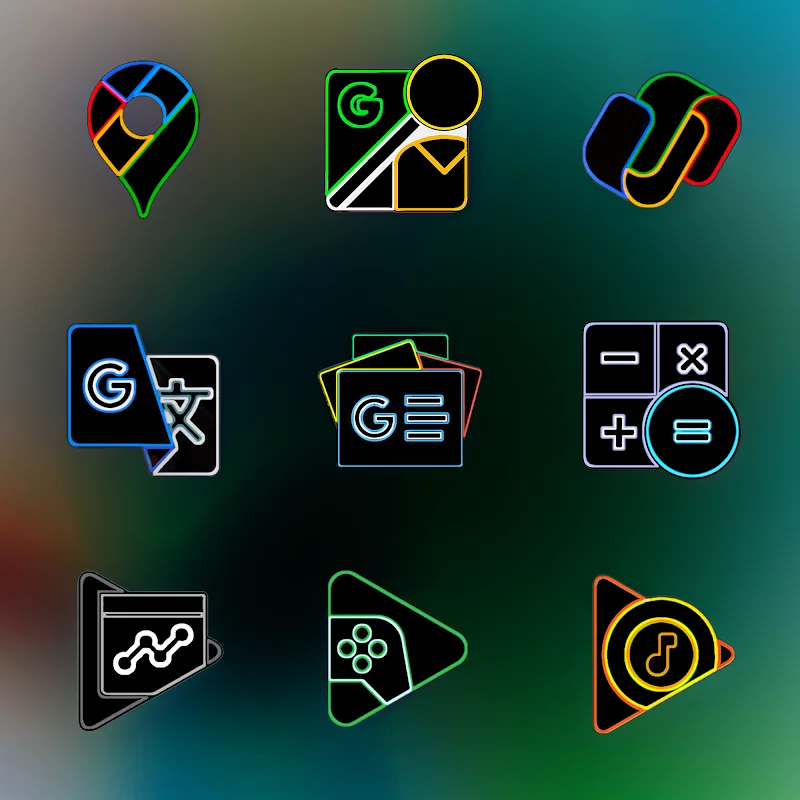
Flixy - Icon Pack is a high-resolution icon collection designed to refresh Android home screens with crisp, consistent artwork and flexible customization tools. Flixy - Icon Pack focuses on Ultra HD assets rendered at 2K SuperHD+ (350 x 350 px) and organizes a large catalog of artist-created icons so users can quickly assemble a polished, professional look without assembling individual images. This description explains how the pack is structured, how it behaves on devices, what to expect during setup, and which customization options help you tailor the interface to your preferences.
Flixy - Icon Pack delivers a broad visual range while maintaining a consistent design language: high-fidelity shapes, balanced saturation, and a glossy finish aimed at clearer silhouettes on modern displays. Each icon is produced to a fixed pixel density (350 x 350 px) to preserve detail on higher-resolution phones and tablets. The result is sharper edges and more vivid colors on devices with capable screens, while the design maintains legibility on mid-range displays. The pack emphasizes cohesion across app icons so folders and home screens feel unified when the set is applied.
The pack includes a built-in browser and management tools for previewing, searching, and organizing icons before you apply them. Use the preview interface to see how icon sets look against different wallpaper tones and grid layouts; then follow your launcher’s theme or icon settings to apply the chosen icons. The in-app manager simplifies bulk application and lets you pick individual app icons when you prefer custom substitutions. Because Android launchers vary, the app provides clear, launcher-neutral guidance on applying icons so you can complete setup with the controls available in your chosen home screen app.
Customization in Flixy - Icon Pack is based on selection and incremental refinement rather than a leveling or progression system. Users build a personalized theme by browsing categories, marking favorites, and swapping icons to refine a look over time. The library is organized into themed groups and searchable collections, which makes it straightforward to expand your visual language gradually: begin with a base pack, then replace or fine-tune icons for the most-used apps to create a distinct interface without a steep learning curve.
The icon catalog is arranged by theme and application type so you can quickly find alternatives for system apps, productivity tools, social apps, and games. Because the pack offers many stylistic variations and artist-driven concepts, experimenting with different combinations provides meaningful replay value: you can re-theme your home screen for a seasonal look, switch palettes to match new wallpapers, or create multiple presets for different contexts such as work and leisure. The preview tools speed this experimentation so re-theming becomes a simple, low-risk activity.
Flixy - Icon Pack is designed to be lightweight in runtime and to operate when offline: once the pack is downloaded, icons and the management utilities are available without a network connection. The icon artwork is crafted to remain distinguishable at smaller sizes, and the preview functionality helps you assess contrast and readability before applying a theme. Performance is focused on quick browsing and minimal memory impact during normal use; the pack relies on the launcher to render icons, so responsiveness can vary depending on your device and chosen launcher implementation.
The pack is compatible with a wide range of Android launchers that support custom icon themes and manual icon replacement. For the smoothest experience, open the built-in previewer to select icons and then use your launcher’s theme or icon replacement options to apply them. If you prefer a uniform look, apply the base set and then selectively adjust a few key icons for balance. Keeping backups of your original homescreen configuration can make it easier to revert if you try several looks.
The icons in Flixy - Icon Pack are created and reviewed by an independent team of artists and designers who emphasize image fidelity and consistent rendering across sets. Quality control focuses on shape clarity, color balance, and template coherence so each icon contributes to a unified interface. The result is an icon pack intended to provide designers and everyday users alike with a practical, visually pleasing way to update their Android experience.