
OH Private Web Browser
Version: 112
4.59MB
4


OH Private Web Browser delivers a focused mobile browsing experience that prioritizes privacy, speed, and simple controls. Designed for users who want fewer trackers, built-in ad blocking and fast page loads, this lightweight app makes routine browsing more secure without sacrificing compatibility with modern web pages.
This app focuses on practical privacy tools combined with a minimal interface. It puts commonly needed functions — private tabs, cookie controls and quick site permissions — within reach, so users are less likely to dig into menus to change settings. The result is a browser that feels familiar but removes many background annoyances like ads and trackers.
OH Private Web Browser includes a compact set of features built for everyday mobile use. The pairing of ad blocking and tracker prevention improves page loading times and reduces data use. Below are the core capabilities that most users will interact with daily:
The interface keeps controls simple: a single bottom bar for navigation and a gesture-friendly tab switcher. Performance tests show shorter initial page render times compared with heavier browser apps, especially on older devices. Tabs are managed in a card layout that conserves RAM and allows for easy swiping between pages.
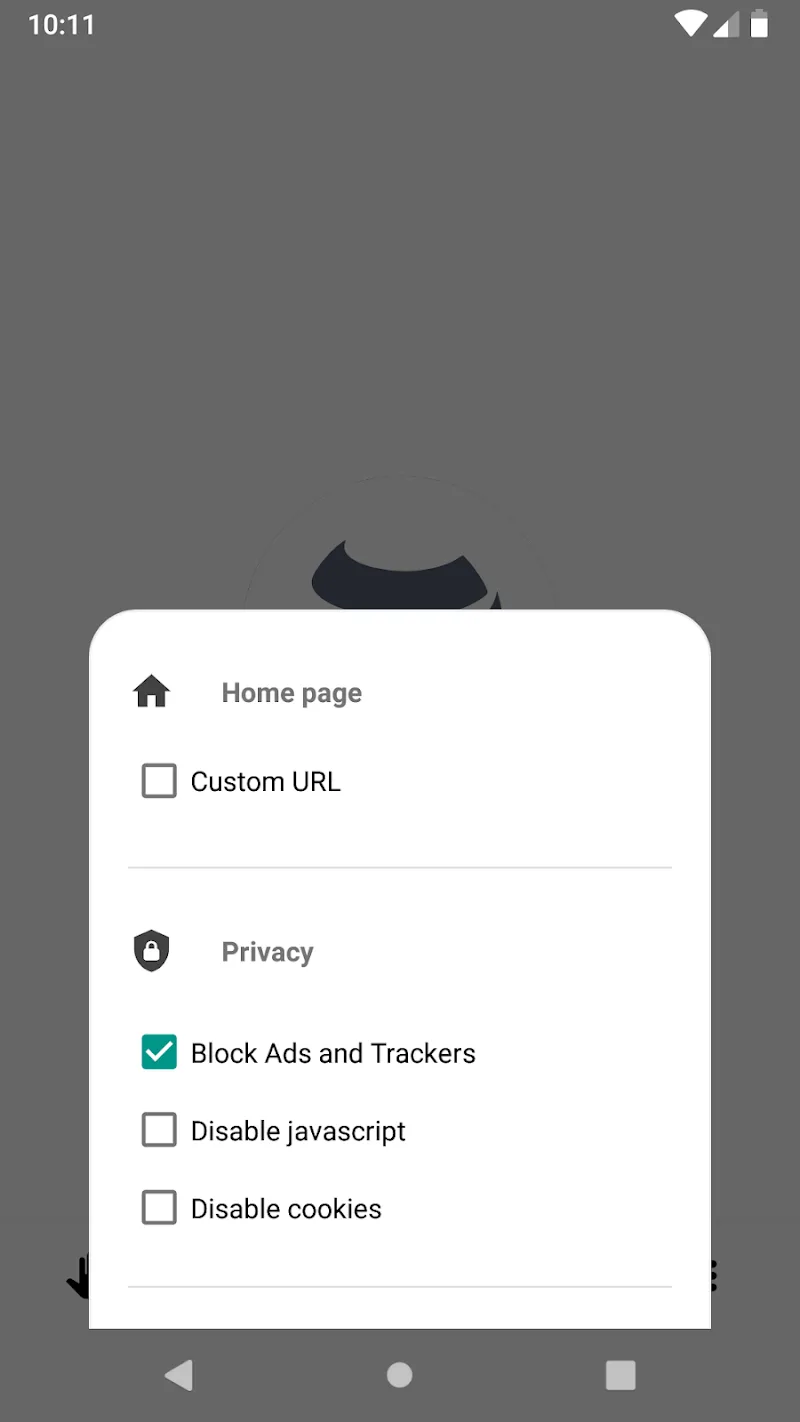
Privacy is the central selling point. OH Private Web Browser gives users tools to limit data exposure without complex configurations. Tracker blocking works quietly in the background, while cookie controls and a one-tap clear button make it easy to reset a session. For users who want added control, there are per-site exceptions and a persistent private mode that automatically discards session data when the app closes.
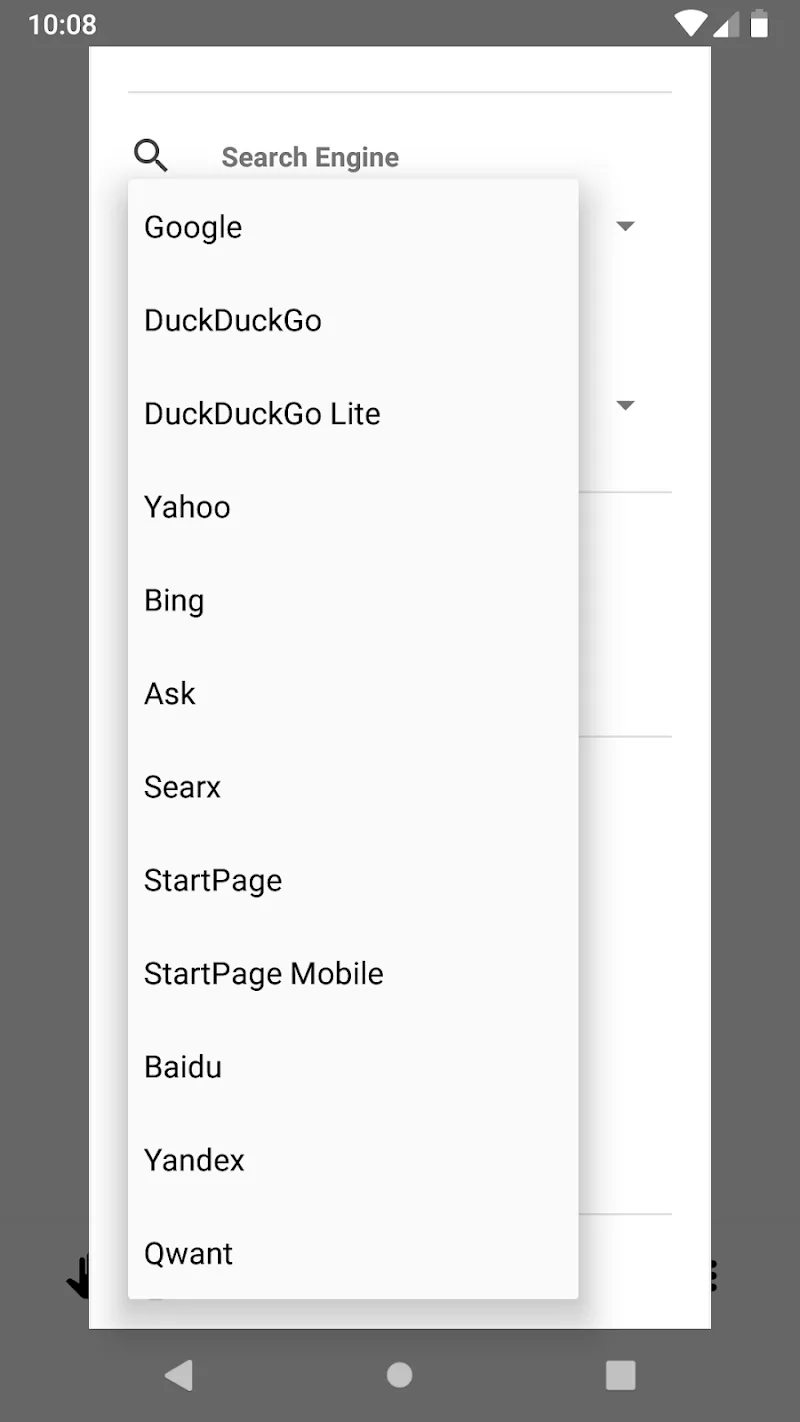
Although lightweight by design, the app offers enough customization to fit different workflows. You can adjust default search engines, enable or disable the ad blocker, and choose whether links open in new tabs or the current tab. Power users will appreciate the options to maintain a small list of trusted sites that bypass stricter blocking rules.
Start with the privacy defaults active and add site exceptions as needed. If a website behaves oddly, try toggling its permissions or disabling the ad blocker for that domain. Use the private tab feature for one-off tasks like banking or sign-ups to keep those visits isolated. Finally, check the app’s data-saving mode if you often browse on limited cellular connections.
OH Private Web Browser installs like other Android apps and runs well on a wide range of devices. The download size is relatively small, which helps on older phones or when storage is limited. After installation, the initial setup presents essential privacy options so you can start browsing with sensible defaults right away.
Reviewers and users tend to praise the ease of use and the balance between privacy and convenience. Occasional compatibility issues with certain complex web apps can occur, but those are typically resolved by toggling content settings. Built-in help sections and clear labeling reduce the learning curve for new users.
For anyone seeking a no-nonsense mobile browser that protects basic privacy without requiring expert knowledge, this app delivers a streamlined experience. Regular updates and a focus on essential features make OH Private Web Browser a practical choice for privacy-minded Android users who want faster, cleaner browsing without sacrificing usability.