Whoscall
Version: 7.68
46.10MB
4.4
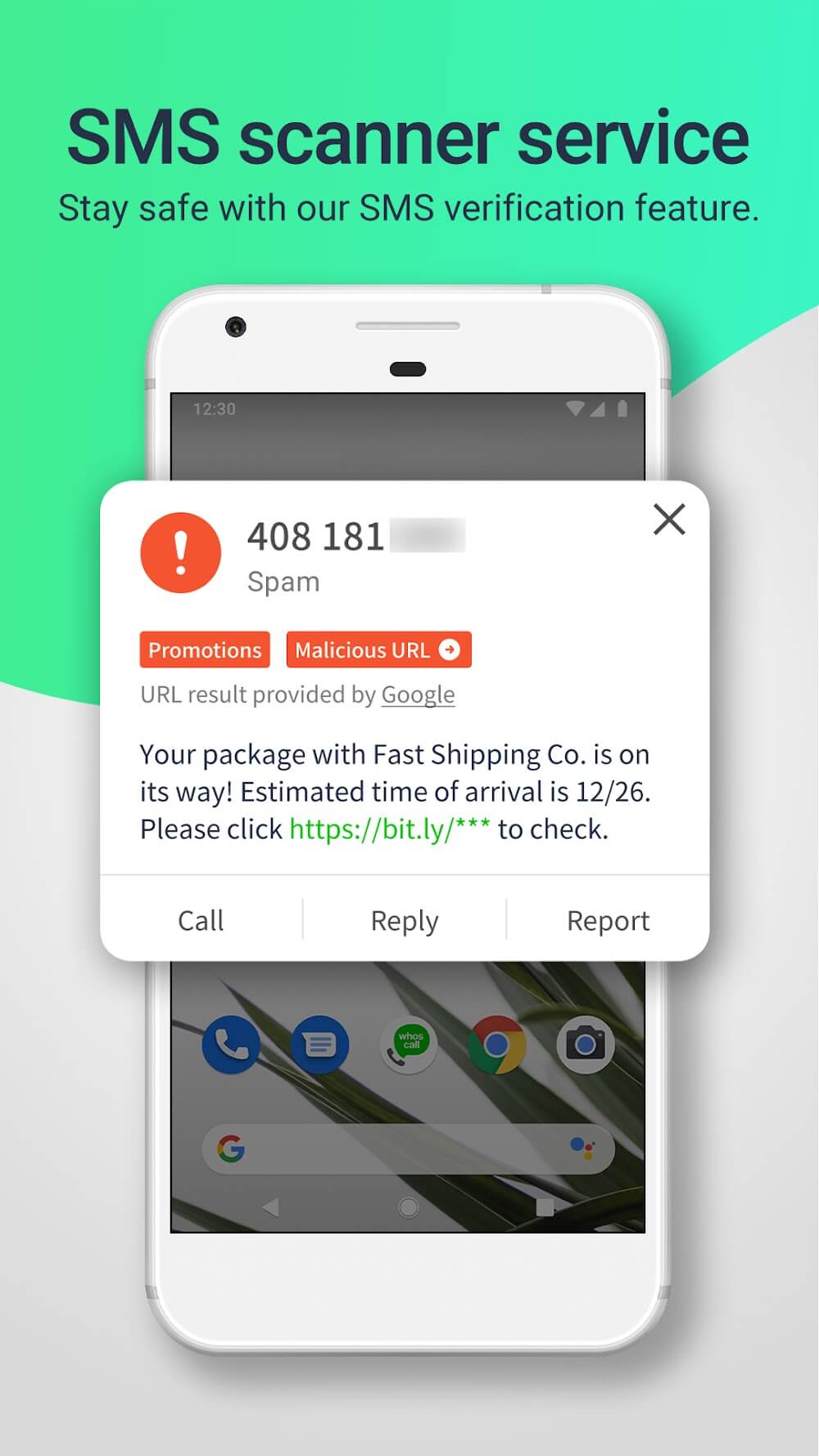
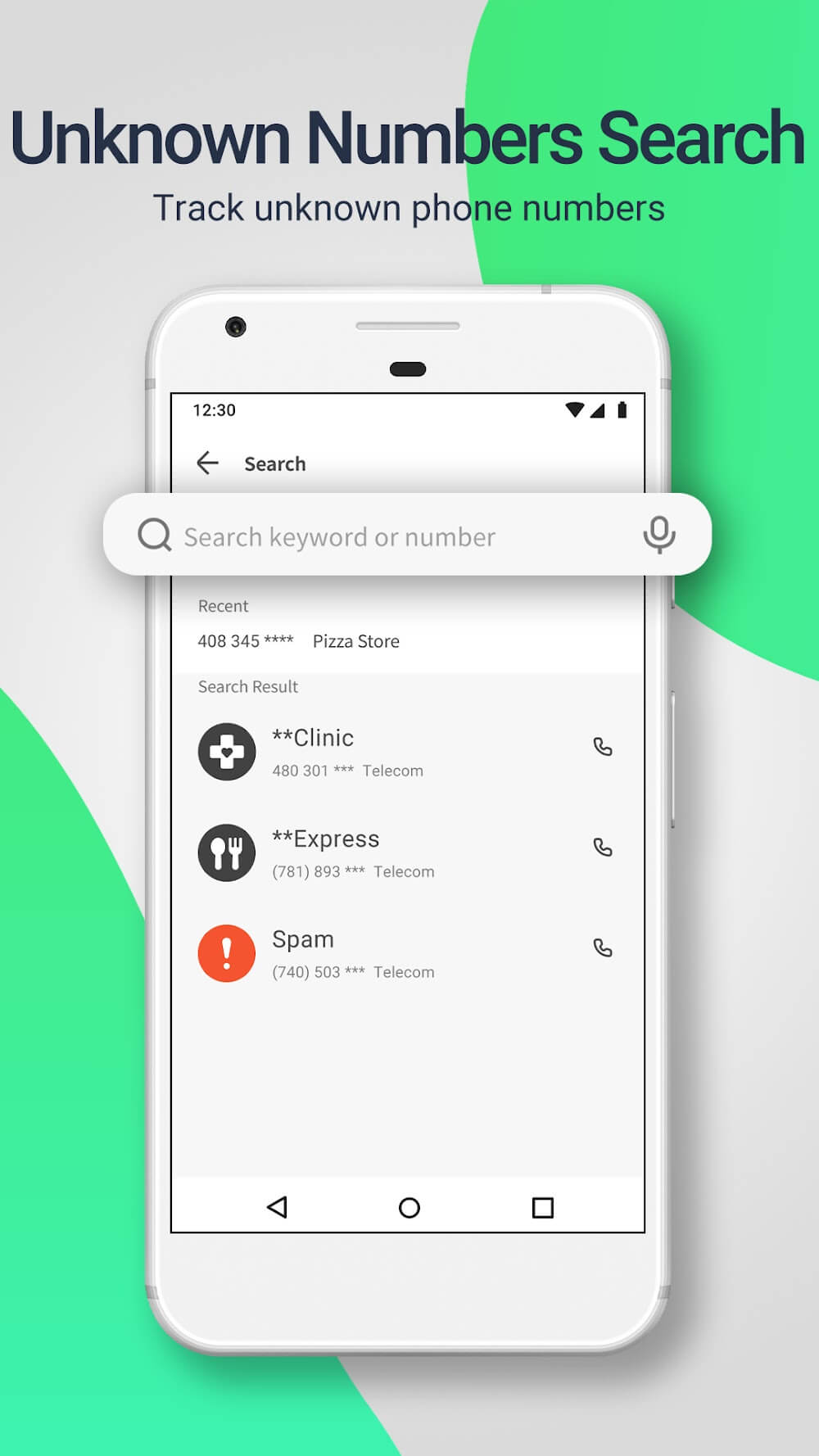
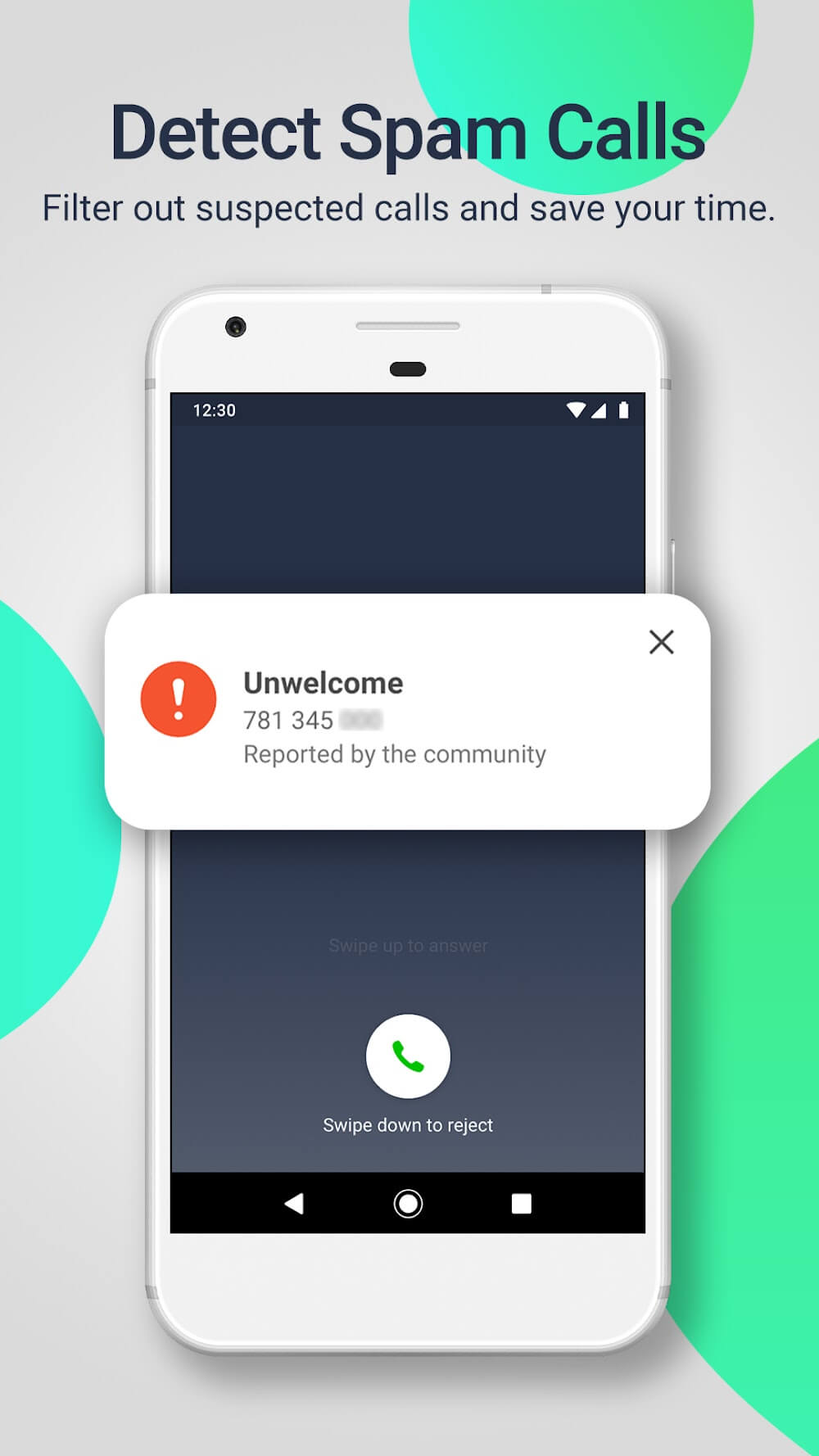
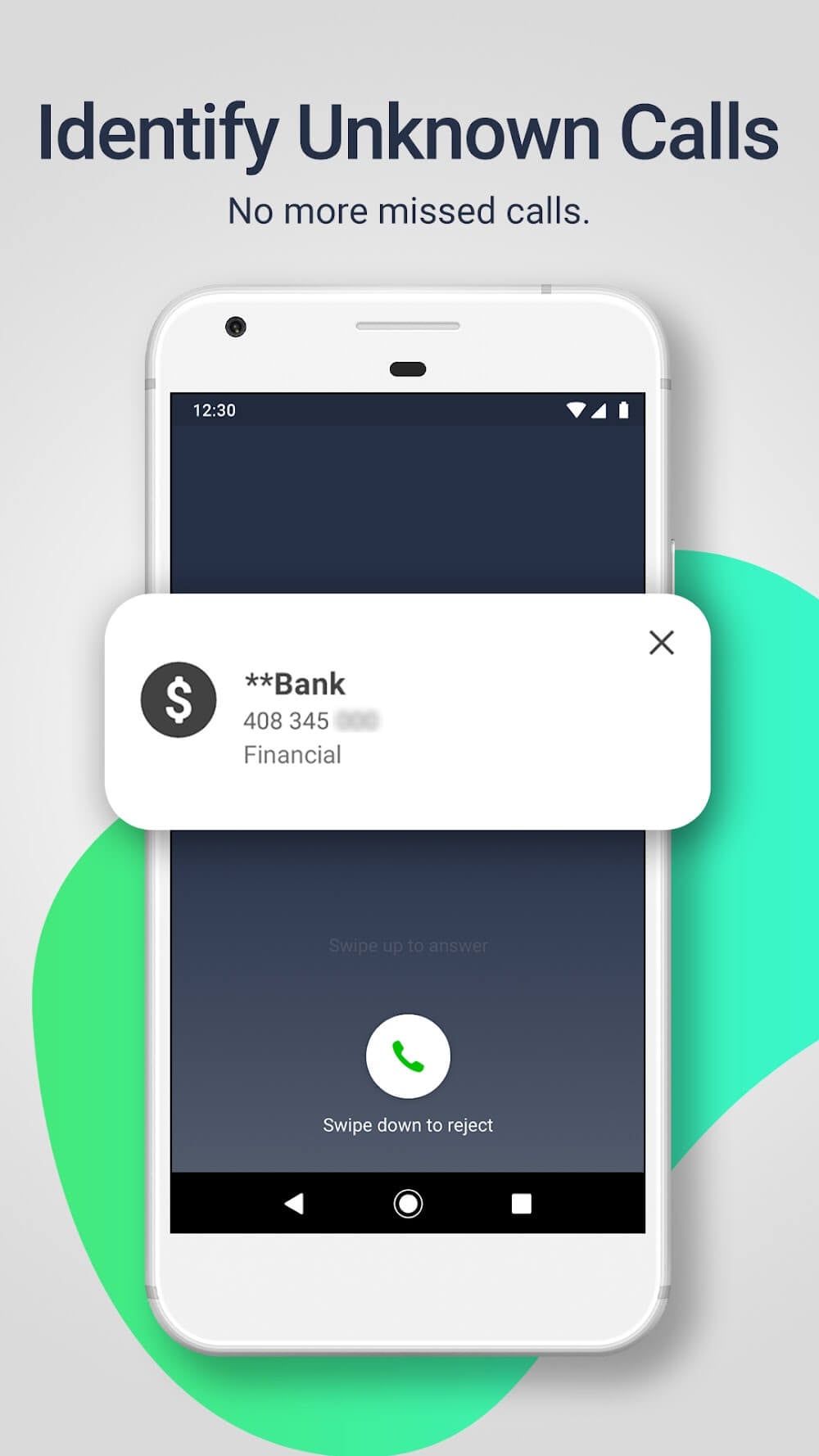
Whoscall is a caller identification and call-blocking app that helps you screen unknown numbers, block spam, and look up caller information quickly. It combines an offline database, community reports, and real-time lookups to reduce nuisance calls while giving clear details so you decide whether to answer or ignore incoming calls.
At its core, the app delivers instant identification for incoming calls and messages. Whoscall offers a large number lookup database that works offline, so basic detection remains available even without a network connection. The app also supports automatic blocking, manual whitelisting, and flexible notification settings to match different lifestyles and work routines.
Caller identification uses a mix of local and cloud-based resources. When a call arrives, the app checks an on-device database for a match; if no match exists, it queries a cloud service to retrieve up-to-date labels and user ratings. Community-sourced reports are aggregated and vetted to reduce false positives, and machine learning helps prioritize likely scam or telemarketing calls.
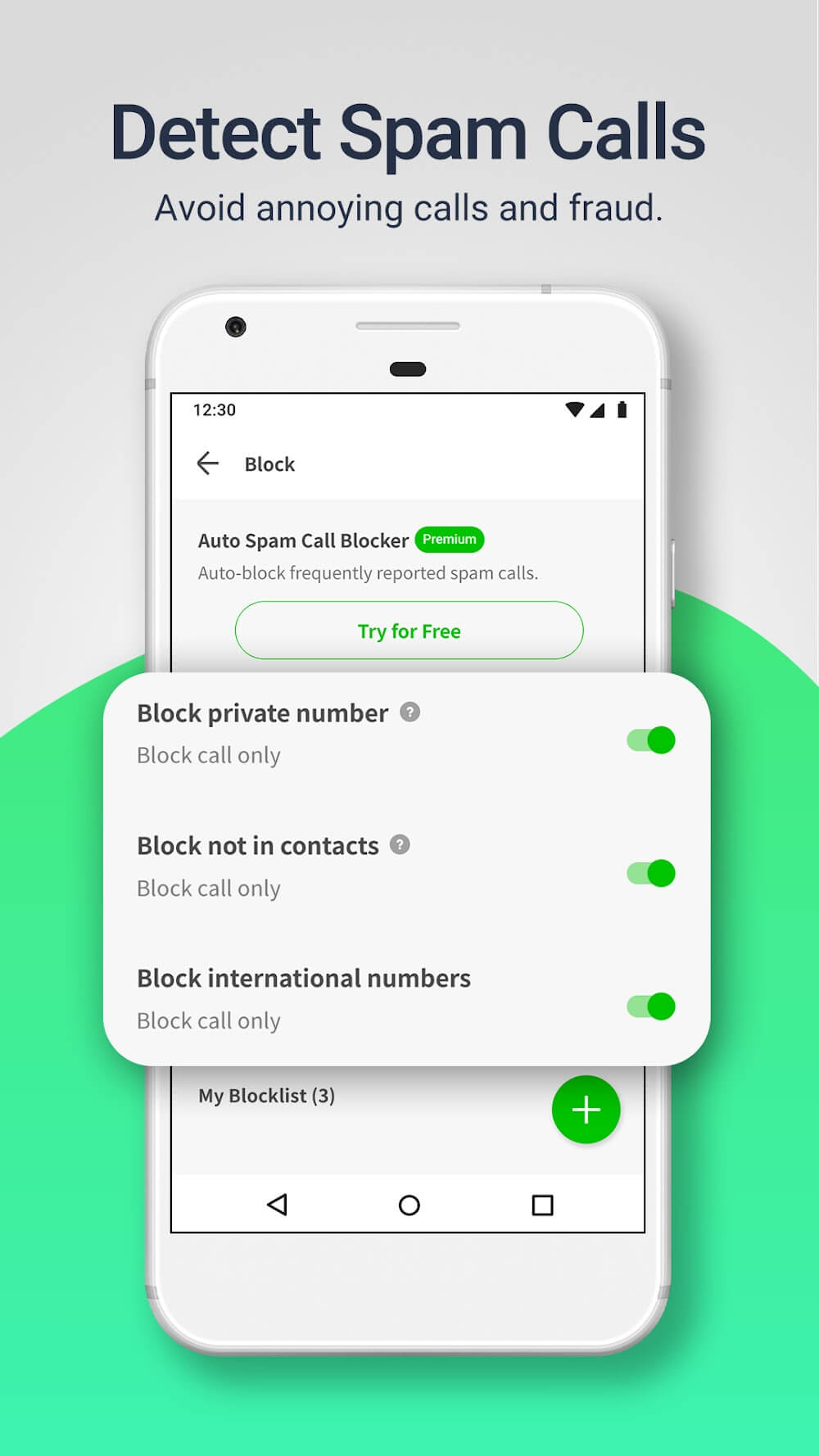
Blocking tools are more than just on/off switches. Whoscall lets you set time-based rules, filter by country code or area code, and block unknown or private numbers automatically. You can also allow numbers from your contacts while blocking similar-looking numbers that match suspicious patterns. The interface for rules is straightforward so you can create layered defenses without technical expertise.
The design emphasizes speed and clarity. Incoming call screens show a concise label with additional context such as a reported category and user comments. Settings are grouped into logical sections for identification, blocking, and logs. Whoscall’s notification system is configurable: opt for unobtrusive alerts, full-screen warnings for high-risk calls, or silent blocking so unwanted callers never interrupt you.
Optimized for minimal battery and memory impact, the app uses local caches and selective syncing to avoid constant network use. This keeps performance smooth on mid-range devices while still offering accurate cloud lookups when needed. Compatibility extends across a wide range of Android versions and handset models; permissions are requested clearly with explanations so you understand why each access is necessary.
Privacy is a primary concern for any call-identification tool. The app provides clear options to limit data sharing: you can opt out of community reporting, disable automatic uploads, or limit queries to anonymized metadata. Stored logs are accessible locally, and export or deletion features let you manage retained information. Read the privacy settings to tailor data flow to your comfort level.
Installation is quick: grant the minimum permissions for call and SMS access, then allow database updates for the most accurate results. Start by enabling automatic blocking of known spam categories, then review the logs to fine-tune rules for your region. Encourage family members to use the reporting feature; a stronger community dataset improves protection for everyone. If you travel internationally, enable cross-border lookups to keep identification working abroad.
People pick this tool for a balance of simplicity and control. It reduces interruptions, protects against fraud attempts, and offers actionable context for every call. With configurable rules, lightweight performance, and transparent privacy choices, the app helps you manage communications with greater confidence and less hassle.