Audio Video Mixer
Version: 1.1.0
19.50MB
4
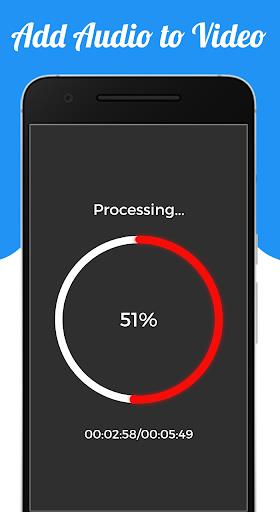
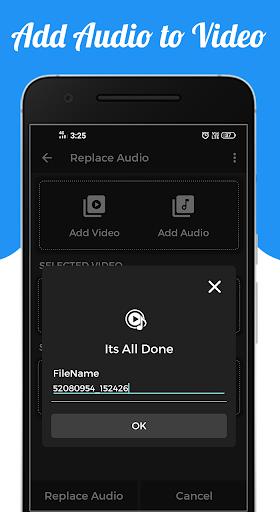
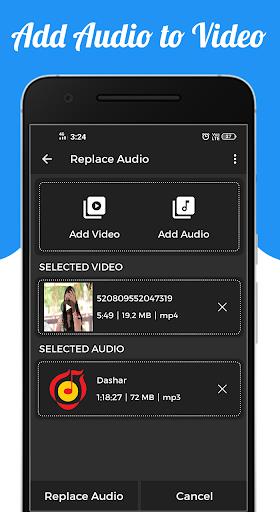
Audio Video Mixer is a compact Android utility that blends audio tracks with video clips for quick edits and social-ready exports. It targets creators who need a fast, mobile workflow for dubbing, background scores, and soundtrack replacements without jumping to desktop software or complex desktop-style editors.
Designed for photographers, vloggers, and casual editors, Audio Video Mixer focuses on simple, repeatable tasks: replace an existing audio track, add music to a silent clip, or mix multiple audio files onto a single video. The app keeps controls accessible while providing enough depth for refined results.
The app supports common audio formats and popular video codecs. You can import audio from local storage or cloud accounts, trim clips, set fade-ins and fade-outs, and adjust timing to sync with on-screen action. Export options include several quality presets and container choices to match social platforms or personal archives.
After opening a video, you can add one or more audio tracks from the phone or record directly inside the app. Drag-and-drop style controls let you reposition audio relative to the video. Built-in waveform previews make it easy to spot beats or speech segments, and snapping options help align cuts without manual nudging.
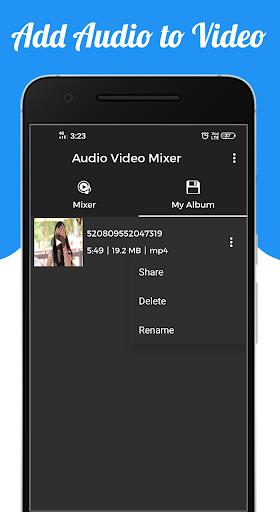
The interface uses a dark theme with clear icons, a timeline, and contextual toolbars. Performance varies by device, but the app makes use of hardware acceleration where available to speed up encoding and reduce battery drain. For longer projects, background rendering keeps the UI responsive so you can continue editing.
Beyond basic trims, Audio Video Mixer includes EQ presets, reverb, and simple compressors to shape sound. You can apply fades, set loop points for short clips, and export stems for further desktop work. These options are presented as toggles or sliders so the learning curve remains shallow.
These steps help maintain quality and prevent accidental overwrites.
Many users choose Audio Video Mixer for its balance of speed and control. It removes repetitive desktop steps while offering enough processing power for most social and independent projects. The app is particularly useful for creators who need quick turnarounds, such as reporters, short-form video makers, and musicians adding backtracks.
Exported videos are tagged with basic metadata and saved to a user-specified folder. Sharing overlays are integrated so you can send content directly to messaging apps or upload to social networks without opening another program. Cloud import and export options streamline collaboration when multiple contributors are involved.
Installation is straightforward: grant media permissions, import a video, drop audio tracks, and export using a preset. A short in-app tutorial guides first-time users through the most common tasks. Regular updates add compatibility for new codecs and refine the user interface.
For anyone who needs efficient audio-video pairing on Android, Audio Video Mixer provides a pragmatic mix of usability and functionality without overwhelming features. It’s a solid choice when speed, clarity, and reliable exports matter.