One4Wall: 4K Wallpapers & Live
Version: 3.2.0
12.10MB
4.5
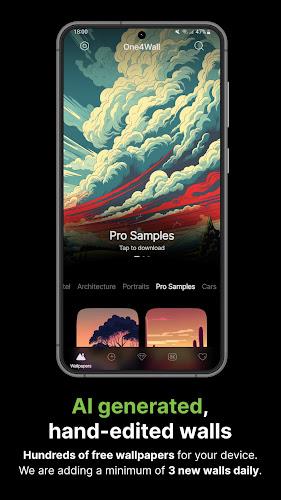
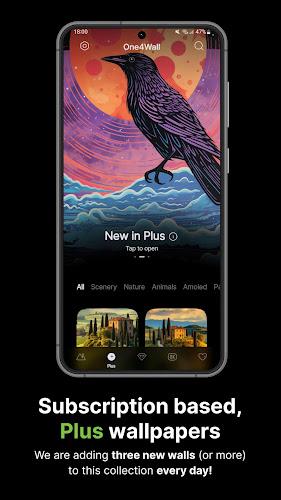
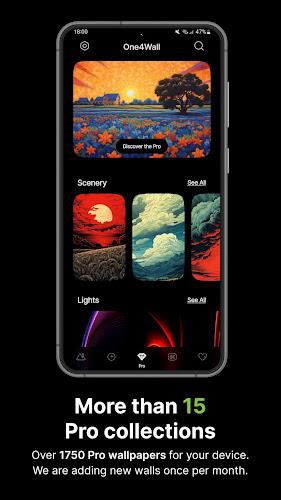
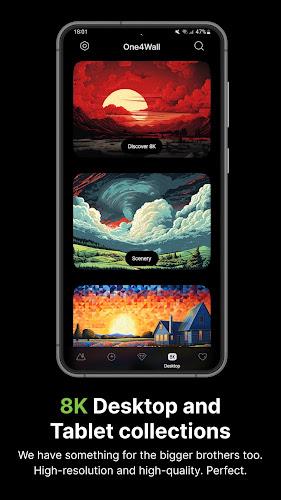
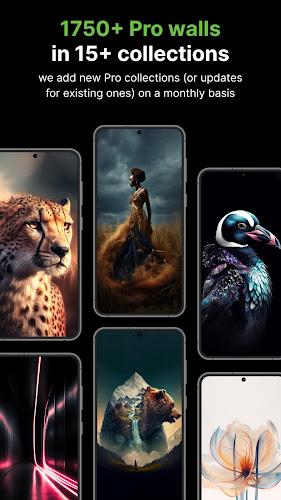
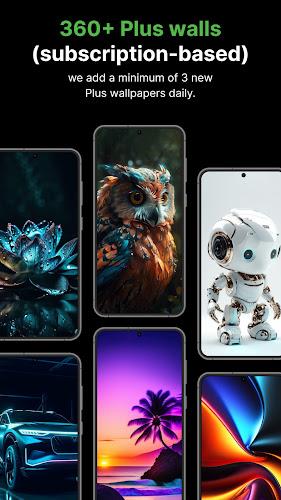
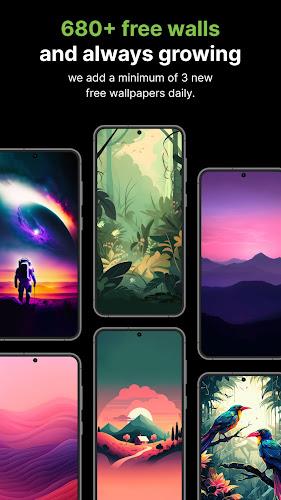
One4Wall: 4K Wallpapers & Live delivers a curated library of ultra-high-definition static and animated backgrounds for Android devices. The app emphasizes clean navigation, frequent content updates, and simple save-and-set tools that make personalizing home screens and lock screens fast and visually striking.
One4Wall: 4K Wallpapers & Live collects thousands of images across categories such as nature, abstract, minimal, cityscapes, and live motion wallpapers. Each item is optimized for high-resolution displays and tagged by color, mood, and aspect ratio so you can pinpoint designs that match your device and aesthetic preferences.
The interface focuses on speed and minimal friction. One4Wall: 4K Wallpapers & Live uses a card-based layout where swiping reveals related images and detailed metadata. Filters and search sit at the top for one-tap narrowing by category, color, or popularity. The app also supports dark mode and adaptive UI that scales well on phones with different screen sizes and notches.
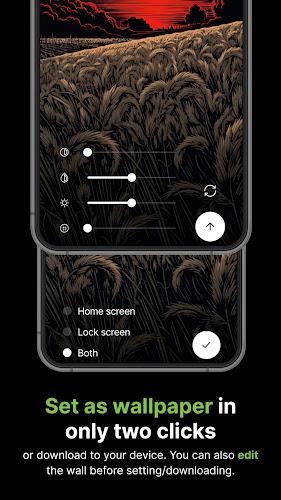
Beyond choosing an image, the app offers practical editing controls: crop to fit, subtle blur for depth, color overlays, and basic brightness/contrast adjustments. Live wallpapers include settings for animation speed and frame frequency so you can balance visual effect with battery consumption. Preset profiles let you save favorite configurations to reapply across multiple wallpapers.
Search and selections follow a predictable workflow. Tap a thumbnail to open a preview, use the crop tool to set framing, then download or set directly from the preview screen. One4Wall: 4K Wallpapers & Live groups downloads into a built-in gallery where you can manage files, clear caches, or move favorites to a private collection. Batch downloads are supported for quickly populating a gallery before an offline trip.
Performance is optimized so browsing remains fluid on mid-range hardware. Live wallpapers are implemented with lightweight animation loops and use lower-priority threads to reduce CPU spikes. The app provides guidance on enabling or disabling live effects when battery saver modes are active, and a cache manager helps control storage use without removing favorite content unintentionally.
Compatibility covers a wide range of Android versions and screen densities. One4Wall: 4K Wallpapers & Live detects your device resolution and suggests the best image fit automatically. It also supports Android’s adaptive icons and various launcher integrations so setting a wallpaper works with popular launchers and OEM skins.
Users appreciate the combination of curated content, straightforward editing tools, and an efficient preview-and-apply flow. One4Wall: 4K Wallpapers & Live balances aesthetic variety with technical polish, making it easy to refresh the look of a device frequently without fuss. Whether you want a statement wallpaper or a subtle accent, the app provides a wide selection plus controls to fine-tune the final result.