
Microsoft 365 Copilot
Version: 16.0.18526.20072
329.90MB
4.3
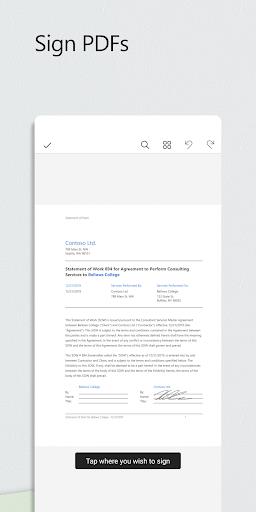
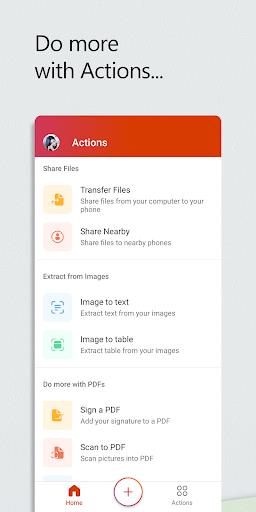
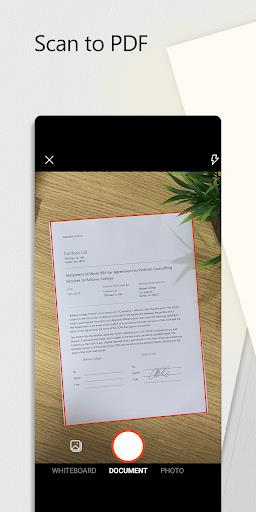
Microsoft 365 Copilot is an AI-powered productivity companion that integrates with Microsoft 365 apps to streamline tasks, generate content, and help users make faster decisions. It blends natural language prompts with documents, spreadsheets, and emails to reduce manual effort and surface useful insights across everyday workflows.
Microsoft 365 Copilot combines generative AI with familiar Office tools to enhance productivity for individuals and teams. Rather than replacing existing features, it augments them: drafting messages, summarizing long threads, generating slide outlines, and extracting key points from data. The experience is designed to feel native within Word, Excel, PowerPoint, and Outlook.
The tool listens to user prompts and scans the active file or linked data sources to produce outputs in seconds. For example, you can ask Microsoft 365 Copilot to rewrite a paragraph with a more professional tone, generate speaking notes for a deck, or create a pivot table and commentary from raw numbers. Outputs are editable so users keep control over final results.
Designed to work across Word, Excel, PowerPoint, Outlook, and Teams, the assistant uses the document context and organizational permissions to generate tailored suggestions. Administrators can adjust settings and governance policies to meet compliance requirements while allowing teams to benefit from AI-driven capabilities.
The interface is intentionally minimal, adding a conversational pane or contextual suggestions to familiar app layouts. Performance depends on network and organizational configuration, but most tasks return results quickly. The assistant highlights its sources so users can verify where recommendations originated and make informed edits.
Microsoft 365 Copilot follows Office design patterns: clear typography, accessible contrast, and keyboard navigation. These choices help users with diverse needs adopt the assistant without steep learning curves.
Teams gain speed and consistency: routine tasks take less time, and outputs maintain a unified tone across documents. By automating repetitive work, staff can focus on higher-value activities such as strategy and analysis.
Start small. Use Microsoft 365 Copilot to draft short items or summarize content before asking for more complex data transformations. Review suggested outputs carefully and adjust prompts to refine results. Learning which prompts produce the best outcomes will increase efficiency over time.
To begin using Microsoft 365 Copilot, organizations usually enable the feature through Microsoft 365 admin settings and ensure licensing and compliance policies are configured. Individual users should confirm they have appropriate permissions and check which apps in their suite support the assistant. Training sessions or short how-to guides can accelerate adoption across teams.
Microsoft provides administrative controls to manage data access and usage. IT teams should review these controls, set data-handling rules, and communicate policies to end users. Proper governance balances productivity gains with risk management.
Microsoft 365 Copilot represents a practical step toward smarter office workflows, offering familiar app integrations, time-saving automations, and contextual AI assistance that aligns with everyday professional tasks.