Dynamic Notification Bar
Version: 2.5
16.30MB
4
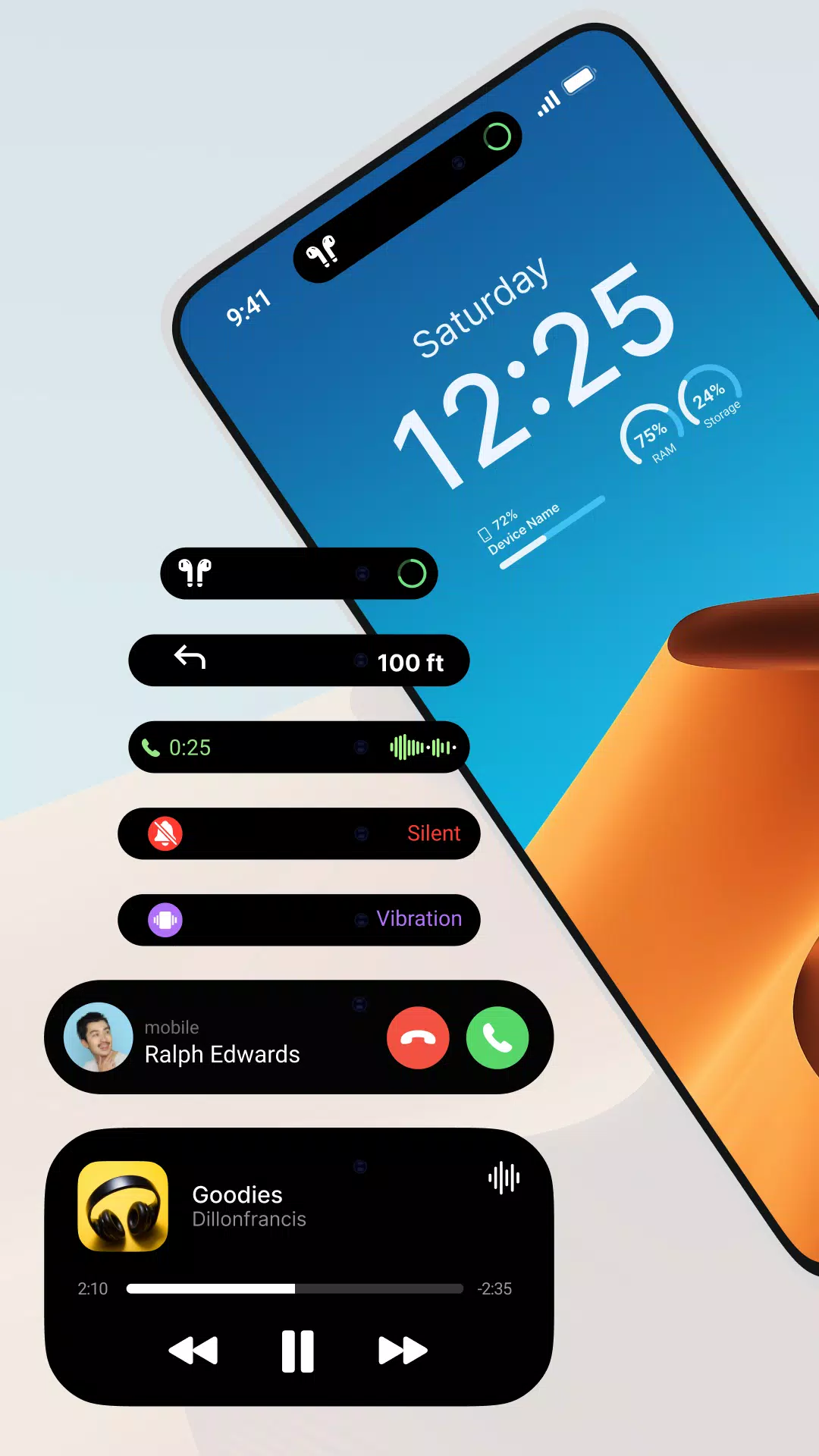
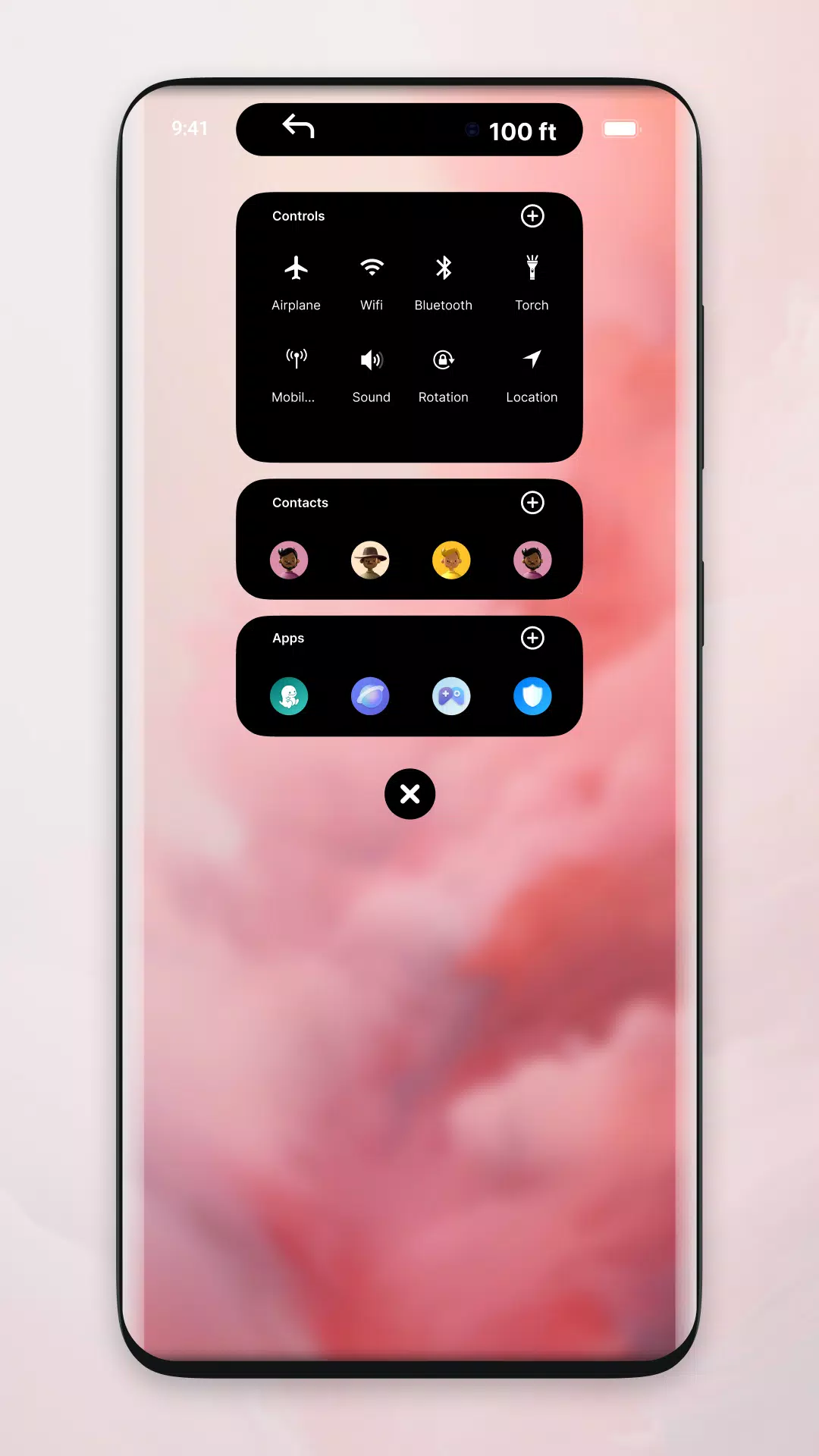
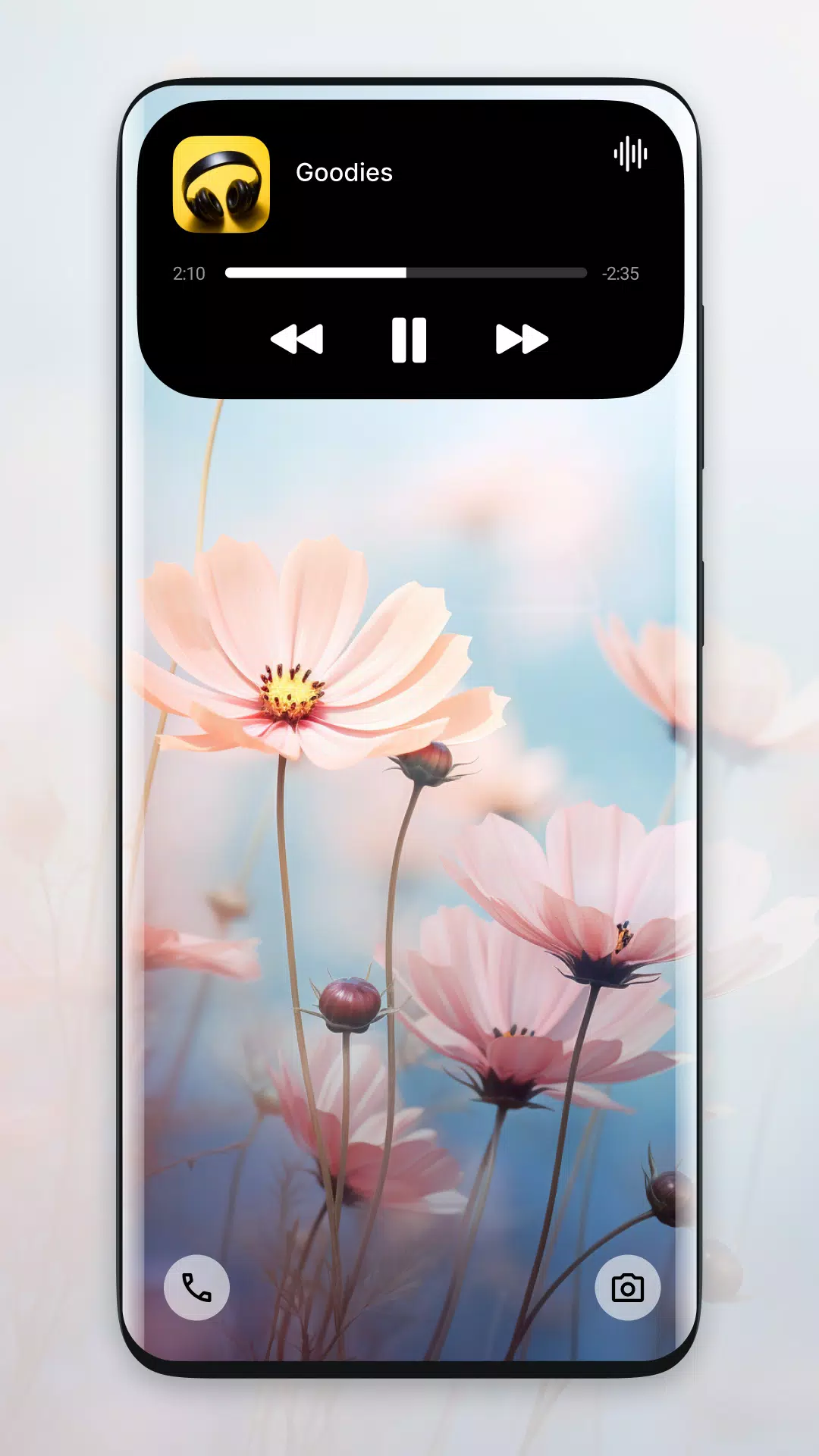
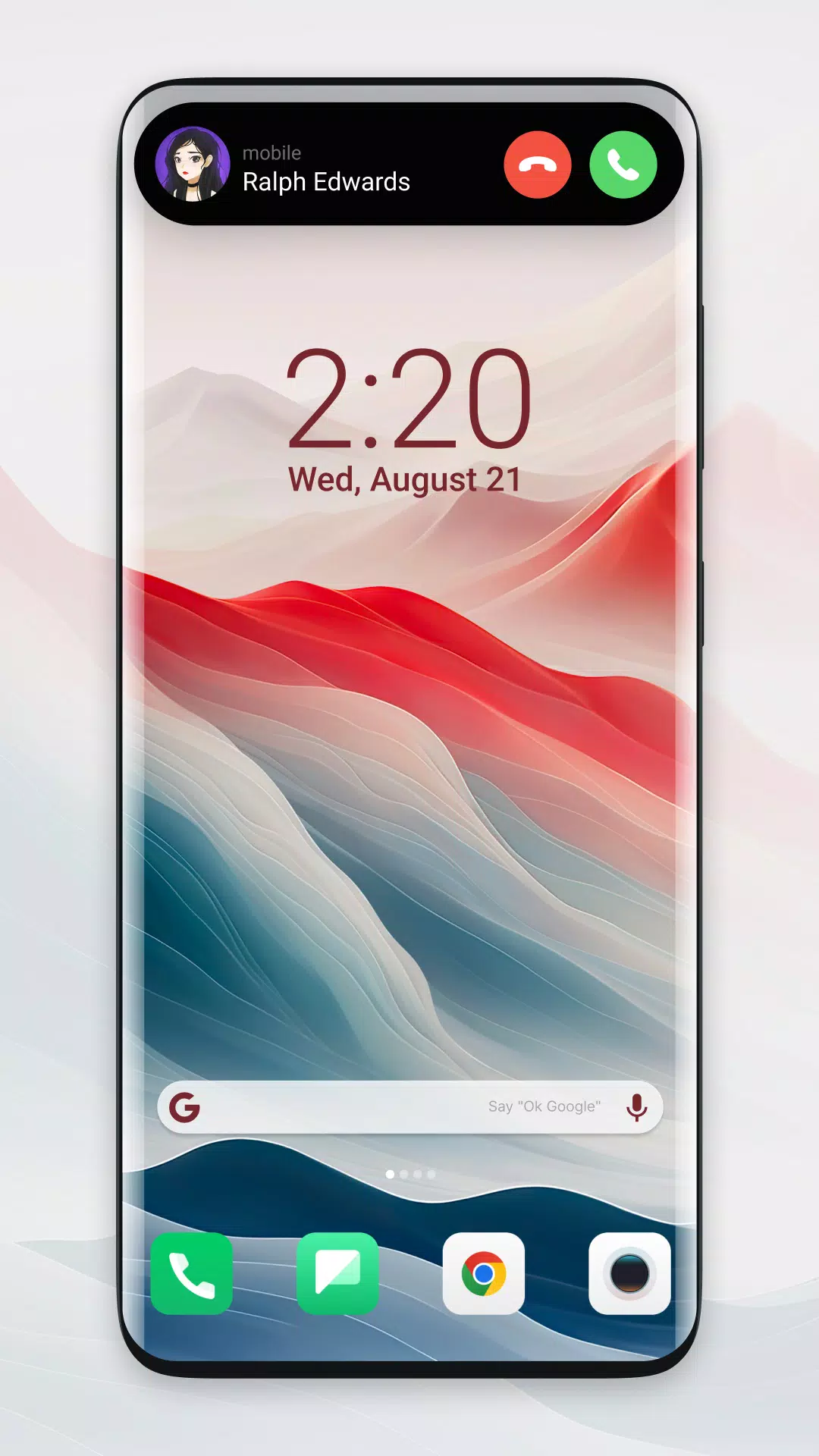
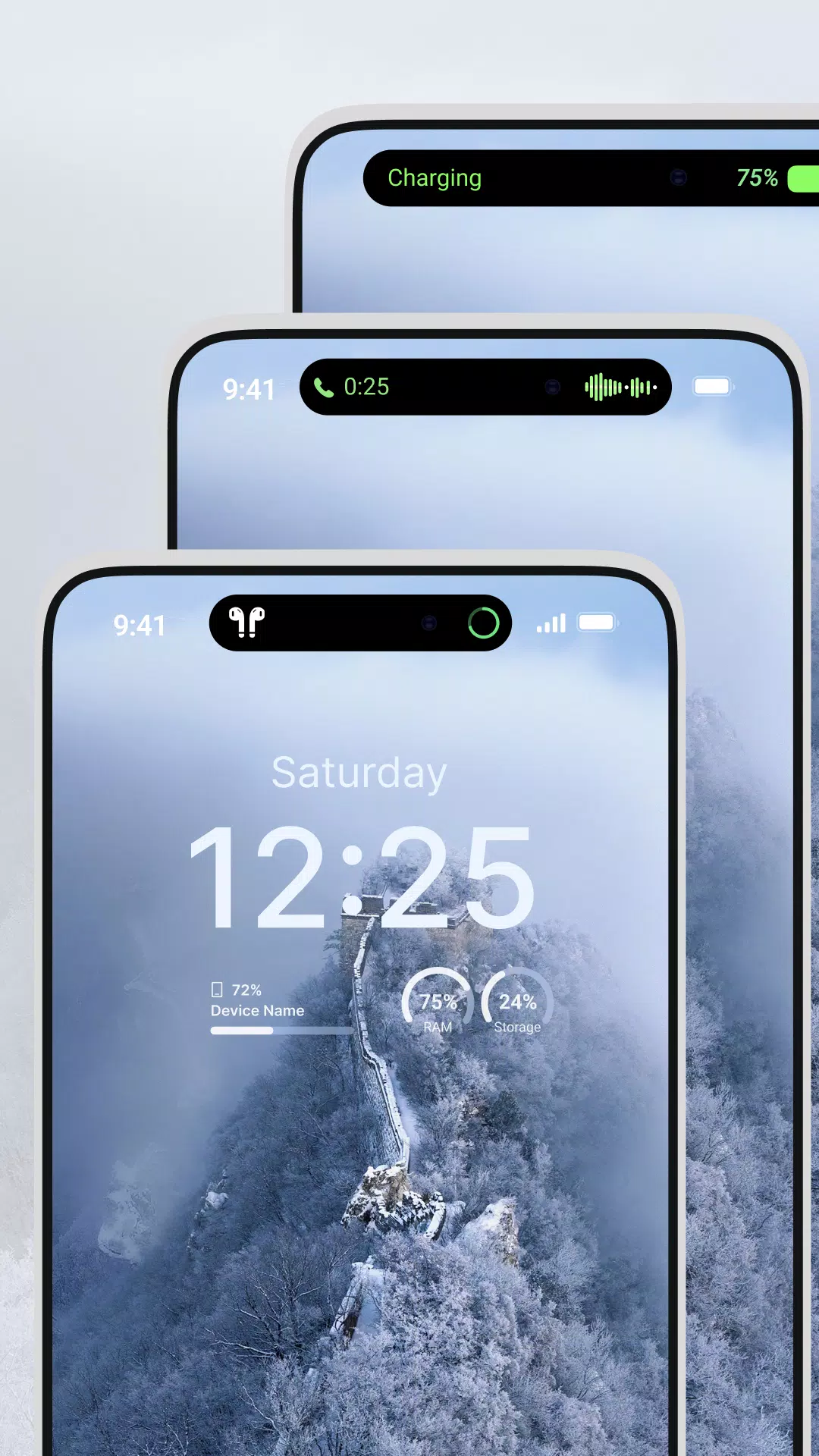
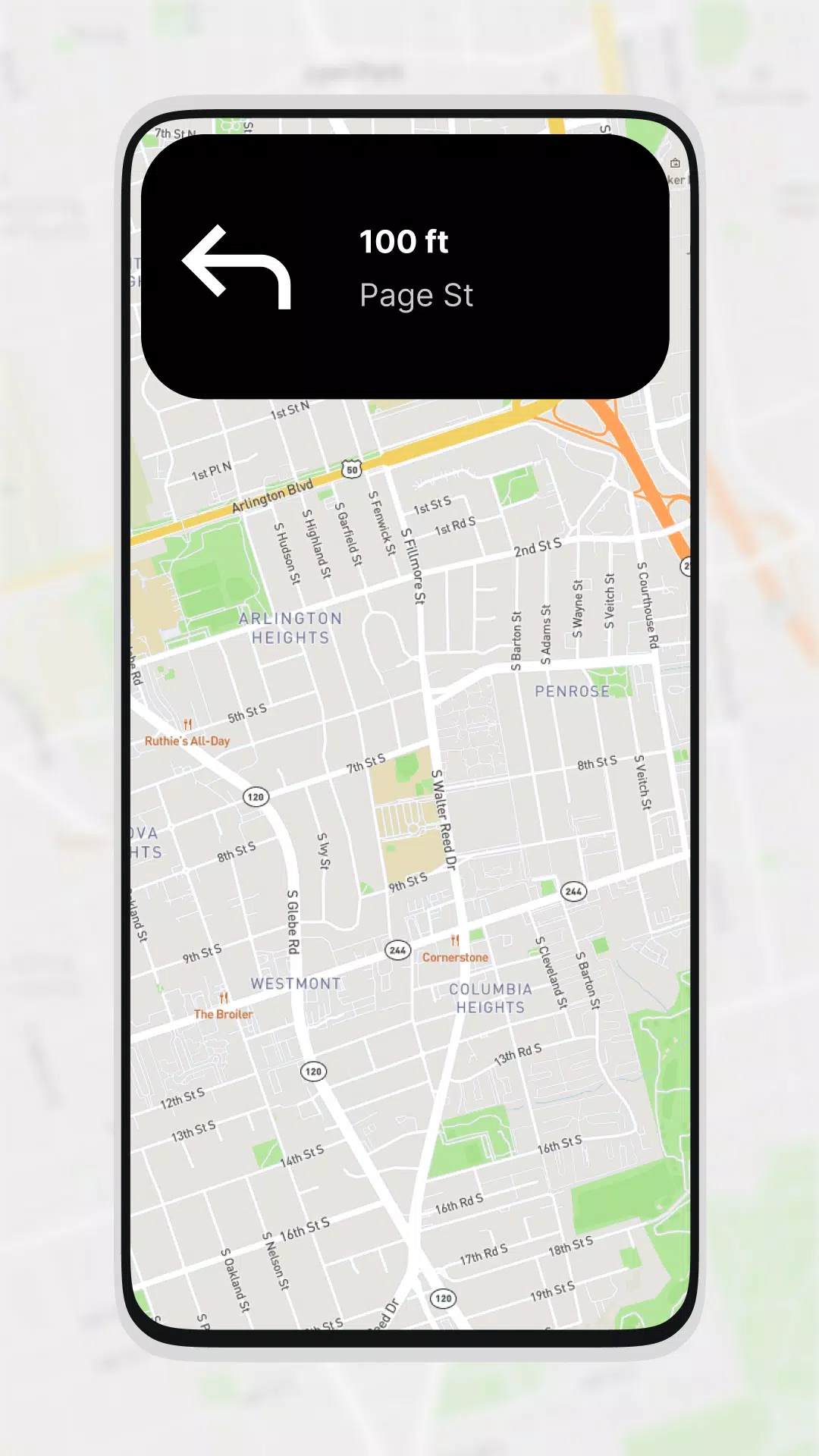
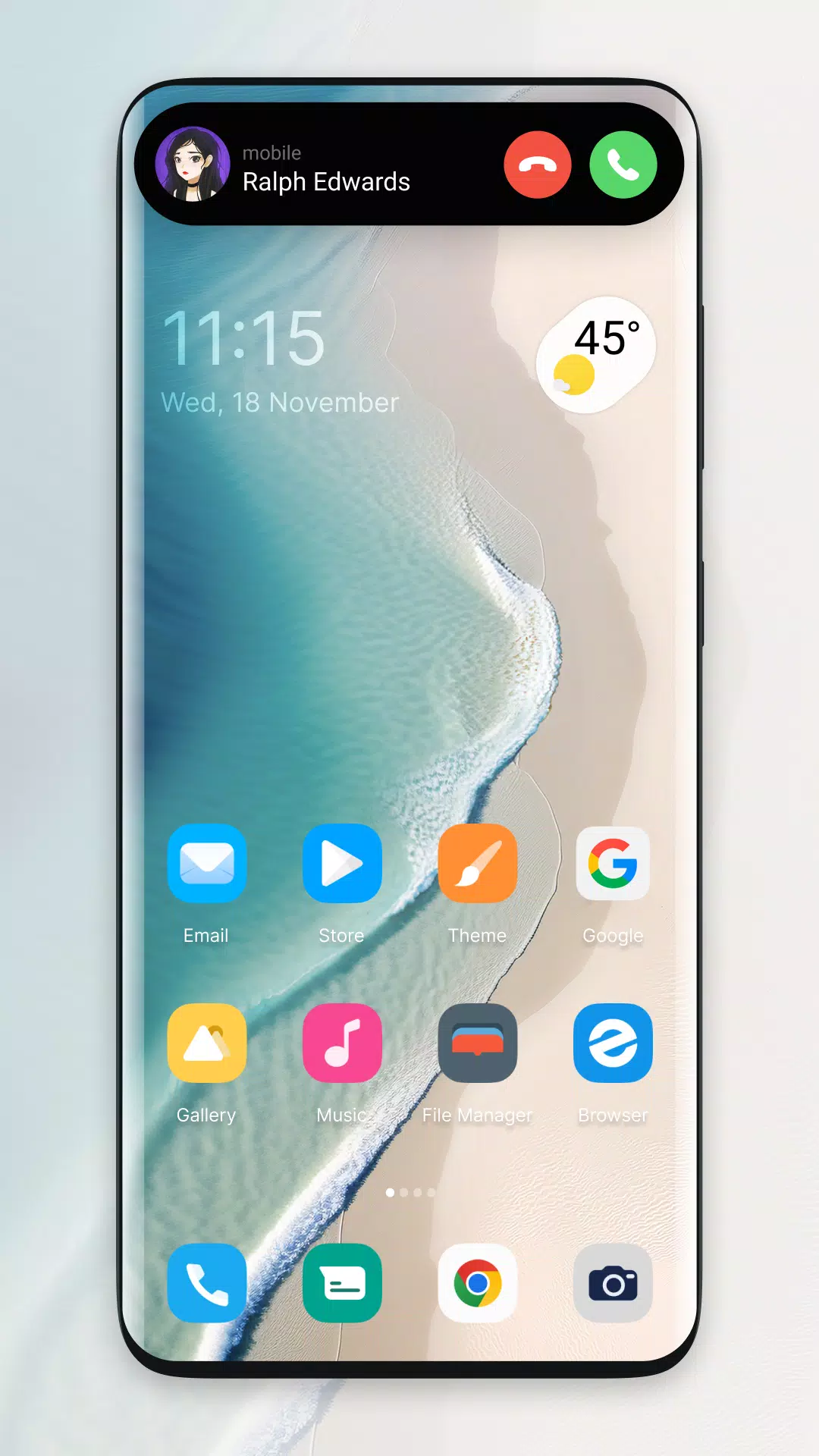
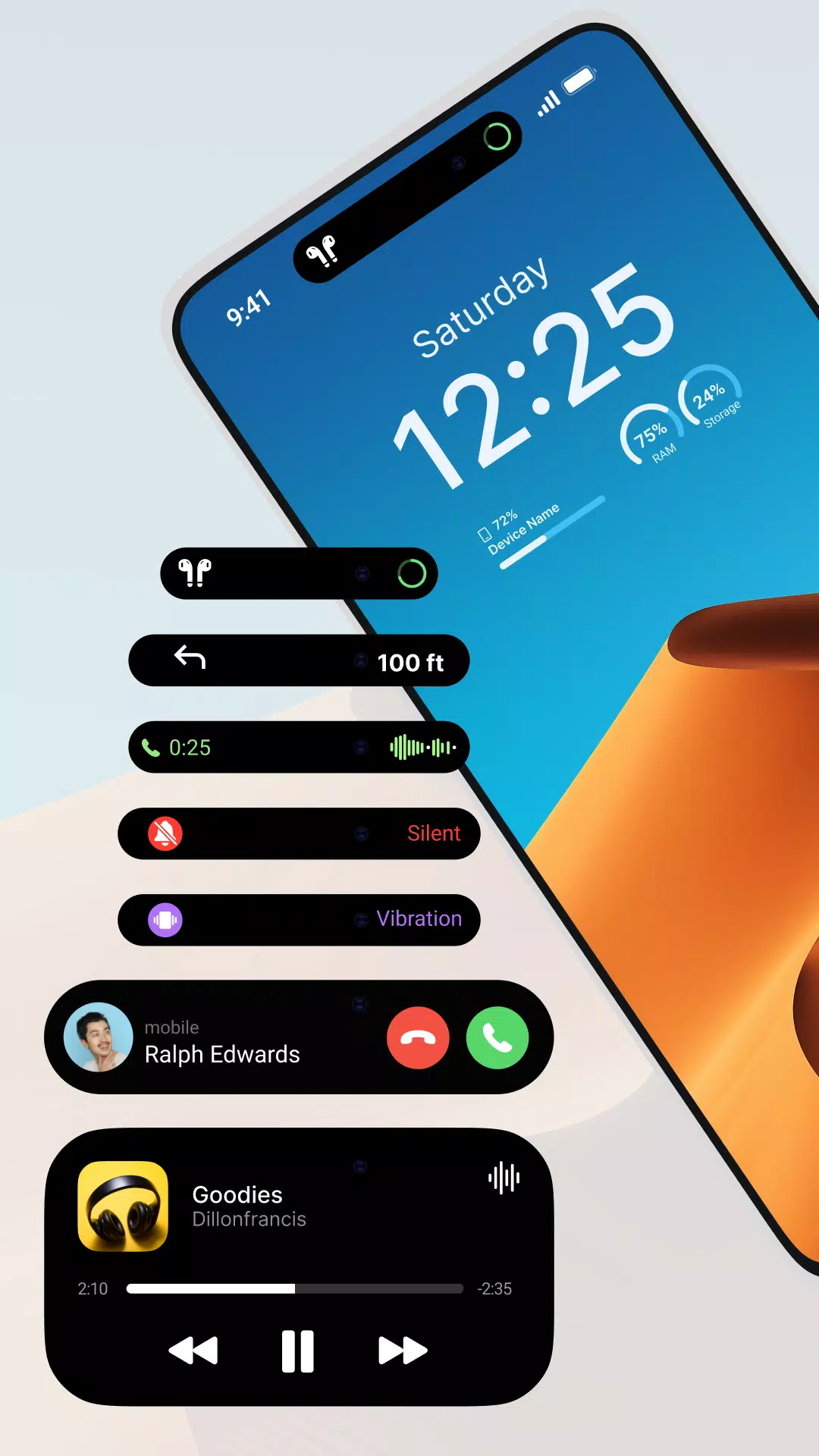
Dynamic Notification Bar is a lightweight Android utility that reimagines how you interact with alerts, shortcuts, and system toggles. It replaces or augments the standard status area with a customizable, gesture-driven panel so you can access notifications, quick actions, and information faster and with less clutter.
Dynamic Notification Bar brings a set of practical tools designed to simplify daily device use. Notifications are grouped by priority and app, ensuring important messages are visible first. A compact quick-settings row lets you toggle Wi-Fi, Bluetooth, and brightness without opening the settings app. The bar also includes a history panel, persistent media controls, and integrated search for both apps and settings.
Customization is central to the Dynamic Notification Bar experience. Choose from multiple color schemes and transparency levels to match your wallpaper or dark mode preference. You can rearrange icons, hide items you never use, and set the size and position of the bar to fit different screen dimensions. Several prebuilt layouts provide instant makeovers, while advanced options allow you to create a tailored setup.
Beyond taps, the app supports swipe, long-press, and double-tap gestures to speed up common tasks. For example, swiping left can dismiss low-priority alerts, while a long press opens detailed quick settings for the corresponding toggle. Gesture sensitivity and activation zones are adjustable, so accidental triggers are minimized and the panel behaves predictably across launchers and OEM skins.
The design of Dynamic Notification Bar emphasizes minimal disruption. Notifications can be expanded inline for quick replies or actions, reducing the need to switch apps. The built-in search accelerates access to contacts and apps, and customizable shortcuts let you pin navigation to frequently used tools like the calculator, calendar, or task manager. These features combine to cut down taps and streamline routine interactions.
Despite continuous background presence, the app is engineered to be efficient. It uses low-overhead listeners and defers intensive tasks to idle moments to reduce CPU wakeups. Memory use is kept modest and can be tuned through settings that limit background services. Users with tighter battery requirements can enable an economy mode that throttles animations and disables nonessential features.
Dynamic Notification Bar supports a wide range of Android versions and is tested across both stock and customized manufacturer interfaces. It works with major launchers and adapts to different display sizes, including tablets and foldable devices. On some OEMs, you may be prompted to grant notification access or overlay permissions—those are required for the app to capture and present alerts reliably.
The app requests only the permissions necessary to display notifications and execute chosen shortcuts. Notification contents remain on-device and are not transmitted off your phone. Privacy-conscious users can blacklist specific apps or set sensitive notifications to show only when the device is unlocked, ensuring private data is not exposed on the lock screen.
After installing, grant notification and overlay permissions to enable full functionality. Begin with one of the preset layouts, then tweak color, size, and gesture options to suit your habits. Use the tutorial overlay on first launch to learn common gestures. If you rely on accessibility tools or third-party launchers, test behavior and consult the in-app help for specific compatibility steps.
Dynamic Notification Bar is useful for professionals who juggle messages and reminders, commuters who want quick media controls, and anyone looking to declutter their home screens. The ability to pin frequently used apps and reply to messages inline reduces interruptions and speeds up everyday tasks. It’s an alternative to the default system bar that focuses on usability rather than ornamentation.
Regular updates introduce performance optimizations, new themes, and expanded gesture support. A built-in feedback channel helps developers address device-specific issues and incorporate useful suggestions. If you need to revert changes, a simple reset option returns the interface to default settings without losing core permissions.
Dynamic Notification Bar offers a balanced blend of customization, practicality, and performance for users who want smarter access to notifications and controls. With adjustable visuals, gesture-driven actions, and mindful resource use, it provides a modern alternative to the standard Android status area that adapts to daily routines.