Office Reader
Version: 2.1.9
33.40MB
4.5
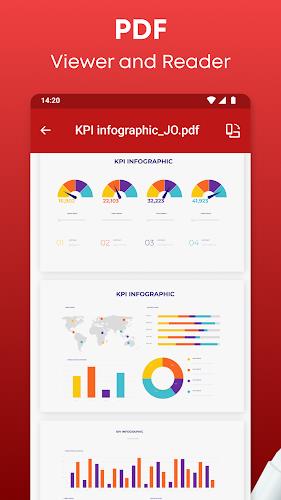
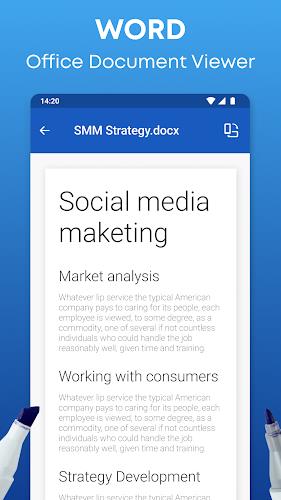
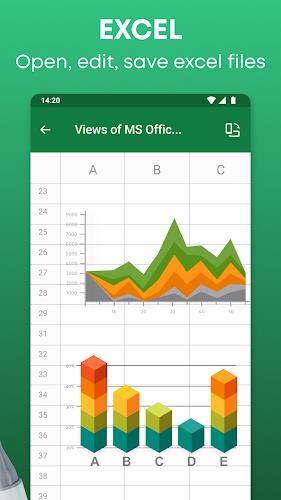
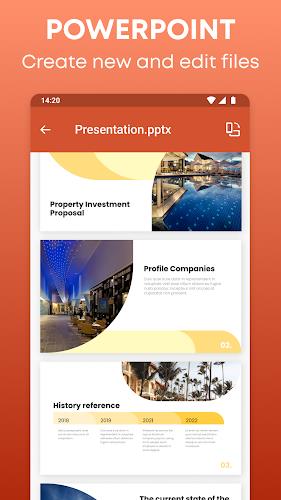
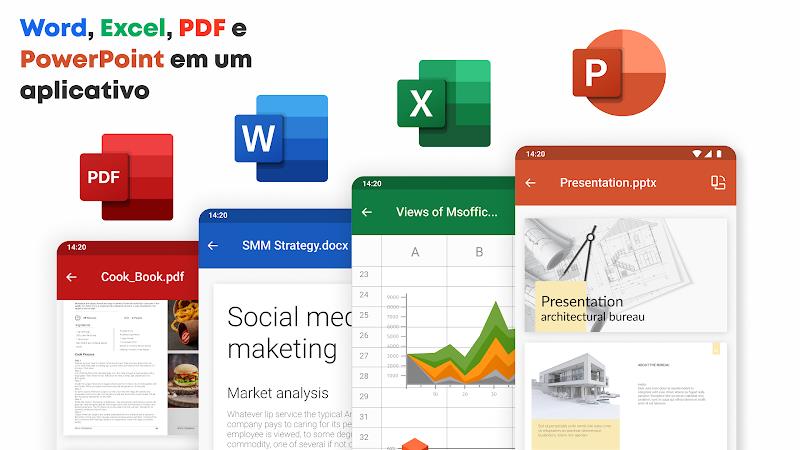
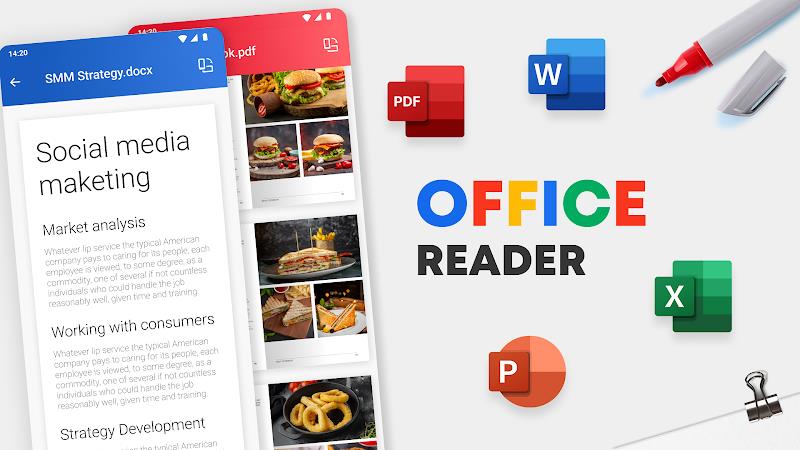
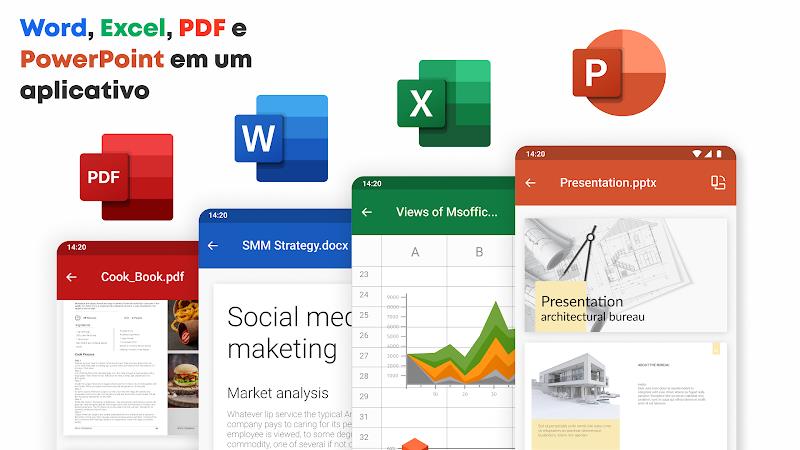
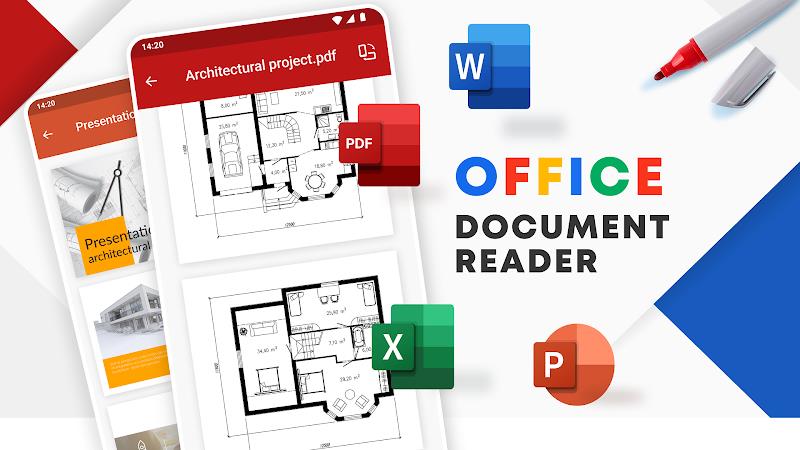
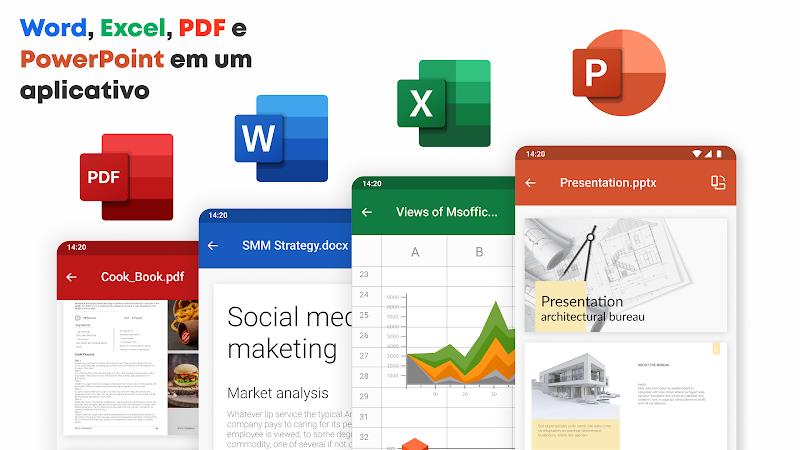
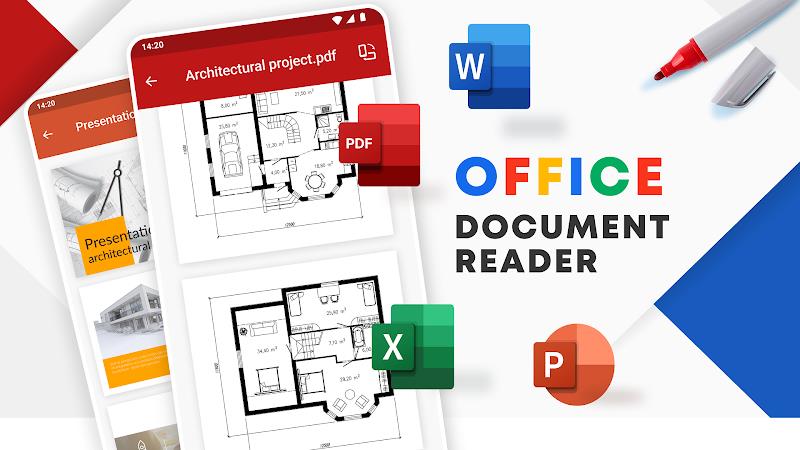
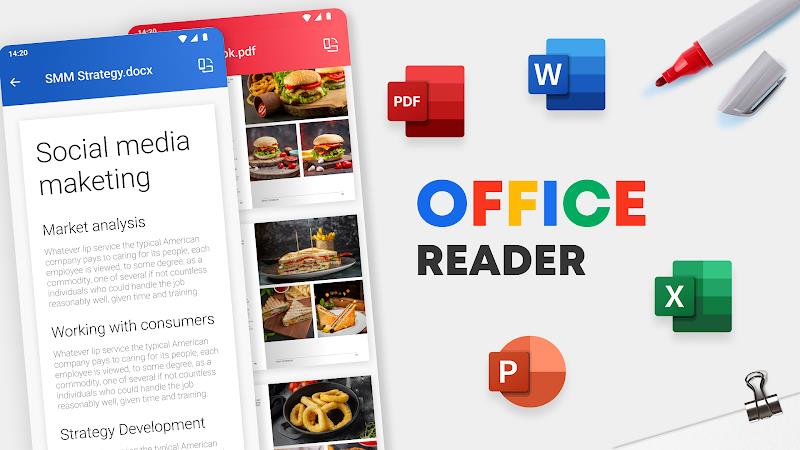
Office Reader is a lightweight document viewer designed for quick access to PDFs, Word files, spreadsheets and presentations. It prioritizes fast loading, reliable rendering and simple navigation so you can review documents on the go. Ideal for students and professionals who need a dependable mobile office utility.
Office Reader focuses on core reading and viewing tasks without bloated extras. It opens the most common office formats, keeps text and layout intact, and supports multi-page navigation. The app targets users who want a stable reader that integrates with cloud storage and plays well with Android file managers.
The interface is intentionally minimal: a clean toolbar, a thumbnail strip and contextual menus for editing or sharing. Office Reader keeps controls within reach while maximizing screen space for documents. Performance is solid; common tasks like zooming and switching pages remain responsive even in large PDFs. Battery impact is modest because rendering prioritizes efficiency over heavy effects.
Portrait and landscape modes are supported with automatic rotation. The reader offers pinch-to-zoom, single-page and continuous scroll options. For spreadsheets and presentations, the app preserves formatting and slide order so you can flip through content without conversions that break layout.
Office Reader includes several productivity-minded tools that suit everyday workflows. The built-in keyword search saves time when hunting for specific passages. Bookmarking and a recent files list help you return to active projects. When you need to share, the app exports selected pages or passages as PDFs and creates simple file copies for messaging or email attachments.
Annotations are lightweight but effective: text highlights, inline notes and basic shapes. Those tools are useful for quick reviews and markups before sending documents to colleagues. While not a full editorial suite, the annotation features cover typical revision tasks without adding complexity.
Organization is straightforward. Folders, starred files and a history tab let you structure documents by project or priority. Office Reader lets you customize the default viewer settings: choose page display mode, set a preferred zoom level, and toggle night mode to reduce eye strain during long reading sessions.
The app asks only for necessary permissions to access local files and connected cloud accounts. For sensitive documents, you can keep files offline and avoid automatic syncing. Basic password-protection for exported PDFs is available to add a layer of privacy when sharing important material.
Many users choose Office Reader because it strikes a balance between capability and simplicity. It avoids overwhelming feature sets while delivering the essentials reliably. Whether you need to review meeting notes, grade assignments or double-check spreadsheets, the app provides a predictable, fast reading experience.
Installation is straightforward: download, grant file access, and connect any cloud accounts you want to use. The first run walks you through basic controls and import options. Regular updates refine compatibility and add optimizations for new Android releases.
For anyone seeking a no-nonsense document viewer, Office Reader is a practical choice that keeps reading tasks fast and manageable without distracting extras.