EasyCast
Version: 2.0.4
18.87MB
4.2
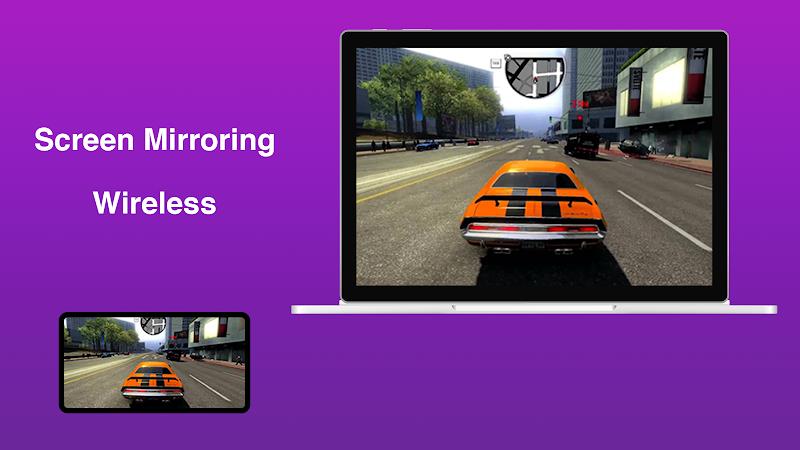
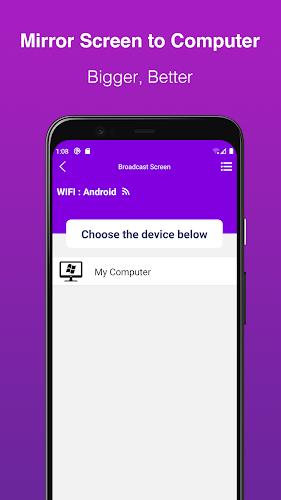
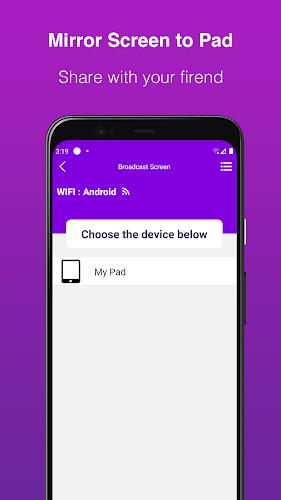
EasyCast is a screen-mirroring utility that lets you project your Android device display to a PC or other compatible devices over a wireless connection, improving how you watch videos, present slides, or share apps. It focuses on simple setup and broad device compatibility so users who want to avoid cables can get their phone screen onto a larger display quickly. If you need low-latency streaming for presentations or media playback and an easy-to-use tool that works across platforms, EasyCast offers a straightforward solution worth trying.
⭐ EasyCast mirrors your phone screen to a computer with a few taps.
⭐ Works across many device models and brands for broad compatibility.
⭐ Establishes a seamless wireless connection to avoid tangled wires.
⭐ Designed for low-latency streaming to keep video and interactions responsive.
⭐ Minimal setup and simple permissions let you start mirroring quickly.
✅ EasyCast removes the need for physical cables, making setup cleaner and more convenient.
✅ Wide device support makes the app useful in homes, classrooms, and small offices.
✅ Low-latency performance improves responsiveness for media playback and live demos.
✅ Quick installation and simplified settings reduce time spent troubleshooting.
❎ Performance can vary depending on local network speed and congestion.
❎ Some older or unusually configured devices may experience compatibility or stability issues.