Magnifier Vision
Version: 2.17.4
42.00MB
4.2
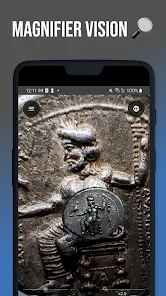

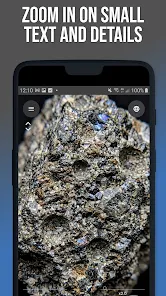
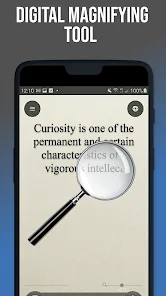
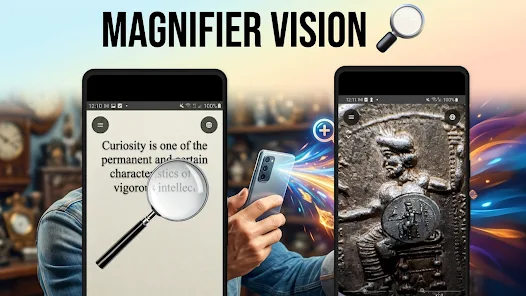

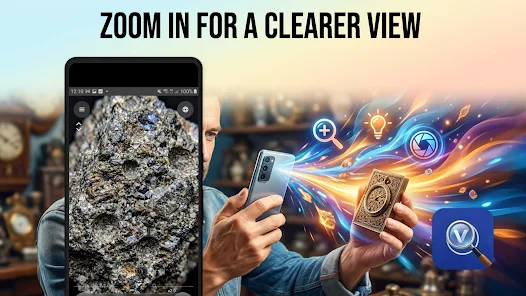
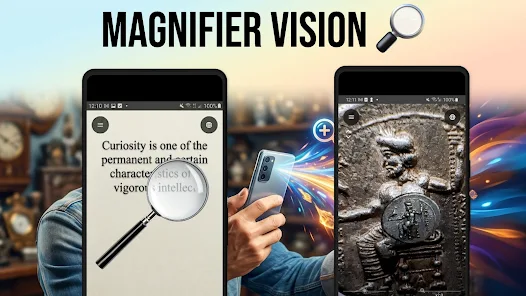

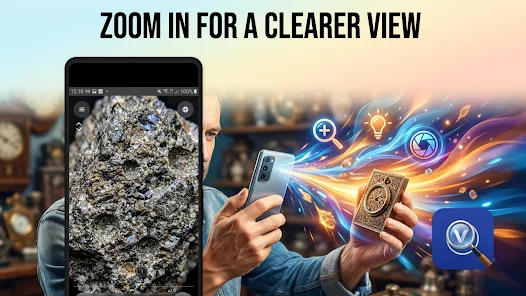
Magnifier Vision is a powerful pocket magnifying glass that turns your Android camera into an accurate, easy-to-use zoom and inspection tool. It offers adjustable zoom, LED illumination, and live image enhancement to help read fine print, inspect small parts, or view distant details with clarity and speed.
Magnifier Vision converts your phone into an inspection-grade lens. The app layers digital zoom over live camera input, adds lighting controls and contrast filters, and provides quick-capture options so you can freeze, store, and share magnified images. It’s designed for everyday tasks: reading labels, checking serial numbers, and examining textures.
The interface is intentionally minimal. Large controls sit at the bottom of the screen so you can concentrate on what you’re viewing. Magnifier Vision prioritizes performance: the engine maintains a responsive preview even at high zoom levels and limits battery drain by suspending heavy processing when idle.
Beyond pure magnification, Magnifier Vision includes filters to boost readability. High-contrast mode, grayscale, and color inversion help with faded text or low-contrast markings. A built-in ruler overlay assists quick measurements while the brightness and exposure sliders let you compensate for tricky lighting conditions.
Start by granting camera and storage permissions. Point the lens, tap to focus, then use pinch gestures to adjust zoom. Flip on the torch for close-up work in dim environments. Use the hold-to-freeze control to stabilize a capture and annotate or crop before saving. These small steps streamline common tasks.
Magnifier Vision includes options to set default zoom levels, toggle on-screen guides, and enable continuous autofocus. You can choose JPEG or PNG for file export and select a folder for saved images. These settings let you tailor the app for quick inspections or archival-quality captures.
The app serves a wide range of practical needs. Hobbyists appreciate it for electronics repair and model building. Students and seniors use it for reading tiny print. Professionals rely on it for quick product verification, serial number checks, and quality inspections on the go.
High zoom and constant illumination increase battery use. Close unused background apps and reduce screen brightness where possible. Use short capture sessions when relying on flashlight power, and export or back up images before uninstalling updates to avoid accidental data loss.
Magnifier Vision aims to be accessible: large touch targets, readable icons, and support for common screen sizes. It works on most modern Android devices; performance scales with camera quality. Older devices may see reduced resolution but retain core functionality.
Magnifier Vision combines practical tools and a simple workflow to make close-up viewing and inspection straightforward. Whether you need a quick assist for reading or a compact inspection tool for work, it provides robust features without unnecessary complexity.