
Temperature Input Demo
Version: 1.62
0.50MB
4.1
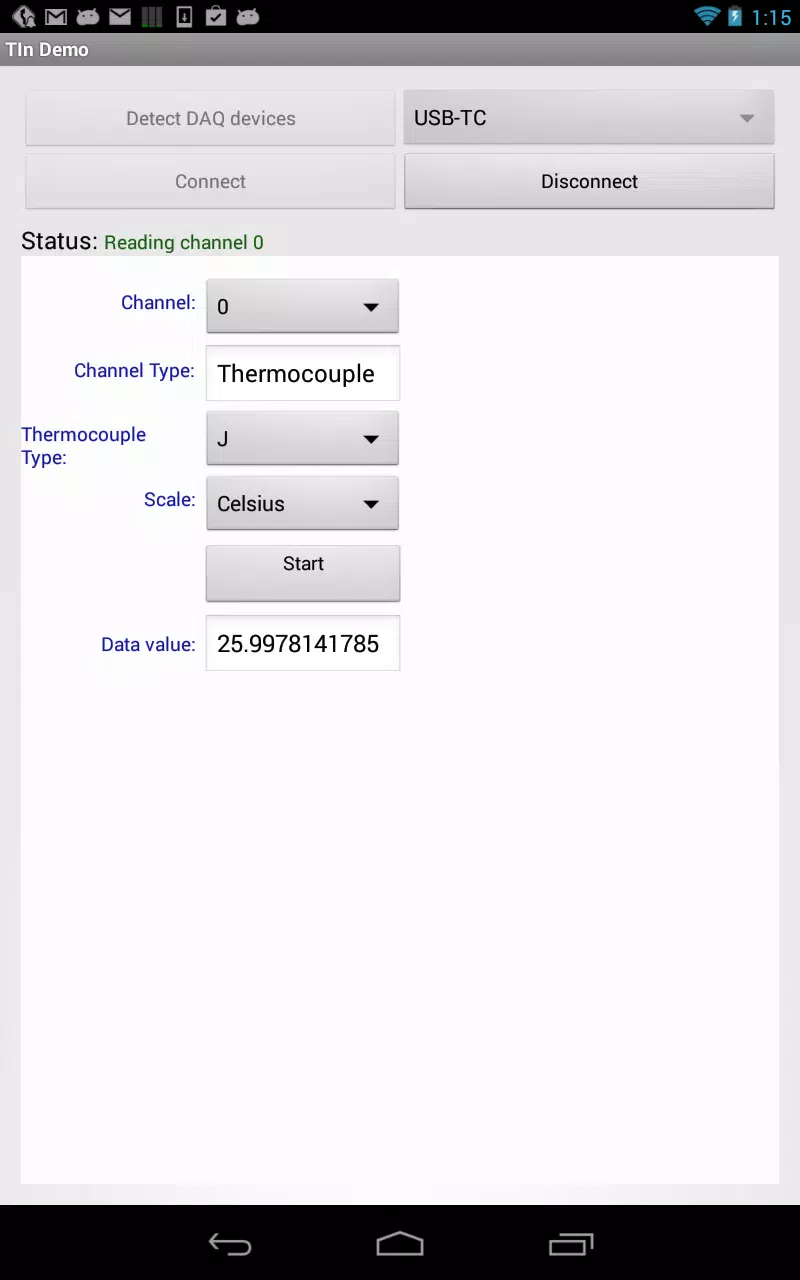
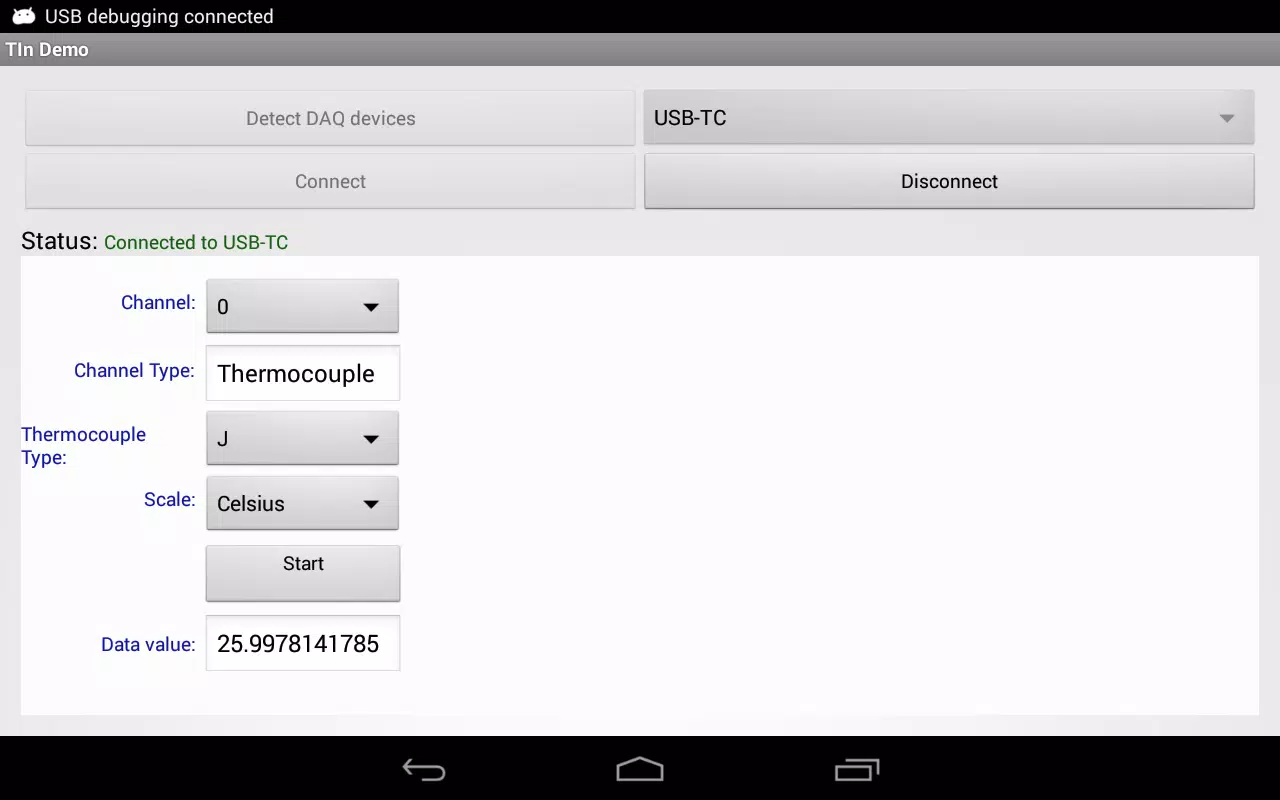
Temperature Input Demo is a compact utility that demonstrates precise temperature entry and conversion across multiple units. Designed for developers and testers, it showcases input validation, real-time unit conversion, and accessibility features to streamline temperature-related data entry in mobile and embedded applications.
This input demo focuses on accurate, predictable handling of numerical temperature values. It provides a concise sandbox where designers and QA teams can test masking, decimal precision, and automatic unit switching. Instead of a full-featured climate app, it is intentionally narrow in scope to guarantee reliability and quick iteration.
Temperature Input Demo uses a modular input component that separates parsing, validation and display. When a user types a number, the parser normalizes separators and units, the validator checks constraints and the renderer updates the formatted readout. This separation reduces bugs and makes each part easier to test.
The app's UI is deliberately minimal. A single input field occupies the top area, with toggles for unit selection and precision beneath it. Color-coded feedback appears immediately for invalid entries. The compact layout keeps primary controls within thumb reach on small screens while offering tooltips for advanced options.
Developers can tailor the Temperature Input Demo to fit different contexts. Available settings include default unit, minimum and maximum thresholds, allowed precision levels, and custom error messages. Integration examples demonstrate how to embed the component inside forms, dashboards, and IoT configuration screens.
Optimized for low CPU overhead, the input component handles rapid typing and bulk paste operations without lag. Simple unit tests accompany the package, covering edge cases such as extreme temperatures and locale-specific formatting. The result is a responsive experience that scales from small utilities to larger enterprise apps.
Start by choosing the default unit that matches your primary audience. Adjust precision only after validating measurement requirements. Use the built-in validation rules to block accidental values and test how the component reacts to pasted strings from spreadsheets or emails.
The input demo is popular because it reduces development time for a common but often overlooked UI element. It provides tested behaviors for edge cases and includes integration patterns that teams can copy directly into their code base. The focused scope helps avoid feature bloat while addressing real user needs.
Installation involves copying the component library into an existing Android project and following the supplied configuration guide. Sample snippets illustrate how to subscribe to change events and persist values. An included demo module lets product owners experiment without modifying application code.
Adopting the Temperature Input Demo can simplify testing and accelerate form development. Its emphasis on clarity and precision makes it a practical tool for mobile developers, QA engineers and product designers who need dependable temperature entry controls. With straightforward customization and solid defaults, it fits neatly into many workflows.