Meteors star night wallpaper
Version: 2.0
2.10MB
4
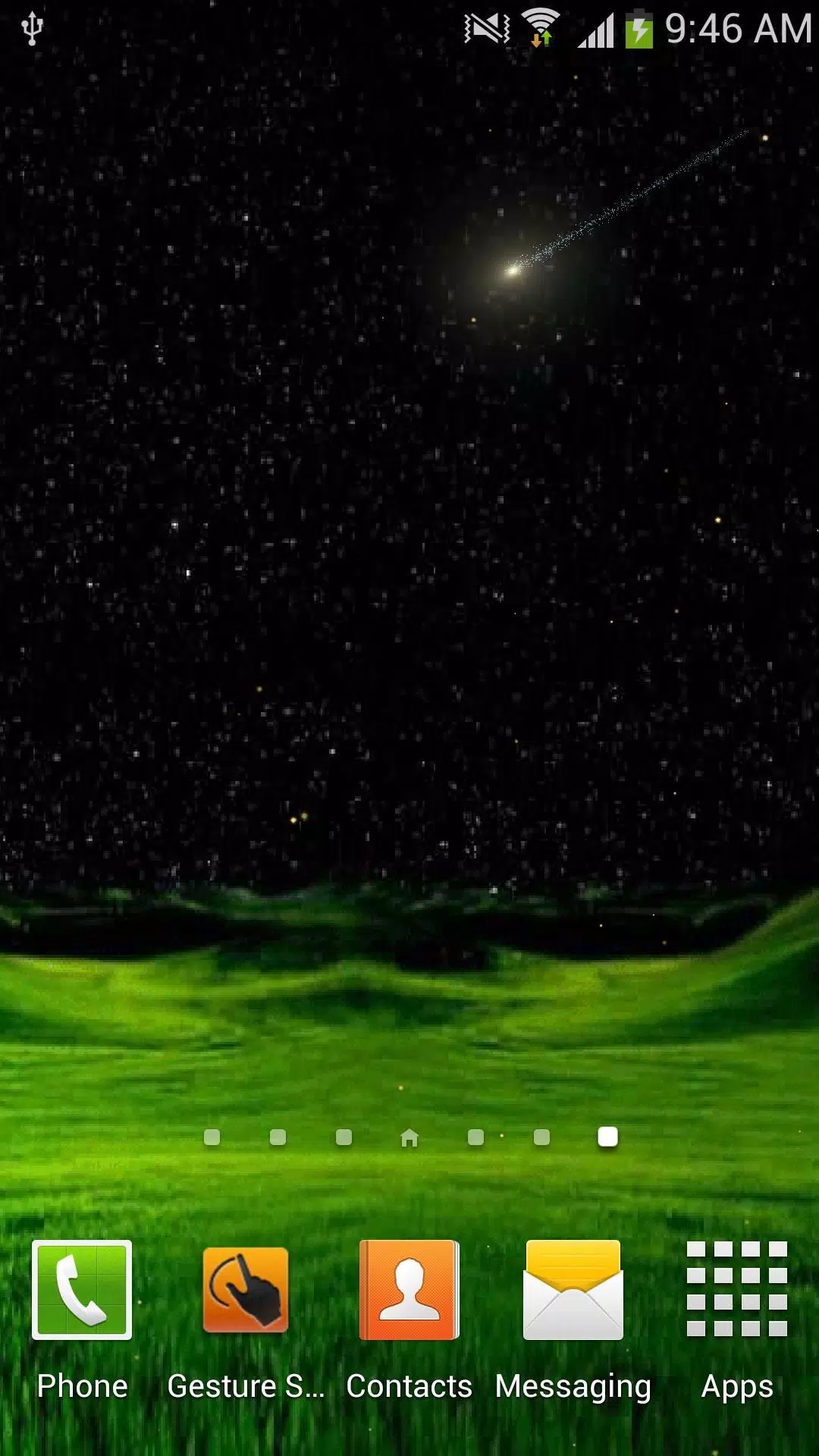
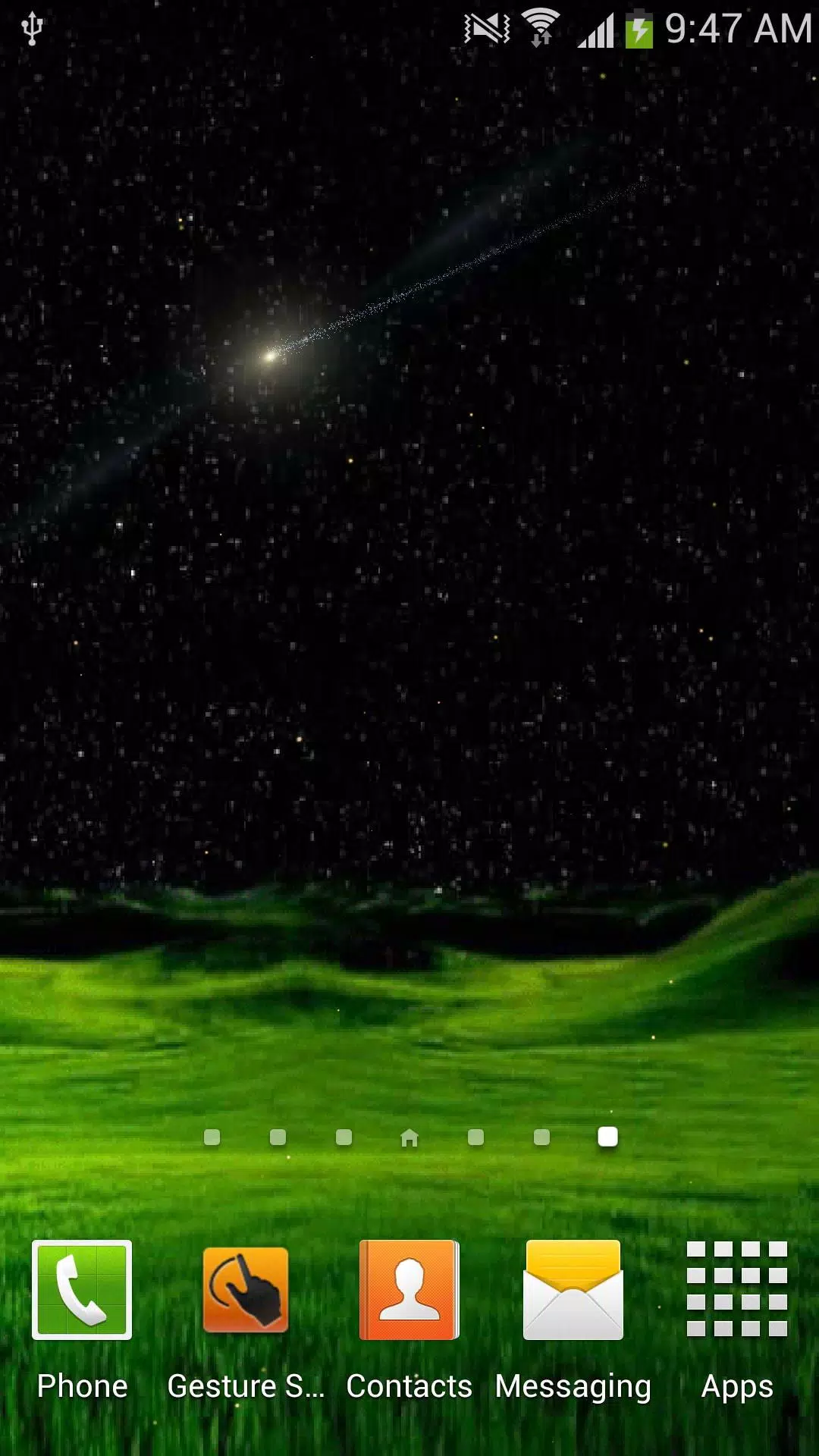
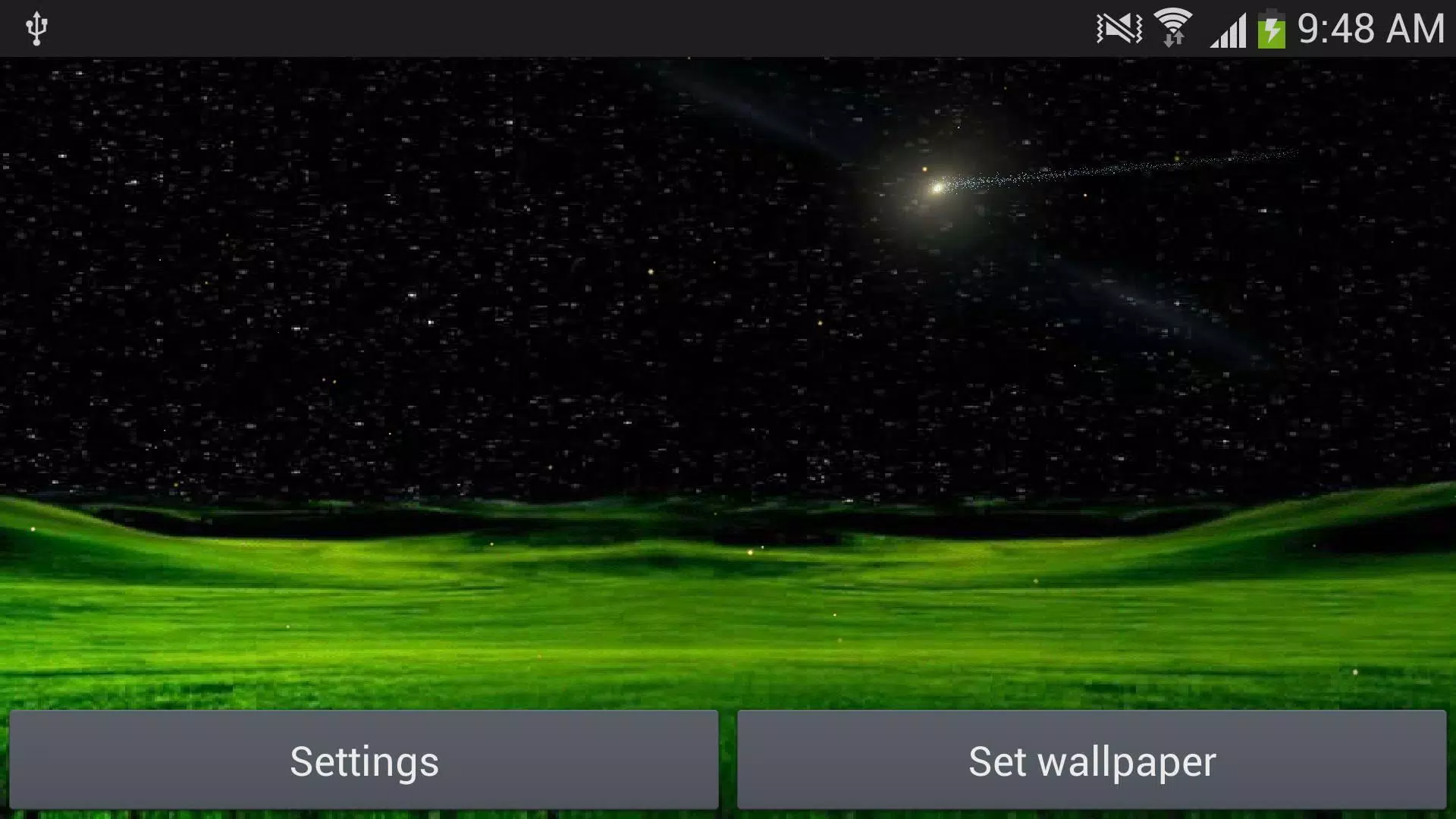
Meteors star night wallpaper transforms your device into a tranquil night sky filled with drifting meteors and subtle motion effects. This live wallpaper app blends smooth animations, battery-conscious settings, and easy customization so users can create atmospheric home screens without sacrificing performance or readability.
Meteors star night wallpaper delivers animated celestial scenes that run across your home and lock screens. Rather than a static image, it offers layered star fields, slow-moving clouds, and meteor streaks that vary in speed and density. The effect is cinematic but restrained, designed to decorate your phone without overwhelming icons or widgets.
Customization is a strong point of Meteors star night wallpaper. The settings panel lets you fine-tune every visual element. Slide bars adjust meteor speed and star density, while toggle switches enable halos, shooting trails, or occasional meteor showers. You can save preferred presets for quick switching between minimalist and dramatic looks.
The app presents controls in a clean, modern interface. Large icons and immediate preview make it easy to see changes in real time. Beginner-friendly presets are available for users who prefer not to tweak details. Advanced users can experiment with granular sliders to tailor the scene precisely to their taste.
Live wallpapers can impact battery life, but Meteors star night wallpaper includes multiple strategies to reduce drain. Frame rate caps limit CPU and GPU use, and a low-power profile dims animations when the device is idle. On newer phones the app remains lightweight, while older devices can activate simplified mode to preserve responsiveness.
The wallpaper supports a wide range of screen sizes and aspect ratios. Options for parallax depth, sensor-based motion, and static fallback images ensure the display looks polished across phones and tablets. Users can choose whether animations respond to device orientation or remain fixed.
For those seeking subtle movement, reduce meteor speed and set star brightness to mid-level. If you prefer dramatic visuals, increase cloud opacity and meteor frequency but keep an eye on battery usage.
Installing Meteors star night wallpaper is straightforward: download from your app store, open the app, and tap the preview to apply. The onboarding guide walks you through theme selection and power settings. If you want to revert to a static image, the app provides a quick disable option in the main menu.
Meteors star night wallpaper balances aesthetics with practicality. It focuses on delivering a calming nightscape without heavy system overhead. The array of customization options and built-in power management differentiate it from simpler static wallpapers, while the visual polish makes the night sky feel alive.
Whether you aim for a contemplative background or a lively star show, this wallpaper adapts to your preferences. With intuitive controls and thoughtful performance features, Meteors star night wallpaper is a solid choice for anyone wanting an elegant celestial-themed home screen.