What's Up Guides
Version: 11
9.00MB
4.5
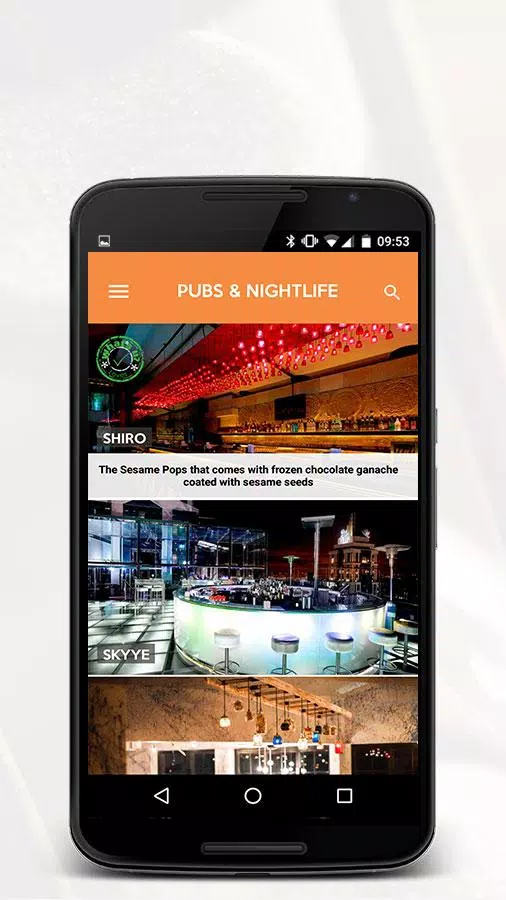


What's Up Guides is a compact Android app that delivers concise, searchable instructions and quick-reference walkthroughs for common apps, device settings, and daily tasks. It puts curated micro-guides, troubleshooting steps, and offline access into a single interface so users can solve problems fast without sifting through lengthy tutorials.
What's Up Guides bundles bite-sized guides, categorized libraries, and a robust search tool that returns clear step sequences and screenshots. Strong emphasis is placed on readability: each guide uses numbered steps, estimated completion times, and practical notes. The app also supports bookmarks, recent history, and a favorites list for fast retrieval.
The interface keeps navigation minimal. A persistent search bar sits at the top, while category tabs break content into subjects like messaging, device setup, privacy, and productivity. Guides open in a focused view that hides distractions and highlights essential steps. Inline images and short video clips can be toggled on to clarify tricky instructions.
Use collections to group related guides into custom folders. You can tag entries, add personal notes, or rearrange steps before saving a local copy. This feature is ideal for technicians, frequent travelers, or anyone who prefers a tailored set of instructions for recurring tasks.
Offline mode is a practical advantage. Download individual guides or whole folders to keep them available without an internet connection. The app is optimized to minimize data use: media files load only when requested, and text-first formatting reduces bandwidth and storage needs.
The search engine blends keyword matching with suggested intents. Type partial phrases and the app surfaces related guides, quick tips, and troubleshooting flows. Smart suggestions appear as you type, and recent searches are retained to speed up repeat lookups. Filters let you narrow results by difficulty, time required, or device model.
Display settings include adjustable text size, high-contrast mode, and a dyslexia-friendly font. Users can switch between light and dark themes, and a reading mode strips out images for a simplified text view. Notifications are discreet, used only for content updates or saved-guide reminders.
Whether you need to configure a new phone, set up two-factor authentication, or recover lost files, What's Up Guides reduces steps to a compact checklist that you can follow in real time. Each guide lists prerequisites and common pitfalls, so you know what to prepare before you begin.
The app runs smoothly on a wide range of Android versions and is optimized for both phones and tablets. Load times are short due to lightweight data handling and on-demand media. Background battery use is minimal, and updates are modular so only changed guides are downloaded.
Local storage is used for downloaded content, and sensitive operations are only advisory: the app never requests unnecessary permissions or accesses personal accounts. Sync options are optional and encrypted, allowing users to back up collections securely across devices.
What's Up Guides aims to be a reliable reference for quick problem solving and routine setups. Its focused approach favors clarity and speed, giving users a compact toolkit for navigating mobile tasks without distractions.