GPtopflix STB
Version: 5.6.1
52.50MB
4.5


GPtopflix STB is a streamlined Android set-top box application designed to deliver live TV, on-demand content, and easy channel management for smart TV and Android TV devices. The app focuses on responsive navigation, stable playback, and practical tools for customizing viewing lists and program guides in a lightweight package.
At its core, GPtopflix STB provides a unified platform for streaming IPTV channels, movies, and series. It supports electronic program guide (EPG) integration, playlist imports, and user profiles so households can keep personalized favorites and viewing histories separate. The app emphasizes a minimal learning curve while offering advanced options for power users.
GPtopflix STB uses a tile-based layout optimized for remote control navigation. Menus are designed to be readable at a distance with clear icons and short labels. The main screen focuses on immediate content access—recently watched, live channels, and featured on-demand items—while secondary screens offer deeper management tools like playlist editing and system settings.
Performance is tuned for a range of Android devices: from entry-level set-top boxes to high-end Android TV sticks. The app leverages hardware decoding on supported chipsets to enable smoother 4K playback and more efficient low-bandwidth streaming. Network conditions play a crucial role—wired Ethernet or a strong 5 GHz Wi-Fi connection will deliver the best results and minimize buffering.
GPtopflix STB includes basic parental controls that restrict access to specific channels or content by PIN code. It also keeps a local cache of user preferences and playback history; users can clear this data via settings to maintain privacy. The app does not require unnecessary device permissions beyond network access and storage when importing playlists.
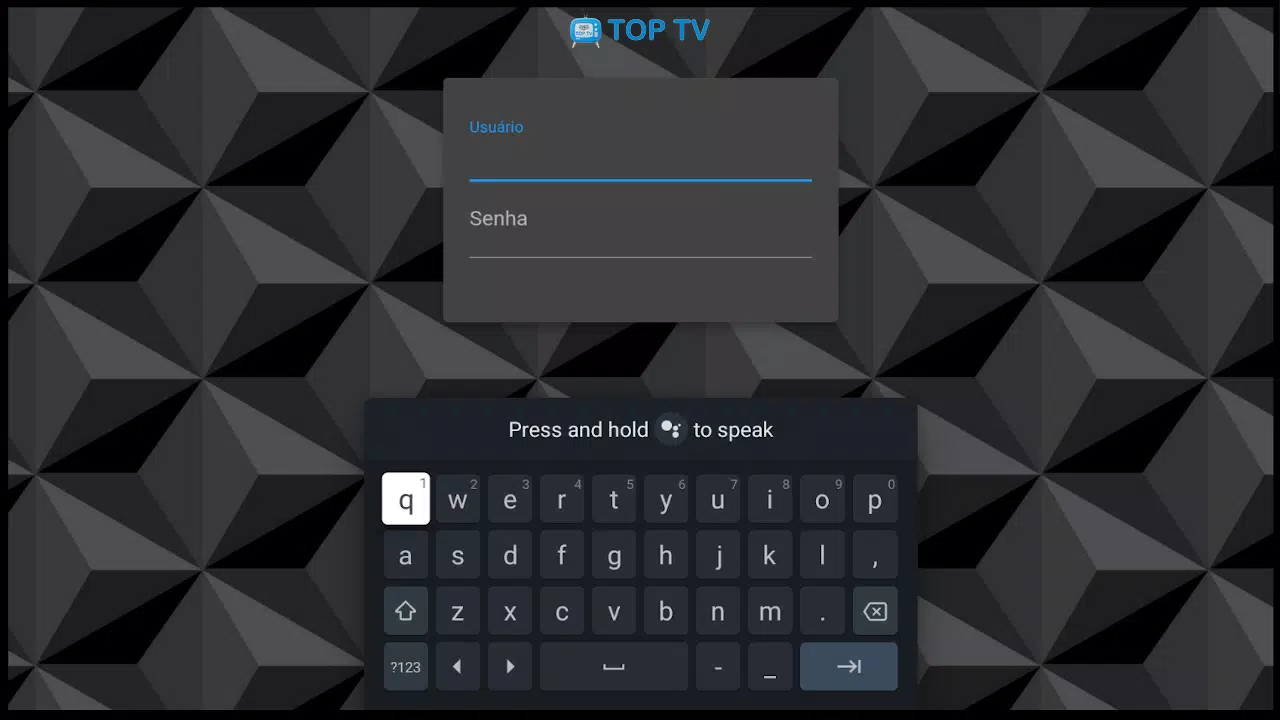
Getting up and running with GPtopflix STB is straightforward. Install the APK on an Android TV or compatible Android device, grant network access, and import your playlist or enter your service credentials. After import, scan the EPG if available and organize channels into categories. Create a user profile to save favorites and apply parental controls.
If you encounter buffering or playback failures, verify your network speed and try lowering the stream quality. For missing channels or EPG errors, re-import playlists and refresh the guide. If the app freezes on startup, clear its cache or reinstall the APK to resolve corrupted configuration files.
GPtopflix STB is suited for users who need a lightweight, configurable streaming client for Android TV and set-top boxes. It balances an accessible interface with enough advanced features to manage playlists, EPGs, and parental settings without overwhelming casual viewers. Regular updates improve compatibility and add useful playback refinements tailored to the Android TV ecosystem.
Whether you want a simple remote-friendly frontend for live channels or a functional tool for managing multiple playlists, GPtopflix STB delivers a practical, user-focused experience for modern streaming setups.