
iConnect 2018
Version: 2.0.0
15.50MB
4.2

iConnect 2018 is a streamlined communication and productivity app designed to centralize messaging, scheduling, and file sharing for professionals and teams. It combines chat channels, calendar integration, and secure cloud links in a compact interface that helps reduce app switching and speeds up daily workflows across devices.
Built for users who need a lightweight hub for everyday collaboration, iConnect 2018 focuses on practical tools rather than feature bloat. It supports one-on-one and group conversations, quick file transfers, and synchronized schedules. The app is optimized to keep notifications relevant while minimizing interruptions during deep work.
iConnect 2018 organizes tasks and communication into distinct spaces. Workspaces let teams create channels for projects, departments, or client accounts. Each channel contains message history, a shared file repository, and pinned items for important links or deadlines. Notifications can be set to channel-specific levels so critical alerts rise above less urgent updates.
Messages support inline previews, reactions, and threaded replies to keep conversations readable. File uploads are fast and display thumbnails for common document and image types. When sharing sensitive documents, the app applies access controls and expiry dates so administrators can limit exposure after a defined time.
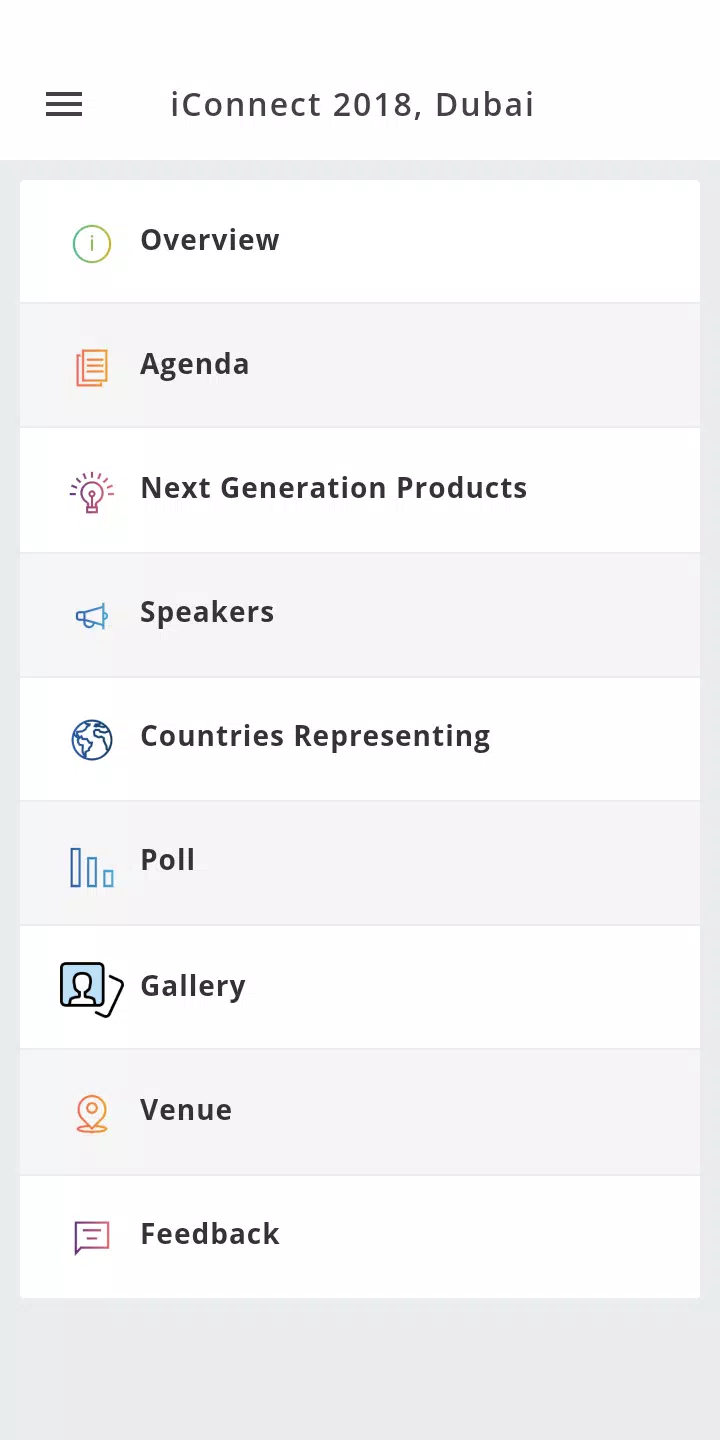
Design choices emphasize clarity. A simple top bar gives access to search and your calendar, while a left-hand list shows active spaces and direct messages. Theme options range from light to dark to match ambient lighting and personal preference. On mid-range devices the app remains responsive, with smooth scrolling and minimal load times when switching between conversations.
Background refresh is configurable to save battery and reduce cellular usage. Users can choose to limit media auto-download or allow it only on Wi-Fi. These settings help teams working in varied network conditions maintain efficiency without overtaxing the device.
iConnect 2018 supports common work patterns through shortcuts and integrations. Quick actions let users mark messages as follow-ups, schedule a meeting directly from a thread, or create a task tied to a message. The calendar view highlights free and busy times for collaborators, simplifying meeting planning without constant context switching.
Start by setting up two or three channels for your primary projects to keep conversation focused. Adjust notification preferences immediately to prevent alert fatigue. Use the search bar to locate past attachments rather than keeping multiple copies locally. Finally, explore the calendar sync to see how meeting scheduling becomes much faster with presence and availability visible.
Many teams adopt iConnect 2018 because it balances lightweight performance with enough tools to replace several single-purpose apps. The permissions model and temporary file links address common security concerns while cross-device synchronization ensures team members remain aligned whether they are at a desk or on the move.
Download the app, sign in with your work account, and create a workspace. Invite teammates and add a channel for your first project. Spend a few minutes linking your calendar and cloud storage to unlock smoother scheduling and file access. With these initial steps completed, iConnect 2018 quickly becomes the central hub for daily communication and task coordination.