Set Background
Version: 1.0
1.70MB
4.3
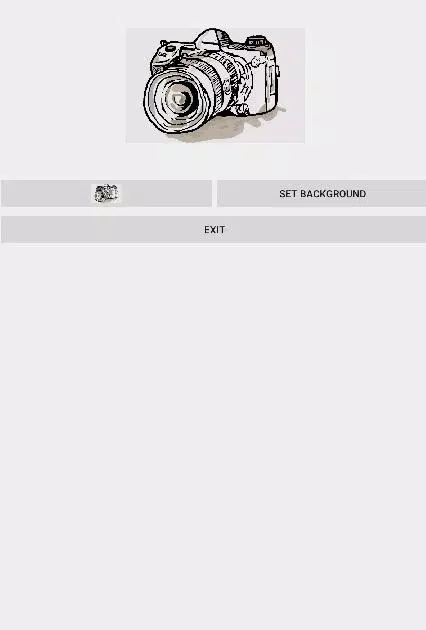
Set Background is a lightweight Android utility that streamlines how you assign wallpapers and backgrounds across apps and home screens. The app provides quick tools to crop, scale, and apply images with precise alignment options, saving time for users who frequently change or personalize device backgrounds.
Set Background focuses on a single but essential task: making it effortless to set images as wallpapers, lock screen backgrounds, or in-app backgrounds. Instead of navigating multiple menus or relying on system settings, this app centralizes the process with intuitive controls and preview modes so adjustments can be made before committing changes.
Set Background packs several practical tools for everyday customization. These capabilities help both casual users and power users handle background image tasks quickly and reliably.
The app uses a clean, minimal interface that prioritizes the image being edited. Controls are logically grouped and accessible from a single editing bar, while gesture support allows pinch-to-zoom and drag to reposition. Color-neutral panels keep attention on the photo, and the preview area scales to match your device so changes look the same when applied.
Set Background streamlines a common workflow into a few steps: import an image, adjust framing and effects, preview the selection, then apply. The import screen supports gallery selection, direct photo capture, and drag-and-drop where supported. After edits are made, a confirmation step displays how the background will appear across different screens so you can revert or refine without extra steps.
Optimized for fast performance, Set Background runs smoothly on a wide range of Android devices. Image processing happens locally to keep latency low and protect user privacy. Memory footprint is modest; even high-resolution photos are downscaled efficiently for previewing while the original file remains intact until you save. Compatibility extends across modern Android releases and adapts to different display densities automatically.
The app maintains a simple permissions model, requesting access only to storage and camera when necessary. No images are uploaded to external servers by default; all edits and temporary files are kept on-device to reduce exposure of personal photos. Users can clear edit history or disable local caching from the settings panel.
For better results with Set Background, consider these practical tips:
Installing Set Background is straightforward. After granting storage permission, import an image and use the visible toolset to edit. The app guides you through previews for different screen contexts and confirms your selection before applying. Frequent users will appreciate the ability to batch-apply images and save presets, while casual users benefit from the minimal learning curve.
Set Background is a focused tool for anyone who wants reliable, fine-grained control over device imagery. It removes friction from a small but frequent task, delivering responsive editing, clear previews, and safe on-device processing to keep your personalization efforts efficient and predictable.