AI Image Generator - AI Avatar
Version: 2.0.1
119.80MB
4.3
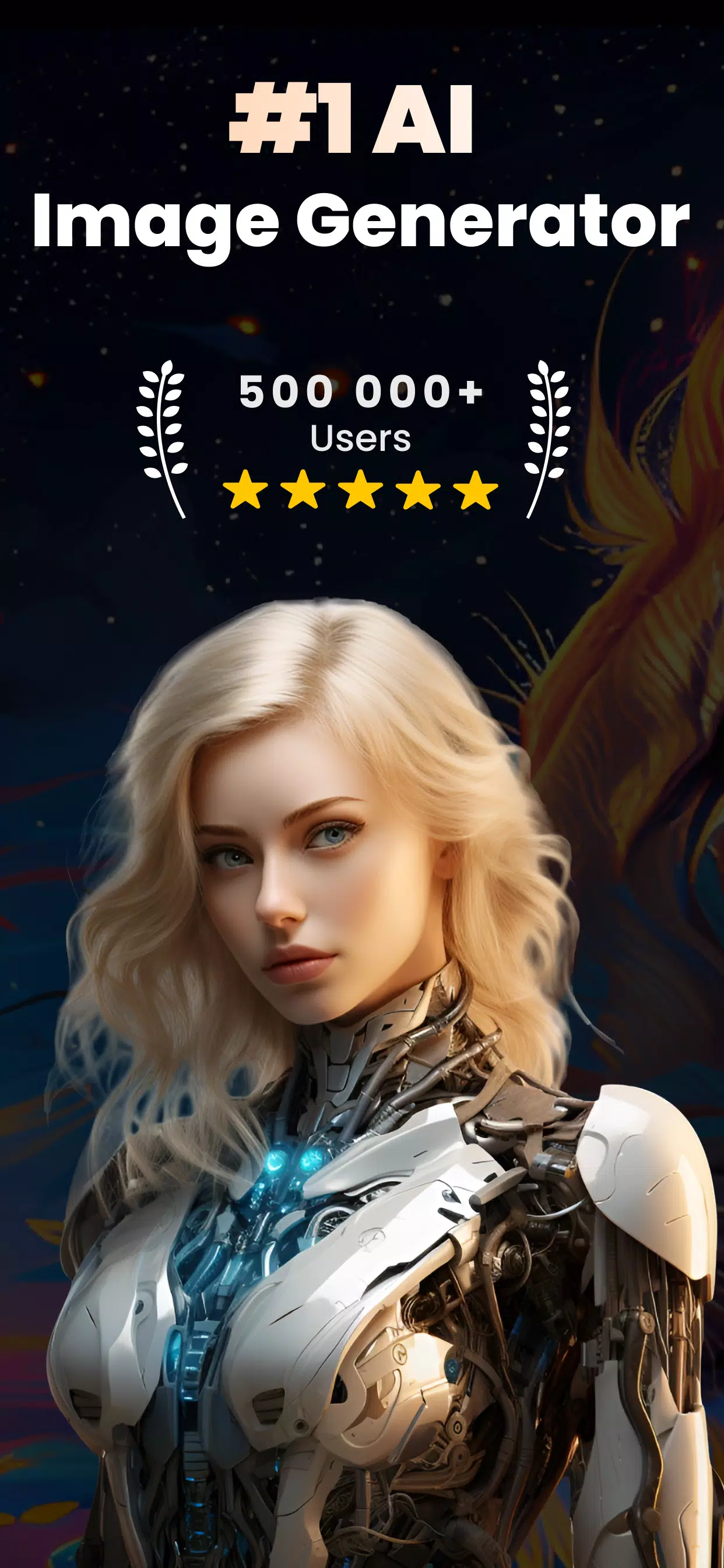
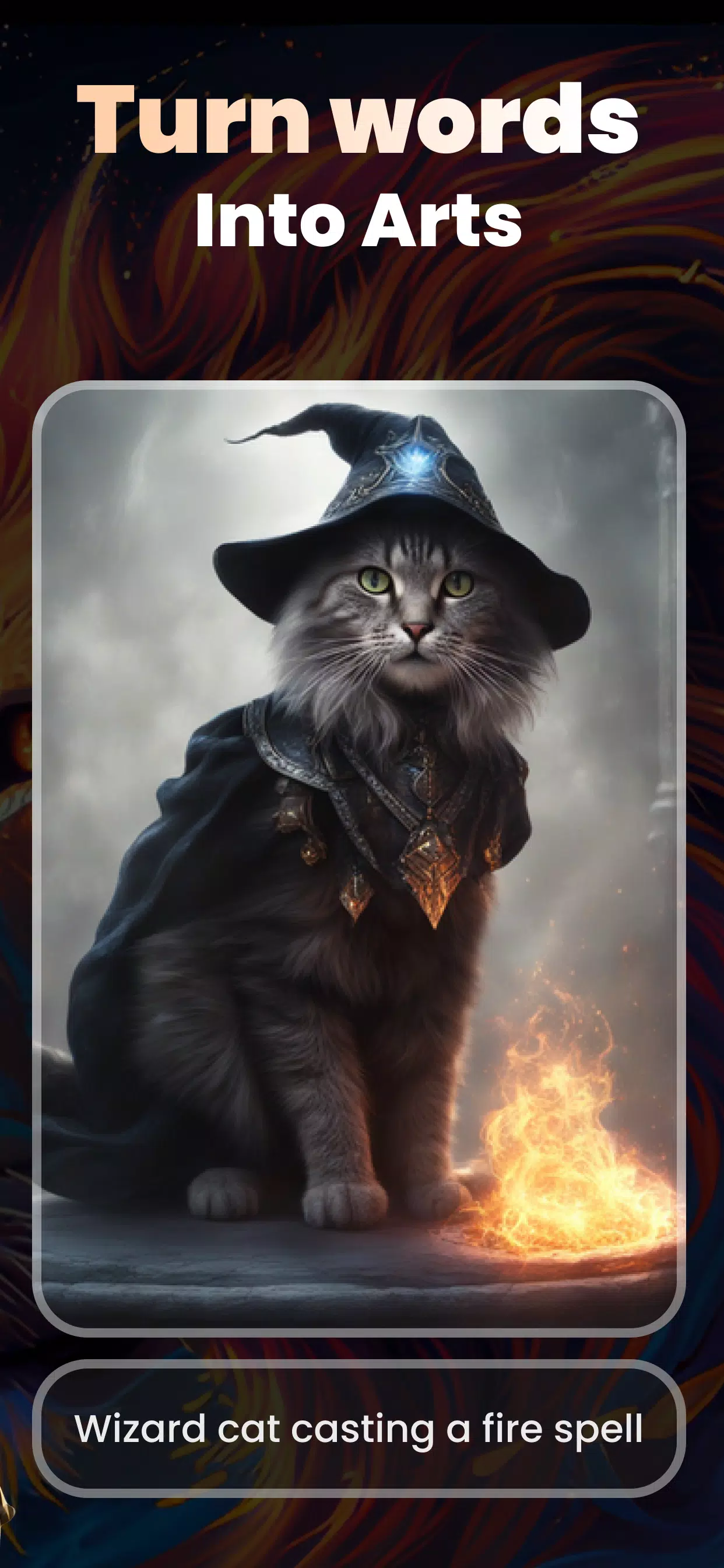
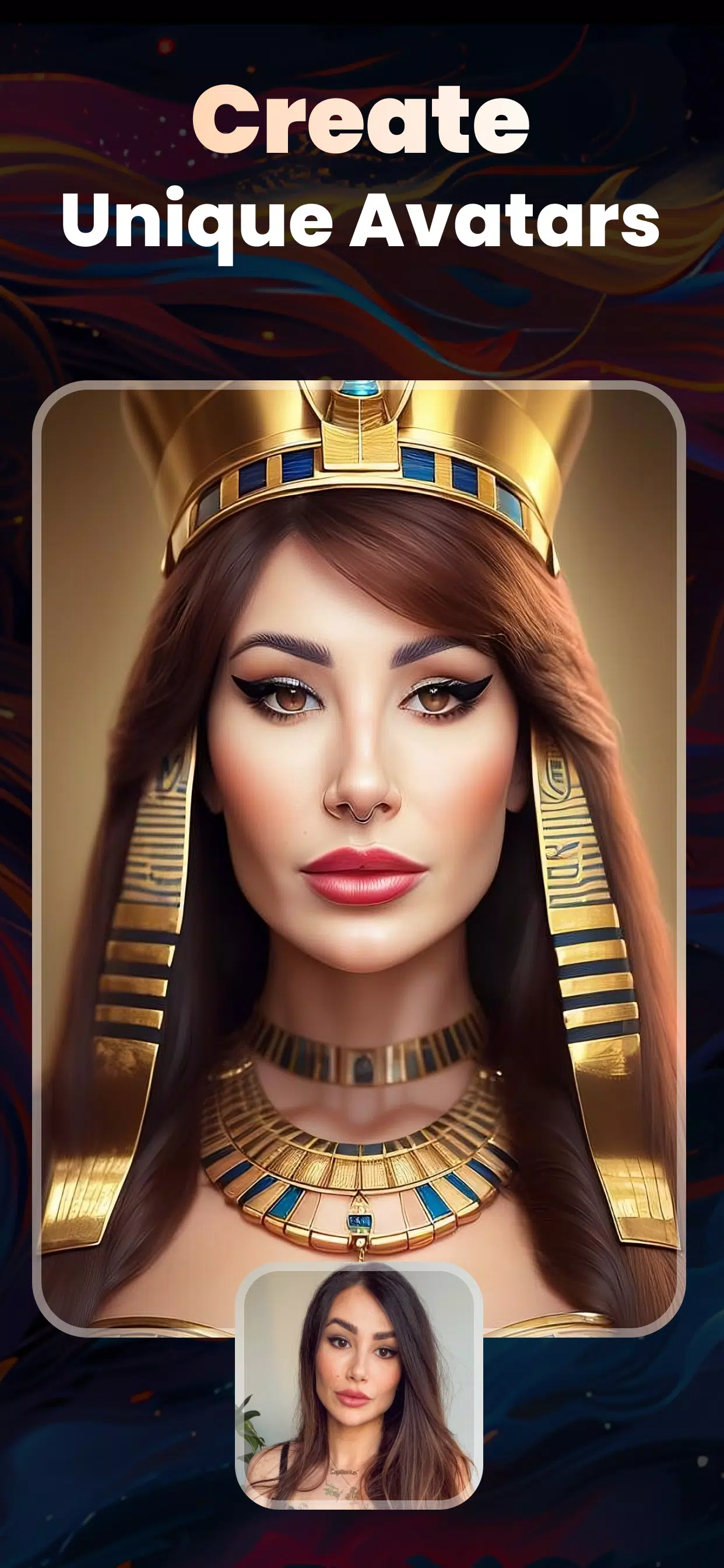
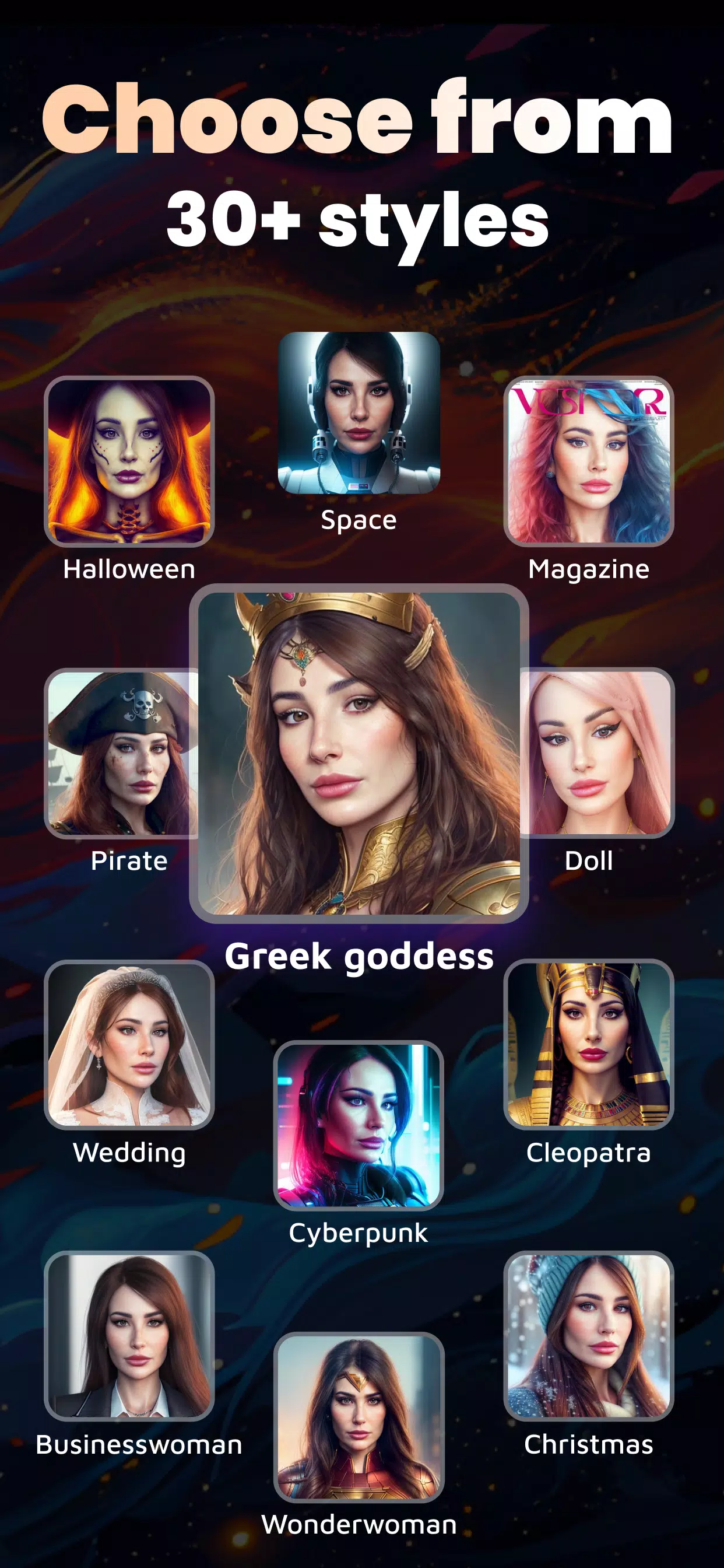
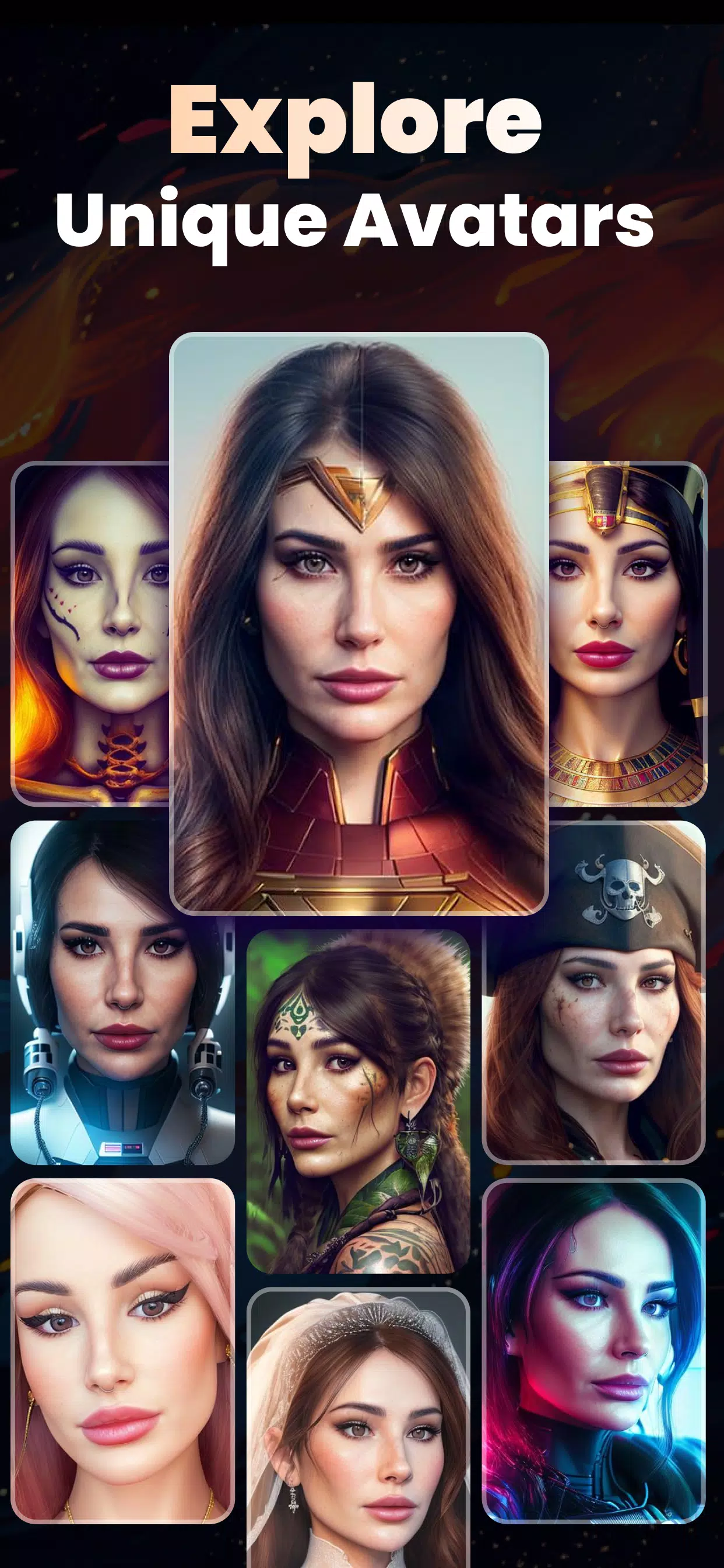
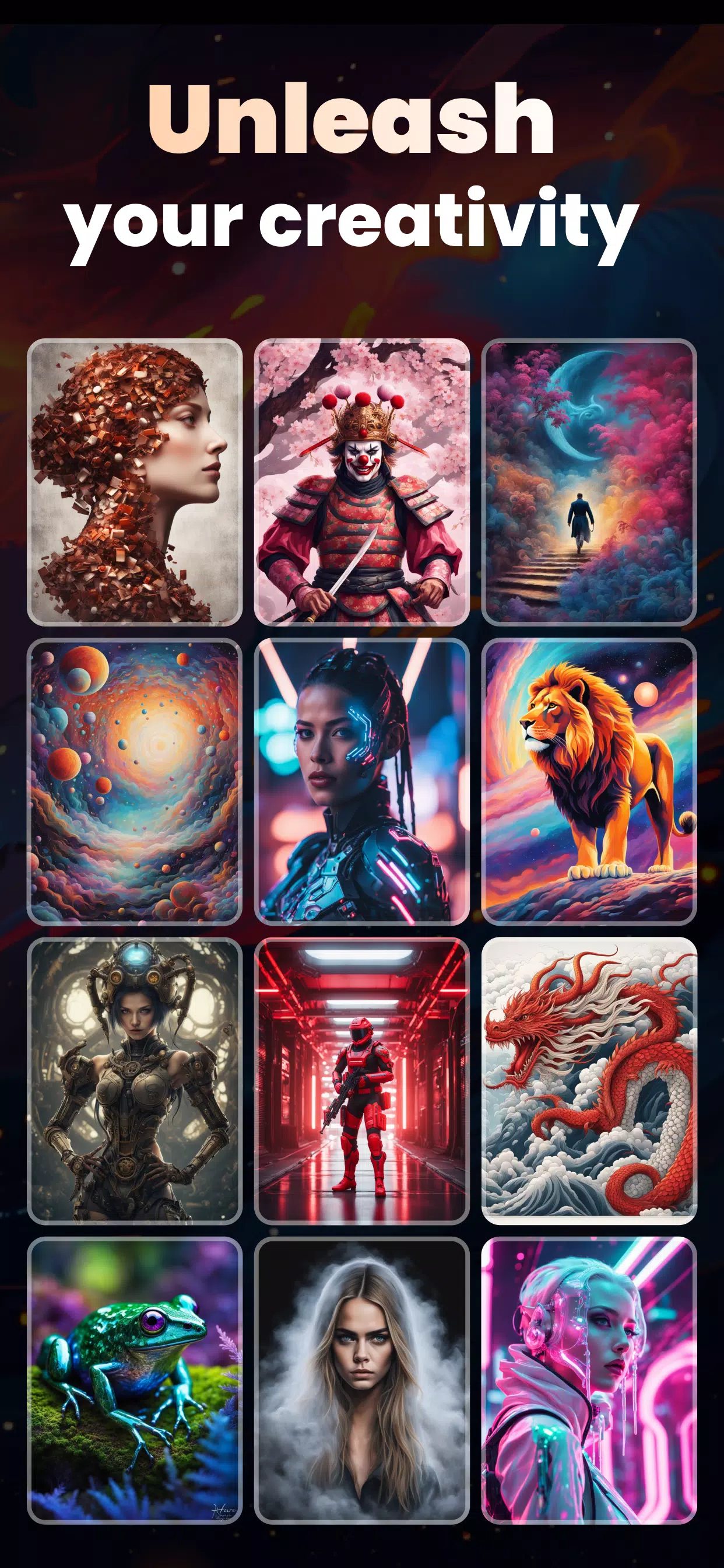
AI Image Generator - AI Avatar transforms simple prompts into stylized portraits and scene images with intuitive controls and preset filters. Designed for creators and casual users, the app combines template-driven workflows, batch export, and lightweight editing tools to generate high-quality avatars, backgrounds, and concept visuals rapidly on mobile devices.
The core of the app is a compact suite of features built for speed and variety. AI Image Generator - AI Avatar offers multiple style packs, mood presets, and a live preview that updates as you tweak settings. Users can choose from portrait, full-body, cartoon, and cinematic modes and apply texture, lighting, and color grading in a few taps.
The app translates short text prompts and sample images into visual outputs using a guided pipeline. When you submit a prompt the engine suggests complementary styles and camera settings; previews appear quickly so you can iterate. Sliders control strength, detail, and randomness, allowing predictable refinement without overwhelming technical parameters.
Customization is designed for flexible results. After generation you can fine-tune facial features, hair, clothing, and background elements. A layered approach means edits are non-destructive: you can revert changes or apply alternative filters while preserving the original render. Smart masking tools help isolate subjects for precise background replacement.
Creators will appreciate the app’s emphasis on repeatable workflows and asset organization. Save favorite prompt templates, tag output images, and group related designs into collections. The integrated batch export and naming convention tools streamline delivering assets for social profiles, game prototypes, or client presentations.
Designed for modern Android phones and tablets, the app balances quality and speed to reduce battery drain and memory use. Low-power mode produces quicker, smaller renders suitable for drafts, while high-quality mode prioritizes resolution and detail when producing final assets. The app supports offline caches for repeat jobs and integrates with cloud storage for backups and cross-device sync.
Begin in minutes with a few simple steps. Open the app, select a style preset, and enter a concise prompt describing subject, mood, and color palette. Optionally upload a reference image to guide composition. Use the preview to refine details, then export. New users can explore guided templates that demonstrate how prompt variations alter results.
For the best results, craft prompts with clear descriptors and avoid overly long instructions. Mix styles and experiment with lighting words like "golden hour" or "studio" to influence mood. Respect image rights when using references and tag any generated work appropriately if required. The app includes tools to remove identifying marks and to create anonymized avatars for public profiles.
Users pick AI Image Generator - AI Avatar for its blend of simplicity and control. It fits hobbyists who want quick avatars, social media creators preparing thumbnails, and designers prototyping characters. Frequent updates add new styles and optimize performance so the app remains a practical tool for mobile image generation without a steep learning curve.