
Gmod mobile
Version: 1.0
20.20MB
4.5
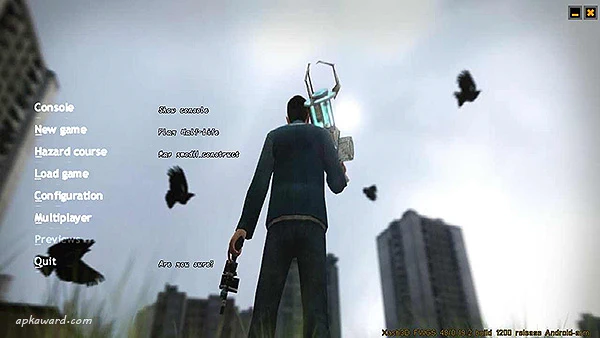
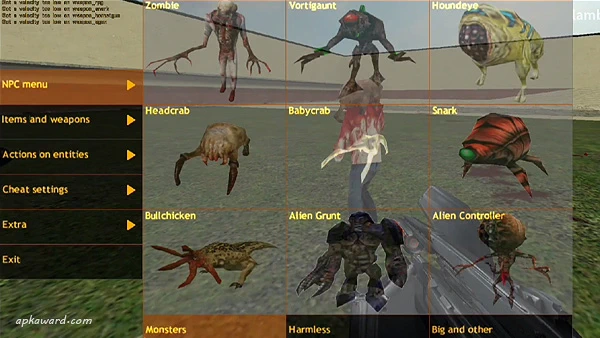
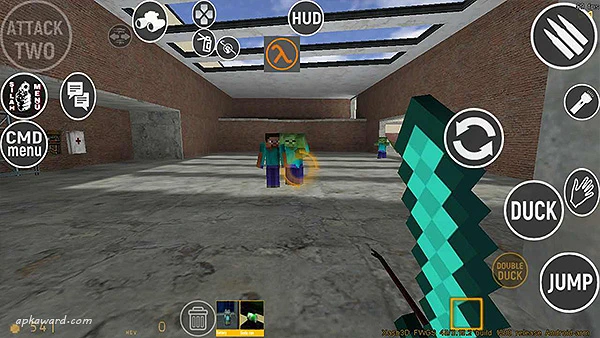
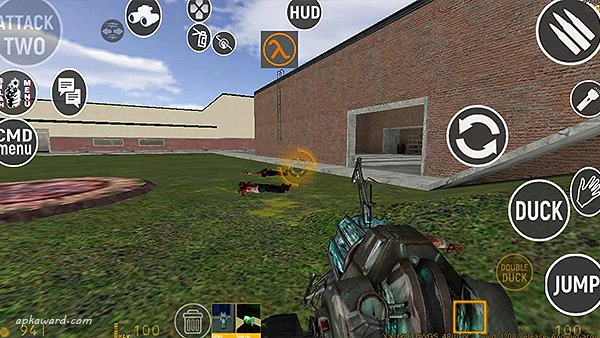
Gmod mobile turns your Android device into a portable sandbox studio, giving players a flexible toolkit for building maps, assembling contraptions and experimenting with physics-driven scenarios. Gmod mobile blends voxel-style 3D visuals and ragdoll physics with a familiar sandbox engine that supports both offline play and community content, so creators can prototype ideas on the go or explore other users' projects.
The app provides a powerful in-game editor where you can place terrain blocks, spawn props, and wire simple logic components to make moving devices or interactive puzzles. Support for user-created mods and community maps means the pool of available content grows over time; creators can import and share custom maps, scripts and modes with other players. Visual settings are adjustable so you can trade resolution and texture detail for smoother performance on older hardware, and control options let you tune input sensitivity, on-screen buttons or gamepad mapping to match your play style.
Gameplay in Gmod mobile emphasizes open-ended experimentation rather than fixed objectives. The physics system responds to weight, momentum and joint constraints, so building vehicles, traps or kinetic sculptures produces emergent behavior you can tune and iterate. Map types vary from puzzle-focused layouts with goals and switch puzzles to arena-style and deathmatch-inspired designs where community-made rules create structured play sessions. Ragdoll interactions add a tactile feel when characters and objects collide, which is useful for testing animation setups and physics-based contraptions.
Controls are designed for touch-first play but include options for external controllers and local networked input. The default touch interface uses context-sensitive gestures for object placement and manipulation, while precision building benefits from pinch-to-zoom, rotate gestures and fine-positioning nudges. If you prefer a controller, many mapping presets are available and you can customize button assignments to match desktop habits. Tutorials and tooltips guide new users through fundamental editing operations so the learning curve is manageable.
Rather than a linear progression, Gmod mobile supports a creative loop: prototype, test, refine and share. Built-in sample maps and scenario templates help players begin with a clear objective or challenge, then extend or remix those templates into more ambitious projects. Mod support opens deeper customization for users who have basic scripting or asset-editing experience; the community hub acts as a place to find mods, download new maps and exchange tips on building complex mechanics.
The aesthetic leans toward a pixelated 3D or voxel-like look that keeps performance accessible while preserving readable geometry for building. Levels range from small test arenas to sprawling open-world maps, and many community maps include multiple interconnected areas or sublevels to explore. Replay value comes from the sandbox nature itself: the same map can be used for different experiments, multiplayer jams over LAN, or discovering new mechanics from user-shared mods.
You can use Gmod mobile offline to build and test scenes without an internet connection, which is useful for on-the-go creativity or indoor prototyping. Some large resource packs and community maps are sizeable; the app requires adequate storage and installing content packs is necessary for many maps to run correctly. For best results during online sessions and large downloads a high-speed connection is recommended, and reducing visual detail in settings helps maintain smooth frame rates on mid-range devices.
The user interface is organized to expose common construction tools first, with advanced options hidden behind an 'expert' panel so casual users are not overwhelmed. In-game help and community tutorials make it easier to pick up building basics, and frequent community uploads ensure there is usually fresh content to try. Players looking for collaborative play can join LAN sessions or share saved projects with friends, while solo users can enjoy a broad set of creative challenges.
Gmod mobile delivers wide creative freedom but has a few trade-offs to consider: advanced modding benefits from development experience and a familiarity with scripting; large content packs consume storage and must remain installed for maps to function; and some online features depend on stable network connections. Knowing these limitations helps set expectations before downloading and investing time in complex builds.