Smart Tools Mini
Version: 1.3.6
8.86MB
4.3
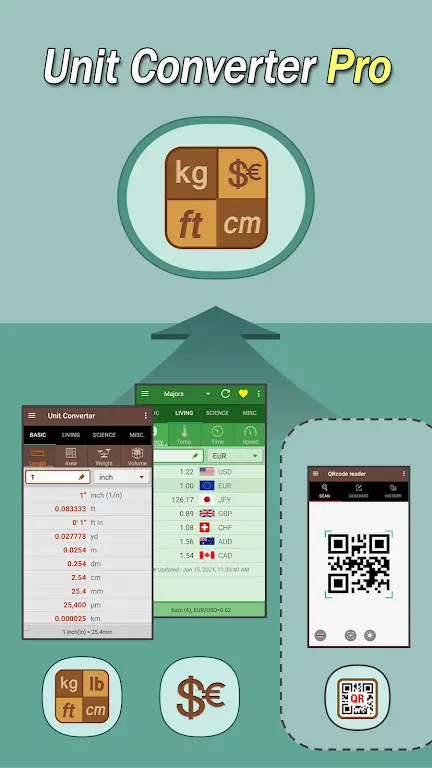
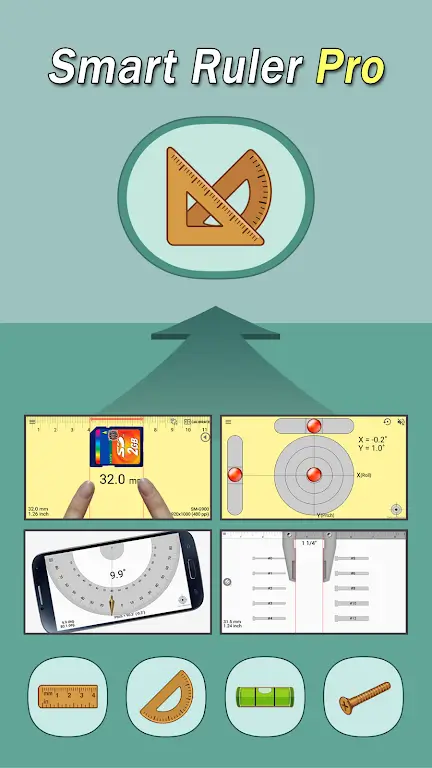
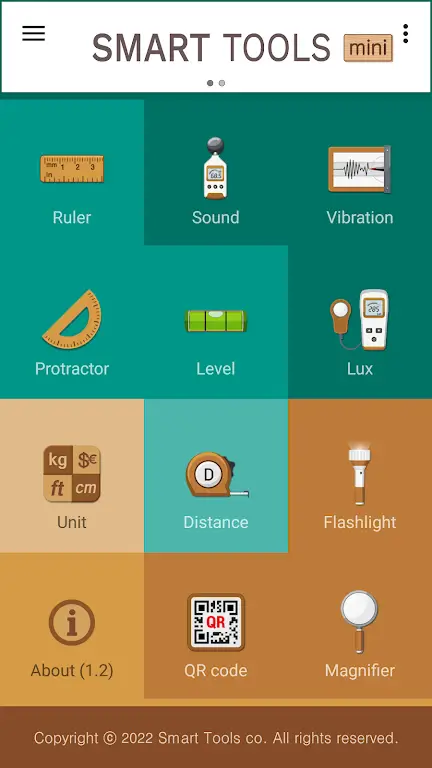
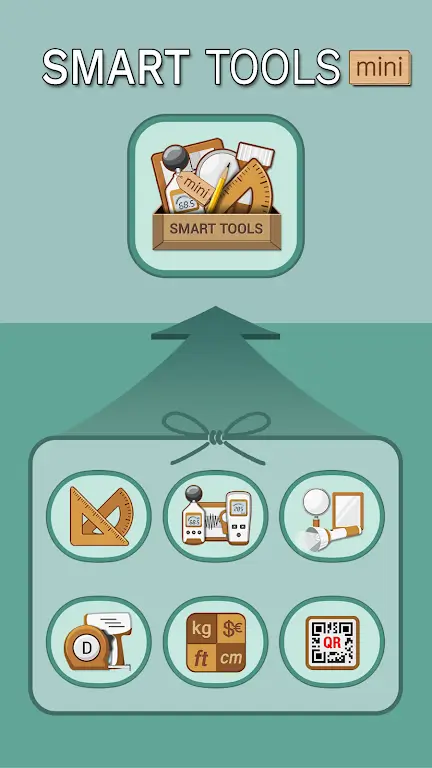
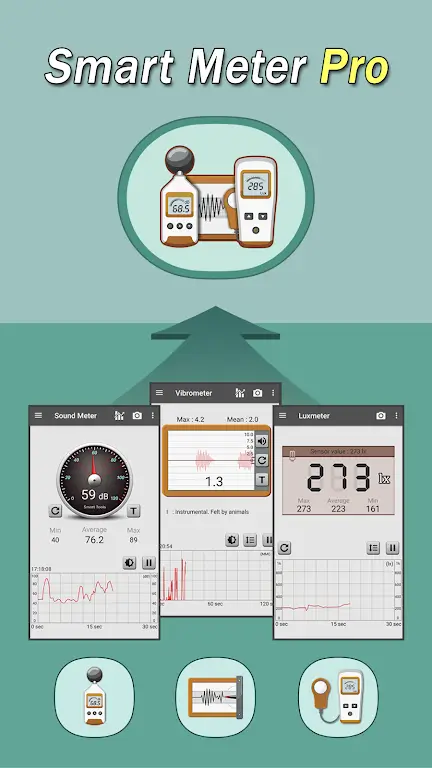
Smart Tools Mini is a compact, multifunctional utility suite for Android that packs essential measurement and productivity instruments into a lightweight app. Designed for quick access and low battery use, Smart Tools Mini helps users measure distance, angle, and sound levels while offering fast conversions and handy everyday tools in a tidy interface.
Smart Tools Mini provides a collection of small but practical tools grouped into categories such as measurement, conversion, and diagnostics. Each tool focuses on delivering immediate, accurate feedback without the clutter of complex settings. The goal is to put frequently used utilities at your fingertips so routine tasks are faster and less error-prone.
The selection emphasizes real-world usefulness. Expect useful modules like a ruler, protractor, sound meter, compass, flashlight, and unit converter. For quick construction estimates or DIY projects, the distance measurement and angle finder are particularly handy. The app’s converters support common units for length, weight, temperature, and time, cutting down the need to search online.
Most modules share a consistent interaction model: tap to select, follow a short calibration if needed, then read the result in large, legible numbers. For example, the protractor overlays on the camera view for angle measurements, while the ruler mode relies on user input for scale. The sound meter samples the microphone and presents both instantaneous and averaged decibel values to help identify noisy environments.
The interface prioritizes clarity. Icons are purposeful, color accents help identify categories, and controls are sized for quick taps. Smart Tools Mini avoids heavy animations so transitions feel snappy. Performance is optimized to run smoothly on a wide range of devices; memory footprint is small, and most tools respond in under a second.
Users can tweak units, adjust update frequency for sensors, and enable a dark mode for low-light usage. Font sizes and contrast options improve readability for long sessions. These modest customization choices allow the app to adapt to different workflows without overwhelming users with settings.
Installation is straightforward: download and grant only the necessary permissions (microphone for sound meter, camera for visual measurement tools). Most tools explain their permissions clearly, and the first-run walkthrough highlights basic calibration steps. After setup, the app is ready for immediate use and fits well into daily routines.
Smart Tools Mini is appealing because it trades breadth for usefulness: a curated set of instruments that solve everyday problems without extra bloat. Professionals who need quick checks and casual users who prefer one consolidated app both benefit. Regular updates keep compatibility solid and introduce incremental improvements without disrupting the familiar workflow.
If you value speed, low overhead, and functional design in a utility app, Smart Tools Mini is worth trying as a compact toolbox that stays out of the way until it’s needed.


CetusPlay MOD Pro Unlocked
4.324.72MB

Iriun 4K Webcam MOD Premium Unlocked
4.16.70MB
AR Ruler App MOD Premium Unlocked
4.242.70MB

IXO RPAS
4.33.90MB

MagnetSearch MOD Premium Unlocked
4.46.80MB

Tasker MOD Premium Unlocked
4.235.90MB

InSave
4.414.29MB
Background Video Recorder Cam MOD Premium Unlocked
4.318.60MB