PDF Page Remover
Version: 1.0
12.99MB
4.1
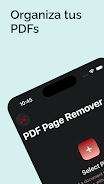

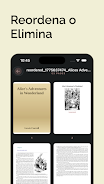
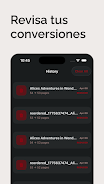
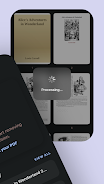
PDF Page Remover helps you delete pages from PDF files quickly and safely. With PDF Page Remover you can select pages to remove, preview the result, and save a new PDF without unwanted pages; the app works with files on your device and offers simple sharing options.
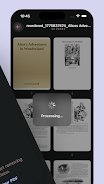
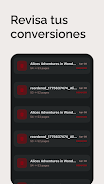
Select and remove single pages or a range from documents, preview edits before exporting, and save edited copies while keeping the original file. Batch processing lets you apply removals to multiple files sequentially, and PDF Page Remover preserves document quality and basic formatting when saving edited versions.
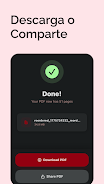
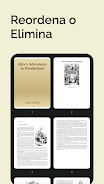
Open a PDF from device storage or a supported app, choose pages by tapping thumbnails or entering page numbers, then remove the selected pages, preview the result, and save or share the edited PDF.
The app processes files locally on your device and does not upload documents without consent. PDF Page Remover supports most standard PDF files and aims to preserve original layout and image quality where possible.