Filmora
Version: 14.1.00
99.80MB
4
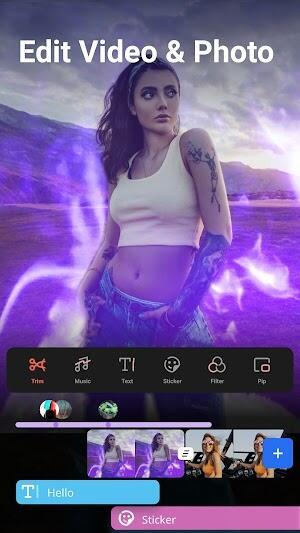

Filmora is an AI-powered video editor designed to speed up the creative process for vloggers, social creators, and anyone producing short-form or longer videos. It combines automated, machine-driven tools with traditional timeline editing so you can move from raw clips to polished exports quickly. Built-in AI features handle tasks that used to take hours — from removing unwanted objects to generating captions and voiceovers — while familiar trimming, splitting and export controls keep manual fine-tuning straightforward. If you want to produce engaging reels, shorts or full-length videos without a steep learning curve, Filmora streamlines the workflow.
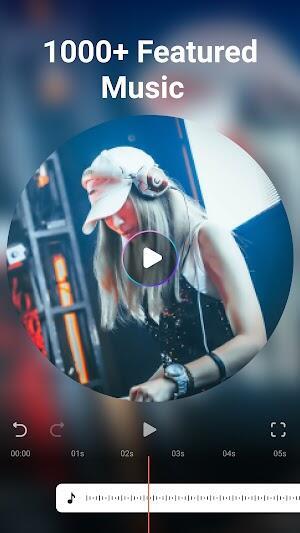
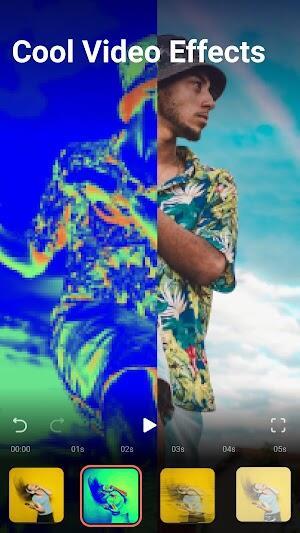
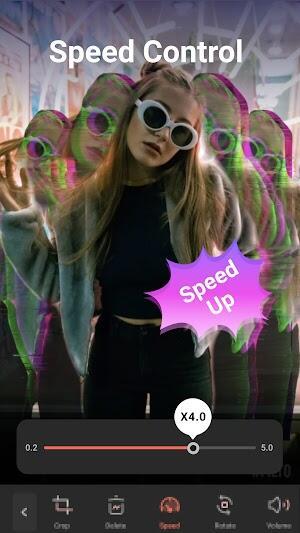
The app centralizes a set of AI assistants alongside robust manual editing tools. AI Auto Cut identifies and assembles highlights automatically, and AI Remover erases unwanted elements from footage without complex masking. Dynamic Captions convert speech into animated, word-by-word subtitles, while Text to Speech and Text to Video let you create voiceovers and clips from written prompts. Filmora also offers AI Music and sound effects for royalty-free backing tracks, plus visual AI filters such as AI Show and Infinite Zoom. Traditional tools include trimming, splitting, merging, adding text, stickers and emojis, speed adjustments, rotation, cropping and customizable aspect ratios for social platforms. Advanced controls like keyframe edits, Speed Curve, picture-in-picture, masking and smart tracking are available for precision work, and an AI copywriting tool helps create titles and descriptions prior to export. A subscription tier unlocks premium assets and an ad-free experience across desktop and mobile.
Highlights include automated editing aids that reduce manual labor, dynamic captioning that improves accessibility and engagement, and integrated text-to-speech for quick voiceovers. The AI copywriting assistant speeds up metadata creation for uploads, while built-in templates and effects let you establish a consistent visual style. Export options cover common resolutions and codecs, and a direct upload option simplifies publishing to social channels. For creators who need both speed and control, the combination of AI shortcuts and professional tools makes it possible to iterate faster without losing finesse.
The interface balances friendliness for newcomers with depth for experienced editors. Importing footage, trimming to playhead, applying transitions, placing stickers and tweaking effect opacity follow predictable workflows, so basic edits feel immediate. AI features work in the background to surface highlights, captions and suggested audio, while manual tools remain accessible for fine adjustments. Filmora’s templated approach helps users produce platform-ready outputs quickly, and the ability to switch between automated and hands-on modes keeps the experience flexible for different project needs.
Filmora packs a practical mix of AI-driven conveniences and conventional editing controls that accelerate production without sacrificing creative choice. Whether you need a fast, automated edit for social clips or detailed control for longer videos, it provides tools to get there more efficiently while keeping the learning curve manageable.