
Radio Nostalgie Rock Classics
Version: 1.1.9
8.20MB
4.2
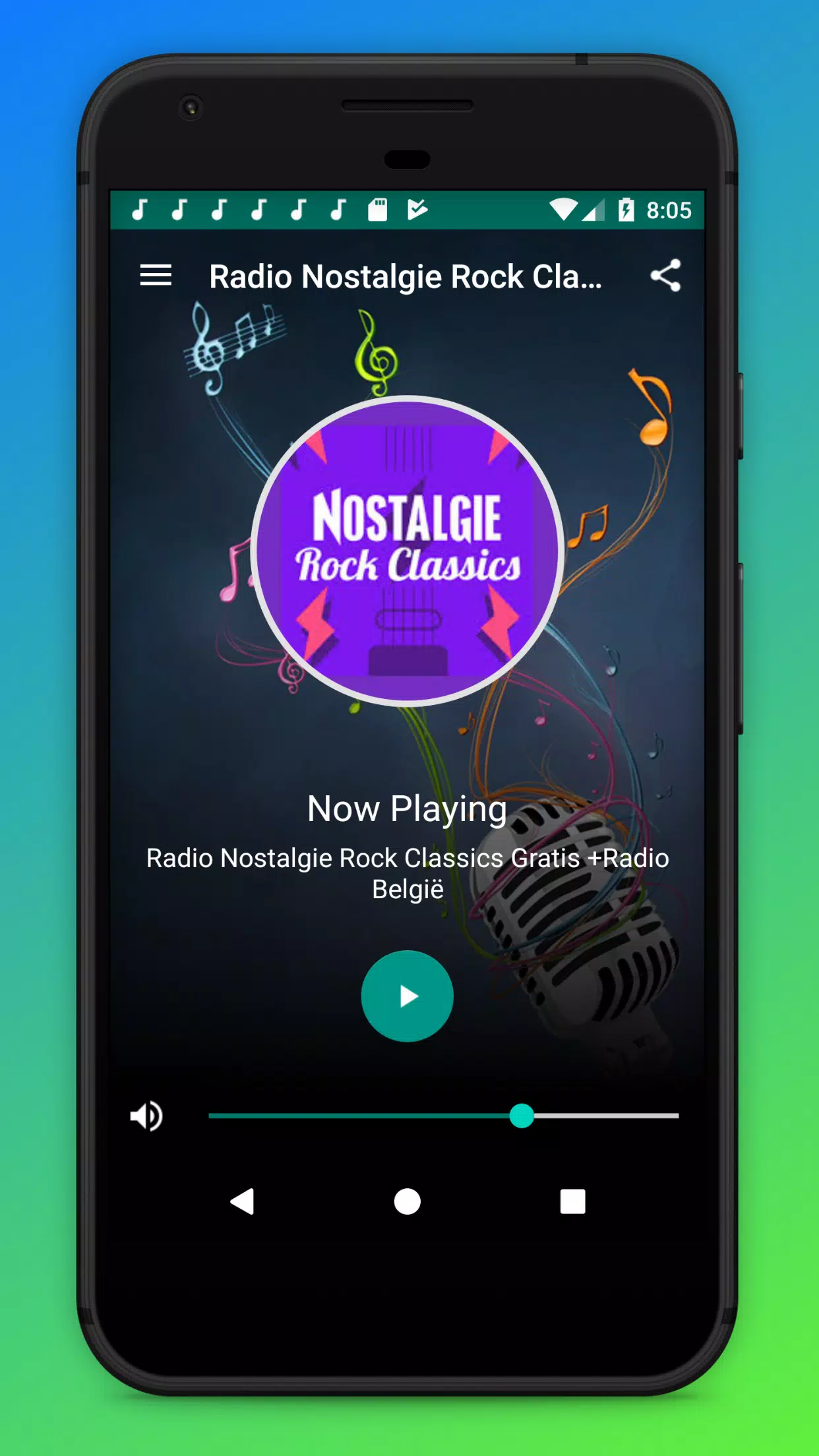



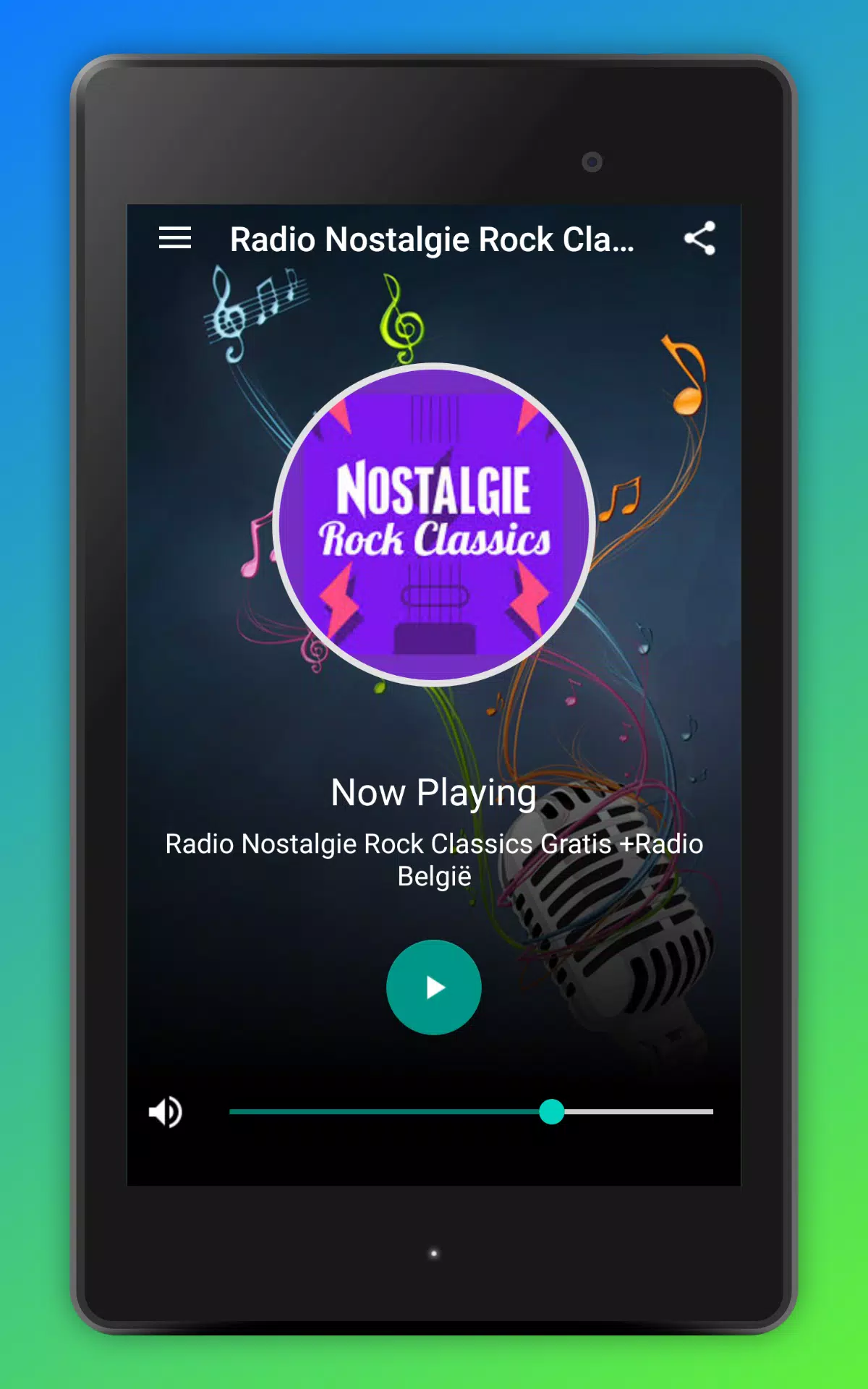



Radio Nostalgie Rock Classics brings a curated selection of classic rock radio to your Android device, blending original studio recordings with live sessions and themed shows. The app focuses on easy tuning, clear audio, and nostalgic playlists tailored to fans of 60s through 90s rock.
Radio Nostalgie Rock Classics is designed for listeners who want a straightforward way to access radio programming that emphasizes rock heritage. It gathers multiple channels and specialty shows into a single interface, making it simple to find era-specific playlists, artist-focused segments, and occasional interviews with musicians and DJs.
Launching the app presents an organized list of channels, each labeled by mood, decade, or subgenre. Tapping a station starts streaming immediately with minimal buffering. The player shows current track information and often links to artist biographies and similar tracks. Stations rotate playlists automatically but also include scheduled specialty blocks for deep-dive features.
Playback controls are intentionally minimal: play/pause, skip segment, and a volume slider. Background playback is supported, so you can switch apps or lock the device while the stream continues. Notifications give quick access to the current station without reopening the app.
The user interface aims for clarity: dark backgrounds, large type for station names, and album art where available. Performance is generally smooth on modern devices, with adaptive streaming to preserve bandwidth on slower connections. The app is responsive when switching stations and maintains good audio quality even over mobile networks.
Users can tailor the listening experience by marking favorite channels and creating a short list for instant access. In some regions the app suggests related playlists based on listening history, making discovery of lesser-known artists and deep cuts easier. Shortcuts and widgets allow placing favorite stations directly on the home screen.
Radio Nostalgie Rock Classics includes basic accessibility accommodations like large text options and contrast-friendly themes. Playback settings let you choose audio quality and manage notifications. The app also provides basic troubleshooting tips in the settings menu for connectivity and playback issues.
Listeners keep coming back because the app captures the familiar pacing and variety of traditional radio while adding modern conveniences. Curated blocks, the convenience of on-demand replays, and a simple interface make it easy to rediscover favorites or stumble upon underrated tracks. For devoted classic rock listeners, the app acts as a focused radio hub without extraneous features.
Download and open the app, grant the usual streaming permissions, and browse the station categories to find a favorite. Use the built-in search to locate artist-specific shows or decades. Remember to tap the heart icon to build your favorites; this makes future sessions quicker and more personalized.
Radio Nostalgie Rock Classics blends nostalgia with modern usability, providing a reliable way to enjoy classic rock on the go. Whether you prefer deep cuts or radio staples, the app makes it easy to keep the music playing.