Coaching Movie
Version: 1.1.0.0
25.10MB
4.4
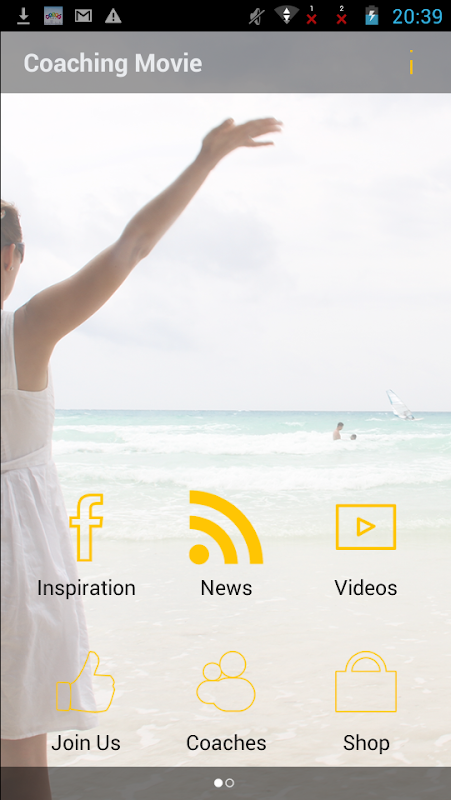
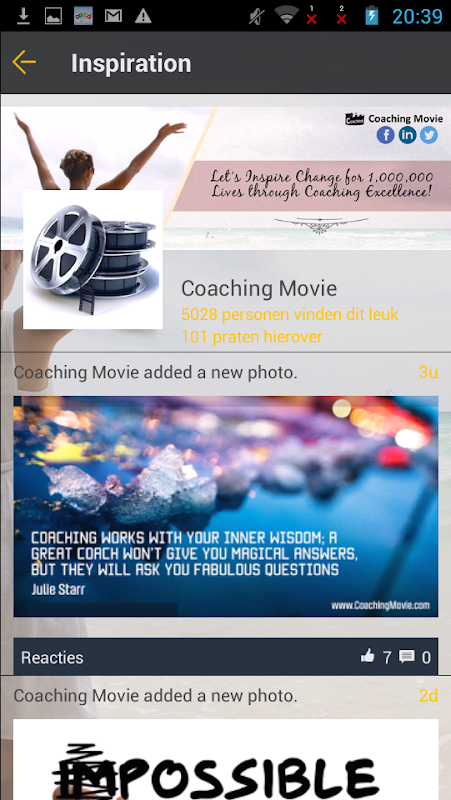
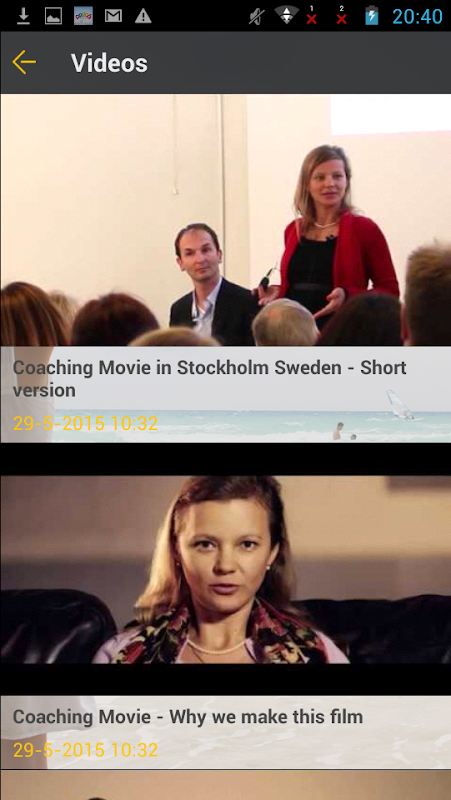
Coaching Movie is a mobile app designed for coaches and athletes who want to capture, analyze, and share training footage quickly. With frame-by-frame playback, annotation tools, and easy clip organization, Coaching Movie streamlines video-based feedback so teams and individuals can review performance, highlight technique, and track improvements over time.
Coaching Movie turns raw practice and game footage into actionable coaching material. It focuses on fast capture, clear visual feedback, and straightforward distribution. Rather than complex editing suites, the app gives coaches targeted tools to mark up technique, compare clips side-by-side, and build short teaching sequences that players can access from any device.
Use Coaching Movie during practice to capture reps, or record scrimmages for post-session review. Coaches can annotate highlights on the sideline, create short teaching reels on the bus, and distribute curated sessions before the next practice. The app reduces the time between recording and feedback, which increases retention and accelerates skill development.
The interface keeps common tasks within one or two taps: record, trim, annotate, and save. Controls are optimized for quick operation on phones and tablets, so coaches aren’t slowed by menus. Playback is smooth even at slow speeds and the annotation layer remains responsive while scrubbing. Export options include standard formats and direct links for team delivery.
Playlists and folders help coaches maintain a tidy library. You can organize clips by session date, drill type, athlete, or tactical theme. Custom tags and color-coding speed up retrieval. For programs with multiple coaches, user roles and shared folders provide a consistent structure without cluttering personal libraries.
Coaching Movie appeals because it accelerates feedback loops. Instead of describing a movement verbally and hoping it translates, coaches can show exact moments and ways to improve. Players benefit from visual evidence of performance and can revisit instructions on their own schedule. The app also simplifies communication between staff and makes film sessions more efficient.
The app runs on modern Android devices and supports both portrait and landscape recording. For best results, pair the app with a tripod or a chest harness for stable footage. When using older hardware, reduce resolution to keep recordings smooth and conserve storage. The app’s onboarding walkthrough helps configure resolution, frame rate, and sharing preferences on first launch.
Coaching Movie is built for practicality: minimal setup, focused editing tools, and organized sharing. Teams that prioritize rapid, actionable feedback will find the app especially useful. If your sessions rely heavily on video analysis but you want to avoid complex desktop software, this app provides a portable alternative that fits into everyday coaching routines.