Terabox
Version: 3.24.0
82.85MB
4.1
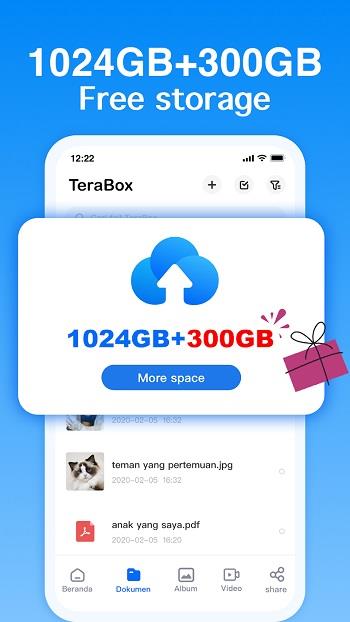


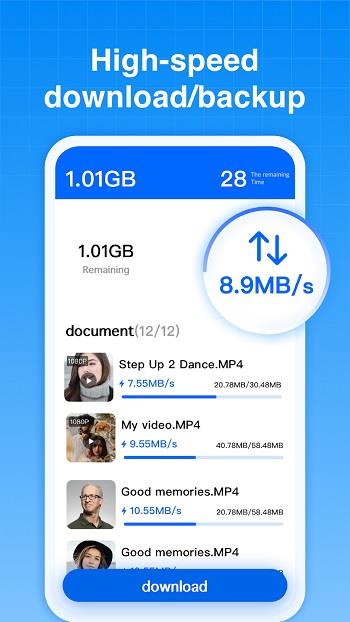
Terabox is a cloud storage app that helps you keep photos, videos and documents in one online place. The app provides 1,024 GB of free space and a straightforward approach to uploading, organizing and retrieving files, so you can back up important content without filling device storage. Terabox emphasizes reliability: built-in backup and restore tools protect data against hardware failure, while cross-device access means your files are available whenever you have an internet connection. It’s aimed at users who want a simple, dependable cloud locker for both personal media and work documents.
Using Terabox feels like working with a compact file manager that lives in the cloud. You add files through uploads or backups, arrange them into parent folders and nested subfolders, and move items around much like on a desktop. Files sync to the cloud so changes are reflected across devices, and basic sharing flows let you send documents, albums or folders to others. Core operations — upload, download, share, restore — are designed to be direct and unobtrusive, with the app handling storage and transfer in the background.
Generous free storage is a major draw: Terabox provides 1,024 GB without an immediate need to buy more space, making it attractive for users with large photo or video collections. That much room reduces pressure to constantly prune local storage.
Security and privacy tools are built into the app. You can lock access to stored documents with a short access code and use biometric options such as face lock where supported. Files stored in the cloud are kept private and protected against casual access.
File management is intentionally simple. Creating folders and subfolders, moving content, and organizing albums works much like a lightweight file explorer, which helps people transition from local storage to the cloud without a steep learning curve. Sharing is integrated so you can distribute items via email or link-like flows while keeping shared content controlled.
Backup and restore functions focus on protecting data when hardware changes or fails. Terabox keeps copies of selected files in the cloud so you can retrieve them after a device swap or unexpected loss, which can help reduce downtime for remote work or personal projects.
Search and automatic sorting help you find things quickly. The app organizes uploads by timeframes such as hour, day, month and year, and a basic search tool lets you retrieve recent photos or documents without digging through folders manually.
Terabox presents a functional, no-frills interface that prioritizes clarity over embellishment. The layout centers on lists and folders with media previews where relevant, so you can scan images and videos at a glance. Navigation is aimed at quick access: commonly used actions are placed front and center to minimize steps when managing large collections.
If you need a practical cloud vault for media and documents, Terabox delivers a large free allowance and straightforward tools for backing up, organizing and sharing files. It’s a solid option for users who want dependable remote storage without a complicated setup or a heavy learning curve.