Audio Converter
Version: 1.2.6-lts
1.40MB
4.4
Audio Converter is a lightweight Android utility that makes converting audio files fast and accessible. It supports multiple formats, batch operations, and simple editing options so you can change file types, bitrates, and sample rates without complex menus or heavy resource use.
The strength of Audio Converter lies in a compact feature set designed around everyday audio needs. Users can transcode between popular formats, trim tracks, normalize volume, and convert multiple files simultaneously. The app keeps the steps minimal: select, configure, and convert. Background processing and pause/resume support reduce interruptions during large jobs.
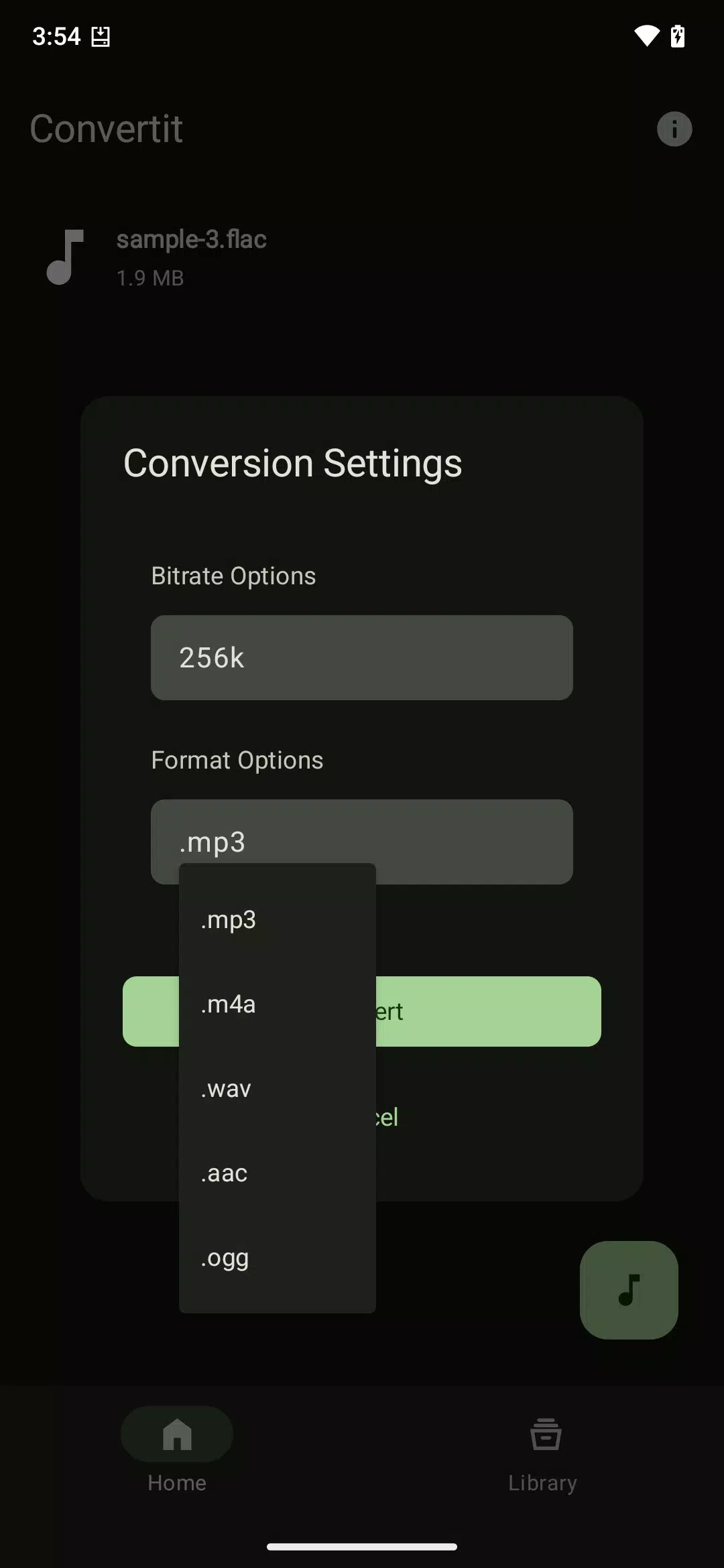
Audio Converter handles a broad array of formats including MP3, WAV, AAC, FLAC, OGG, and M4A. Built-in presets simplify common tasks like preparing audio for podcasts, mobile playback, or archival storage. Advanced users can set target bitrate, channel layout (mono/stereo), and sample frequency to match specific hardware or streaming requirements.
The conversion process centers on an intuitive three-step flow. First, choose files from local storage or a connected SD card. Next, pick an output format and an optional preset or tweak settings manually. Finally, start the job and monitor progress through a clear status view. Conversions run in the background, and the app notifies you when tasks complete.
Batch tools are one of Audio Converter’s most practical features. You can queue dozens — or hundreds — of files and apply a single configuration to all items. The app preserves original filenames while appending customizable suffixes or storing results in designated folders. This makes it simple to maintain an organized library after mass conversions.
Beyond format changes, Audio Converter offers light editing functions useful for everyday use. Trim unwanted silence at the start or end of a clip, normalize levels to avoid volume inconsistencies, and apply simple fades for a polished finish. These options are non-destructive and create new output files so originals remain intact.
The user interface is intentionally uncluttered: large buttons for file selection, a tidy list view for queued tasks, and straightforward setting dialogs. New users can rely on presets while power users will appreciate quick access to bitrate and codec choices. The app also includes an in-app help section that explains each audio parameter in plain language.
Audio Converter is optimized for efficient CPU and memory usage, which helps preserve battery life during long conversion runs. The app supports a wide range of Android versions and runs smoothly on mid-range devices. Conversion speed depends on file size and chosen codec, but hardware-accelerated encoding is used where available to shorten processing time.
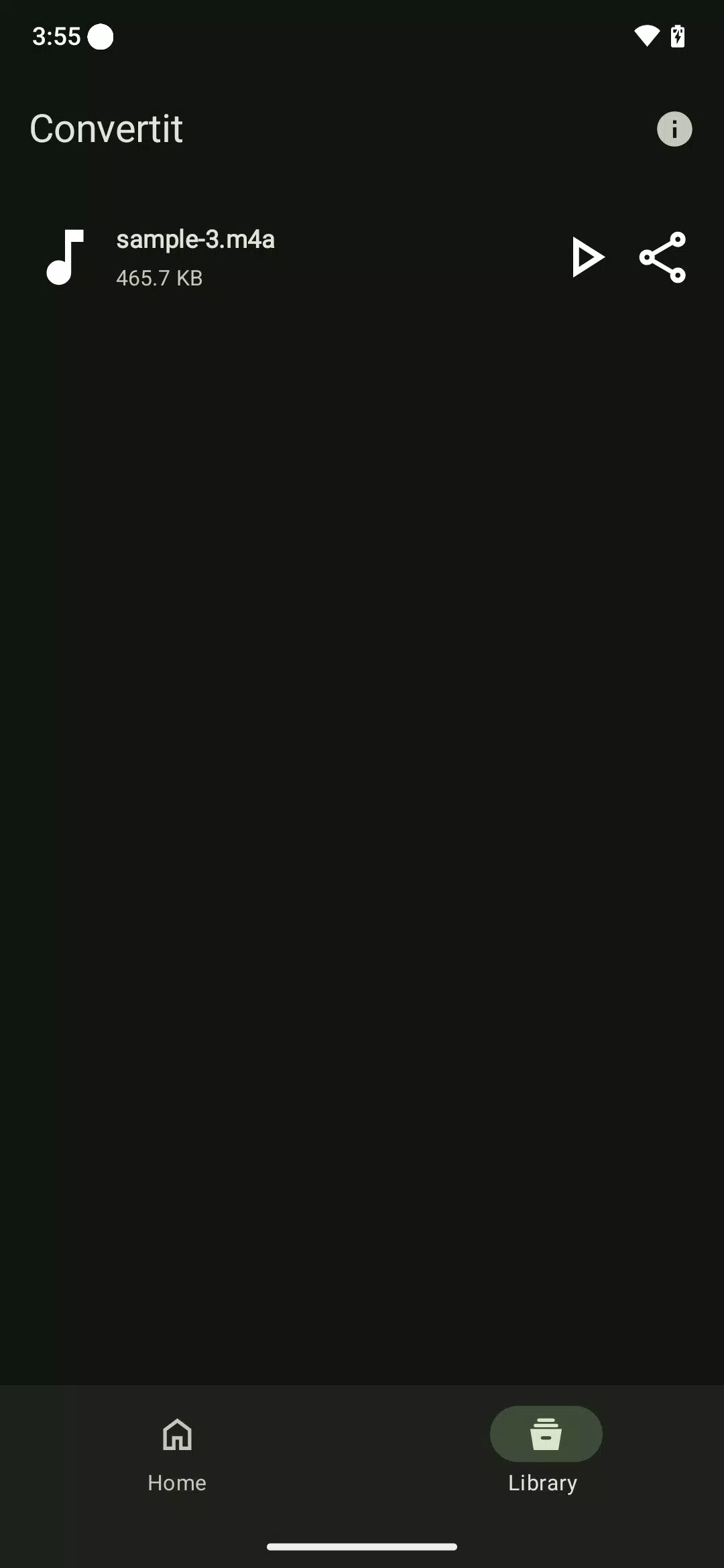
Converted files can be saved to internal storage or an SD card and automatically placed into a dedicated folder for easy access. The app integrates with Android’s share menu so you can quickly send results to email, cloud storage, or messaging apps. There’s also a preview option to listen to outputs without leaving the app.
All processing happens locally on your device; no uploads to external servers are required. That keeps sensitive audio files private and allows offline use in locations without network access. Permissions requested are limited to file access and optional notification rights for background jobs.
Audio Converter is tailored for users who need reliable audio conversion without a steep learning curve. With its balance of useful editing tools, batch handling, and efficient performance, the app fits both casual listeners and creators who prepare audio for publishing, distribution, or personal archives.