Glow Phone
Version: 15.0
0.00MB
4.1
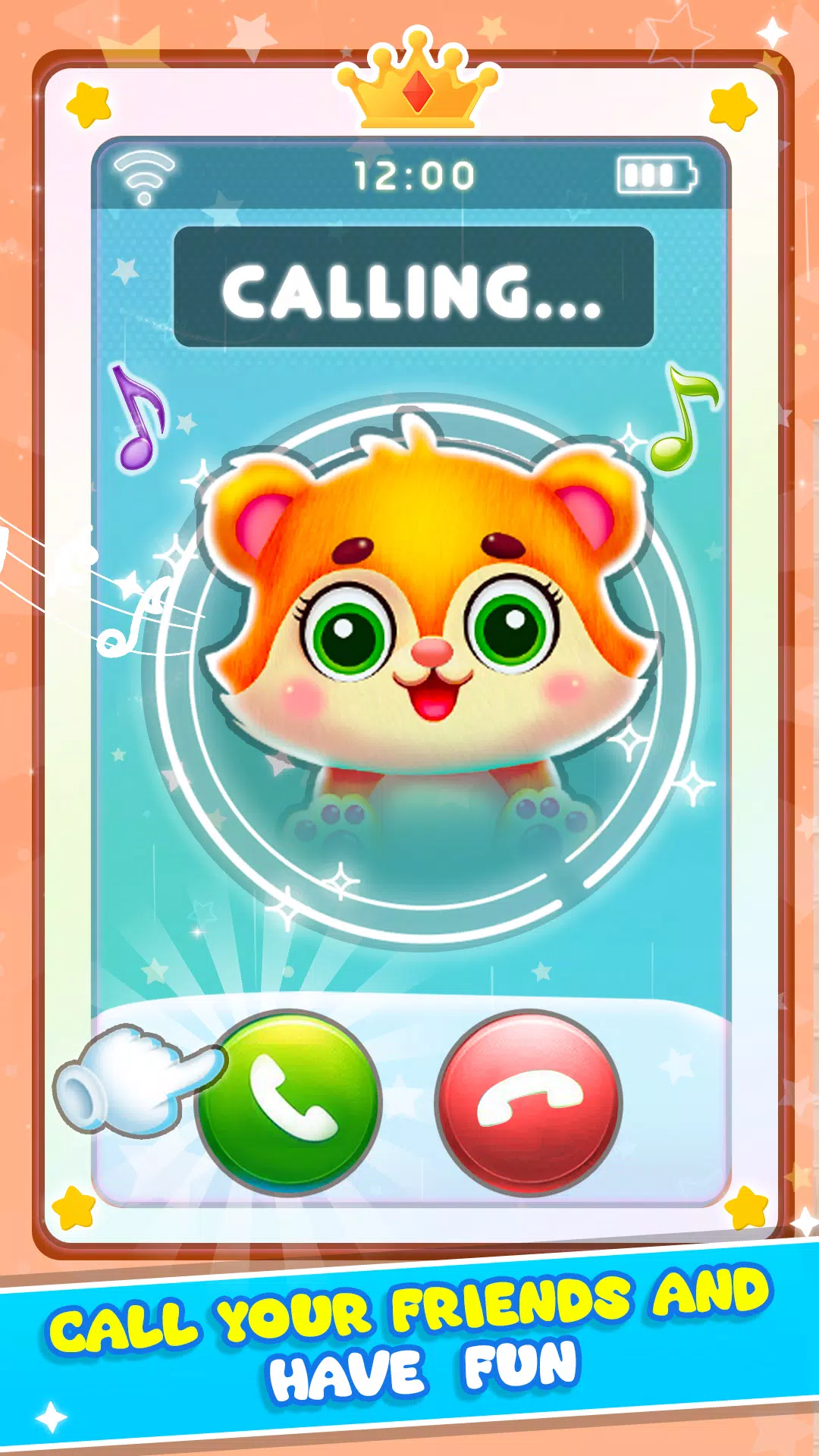


Glow Phone is a lightweight Android app that transforms your call and notification screens with vivid lighting effects, customizable themes, and practical tools. It blends utility and style to make incoming calls and alerts more visible and visually appealing while keeping controls simple and battery impact low.
Glow Phone aims to modernize everyday telephony by replacing static caller screens with animated, colorful layouts and actionable widgets. The app targets users who want better visibility for incoming calls, quick access to communication shortcuts, and a visually consistent experience across devices without heavy system changes.
Installing Glow Phone registers it as a caller screen replacement and notification manager. When a call arrives, the app overlays an animated interface that can be dismissed or interacted with using standard Android gestures. Notifications are routed through the app’s accessibility permission so lighting and tiny pop-ups appear consistently on top of other apps.
Rather than forcing a single layout, Glow Phone includes a simple editor for arranging elements. Users can move the contact image, change button placement, and toggle which actions are visible during calls. These adjustments tailor the interface for one-handed use or large-screen phones.
Visuals are the focal point, but Glow Phone balances effects with efficiency. Animations use lightweight rendering techniques and throttle themselves when the device is under heavy load. The settings menu provides options to reduce animation frame rates and pause effects when battery saver mode is active.
Glow Phone is designed with accessibility in mind. High-contrast themes and adjustable animation sizes improve legibility. Haptic feedback and sound cues can be enabled for each incoming call to help users with vision impairment. The app also respects Do Not Disturb rules and integrates with Android’s notification importance levels.
Many users switch to Glow Phone because it makes communications easier to notice and personalize without changing core phone apps. The combination of practical quick actions and stylish visuals appeals to those who want both function and flair. Integration with Android services keeps the experience stable and predictable.
Download and grant the required permissions: contacts, notifications, and overlay access. Choose a starter theme from the gallery, map a few favorite contacts, and test an incoming call. The app includes an in-built preview mode so you can see changes instantly without waiting for real calls.
Glow Phone balances expressive design with mobile practicality, making it a useful tool for anyone who wants clearer, more attractive call and notification handling on their Android device.