
Kettii
Version: 1.051
12.10MB
4.1



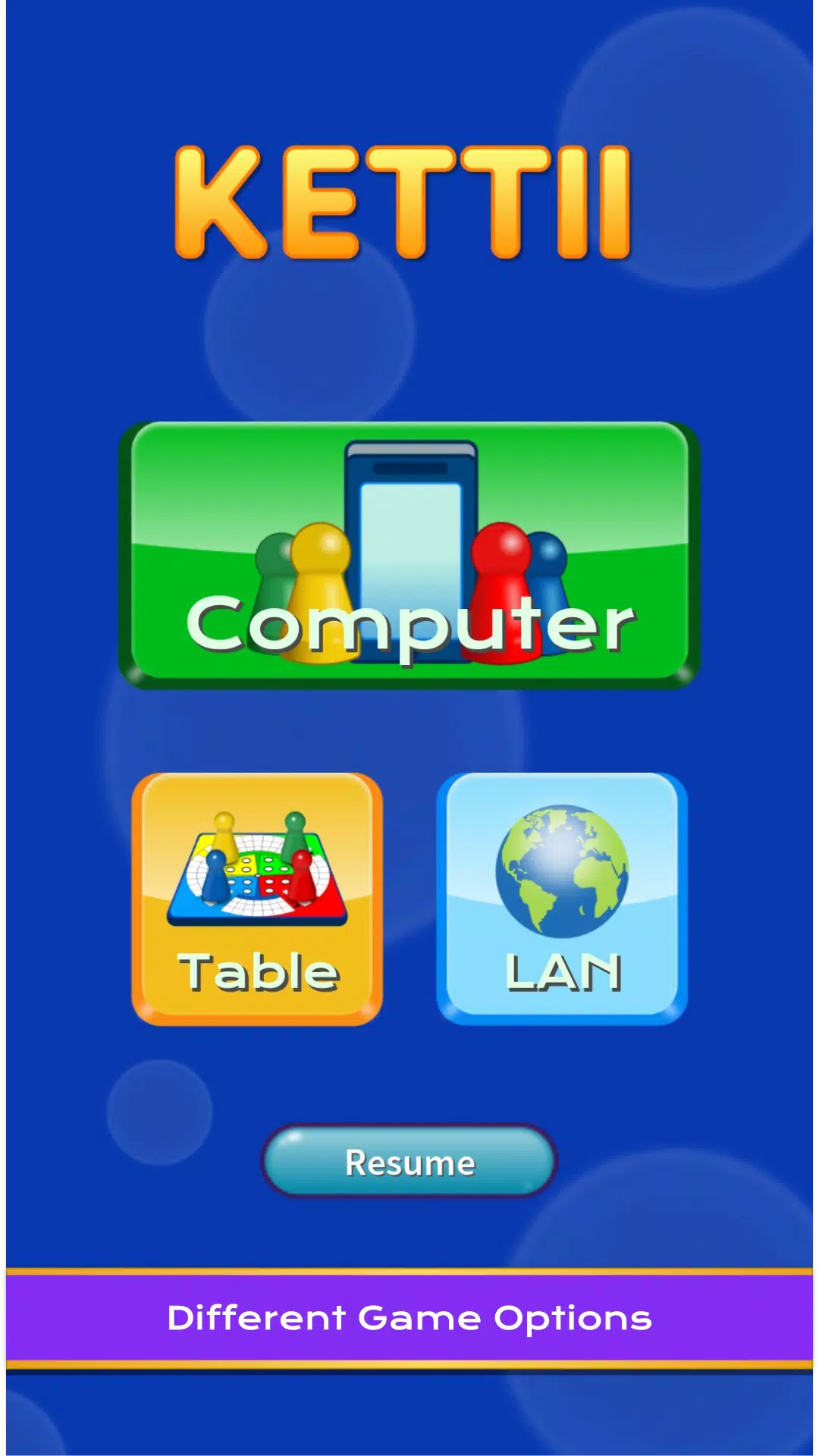
Kettii is a compact productivity app designed to centralize notes, tasks and schedules in one intuitive interface. It combines fast note capture, task management with reminders, and calendar integration to help users stay organized across devices. Kettii aims to reduce clutter and accelerate daily planning with minimal setup.
Kettii provides a set of focused tools that cover the essentials of personal organization. Notes support plain text, quick lists, and simple formatting so you can capture ideas instantly. The tasks module includes priorities, due dates and configurable reminders. A built-in calendar syncs events and displays upcoming commitments alongside tasks.
The interface in Kettii is intentionally uncluttered: a left navigation drawer (or bottom bar on smaller screens) gives quick access to Notes, Tasks, Calendar, and Settings. Creating content takes no more than two taps. The app prioritizes keyboard shortcuts and gestures—swipe to complete a task, long-press to edit a note—to keep common actions frictionless.
Kettii’s workflow centers on a three-pane approach: capture, organize, and act. Capture new items quickly, tag or assign them to projects, and then use filters to build a daily action list. This predictable structure helps users move from inbox to focus mode without juggling multiple apps.
Personalization in Kettii lets you tailor the look and behavior to suit your routine. Choose from light, dark, and adaptive themes. Configure default reminder times and select which notification channels the app uses. Project tags, color labels, and custom sorting options make it easy to adapt Kettii to different workflows—personal, work, or study.
Kettii is optimized for responsive performance on a range of Android devices. The app uses lightweight local storage to keep load times short and performs background sync operations in a battery-friendly manner. Compatibility extends to modern Android versions and most mainstream devices; the app scales well from phones to tablets.
Memory usage is modest, and the code includes safeguards to prevent lag during long note lists or heavy use. Offline access ensures your most recent notes and tasks remain available without an active internet connection; synchronization resumes automatically when connectivity returns.
Security is a priority for Kettii. User data can be encrypted before being stored in the cloud, and optional app lock features add a layer of protection using biometric authentication or a PIN. Privacy settings allow you to control what information is shared during sync and which third-party services have access.
On first launch Kettii guides new users through a brief setup that covers account creation, preferred sync method, and theme selection. Import tools help migrate notes and tasks from common formats, minimizing setup time. A built-in tutorial highlights core gestures and shortcuts so users can start organizing within minutes.
Kettii connects with popular calendar services and supports sharing via email and messaging apps. Developers can use export options to back up plain text or CSV files. Future updates plan to expand integration with task automation tools and voice assistants to streamline hands-free capture.
Kettii fits anyone seeking a compact, reliable organizer that balances simplicity with powerful features. It works well for students managing assignments, professionals coordinating projects, and anyone who prefers a minimal approach to digital planning. The app's adaptable settings and focused toolset make it easy to adopt and keep using long term.
With its straightforward design, practical integrations, and emphasis on speed and privacy, Kettii delivers a polished productivity experience for Android users looking to consolidate notes, tasks, and schedules in one place.