Spectrum Music Visualizer VR
Version: 1.2
0.00MB
4.5

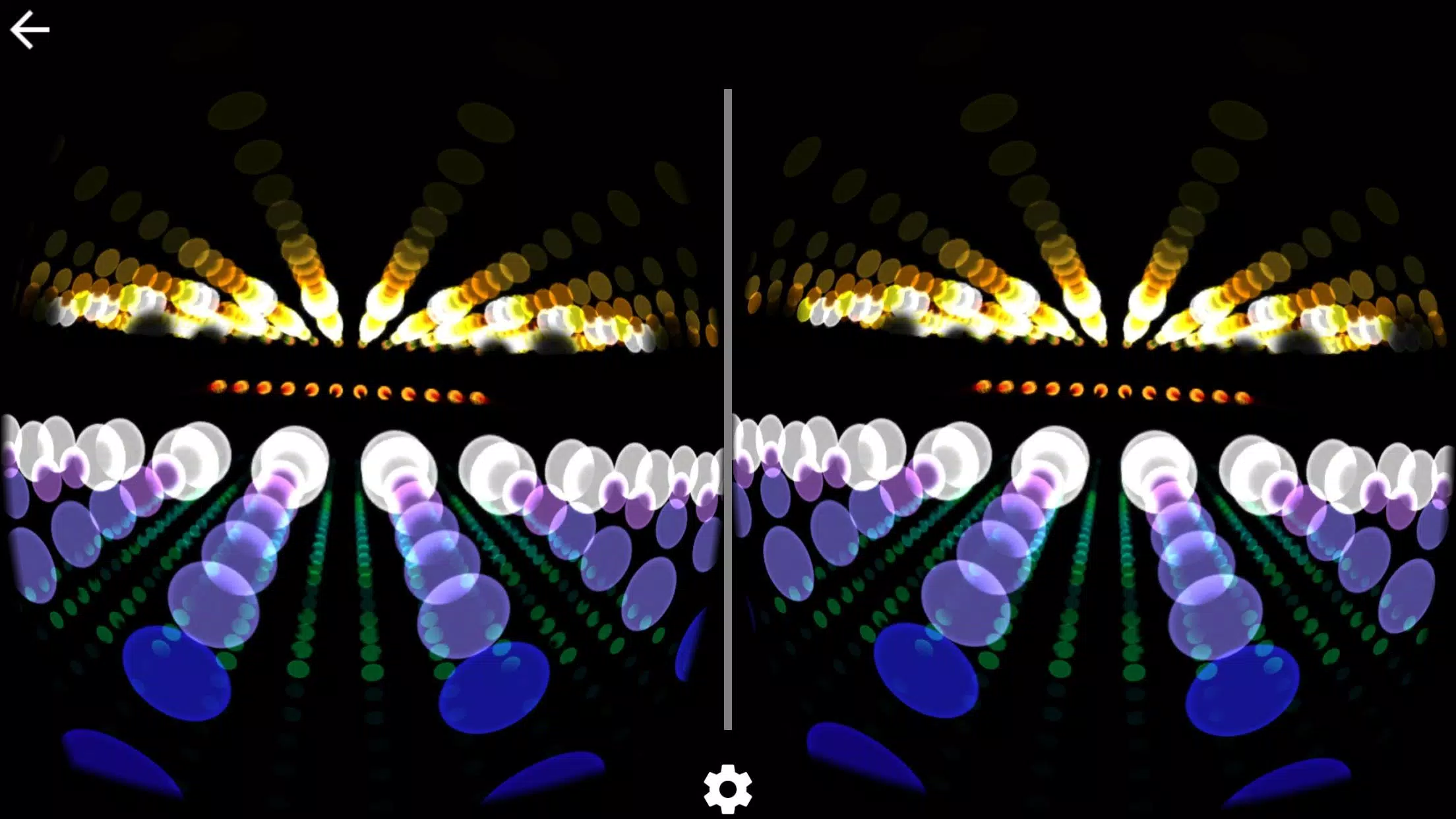

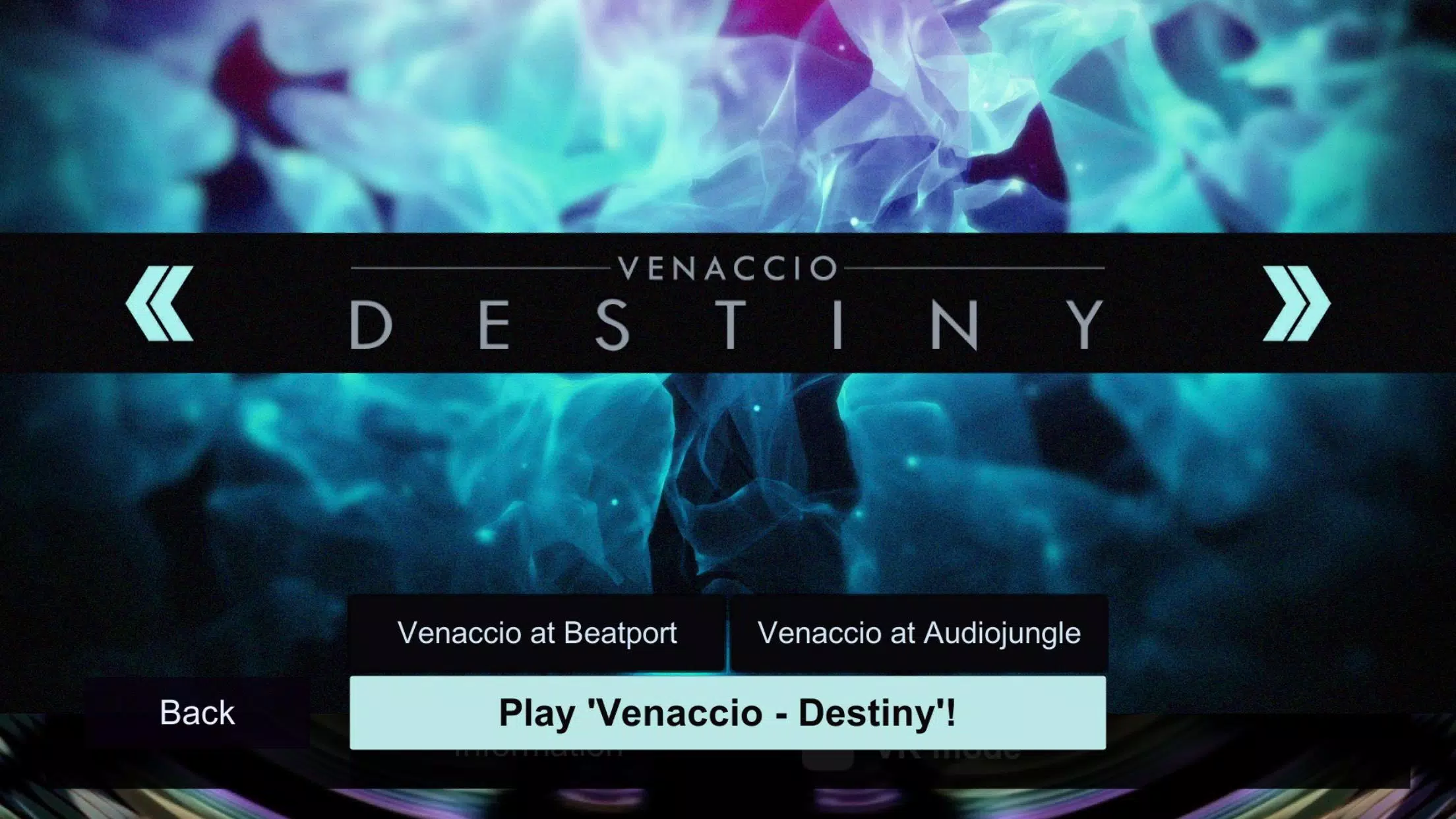
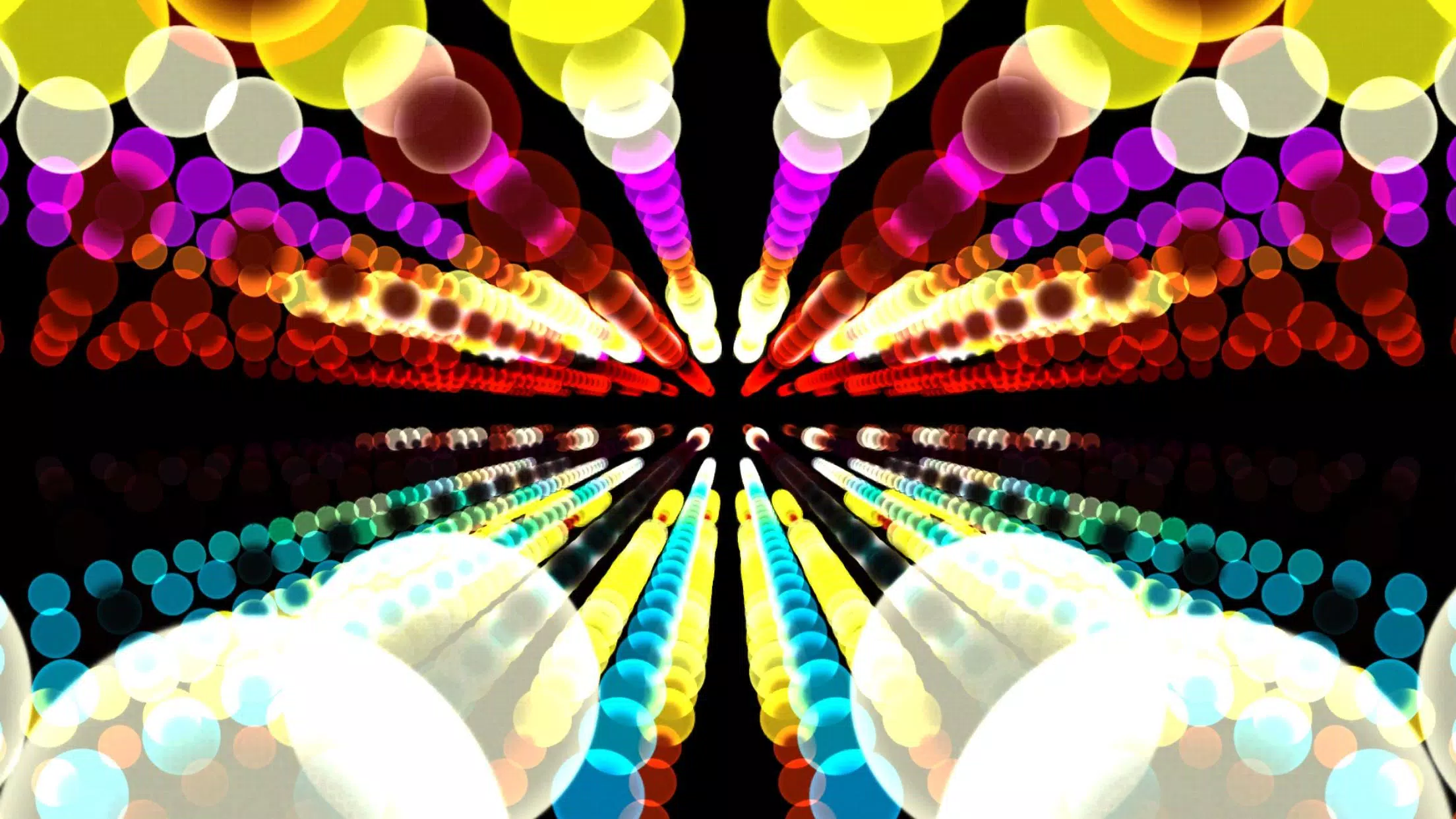

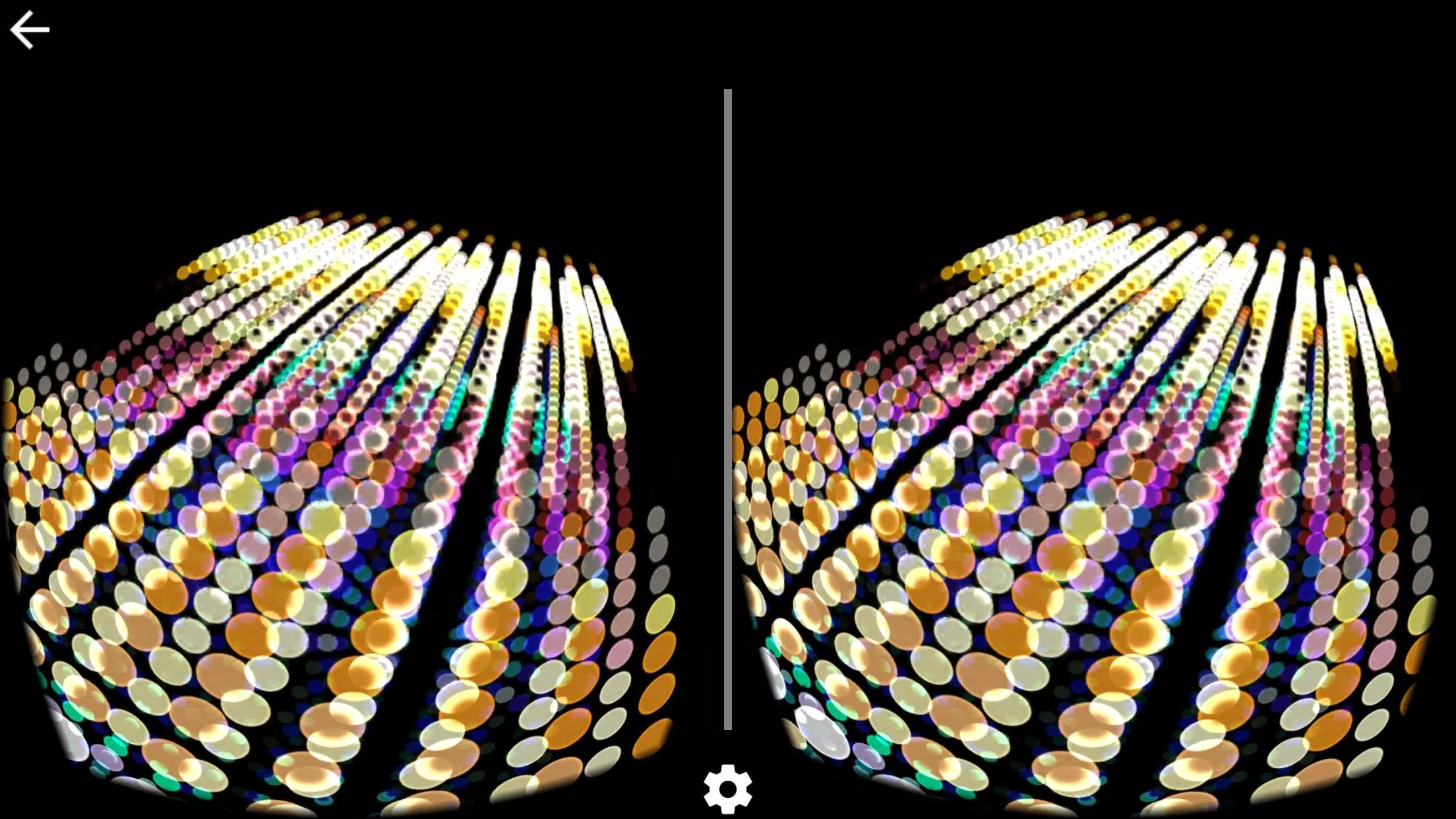

Spectrum Music Visualizer VR transforms your Android device into an immersive audio-reactive space, generating vibrant virtual scenes that move with any soundtrack. Designed for casual listeners and VR enthusiasts, Spectrum Music Visualizer VR offers customizable visuals, responsive effects, and simple controls to turn music into a dynamic, three-dimensional light show.
Spectrum Music Visualizer VR is a mobile application that interprets audio input and renders it as visual elements inside a virtual environment. Rather than merely showing static bars, it maps frequency bands, amplitude, and tempo to color, motion, and geometry. The result is a reactive display that syncs in real time with local files, streaming audio, or microphone input.
The app analyzes incoming audio in short time windows and extracts frequency and amplitude data. Those values are then mapped to predefined visual properties such as particle size, motion speed, and color hue. Users can adjust sensitivity and smoothing to favor either sharp, staccato reactions or flowing, ambient visuals. Spectrum Music Visualizer VR also offers a preview mode so you can tweak settings without putting on a headset.
One of the app’s strengths is the breadth of customization. There are sliders for sensitivity, beat detection threshold, and decay time. Visual modules are modular — combine a particle cloud with a surrounding waveform ring, or layer multiple spectrum displays for a richer scene. Save configurations as presets and recall them for parties, meditation sessions, or live performances.
The interface balances accessibility with depth. Primary controls are laid out for quick access, while advanced options are tucked into menus for fine-grained tuning. Rendering is GPU-accelerated where available, which reduces CPU load and preserves battery life. On newer devices the app maintains a steady frame rate; on older hardware, quality settings let you reduce particle count or texture resolution to improve performance.
Spectrum Music Visualizer VR aims to be approachable for beginners yet flexible for power users. The default presets give instant, attractive visuals, and an integrated tutorial introduces the main controls. Haptic feedback and subtle audio cues reinforce interactions. The app’s minimal onboarding makes it possible to create impressive visuals within minutes.
Users install Spectrum Music Visualizer VR to enrich listening sessions, enhance live streams, or create ambient backdrops for events. The app works equally well in solo mode and as a visual accompaniment to music played at gatherings. Its compatibility with common VR viewers also makes it a portable solution to experience music in three dimensions.
Installation is straightforward from the Android package. Permissions for audio input and storage access are requested only when necessary. Basic usage does not require an external headset, though the VR view adds depth and scale. Regular updates refine performance and add visual modules based on user feedback.
Spectrum Music Visualizer VR delivers a neat balance of technical precision and visual polish. Whether you want a reactive light show for parties or a soothing visualizer for private listening, the app provides tools to shape sound into motion without an overwhelming learning curve.