
Xash3D FWGS
Version: 0.21
69.20MB
4.3
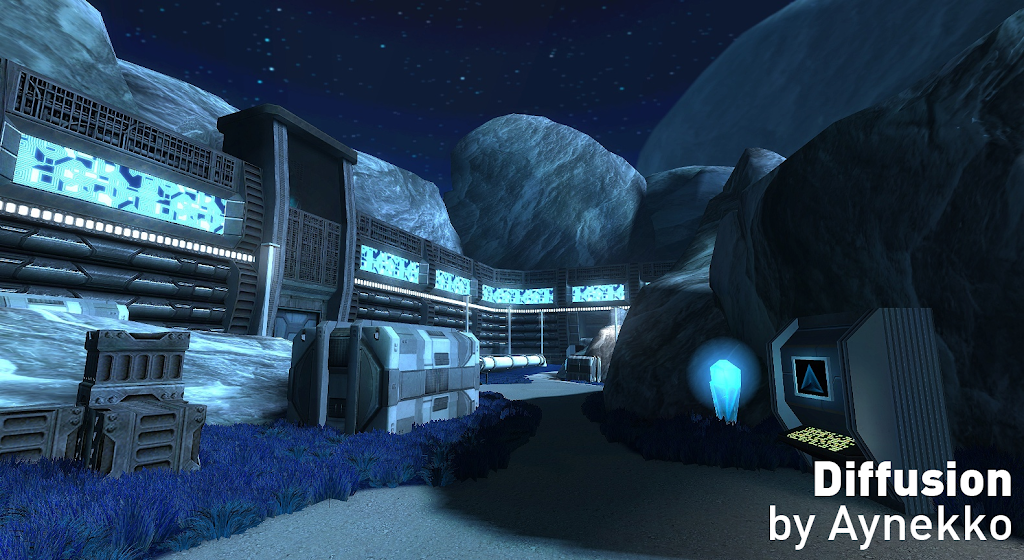
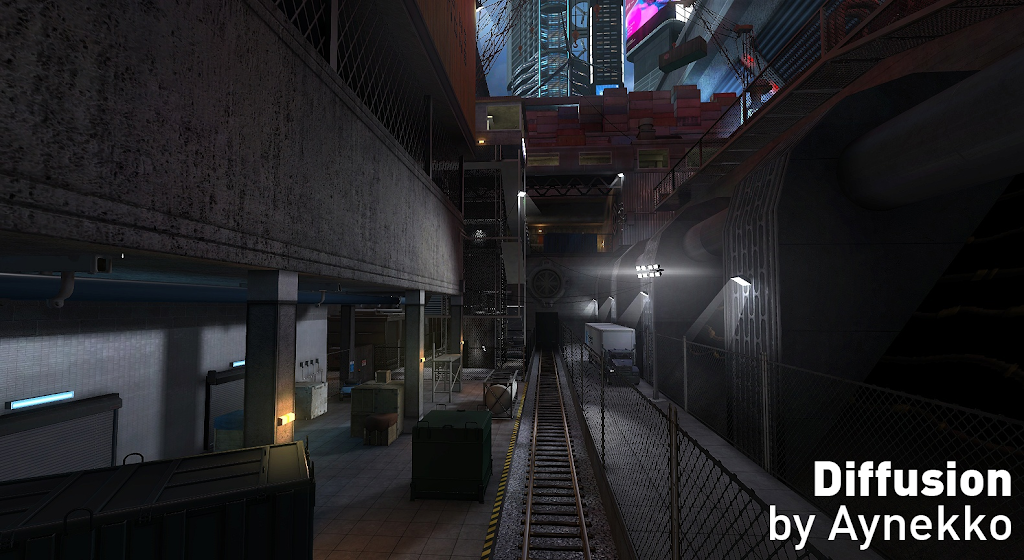
Xash3D FWGS is a compact, open-source engine that brings classic GoldSrc-era games to Android devices with modern enhancements. It enables players to run original game content and mods, offering configurable controls, optimized rendering, and compatibility tools to reproduce the feel of legacy PC shooters on phones and tablets.
Xash3D FWGS acts as a bridge between original game files and Android hardware. Rather than shipping games, the engine expects users to supply the game data from legally owned copies, then interprets game logic, maps, and assets so they run smoothly on mobile processors. It focuses on faithful behavior while adding mobile-oriented conveniences such as touch input mapping and selectable rendering backends.
Xash3D FWGS runs as a user-level application that replaces the original engine binary on compatible platforms. On Android, it uses a combination of native libraries and Java wrappers to access device features while maintaining cross-platform behavior. The app reads original data folders such as valve and third-party mod directories and translates game calls into operations the mobile GPU and CPU can handle.
The interface prioritizes quick access to configuration and file management. A straightforward file browser lets you point the engine to the directory containing game assets. In-game menus expose options to remap controls, toggle VSync, switch renderers, and adjust graphical detail. Profiles can be saved so you can have different setups for touch play, controller sessions, or high-performance modes.
Touch-first controls are provided out of the box for players without hardware peripherals. The on-screen layout is adjustable: you can move buttons, change dead zones, and add additional virtual keys. Xash3D FWGS also supports Bluetooth controllers and OTG keyboards, offering near-native input responsiveness when external devices are connected. Sensitivity curves and smoothing options let you fine-tune aiming feels for classic shooters.
Because the engine prioritizes compatibility with GoldSrc-era titles, it works well with many community-made maps and total conversion mods. Users should prepare game data from their legally obtained copies—Xash3D FWGS does not provide copyrighted game assets. Popular mods can be dropped into the right folder structure and recognized automatically or via a simple add-mod dialog in the app.
To begin, install Xash3D FWGS, then copy the required game data into the recommended directory using a PC or file manager. Launch the app, point it to the game folder, and test default controls with a short demo map. Adjust graphical and input settings from the in-app menus until gameplay feels right for your device.
For enthusiasts, Xash3D FWGS supports loading community-modified content and offers hooks for developers who want to experiment with custom binaries or alternate renderers. Mod installation usually requires copying the mod folder to the engine’s mod directory and selecting it at startup. Users comfortable with configuration files can tweak launch parameters for deeper compatibility or performance gains.
Xash3D FWGS brings a practical, configurable approach to running classic PC shooters on modern Android hardware, balancing authenticity with mobile usability. With a modest learning curve, it unlocks a vast library of legacy maps and mods for play on handheld devices.