Piano Star: Rhythm Music Game
Version: 1.3.5
40.70MB
4
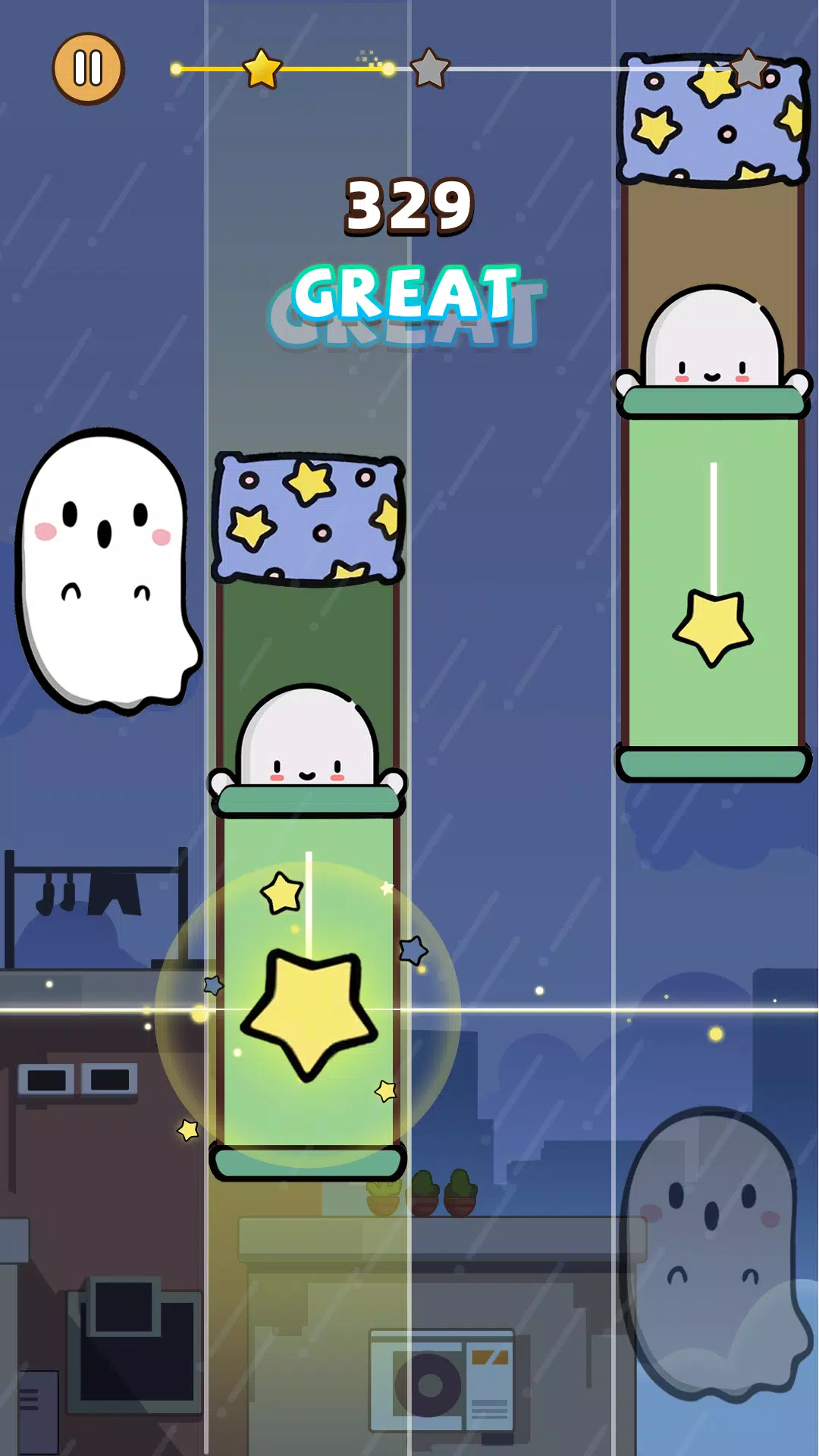
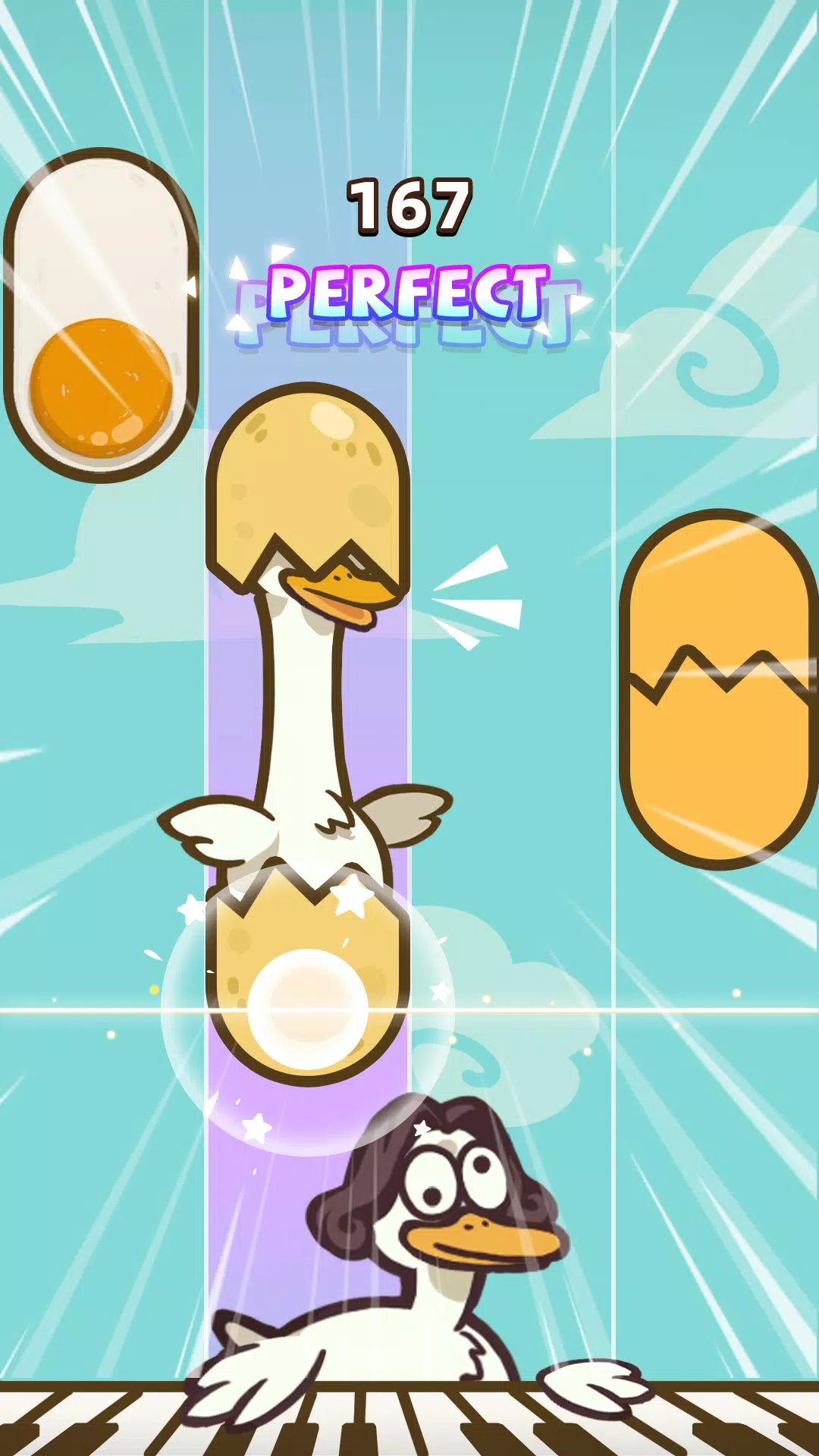
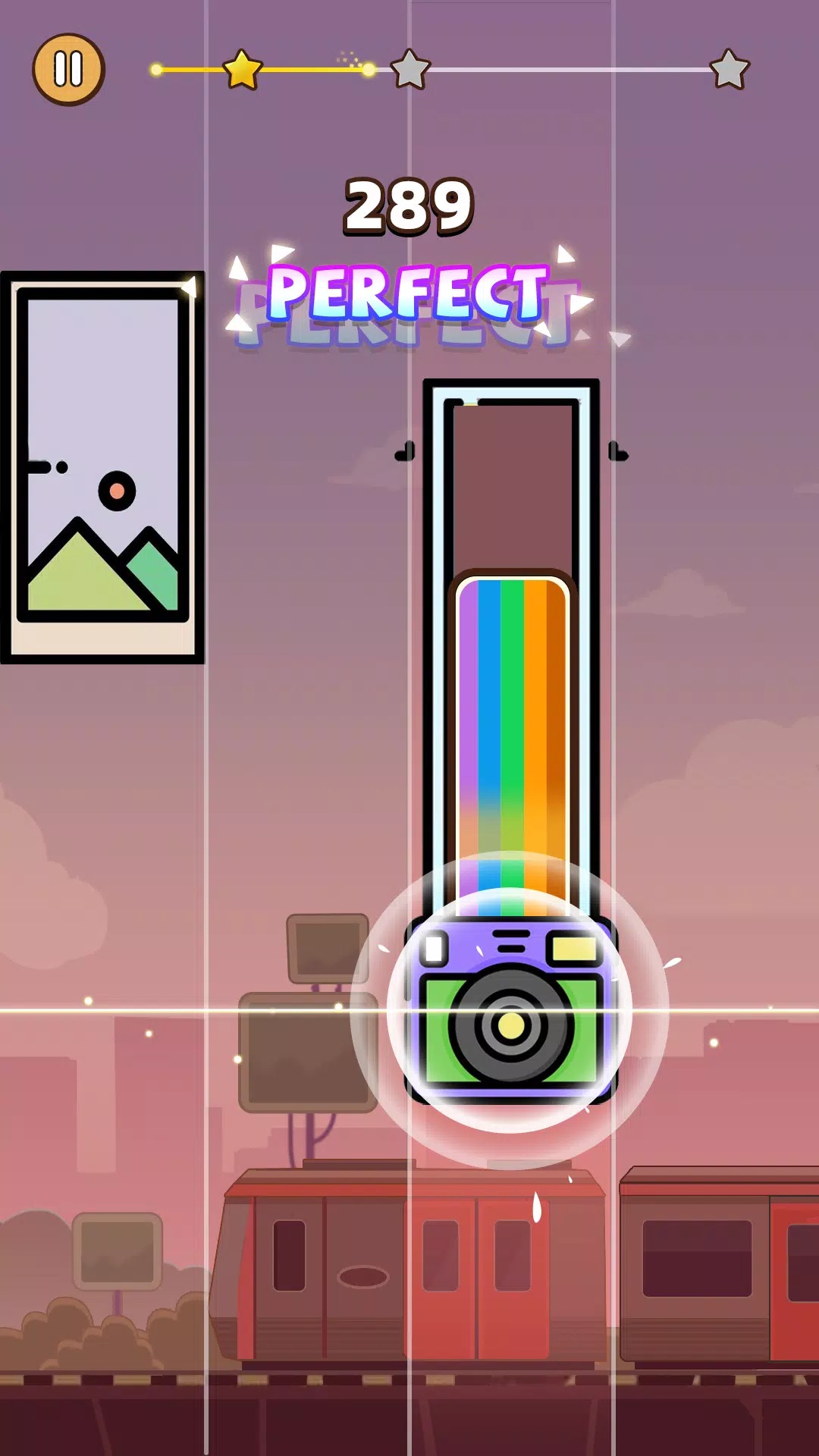
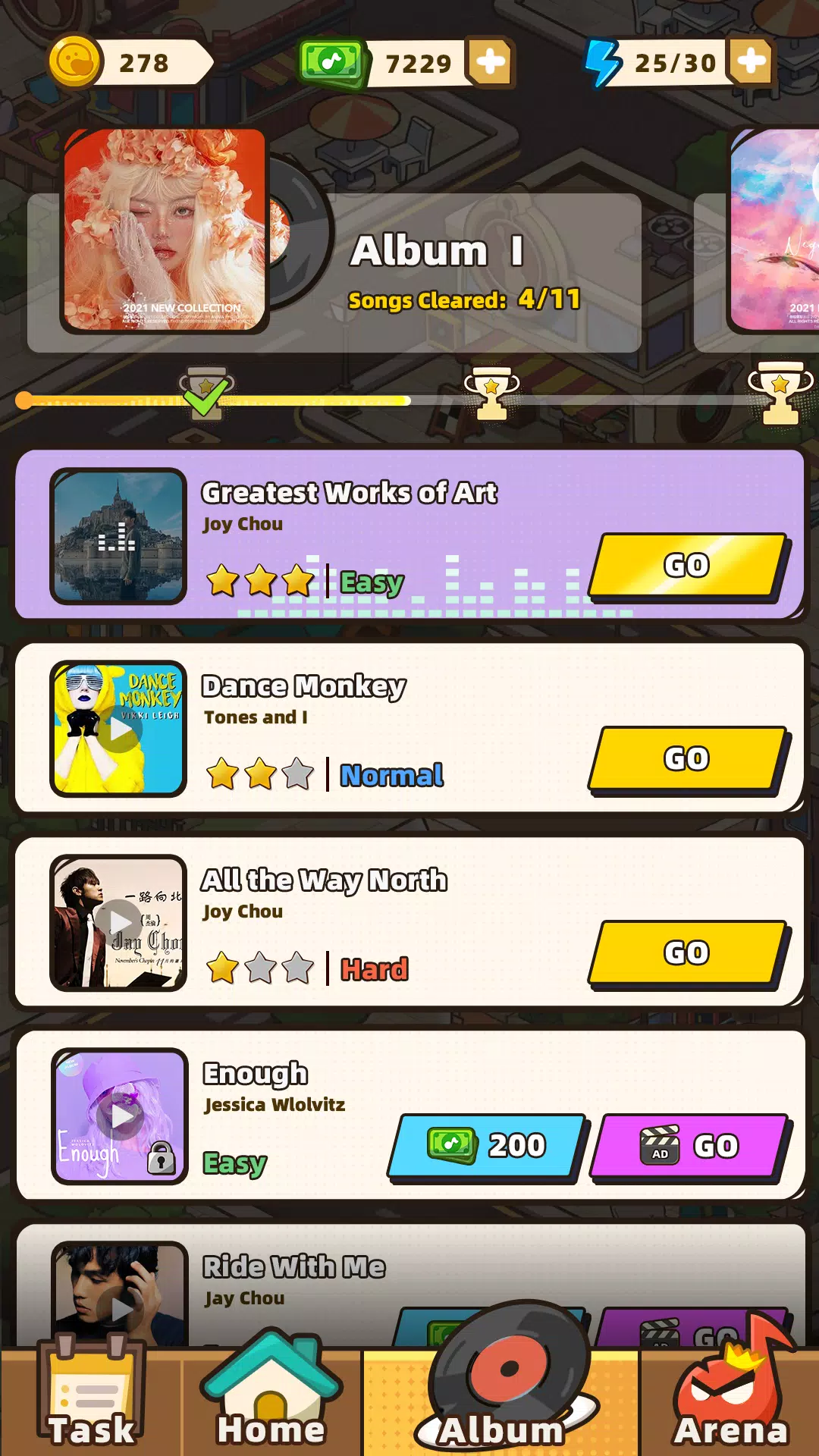
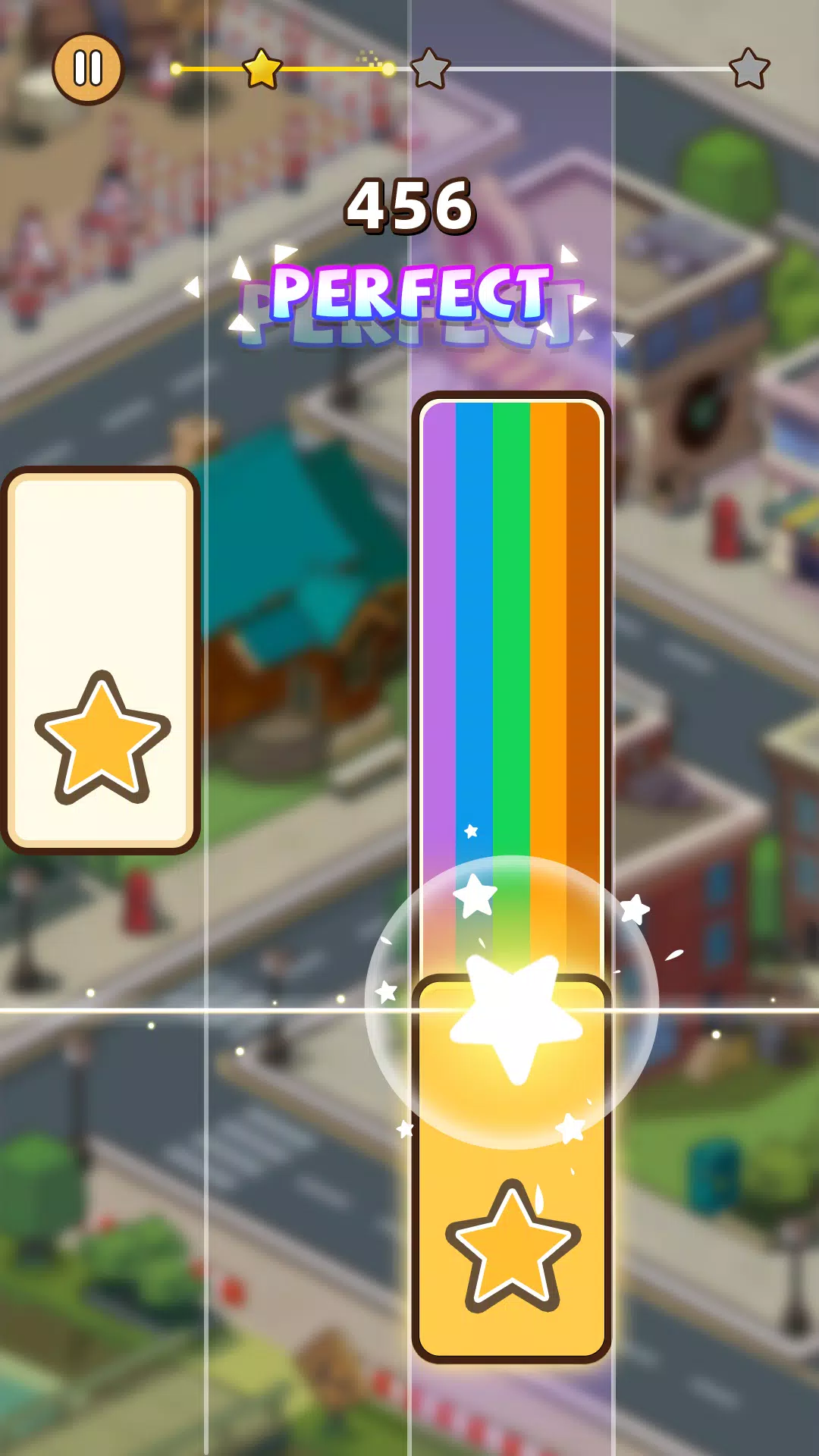
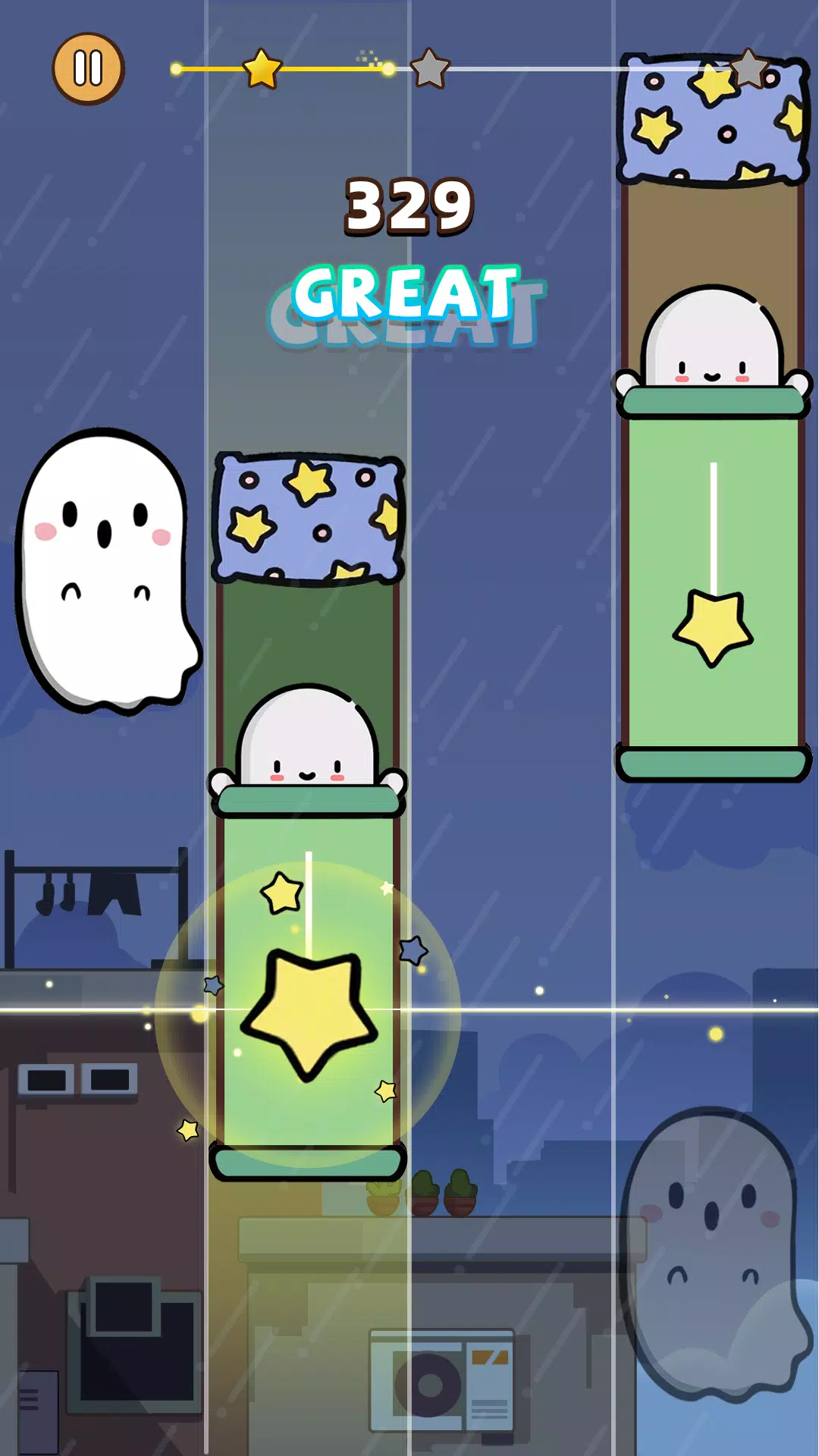
Piano Star: Rhythm Music Game delivers a fast-paced piano rhythm experience where players tap magic tiles to follow the beat, build high-score runs and sharpen timing across a mix of pop, EDM and classical arrangements. The first moments of play introduce a responsive touch system and clear audio cues so new players can feel the timing right away, while more experienced rhythm fans can push into higher speed tiers and tighter sequences as they practice precision and hand speed.
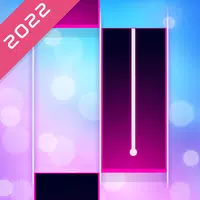
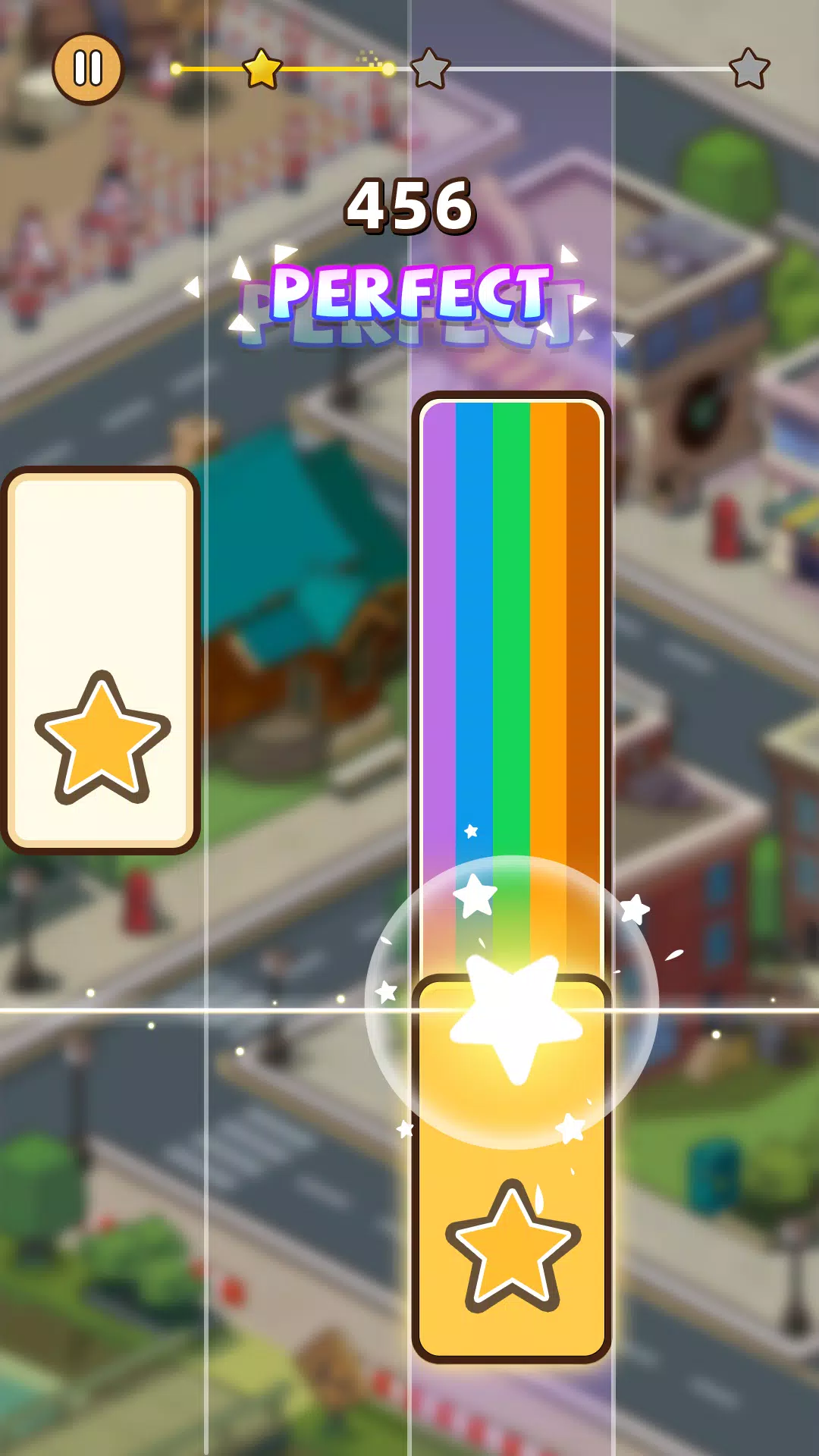
The core interaction is simple and immediate: tiles scroll toward a hit line and you tap to match the rhythm. Touch mechanics prioritize low input latency and visual feedback so each hit feels distinct; sustained passages and denser note patterns reward steady contact and controlled finger motion rather than random tapping. Controls are entirely touch based with no need for external controllers. Settings let you adjust note speed and touch sensitivity to match your device and personal timing, making the game accessible for both casual touchscreen play and focused practice sessions.
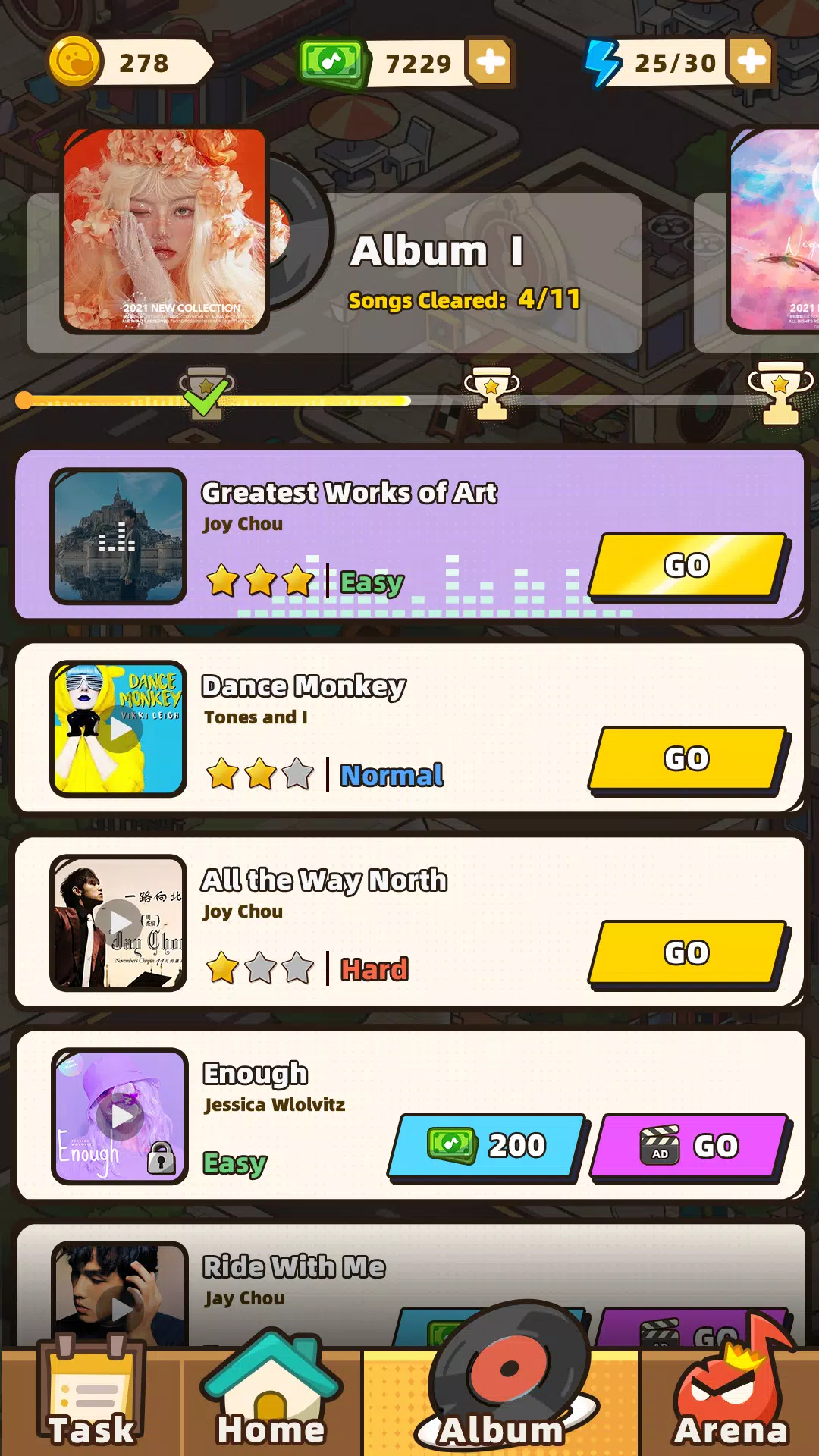
The game combines familiar global hits with contemporary pop, EDM tracks and piano-focused classical pieces to create a broad, regularly updated song library. Each piece is arranged into multiple chart difficulties so one composition can provide several levels of challenge — from relaxed practice to intense high-speed runs. Levels are presented in a progression that encourages mastery: short warm-up charts introduce patterns, medium charts build complexity and the hardest charts compress the same phrases into faster tempos that test reflexes and consistency.
Progression in Piano Star: Rhythm Music Game is driven by performance and repetition rather than hidden gating. Players unlock harder charts and cosmetic options by improving local high scores and completing milestone runs. A practice mode isolates difficult sections so you can replay a measure at your preferred speed until timing becomes consistent. Challenge systems include timed accuracy sessions and increasing-speed tiers that reward sustained combos; these give clear feedback on improvement without relying on online competition.
Visual presentation balances clarity and personality: clean hit indicators, subtle particle feedback and customizable tile skins help players read notes at a glance while keeping the screen engaging. Piano Star: Rhythm Music Game offers an array of tile themes ranging from neon and minimalist palettes to hand-drawn aesthetics, and theme choices can improve visibility for players who prefer high-contrast layouts. You can tweak background dimming, note color and animation intensity so the visual experience supports consistent timing rather than distracting from it.
High-fidelity audio is a central design choice — crisp instrumentation and well-synced beat markers make timing cues easier to perceive, especially when using headphones. The app provides small latency calibration tools to align sound and touch on different devices. Sessions are structured for short bursts of play with instant retry, which suits commuters or short practice routines, but longer songs and layered arrangements also reward extended practice for players who want deeper focus.
Accessibility options include adjustable speed, simplified note density for beginners, and visual contrast settings to accommodate different visual needs. Replay value comes from varied arrangements of the same songs, progressive difficulties and a practice loop that encourages incremental improvement; even familiar tracks feel fresh as you refine timing and aim for cleaner combos. The basic practice modes run without an active connection, while new song downloads and periodic library updates require internet access so you can choose when to sync fresh content.
To get the best results, use headphones to pick up subtle audio cues and calibrate touch settings on your device if you notice lag. The game rewards focused practice more than frantic tapping — working on accuracy at lower speeds leads to better scores at high-speed tiers. Be aware that the most intense charts are deliberately demanding and may be frustrating at first; they are intended for players who enjoy repetitive training and incremental progress.