
Catudoku
Version: 1.6.0
103.60MB
4.4
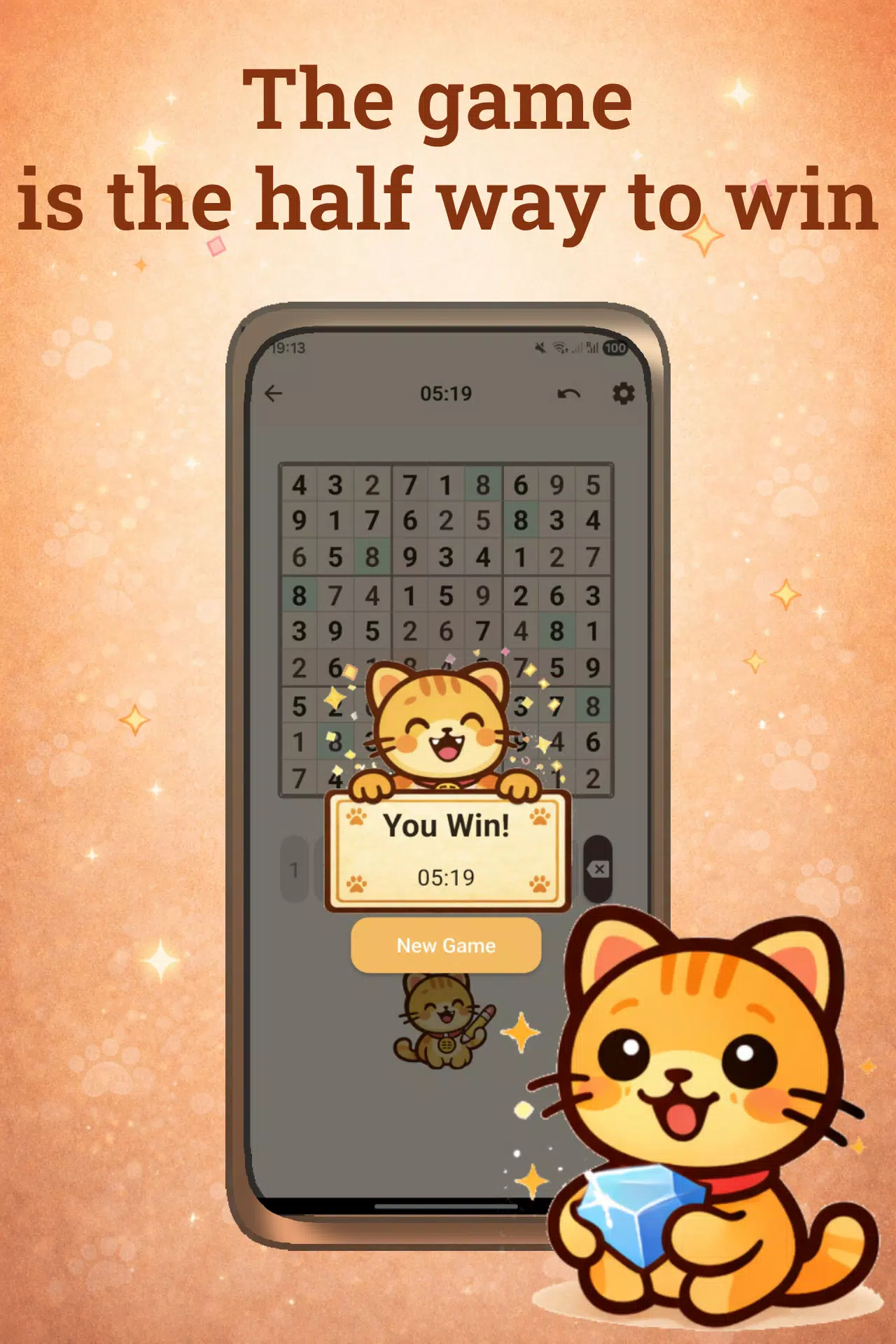
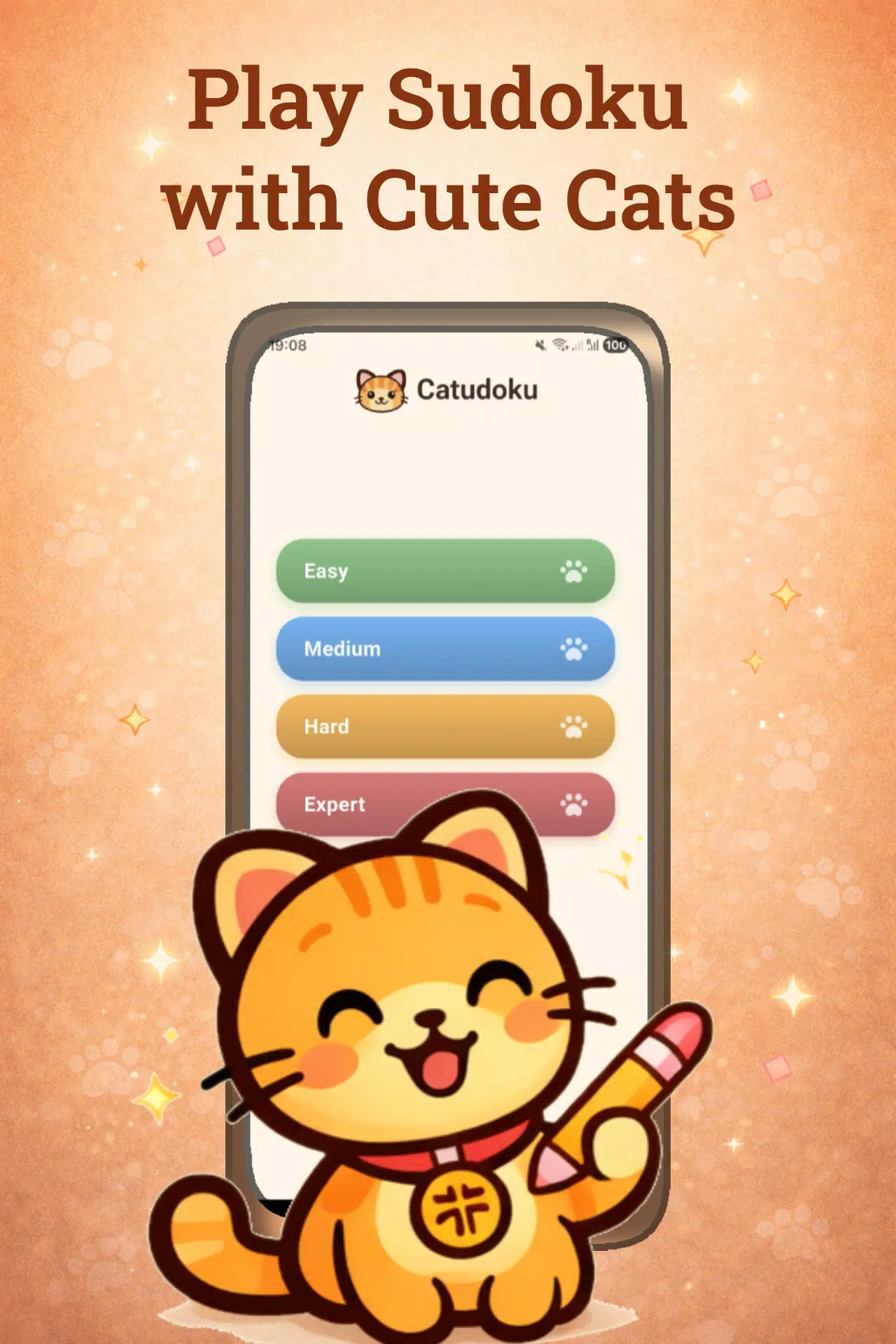
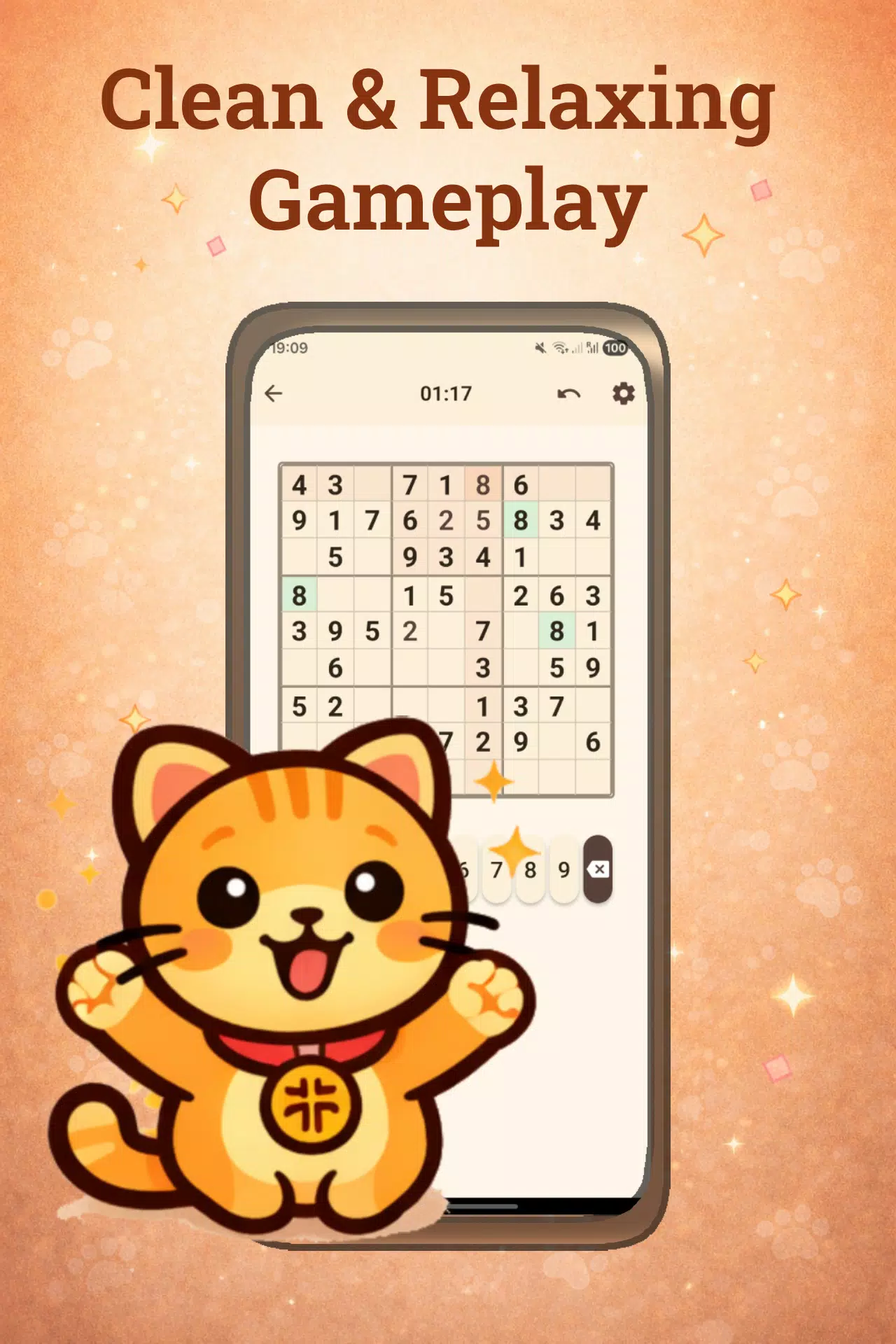
Catudoku is a cozy, cat-themed Sudoku app that brings classic 9x9 logic puzzles into a calm, focused mobile experience. Catudoku places a clear, readable board at the center of every session and pairs traditional Sudoku rules with a gentle visual design to help players concentrate or unwind. Whether you open the app for a short brain break or a longer practice session, Catudoku supports steady progression through four curated difficulty tiers so new solvers and experienced players can both find satisfying puzzles.
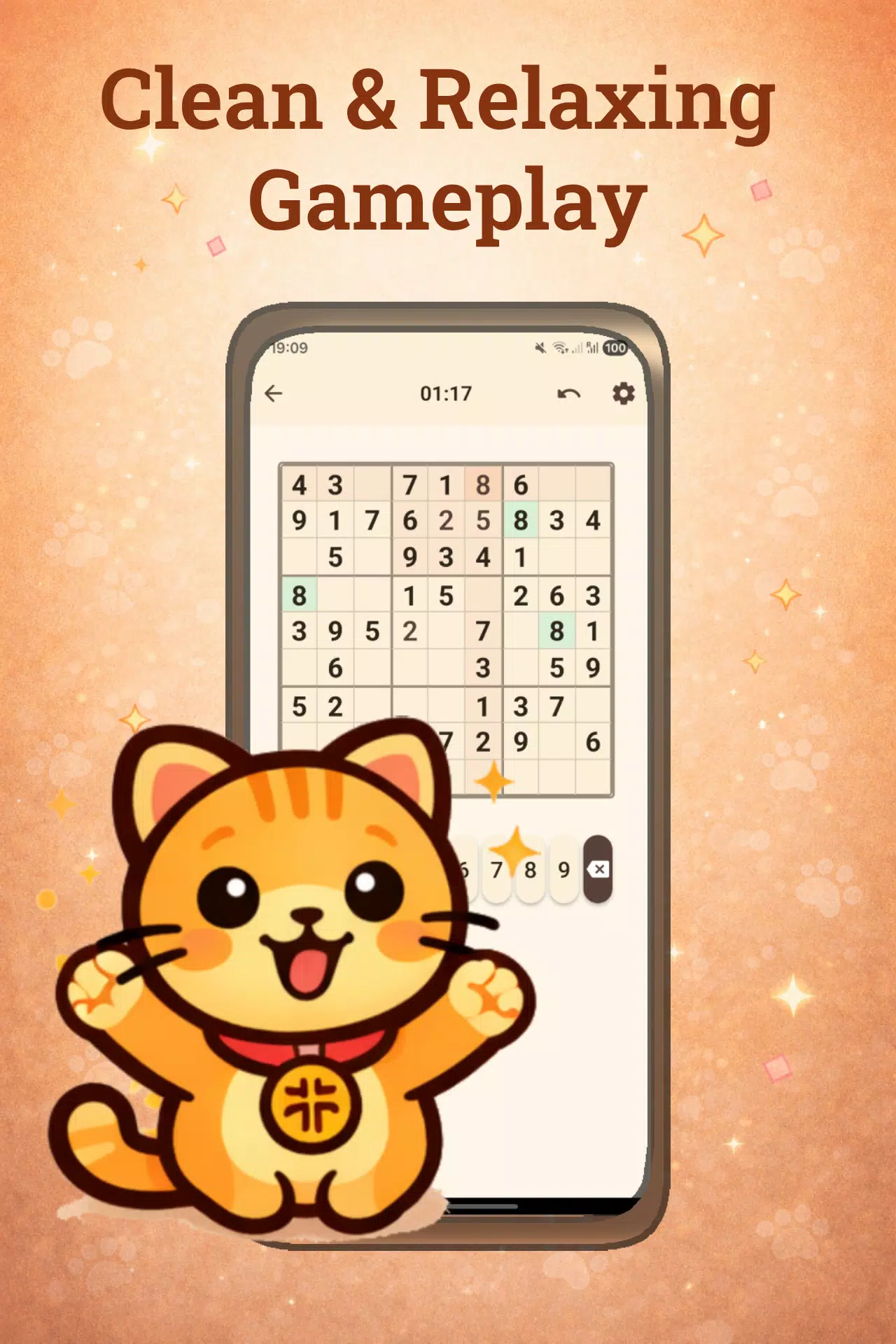
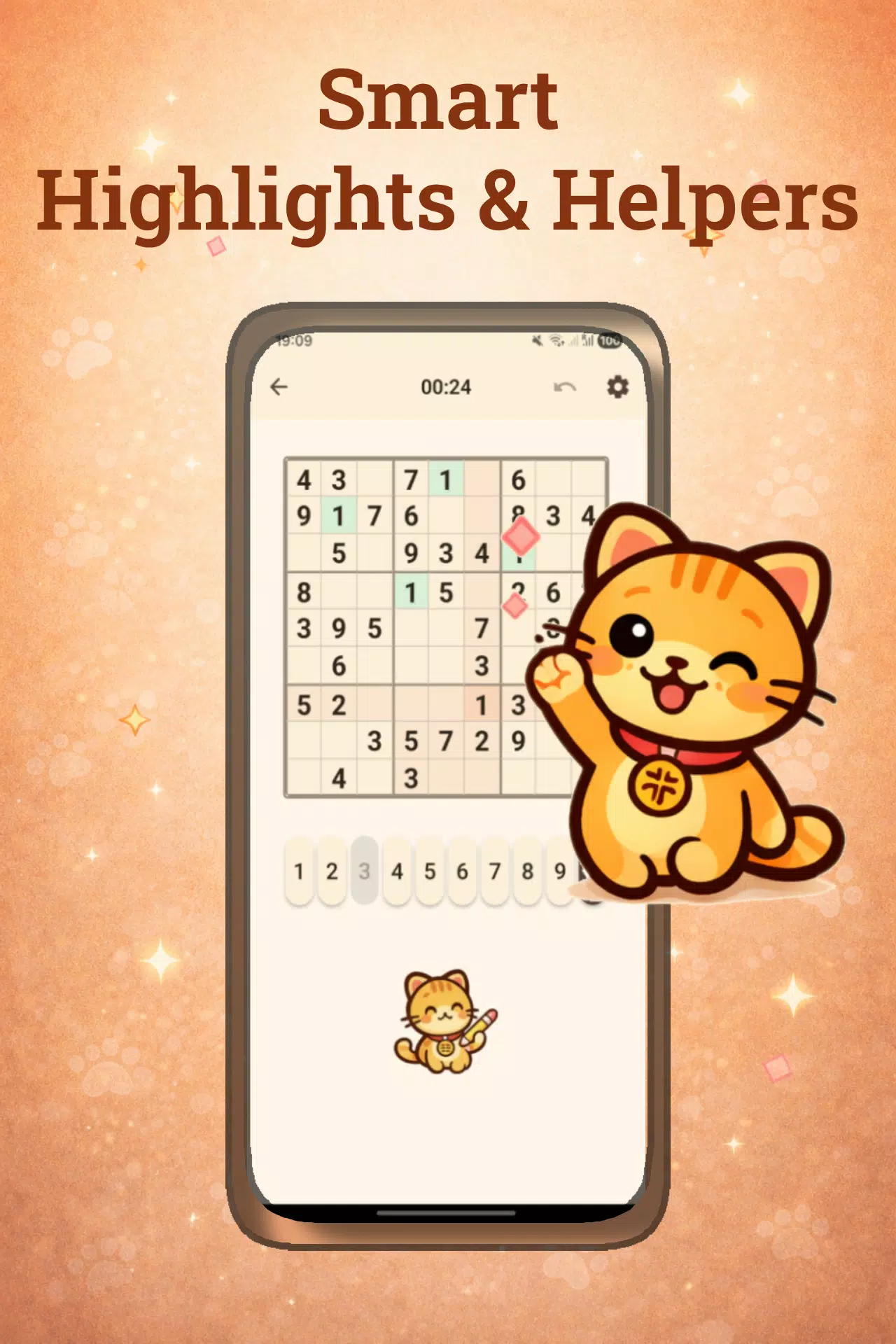
The core gameplay follows standard 9x9 Sudoku: fill every row, column and 3x3 block with the digits 1–9 without repetition. Controls are intentionally simple and touch-optimized for phones and tablets: tap a cell to select it, then tap a number to place it; use a dedicated notes mode to add pencil marks when multiple candidates are possible. Built-in tools like undo and a single-cell hint keep the flow smooth, while instant error highlighting alerts you to obvious mistakes so you can learn from them without interrupting the solving rhythm.
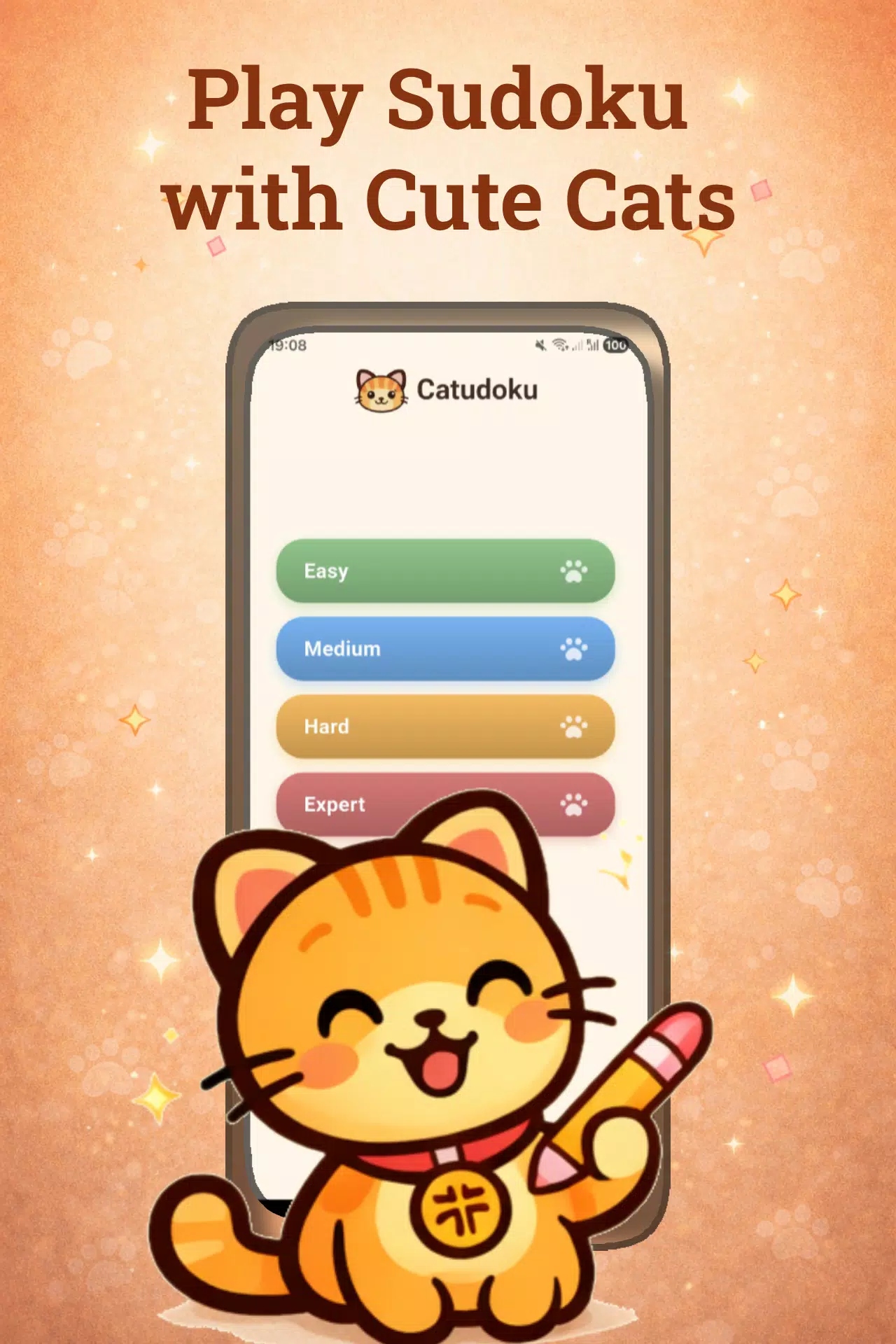
Puzzles are sorted into four difficulty levels that scale from gentle, guided examples up to expert layouts that require advanced patterns and longer chains of deductions. Progression is player-driven: move from easy to medium as you gain confidence, use notes and hints to tackle harder puzzles, and rely on the in-session timer to measure cleaner solves and personal bests. The app emphasizes steady improvement rather than competitive scoring, with the timer and clear-solve goals serving as optional challenges for players who enjoy tracking their progress.
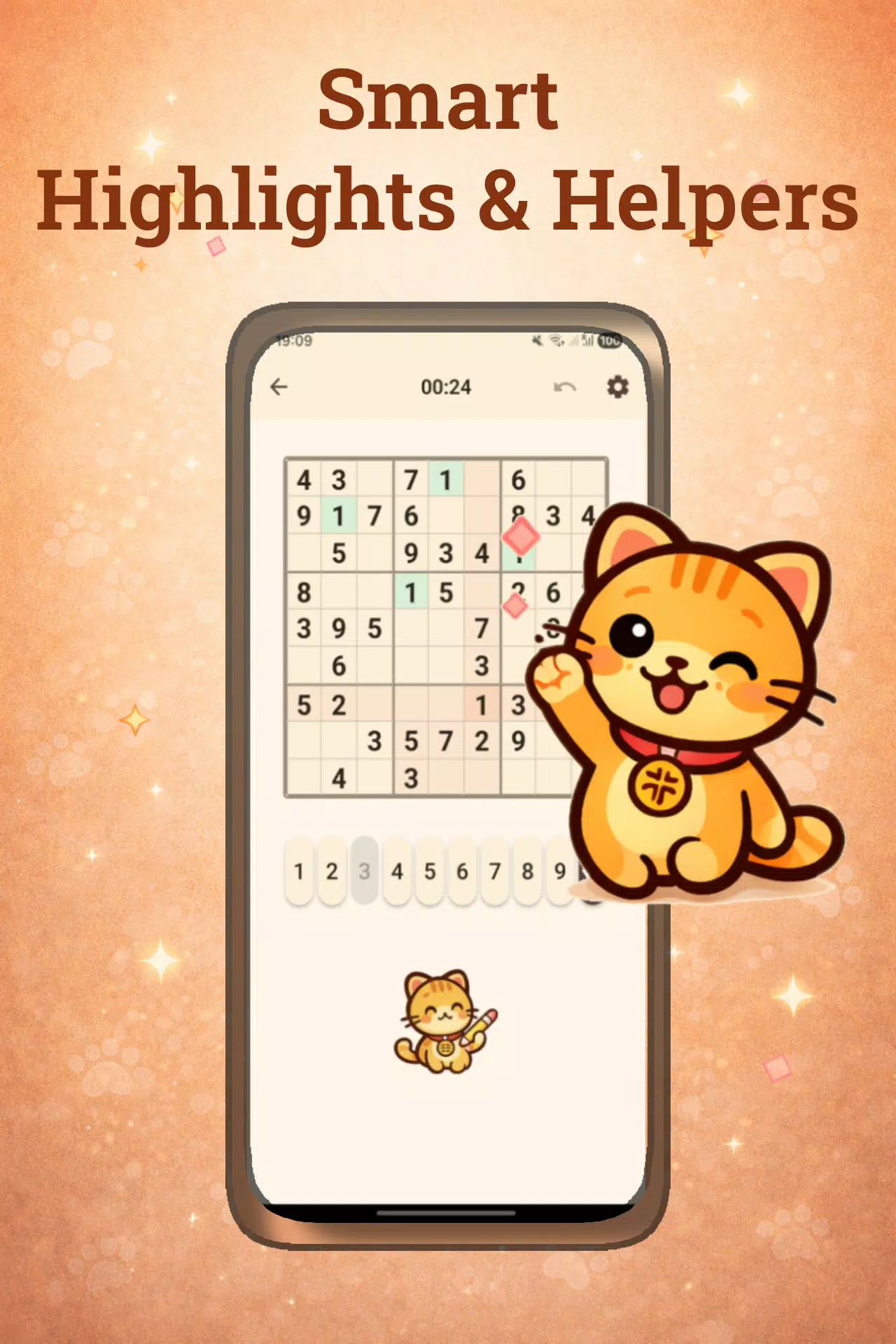
Catudoku includes practical solving aids that increase replay value without diminishing the puzzle’s integrity. Notes mode helps you manage candidates across the board, while the hint system reveals single cells when you need a small nudge. Auto-save preserves your current puzzle so you can pause and return at any time, and undo makes experimentation low-stakes. Because every feature works offline, you can play without a network connection and pick up saved games wherever you are—ideal for commutes, travel, or quiet moments away from Wi‑Fi.
The app’s presentation is built around a warm, cat-inspired theme that uses soft colors, subtle backgrounds and gentle animations to reduce visual clutter. The interface prioritizes readability: high-contrast digits, clear cell borders and modest spacing help players of varying ages and visual acuity focus on logic rather than interface noise. Ambient sound effects and brief animations are unobtrusive and can be adjusted to match your preference, allowing a fully silent mode for distraction-free solving.
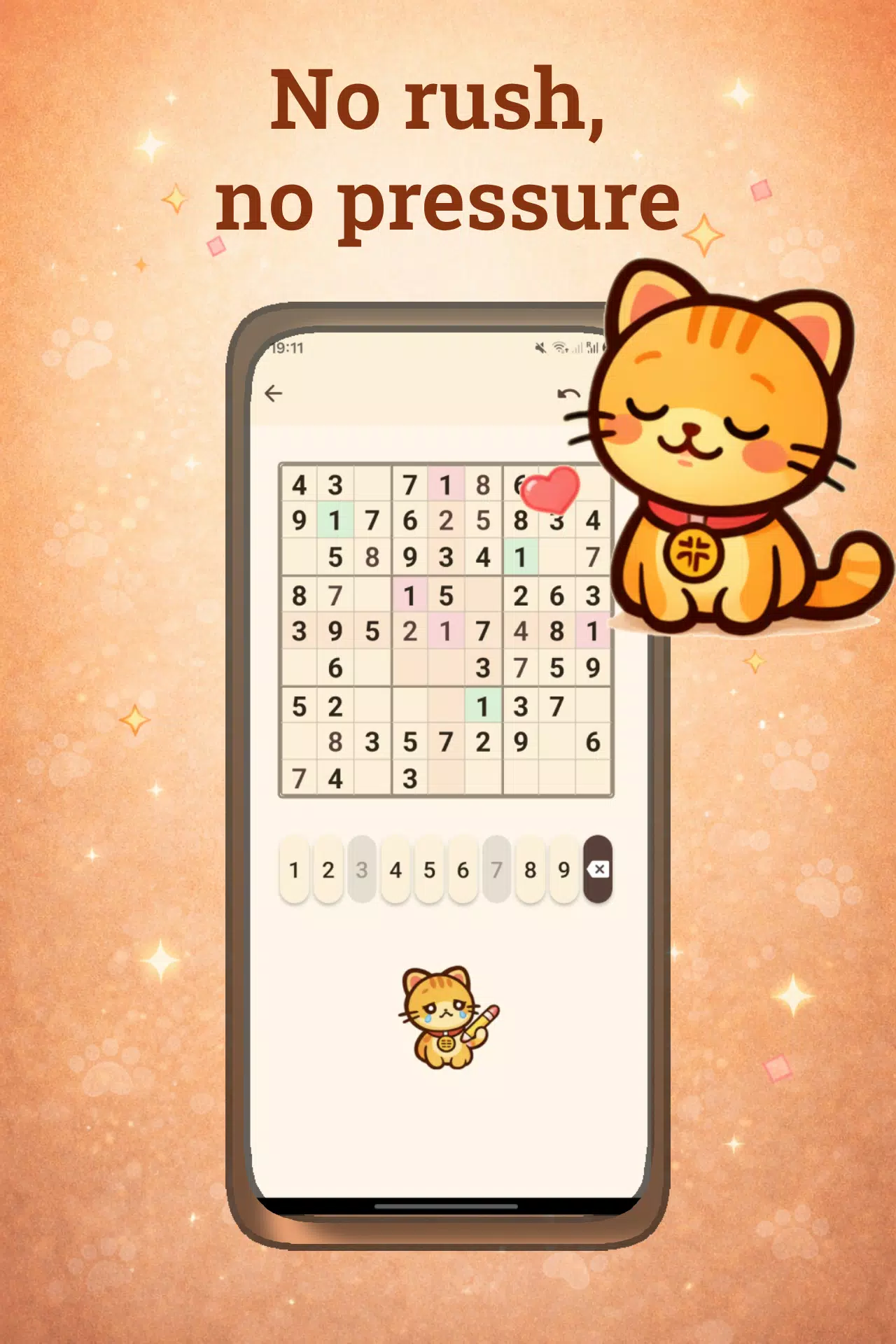
Accessibility is considered through straightforward controls, adjustable difficulty and forgiving features like undo and hinting that aid learning. New players can begin with easier puzzles and rely on notes to learn common techniques, while those teaching Sudoku basics will find the instant error highlighting a useful teaching aid. The combination of progressive difficulty and in-game assists creates a low-pressure environment for building skills and confidence.
Expect a steady stream of single-player logic puzzles presented in a calm, well-designed app that fits short sessions or longer practice runs. The focus is on thoughtful problem solving rather than flashy mechanics: clean layouts, reliable tools and a soothing cat theme make each session pleasant and purposeful. Catudoku is ideal for players who appreciate classic Sudoku on mobile, want to improve their puzzle skills, or simply enjoy a tranquil, focused pastime on the go.