Aarya Editz
Version: 1.3
9.19MB
4
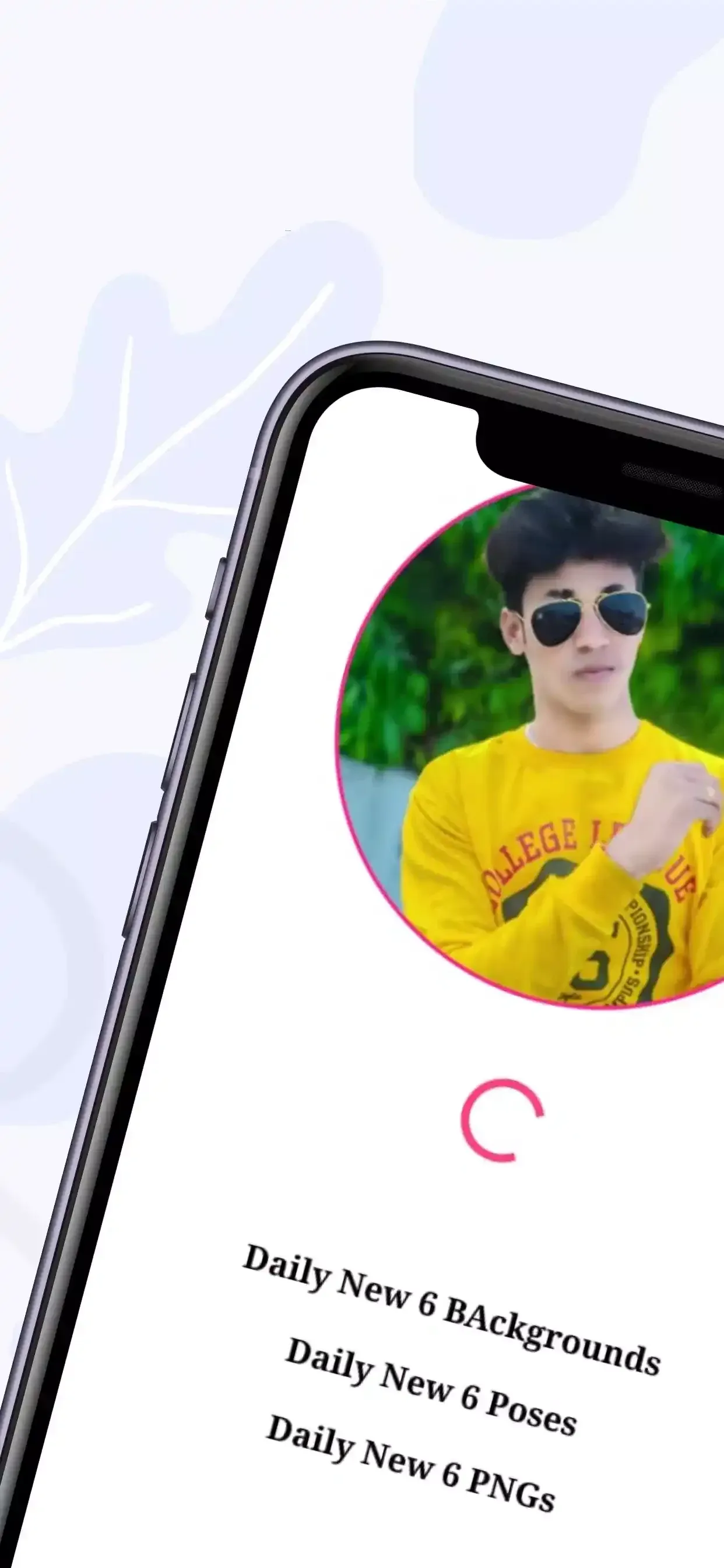



Aarya Editz is a compact Android editor that combines a curated library of edit-ready assets with straightforward on-device tools so you can produce polished visuals without leaving your phone. Aarya Editz focuses on quick styling and practical asset management: presets in DNG and XMP formats, downloadable PNG elements and background bundles are organized for easy preview and offline use, while basic sliders and layout options let you complete a share-ready image in minutes.
Aarya Editz ships with a free asset library that includes backgrounds, PNG overlays and pose packs designed to speed up composition. The app supports common preset file types such as DNG and XMP for compatibility with other mobile and desktop editors. Core editing controls cover brightness, contrast, color balance and saturation so you can make essential corrections and stylistic tweaks without a steep learning curve. A built-in collage maker helps combine multiple photos into layouts tailored for social formats, and downloaded items remain accessible when you are offline.
The editing workflow in Aarya Editz is intentionally lightweight: import a photo, apply a preset or filter to set the base tone, then refine with slider-based adjustments and crop or rotate to fit the target aspect ratio. Touch-friendly controls make placement of PNG overlays and text straightforward—drag, scale and tap to edit—so the interface emphasizes productive, tactile editing rather than dense menus. The app keeps commonly used tools within easy reach to reduce friction during repeat edits.
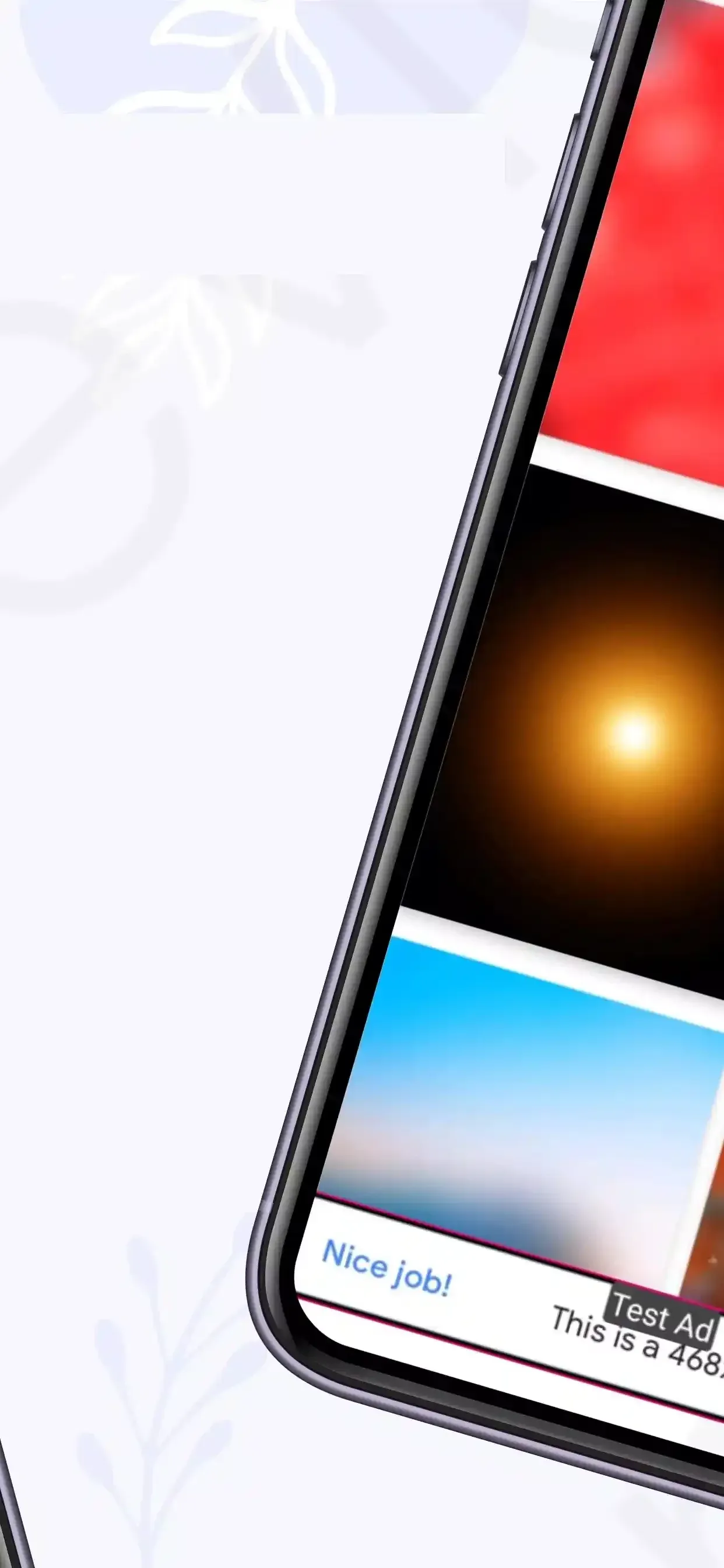
Assets in Aarya Editz are arranged by category to make browsing efficient; you can preview packs before downloading and keep only the files you use most to save space. Preset formats like DNG and XMP are provided so you can maintain consistent looks across different editors if you choose to export those files. Backgrounds and PNG elements are grouped for quick retrieval when building collages or layered compositions, and regular content updates add new material without changing the familiar library structure.
The app emphasizes a clean visual style that favors consistent color grading and simple overlays rather than heavy retouching. Available tools include a selection of filters and effects for mood-setting, text and typography controls for captions and titles, and a basic sticker/PNG placement system to support poster-style edits. Cropping options include common social ratios such as square and vertical story dimensions, and export options let you save high-resolution images to your gallery for sharing in messaging and social apps.
Rather than offering gamified progression, Aarya Editz supports creative progression through iterative editing and collection building: as you gather presets and background packs, your personal library grows and accelerates future projects. The app encourages replay value by making it easy to reapply presets to new images, remix compositions, and reuse assets across several posts for a consistent feed. For creators practicing a visual style, repeatedly applying and adjusting the same preset family helps refine a signature look over time.
Aarya Editz is designed to work reliably without a constant network connection: download the packs you need, and the app will let you edit and export while offline. The interface favors readable labels and clear icons to help accessibility; sliders and simple touch controls reduce the barrier for users who prefer minimal on-screen complexity. Because tasks are focused—crop, adjust, layer, export—the app remains responsive on a wide range of Android devices.
Begin by browsing the built-in library and previewing presets or backgrounds, then download a few starter packs for offline use. Load a photograph, choose a preset to establish tone, fine-tune exposure and color with the sliders, and add text or PNG overlays as needed. Use the collage tool to assemble multi-photo layouts and export finished images to your gallery. For consistent social feeds, pick one or two preset families and apply them across several images to create a cohesive aesthetic.
Aarya Editz is best suited to beginners and casual creators who want fast results and an expanding collection of ready-made assets. The editor trades advanced, pixel-level retouching for a straightforward, asset-driven approach that emphasizes speed, offline convenience and compatibility with common preset formats. If you require in-depth retouching or specialized tools, Aarya Editz works well alongside a more feature-rich editor as part of a two-step workflow where presets and assets are prepared here and refined elsewhere.