QANDA
Version: 5.3.11
28.19MB
4.2


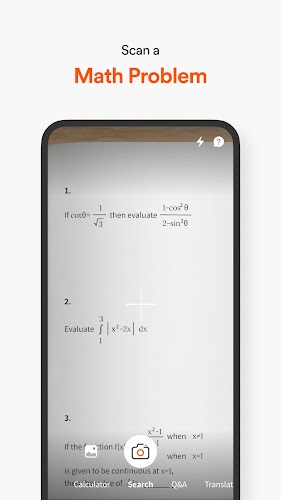
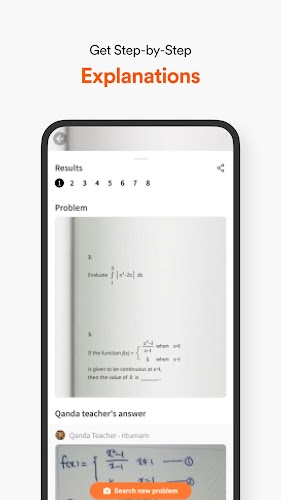
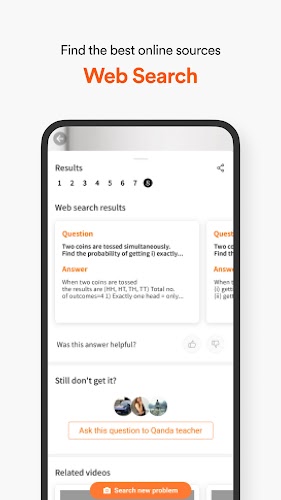
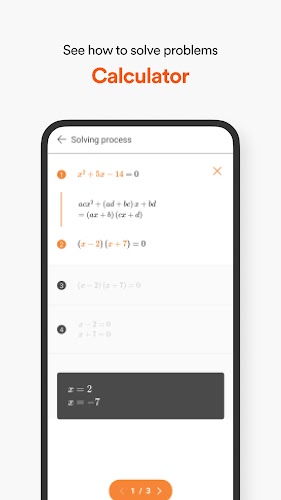
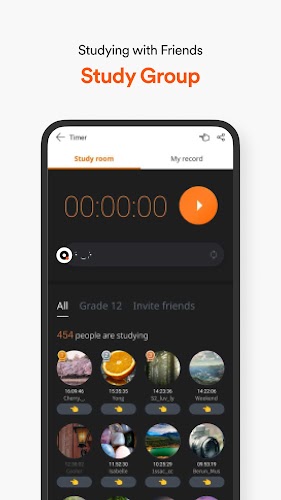
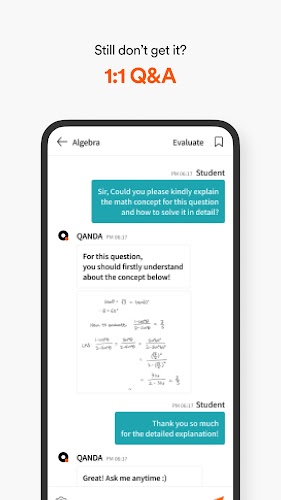
QANDA is a smart study assistant that connects students with step-by-step answers, video explanations, and live tutors to solve homework problems quickly and accurately. It uses image search, AI-powered explanations, and an intuitive interface to make learning math and science efficient for learners at many levels.
This review looks at how QANDA organizes study help, the tools it provides for problem solving, and whether its workflow fits everyday learning routines. The application blends automated search with human support to reduce the time spent stuck on a single question and to reinforce underlying concepts.
At its heart, QANDA offers several complementary tools designed to speed up comprehension and practice:
The user flow in QANDA is straightforward: capture or type a question, review suggested solutions and examples, then request a tutor if clarification is still needed. That layered approach means most problems are resolved quickly without waiting in a queue, while more complex issues can escalate to live assistance.
The interface prioritizes clarity. Large icons guide new users to the camera, text input, and recent history. Results use readable formatting, with solution steps broken into concise, numbered segments and links to related practice problems. Color and spacing help focus attention on the critical parts of each solution.
QANDA reduces friction for learners who need fast, reliable answers during study sessions. It supports exam prep by generating similar example sets and recommending short lesson videos to shore up weak topics. For time-crunched students, the mix of automated and human feedback keeps momentum going.
In testing, search and match functions returned results quickly, and most step-by-step explanations were precise and easy to follow. Video lessons stream smoothly on typical mobile connections. Availability of live tutors varies by time and subject demand, but the interface clearly displays expected wait times and pricing options.
QANDA includes features that let users tailor the experience. Save favorite explanations, bookmark problem types to revisit, and track progress across topics. These lightweight study-management tools help turn one-off answers into a structured review plan.
QANDA offers a freemium model: basic searches and limited examples are free, while premium subscriptions and pay-per-session tutoring unlock advanced features and extended explanations. The pricing structure is transparent within the app, allowing users to evaluate value based on how often they need human tutoring versus automated help.
Many users appreciate the speed of the image search and the clarity of the stepwise explanations. Some report that tutor response times can be variable during peak hours, but overall the combination of instant results and optional human help is seen as a practical approach for regular study.
Installation is standard for Android: download, grant camera and storage permissions, then create an account to track progress. New users can immediately try the image search and explore sample lessons to evaluate whether the app aligns with their study habits.
For learners seeking a mobile tutoring companion that blends automated answers with human interaction, QANDA presents a balanced toolkit that supports quick problem solving and longer-term concept mastery.