Azulox Icon Pack - Dark mode
Version: 237.0
115.38MB
4.3
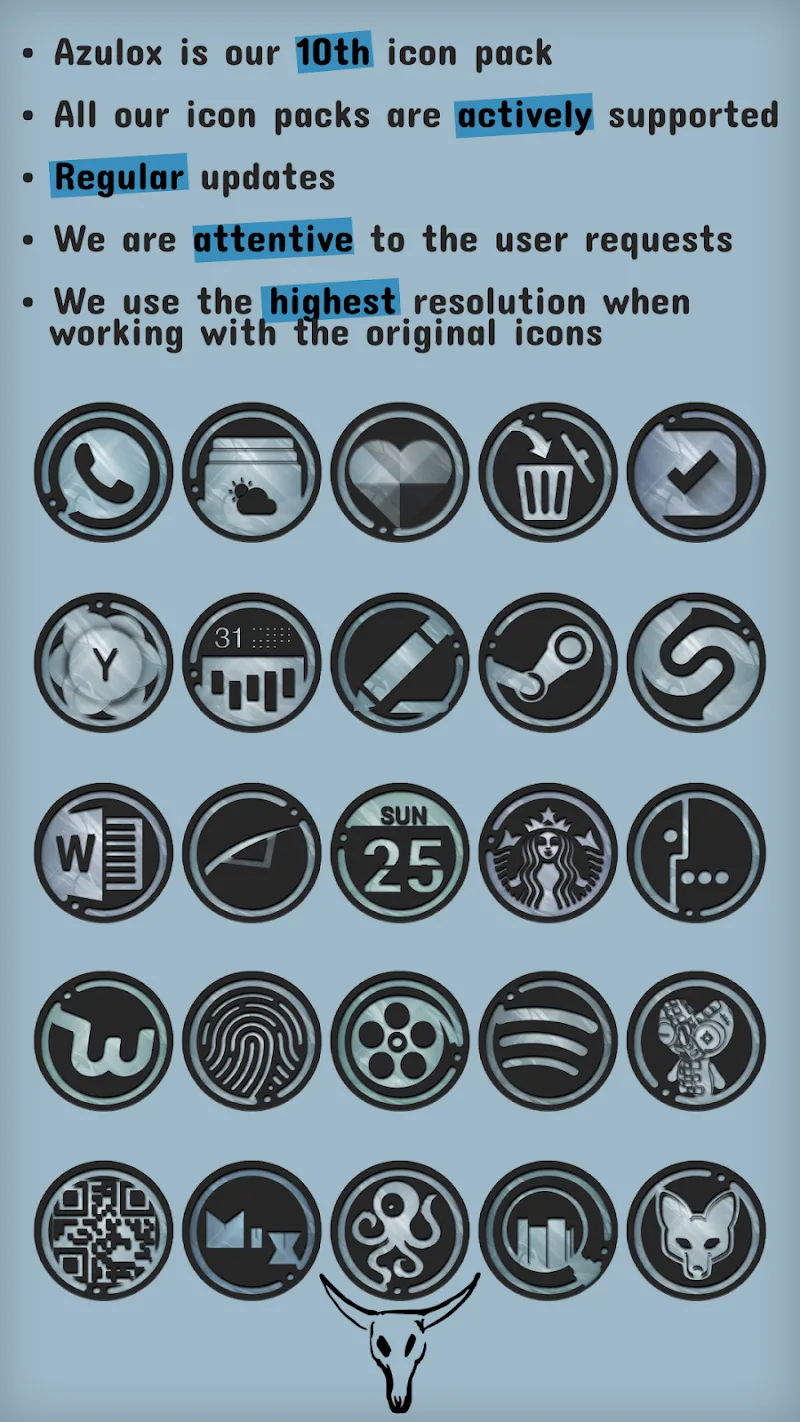
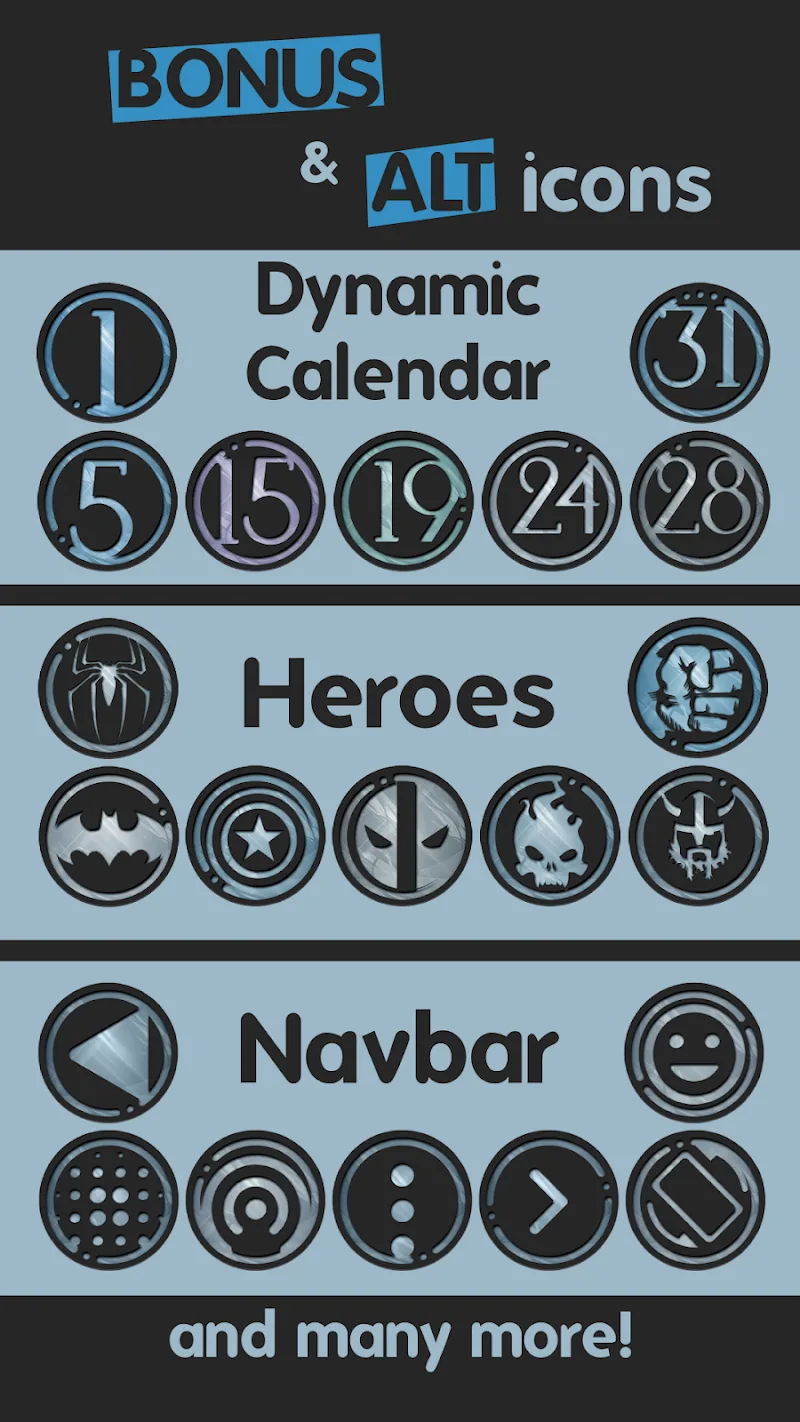
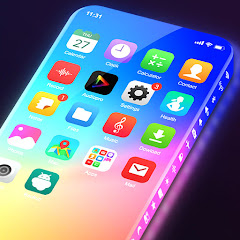
Azulox Icon Pack - Dark mode transforms your Android home screen with a cohesive dark-themed icon set and matching wallpapers. It provides high-resolution icons, adaptive shapes, and careful color grading to modernize app shortcuts while preserving readability across light and dark launchers.
Azulox Icon Pack - Dark mode is designed for users who prefer a sleek, minimal look without sacrificing clarity. The pack includes thousands of custom icons rendered at high DPI, a curated wallpaper collection, and a simple installer that works with most third-party launchers. The visual language prioritizes contrast, muted tones, and subtle gradients to keep icons legible at small sizes.
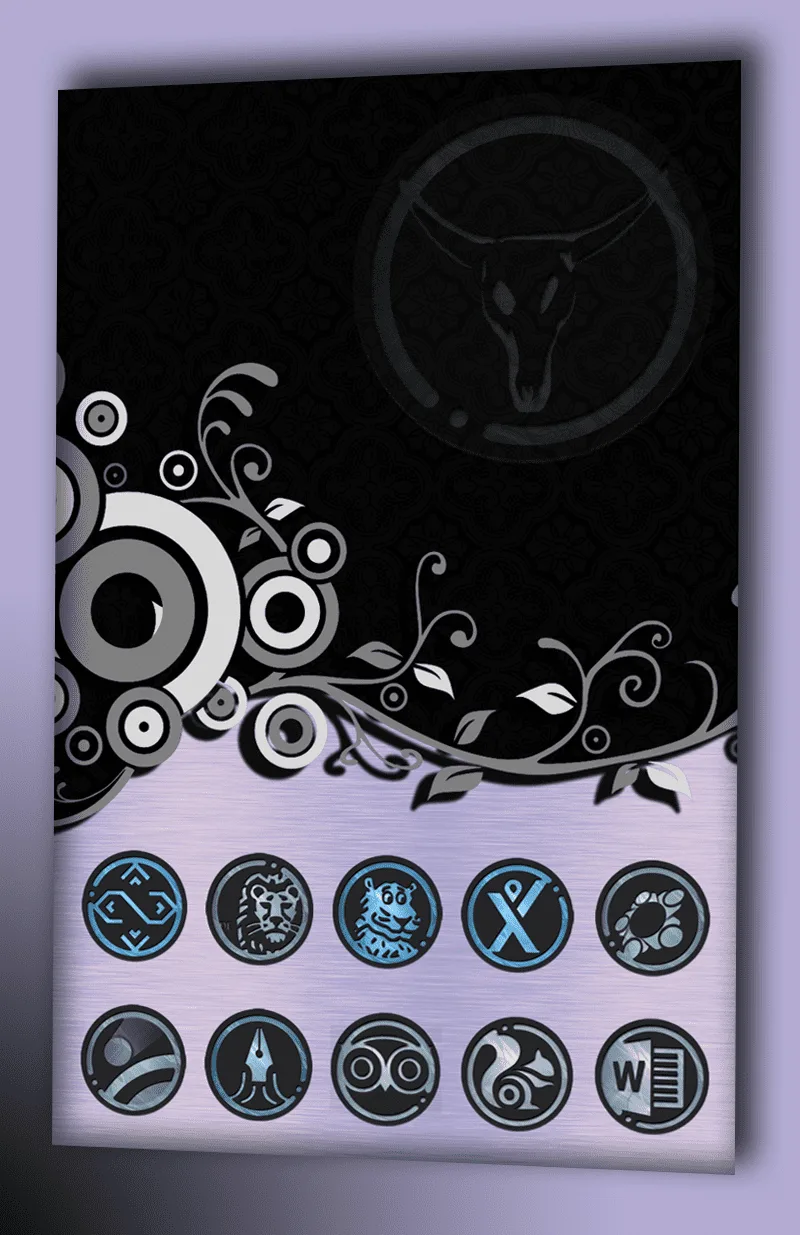
The aesthetic leans into dark mode principles: desaturated blues, charcoal backgrounds, and slight rim lighting to separate glyphs from dark launcher wallpapers. Instead of flat, monochrome glyphs, Azulox Icon Pack - Dark mode blends modern minimalism with subtle texture to provide depth without distraction. Iconography follows consistent shapes and stroke thickness to create a unified app grid.
Support for adaptive icons means shortcuts retain launcher-specific masks, preventing awkward cropping. If your launcher supports adaptive icons, the pack adapts automatically so icons look native on devices with circular, rounded rectangle, or squircle masks.
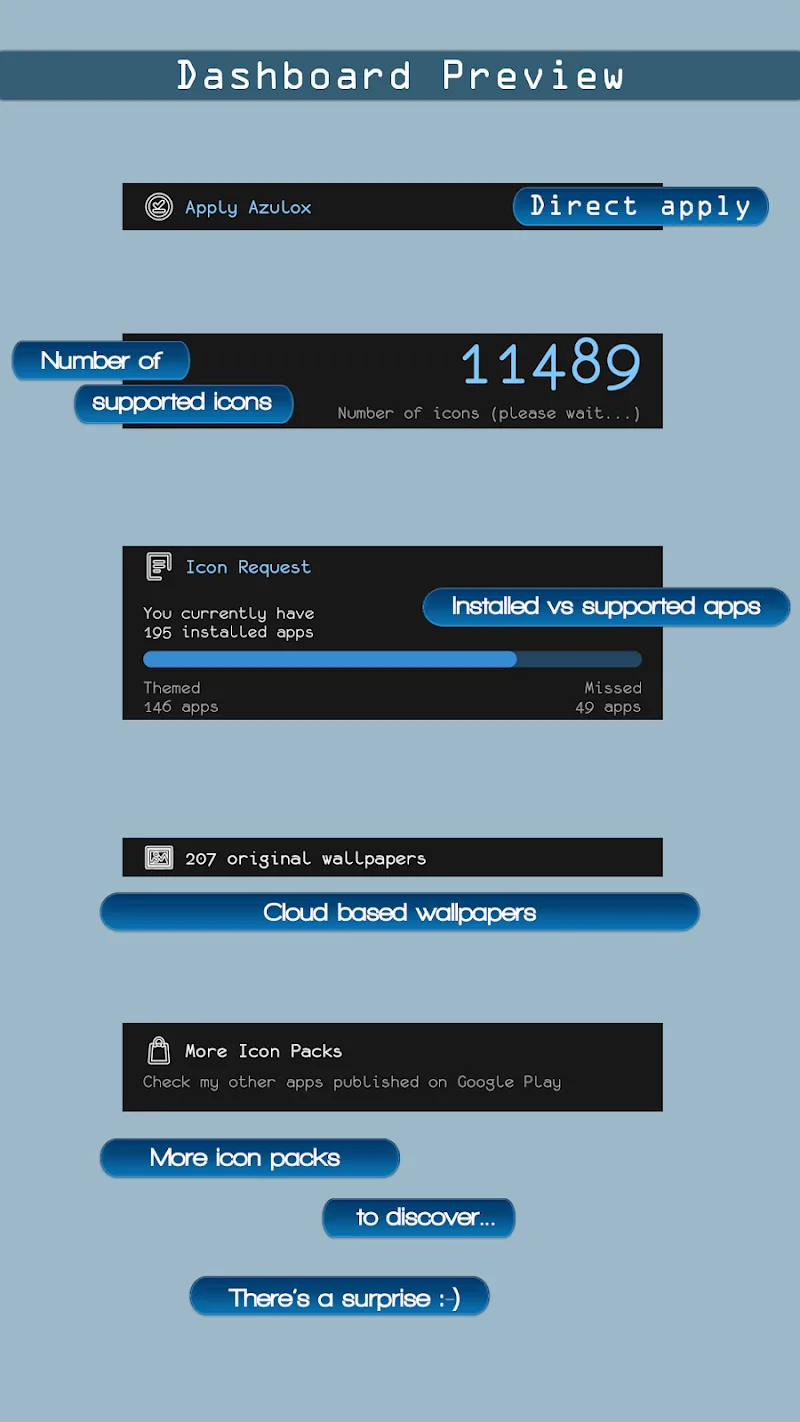
The pack works with most popular third-party launchers like Nova, Lawnchair, Action Launcher, and others. Applying the pack usually requires two steps: selecting the icon pack from the launcher theme settings and applying a background wallpaper if desired. Azulox Icon Pack - Dark mode provides an integrated dashboard that detects installed launchers and offers one-tap application where supported.
Despite high-resolution artwork, the icon pack is optimized for size. Assets are compressed efficiently to reduce storage impact and memory usage. Icons are static PNGs and adaptive layers, so they do not run background processes. This design helps preserve battery life and ensures that the pack doesn't contribute to noticeable performance degradation on mid-range devices.
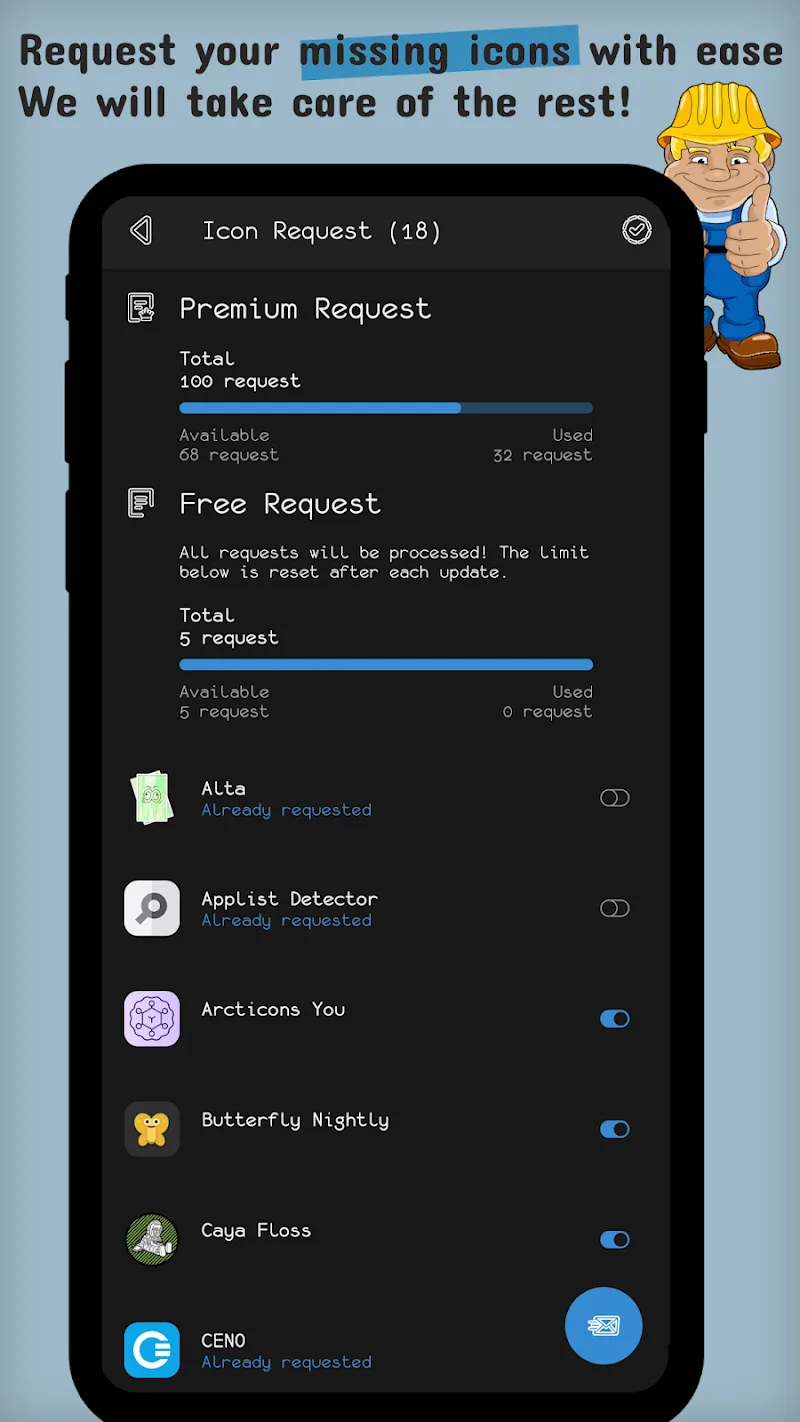
Designers frequently push updates that increase icon coverage, fix mismatches, and add new wallpapers. The built-in request mechanism links to an update queue so developers can prioritize popular or essential icons. Regular updates keep the icon pack relevant as apps change their logos.
Installation is straightforward and tailored for non-technical users. The dashboard walks you through theme application, wallpaper pairing, and icon requests. Many users appreciate the consistent visual tone across both system UI elements and third-party apps, which reduces visual clutter on the home screen.
To begin, install the pack, open the dashboard, grant any necessary permissions for the request tool, and choose your launcher from the list. Apply the icon pack and then select a matching wallpaper. If a few apps don’t change, use the manual icon picker in your launcher for individual assignment.
Azulox Icon Pack - Dark mode is ideal for users who prefer a cohesive dark aesthetic, minimal distractions, and efficient icon management. It suits both casual customizers and enthusiasts who enjoy refining every detail of their home screen. The combination of adaptive support, frequent updates, and a clear dashboard makes it a practical choice for daily use.