EZAudioCut
Version: 1.9.1
90.31MB
4.5
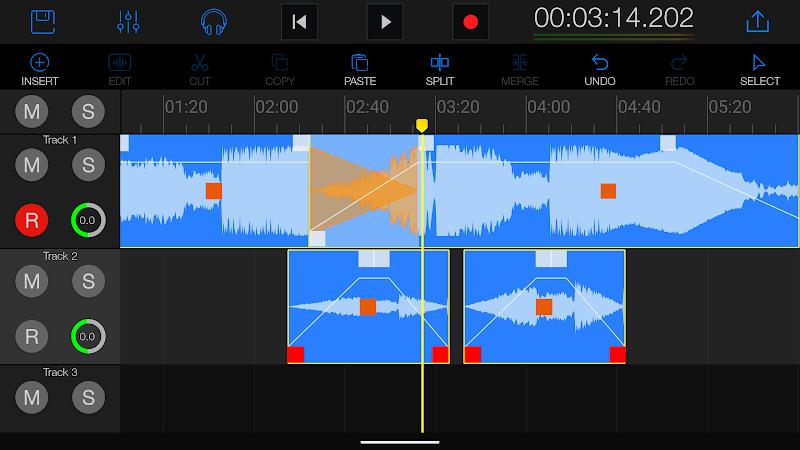
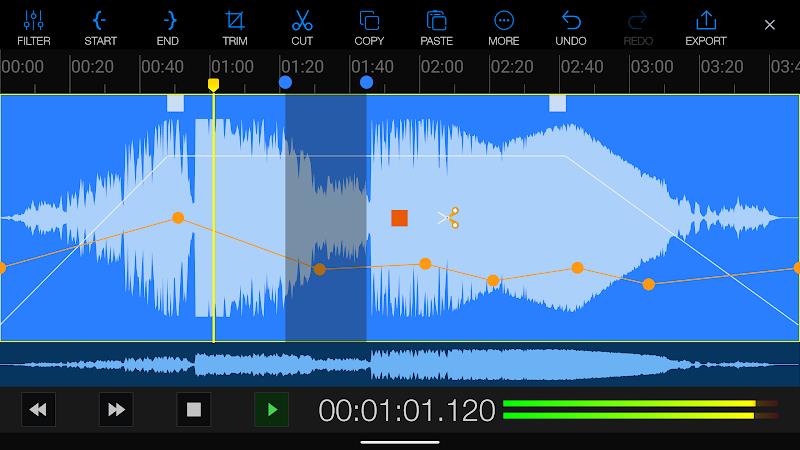
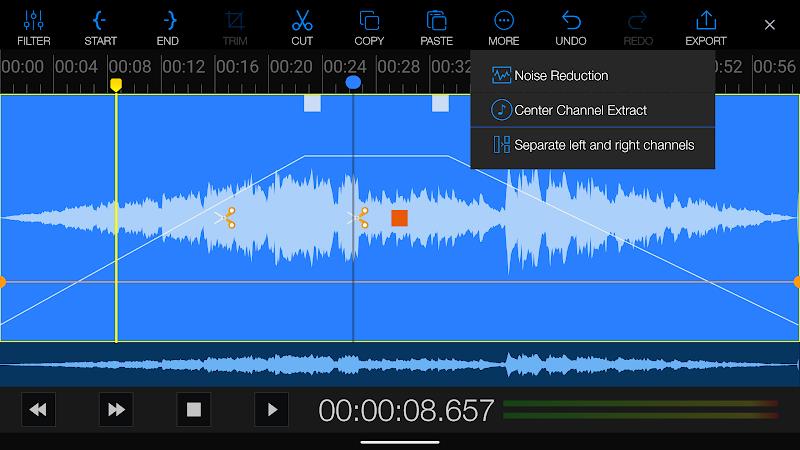
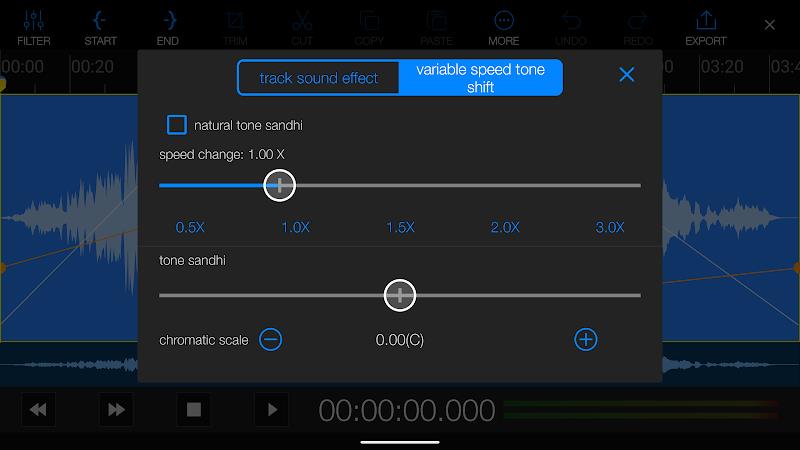
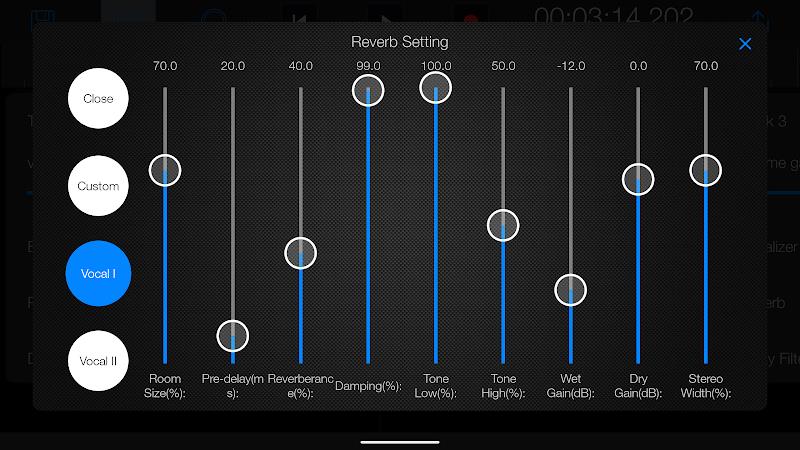
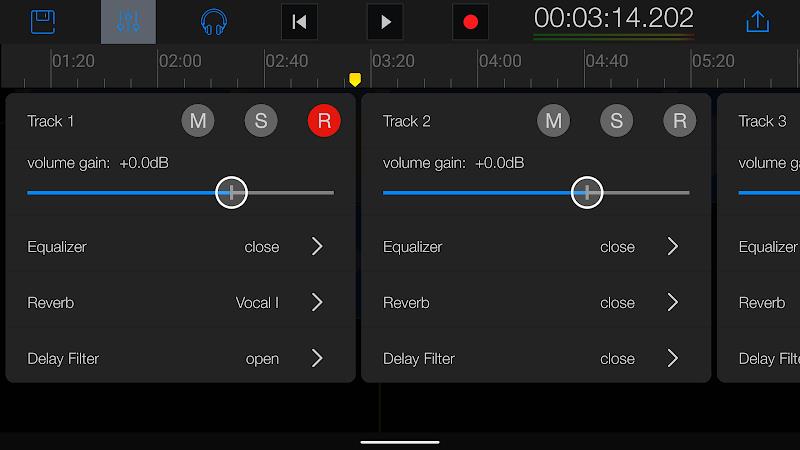
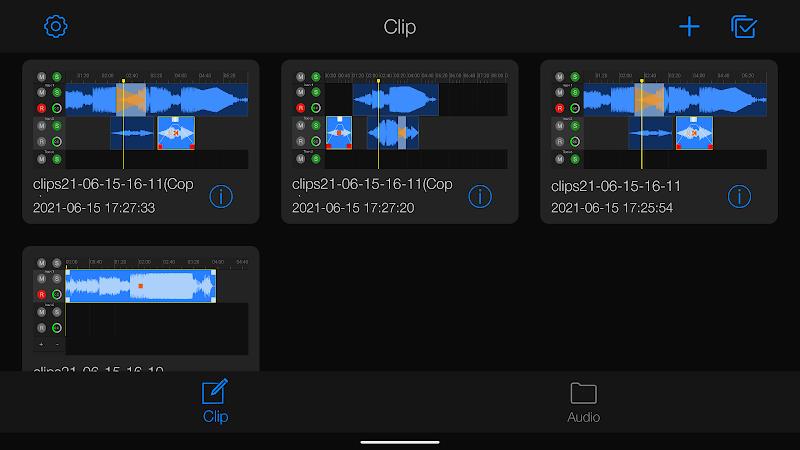
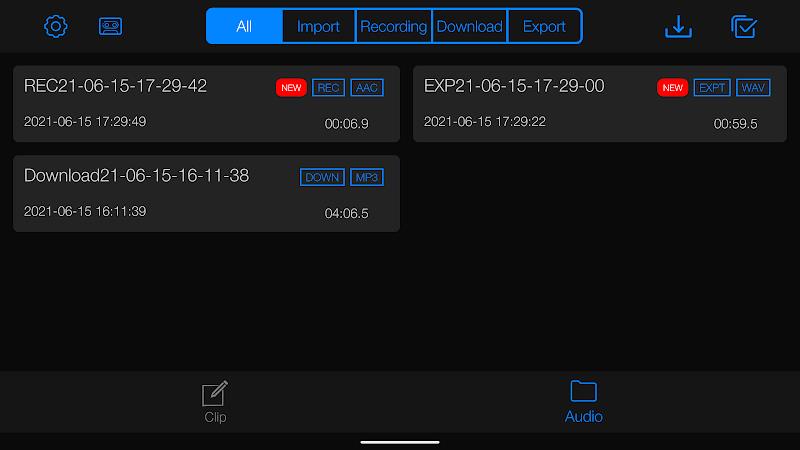
EZAudioCut is a lightweight audio editor for Android that makes trimming, merging, and exporting clips fast and intuitive. Designed for quick edits on mobile devices, it supports various formats and offers precise waveform selection, markers, and non-destructive trimming for users who need efficient audio clipping on the go.
The app provides a focused toolset for everyday audio tasks. You can trim silence from recordings, split long tracks into segments, and join multiple files into a single mix. Batch processing speeds up repetitive tasks, while a built-in file browser simplifies selecting files from internal storage or SD cards. EZAudioCut also includes undo/redo history so changes can be reversed without reloading projects.
Navigation is designed for one-handed use and minimal learning curve. Waveforms are rendered clearly with zoom controls for frame-by-frame precision. Simple gestures allow dragging selection handles, tapping to place markers, and pinching to zoom. Menus are kept small and contextual, surfacing advanced functions only when they are relevant so the workspace stays uncluttered.
Timing accuracy matters for podcast snippets, ringtones, and music cuts. EZAudioCut supports millisecond-level trimming, snap-to-marker alignment, and fade in/out presets to avoid abrupt transitions. A waveform preview plays back selections instantly so you can verify edits before exporting. For users who need tighter control, keyboard shortcuts and a snap grid option help line up edits consistently.
The app handles common audio formats such as MP3, WAV, AAC, and OGG. Export settings let you choose bitrate, sample rate, and mono/stereo output. There are convenient presets for social media, messaging apps, and ringtone profiles. Exports can be saved locally, shared via apps installed on the device, or uploaded to cloud storage providers supported by Android.
Built to run on a wide range of Android phones and tablets, the app adapts to available memory and CPU resources. It streams audio for large files to avoid loading entire tracks into RAM, which reduces crashes on low-end devices. Background rendering processes allow you to continue using the phone while long exports finish. Battery and storage usage are displayed in the export dialog so you can estimate resource needs before starting intensive operations.
Beyond core edits, EZAudioCut offers tools that add value to common workflows: a voice normalization feature evens out levels across clips, a silence detector can auto-split recordings into separate takes, and a metadata editor allows adding title, artist, and album tags to files. There's also a simple recorder with adjustable input gain for quick captures when you need to create source material on the fly.
Begin by importing a single file to explore waveform navigation. Use markers to identify important points, then experiment with fade presets to smooth transitions. Save frequently and export with conservative bitrates to balance quality and file size. If you work with many clips, enable batch mode to process them overnight without supervision.
Users appreciate the combination of speed and control; EZAudioCut is particularly useful when a desktop editor is not available and edits must be made quickly on a phone. The app balances a short learning curve with enough depth for more demanding tasks, making it a practical addition to a mobile content-creation toolkit.