
Listen2MyRadio
Version: 1.9.0.6
16.20MB
4
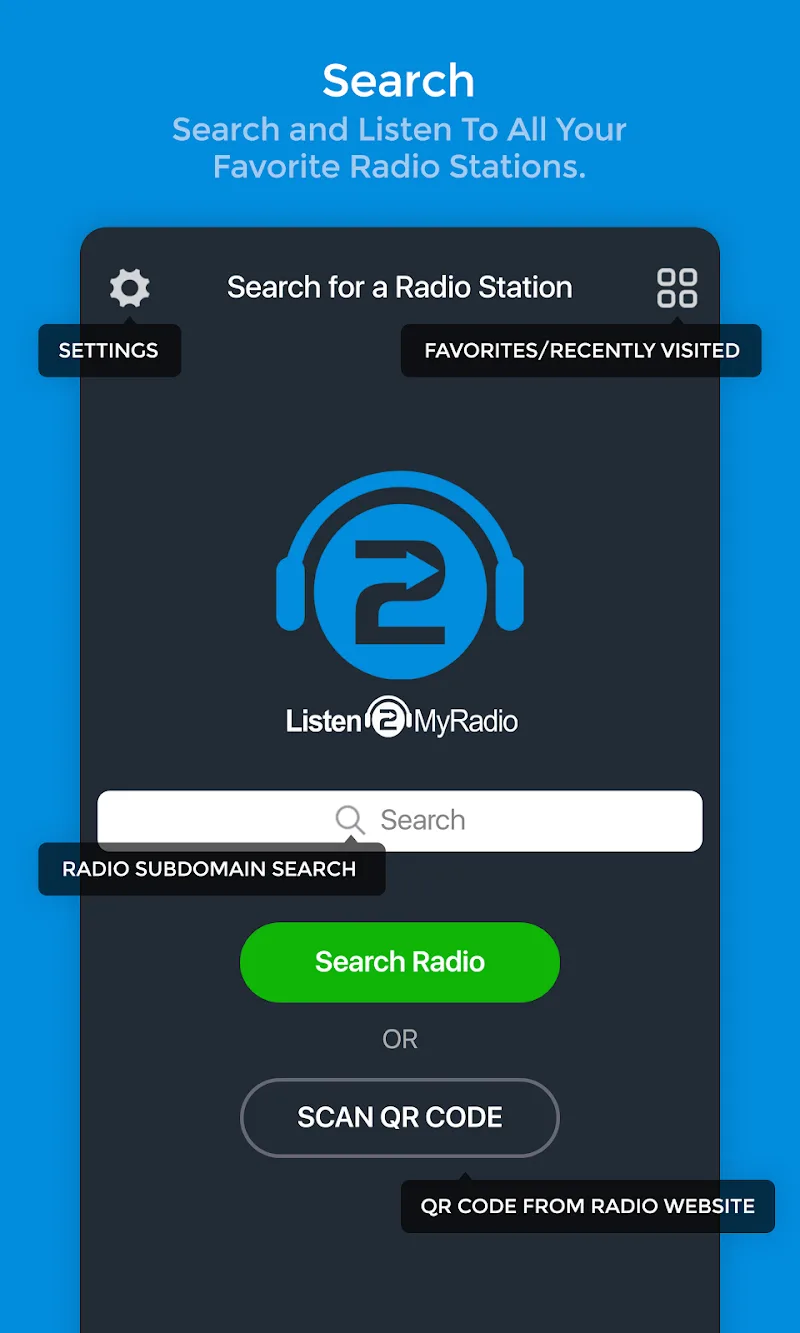
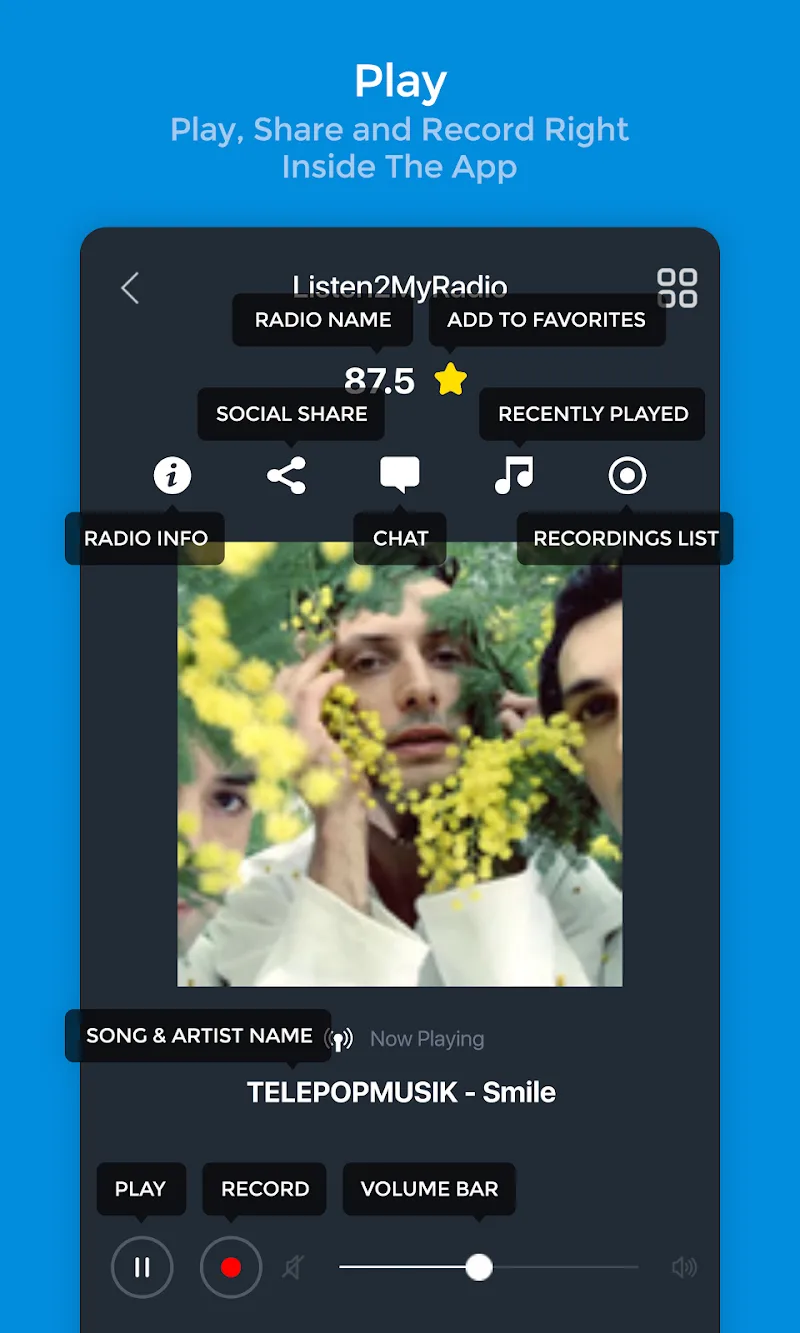
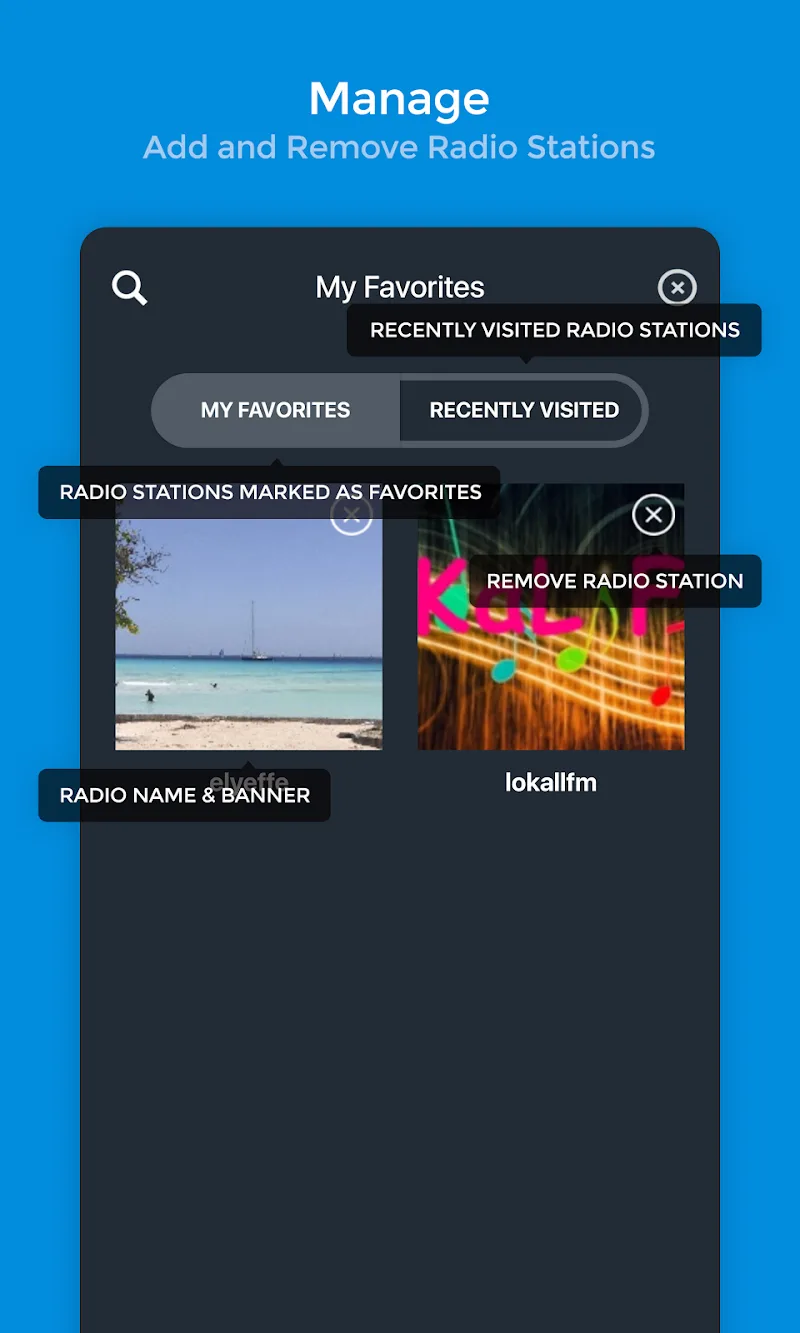
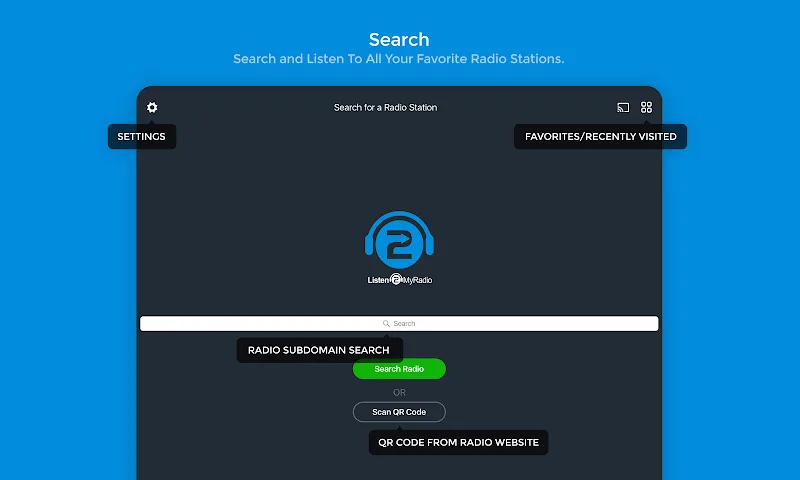
Listen2MyRadio is a compact mobile client that lets you stream and manage internet radio stations from your Android device. It provides access to live broadcasts, saved playlists and station directories, while offering simple controls for tuning, bookmarking and background playback for on-the-go listening.
Listen2MyRadio connects you to online radio without fuss. Use it to find stations, play live shows, and save favorite channels for quick access. The interface focuses on fast playback and clear navigation so you can move between stations, switch streams, and resume listening with minimal taps.
The app concentrates on essentials that matter for mobile radio listening. Features include station discovery, persistent background playback, bookmarking, and basic playlist management. Stream handling adapts to connection quality to reduce interruptions, while playback controls remain reachable from the notification bar for convenient media control.
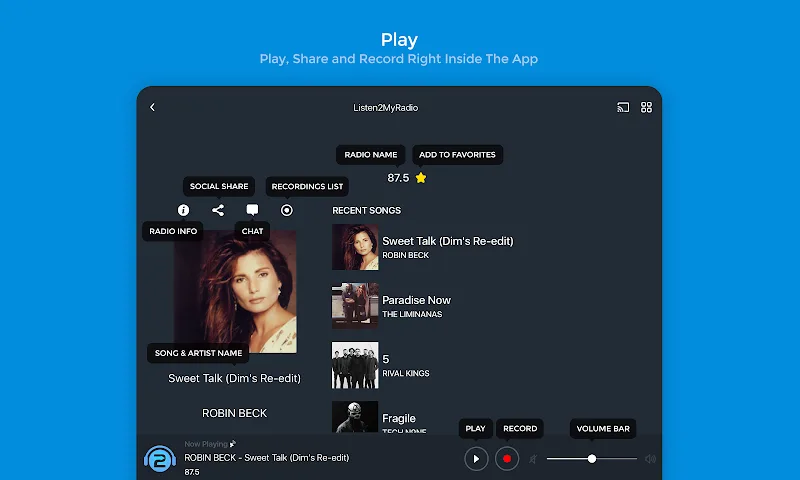
Listen2MyRadio presents a straightforward player layout that emphasizes station artwork, track metadata when available, and easy toggles for play/pause and skip. Search is accessible from the main screen for finding stations by name, genre, or URL. The design avoids clutter so listeners spend less time navigating menus and more time listening.
Adding a station is fast: search, tap to play, then save to your favorites for future access. For users who curate personal lists, the app supports simple playlist operations — create, edit, and reorder items to match your listening habits. Background playback lets the app integrate seamlessly with daily routines, so radio continues while you check messages or use other apps.
Listen2MyRadio is built to be lightweight and responsive on a wide range of Android devices. Adaptive buffering and efficient codecs keep data use reasonable and lower startup delays. The player switches gracefully between Wi-Fi and mobile connections and aims to maintain stream continuity without excessive battery drain.
Users can tailor playback to their needs through a set of practical options. Adjust buffering behavior for slower connections, toggle auto-play on startup, and manage notification controls. Data-conscious listeners will appreciate the ability to limit streaming to Wi-Fi or choose lower-quality streams to conserve mobile data.
The app requests only necessary permissions for playback and storage of favorites. When you add a station by URL or save preferences, those items remain under your control. The player itself does not require excessive access to device features, which helps keep personal data exposure to a minimum.
For consistent results, save frequently used stations and test different stream quality settings to balance audio fidelity and data usage. If you manage an internet radio broadcast, keep a direct stream URL handy to add it quickly. Use sleep timers or system automation apps to schedule playback if you want the radio to start or stop at set times.
If you want a no-nonsense radio player that focuses on reliable streaming and easy station management, Listen2MyRadio delivers a compact toolkit for daily listening. It keeps controls simple, performance efficient, and station access immediate so you can enjoy live shows and curated channels from your Android device without complexity.